It is currently Tue Jun 16, 2026 3:47 am


All times are UTC - 5 hours [ DST ]


Post new topic Reply to topic  [ 1370 posts ]  Go to page Previous  1 ... 31, 32, 33, 34, 35, 36, 37 ... 69  Next
Author Message
 Post subject: Re: Bevel Reflect Logo V1.5 (Depth Adjustments For Bevel Options)
PostPosted: Mon Sep 08, 2014 1:56 pm  (#661) 
Offline
GimpChat Founder
User avatar

Joined: May 22, 2008
Posts: 5241
Location: Gimpville
Very nice work, Warrior! Those are some really great results. :mrgreen:

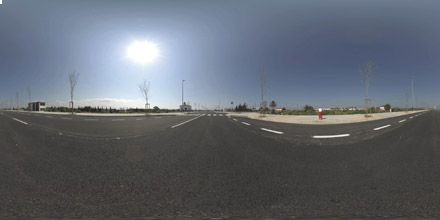
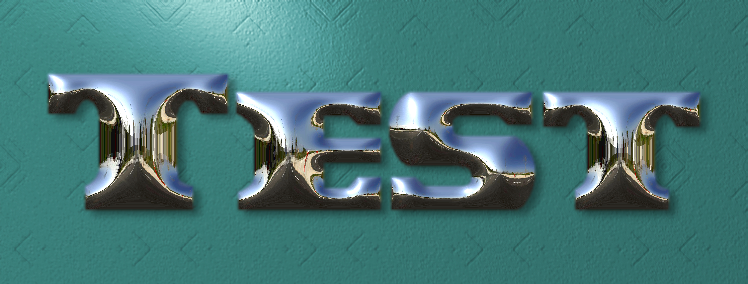
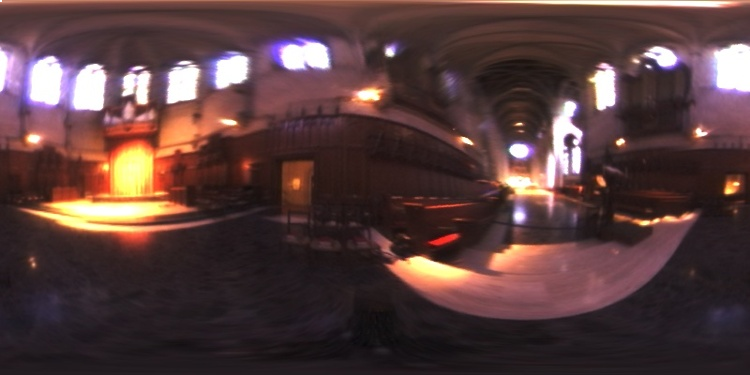
I've been testing so called "Latitudinal or LatLong probes" and thought I'd post the results of one the tests (technically, these are also referred to as spherical probes and the spherical shaped light probes are referred to as angular probes, which is all rather confusing).

Image

Image

I bumped the contrast and saturation a little. It turned out pretty nice.

_________________
“If you reach for the stars, you just might land on a decently sized hill.” - Stuart Hill


Top
 Post subject: Re: Bevel Reflect Logo V1.5 (Depth Adjustments For Bevel Options)
PostPosted: Mon Sep 08, 2014 2:00 pm  (#662) 
Offline
GimpChat Member
User avatar

Joined: Sep 24, 2010
Posts: 12775
OK;too cool. Now when will this one be released? :)

_________________
Lyle

Psalm 109:8

Image


Top
 Post subject: Re: Bevel Reflect Logo V1.5 (Depth Adjustments For Bevel Options)
PostPosted: Mon Sep 08, 2014 2:03 pm  (#663) 
Offline
GimpChat Founder
User avatar

Joined: May 22, 2008
Posts: 5241
Location: Gimpville
No new release required, Lyle. You just have to find (or create) a longitudinal probe. I found that one online.

One note: The background color of the result in BRL is determined by the pixel in the upper left corner of the probe/map. In this case, I cleared that pixel on the longitudinal probe to get a transparent background.

_________________
“If you reach for the stars, you just might land on a decently sized hill.” - Stuart Hill


Top
 Post subject: Re: Bevel Reflect Logo V1.5 (Depth Adjustments For Bevel Options)
PostPosted: Mon Sep 08, 2014 2:11 pm  (#664) 
Offline
GimpChat Member
User avatar

Joined: Sep 24, 2010
Posts: 12775
Just tried (like your's better; what font did you use?) and pretty cool Tux. :)

_________________
Lyle

Psalm 109:8

Image


Top
 Post subject: Re: Bevel Reflect Logo V1.5 (Depth Adjustments For Bevel Options)
PostPosted: Mon Sep 08, 2014 2:17 pm  (#665) 
Offline
GimpChat Founder
User avatar

Joined: May 22, 2008
Posts: 5241
Location: Gimpville
I used the Laredo Trail font with the Round1 Bevel @ Depth 7.

_________________
“If you reach for the stars, you just might land on a decently sized hill.” - Stuart Hill


Top
 Post subject: Re: Bevel Reflect Logo V1.5 (Depth Adjustments For Bevel Options)
PostPosted: Mon Sep 08, 2014 4:05 pm  (#666) 
Offline
GimpChat Founder
User avatar

Joined: May 22, 2008
Posts: 5241
Location: Gimpville
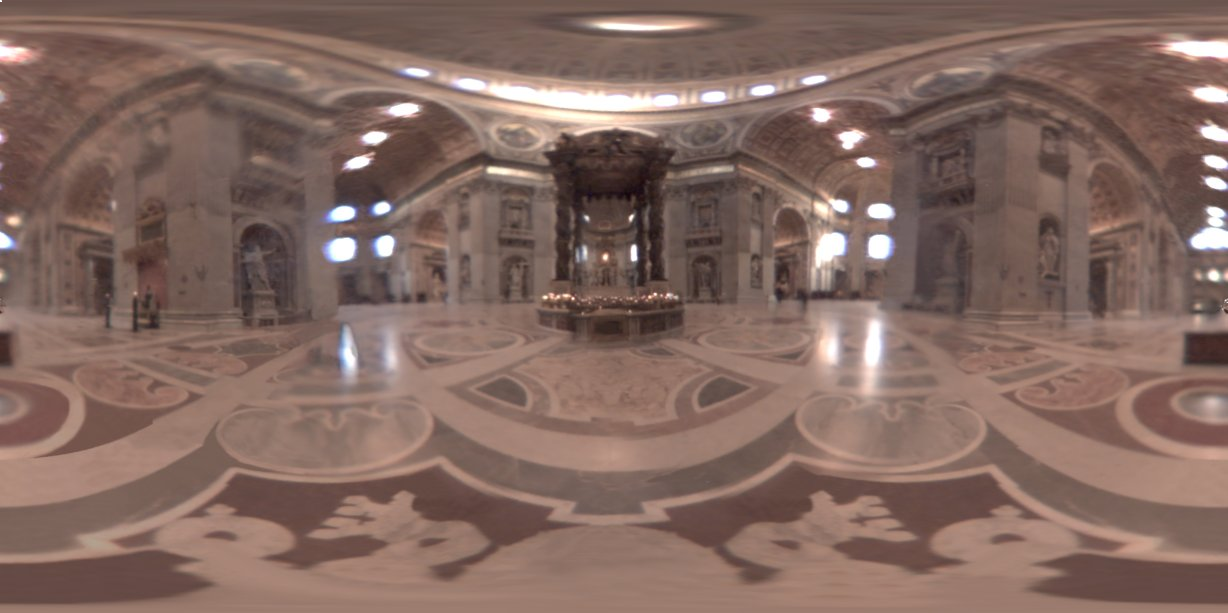
Here are a few more tests with LatLong probes.

Image

Image
Image

Image

Image

Image

Image

_________________
“If you reach for the stars, you just might land on a decently sized hill.” - Stuart Hill


Top
 Post subject: Re: Bevel Reflect Logo V1.5 (Depth Adjustments For Bevel Options)
PostPosted: Mon Sep 08, 2014 4:23 pm  (#667) 
Offline
GimpChat Member
User avatar

Joined: Apr 07, 2010
Posts: 14182
Wow, the last one is soooo shiny. I sure like that one.

_________________
Image


Top
 Post subject: Re: Bevel Reflect Logo V1.5 (Depth Adjustments For Bevel Options)
PostPosted: Mon Sep 08, 2014 5:09 pm  (#668) 
Offline
GimpChat Member
User avatar

Joined: Jun 02, 2013
Posts: 2090
GnuTux wrote:
Very nice work, Warrior! Those are some really great results. :mrgreen:

I've been testing so called "Latitudinal or LatLong probes" and thought I'd post the results of one the tests (technically, these are also referred to as spherical probes and the spherical shaped light probes are referred to as angular probes, which is all rather confusing).

Image

[ Image ]

I bumped the contrast and saturation a little. It turned out pretty nice.

Thanks GT. Cool results from the testing, especially that last one.

_________________
Image


Top
 Post subject: Re: Bevel Reflect Logo V1.5 (Depth Adjustments For Bevel Options)
PostPosted: Mon Sep 08, 2014 5:13 pm  (#669) 
Offline
GimpChat Founder
User avatar

Joined: May 22, 2008
Posts: 5241
Location: Gimpville
That one is shiny, Molly & Warrior. It appears some of the shininess comes from the orange glowing light on the left.

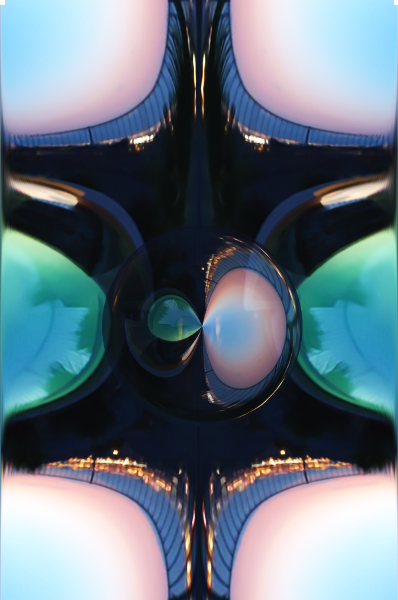
This one is just a radical experiment. :hehe

Image

Image

With the map rotated 90°..

Image

_________________
“If you reach for the stars, you just might land on a decently sized hill.” - Stuart Hill


Top
 Post subject: Re: Bevel Reflect Logo V1.5 (Depth Adjustments For Bevel Options)
PostPosted: Mon Sep 08, 2014 5:17 pm  (#670) 
Offline
GimpChat Member
User avatar

Joined: Mar 10, 2014
Posts: 845
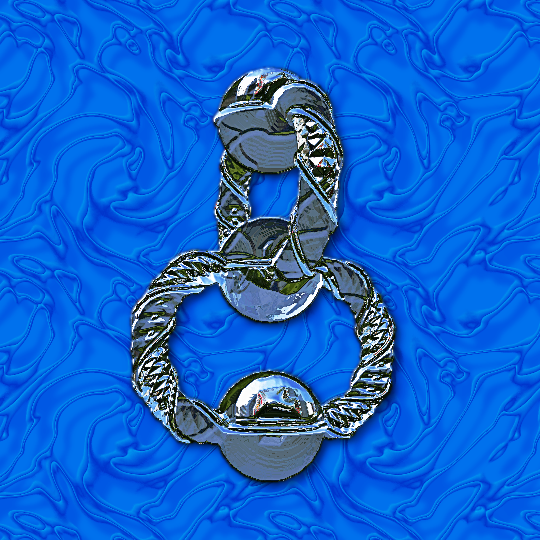
an experiment with a Seifert Knot and a L_Probe map

Image


Top
 Post subject: Re: Bevel Reflect Logo V1.5 (Depth Adjustments For Bevel Options)
PostPosted: Mon Sep 08, 2014 7:42 pm  (#671) 
Offline
GimpChat Member
User avatar

Joined: Jun 02, 2013
Posts: 2090
Wings:

Image

Template:

Image

_________________
Image


Top
 Post subject: Re: Bevel Reflect Logo V1.5 (Depth Adjustments For Bevel Options)
PostPosted: Tue Sep 09, 2014 6:36 am  (#672) 
Offline
Global Moderator
User avatar

Joined: May 16, 2010
Posts: 16029
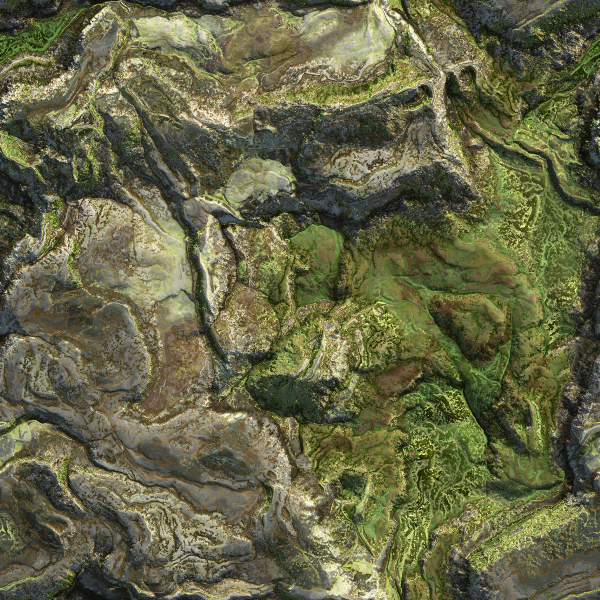
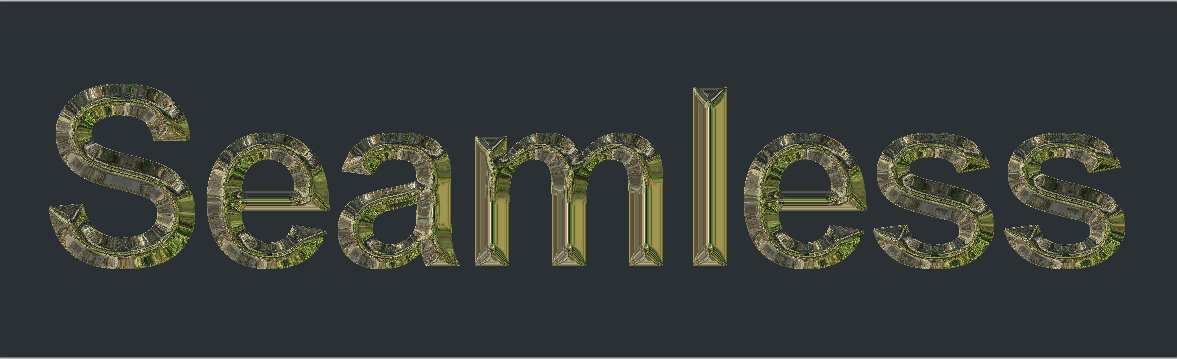
Tried a seamless one. :) This seamless image was created by myself in Filer Forge Pro 4 so use as you wish.
Image

My results -
Image

Font Face is "Roland Thin"

_________________
Image


Top
 Post subject: Re: Bevel Reflect Logo V1.5 (Depth Adjustments For Bevel Options)
PostPosted: Tue Sep 09, 2014 6:50 am  (#673) 
Offline
GimpChat Member
User avatar

Joined: Apr 07, 2010
Posts: 14182
Very nice Rod. Thanks for the map.

_________________
Image


Top
 Post subject: Re: Bevel Reflect Logo V1.5 (Depth Adjustments For Bevel Options)
PostPosted: Tue Sep 09, 2014 8:18 am  (#674) 
Offline
Global Moderator
User avatar

Joined: Apr 01, 2012
Posts: 8366
Location: On the other side of your screen
Still can't do these really well....but I think this one is passable
Image

_________________
Image
Free Fun Photo Editing & resources
Poems from the Lord
Gimp Newby
Gimp version 3.2.0 and GMIC-Qt 3.7.5 OS :- Windows 10 Home 64


Top
 Post subject: Re: Bevel Reflect Logo V1.5 (Depth Adjustments For Bevel Options)
PostPosted: Tue Sep 09, 2014 11:43 am  (#675) 
Offline
GimpChat Member
User avatar

Joined: Sep 24, 2010
Posts: 12775
OK; a horizontal map (made seamless) of a rainbow capture that I took a few years back. For the added contrast I followed with an auto-equalize and blended the original set to lighten on top. :)

Attachment:
hmap.png
hmap.png [ 163.17 KiB | Viewed 1772 times ]


https://www.flickr.com/photos/34520999@ ... 7/sizes/o/

Image

_________________
Lyle

Psalm 109:8

Image


Top
 Post subject: Re: Bevel Reflect Logo V1.5 (Depth Adjustments For Bevel Options)
PostPosted: Tue Sep 09, 2014 6:30 pm  (#676) 
Offline
GimpChat Member
User avatar

Joined: Sep 24, 2010
Posts: 12775
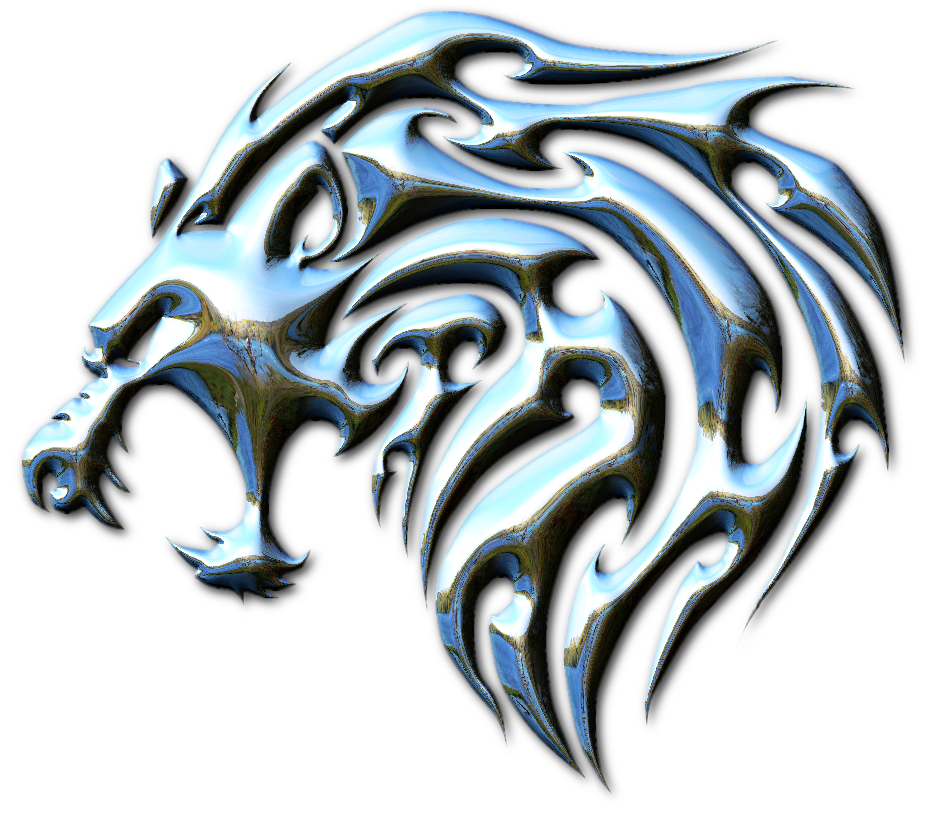
Used one of my bro's African captures for the reflection map this time. I also blended in G'MIC's solidy afterwards (and a few other things that I'm too lazy to outline). :)


Attachments:
Tattoo_Lion-head.jpg
Tattoo_Lion-head.jpg [ 687.4 KiB | Viewed 1750 times ]

_________________
Lyle

Psalm 109:8

Image
Top
 Post subject: Re: Bevel Reflect Logo V1.5 (Depth Adjustments For Bevel Options)
PostPosted: Tue Sep 09, 2014 6:34 pm  (#677) 
Offline
GimpChat Founder
User avatar

Joined: May 22, 2008
Posts: 5241
Location: Gimpville
Great results by everyone!

Lyle, your last result is so spectacularly shiny, I need to put on my shades. :cool

_________________
“If you reach for the stars, you just might land on a decently sized hill.” - Stuart Hill


Top
 Post subject: Re: Bevel Reflect Logo V1.5 (Depth Adjustments For Bevel Options)
PostPosted: Tue Sep 09, 2014 6:41 pm  (#678) 
Offline
GimpChat Member
User avatar

Joined: Sep 24, 2010
Posts: 12775
Hey Tux; very much happy with this gift you gave us. Rarely do my binges last a week; this one's nearly a month. lol

Amazing realistic reflections. Maybe the GIMP developers can add this Script-fu as one of the main ones packaged with the GIMP. :)

_________________
Lyle

Psalm 109:8

Image


Top
 Post subject: Re: Bevel Reflect Logo V1.5 (Depth Adjustments For Bevel Options)
PostPosted: Tue Sep 09, 2014 7:33 pm  (#679) 
Offline
GimpChat Member
User avatar

Joined: Jun 02, 2013
Posts: 2090
Very nice Lyle.

Just finished this one:

Image

EDIT: Added background:

Image

_________________
Image


Top
 Post subject: Re: Bevel Reflect Logo V1.5 (Depth Adjustments For Bevel Options)
PostPosted: Tue Sep 09, 2014 8:12 pm  (#680) 
Offline
GimpChat Founder
User avatar

Joined: May 22, 2008
Posts: 5241
Location: Gimpville
That's a cool effect, Warrior. I believe I can see a lake and mountains in the reflection.

_________________
“If you reach for the stars, you just might land on a decently sized hill.” - Stuart Hill


Top
Post new topic Reply to topic  [ 1370 posts ]  Go to page Previous  1 ... 31, 32, 33, 34, 35, 36, 37 ... 69  Next

All times are UTC - 5 hours [ DST ]


* Login  


Powered by phpBB3 © phpBB Group