It is currently Mon Oct 26, 2026 6:06 pm


All times are UTC - 5 hours [ DST ]


Post new topic Reply to topic  [ 166 posts ]  Go to page Previous  1, 2, 3, 4, 5 ... 9  Next
Author Message
 Post subject: Re: new script glass-frame-effect.scm
PostPosted: Wed Sep 10, 2014 12:56 pm  (#21) 
Offline
GimpChat Member
User avatar

Joined: Jan 20, 2013
Posts: 14835
Location: roma, italy
@Oregonian
you are very creative in exploring new attractive uses of the script
very nice result again

_________________
"Where am I ?"


Top
 Post subject: Re: new script glass-frame-effect.scm
PostPosted: Wed Sep 10, 2014 1:41 pm  (#22) 
Offline
GimpChat Founder
User avatar

Joined: May 22, 2008
Posts: 5241
Location: Gimpville
Thanks, dinasset. The results that have been posted look really cool. I'll give this a try soon. :bigthup

_________________
“If you reach for the stars, you just might land on a decently sized hill.” - Stuart Hill


Top
 Post subject: Re: new script glass-frame-effect.scm
PostPosted: Wed Sep 10, 2014 2:20 pm  (#23) 
Offline
GimpChat Member
User avatar

Joined: Mar 10, 2014
Posts: 845
grazie Diego ed Issabella for this new "toy"

here is my experiment (Free Selection tool, Etching effect, no bevel)

Image


Top
 Post subject: Re: new script glass-frame-effect.scm
PostPosted: Wed Sep 10, 2014 2:55 pm  (#24) 
Offline
GimpChat Member
User avatar

Joined: Nov 16, 2011
Posts: 5127
Location: Metro Vancouver, BC
Nice one Marcello.

_________________
Image
Gimp 2.8.18, Linux, median user
Gimp Chat Tutorials Index
Spirit Bear (Kermode)


Top
 Post subject: Re: new script glass-frame-effect.scm
PostPosted: Wed Sep 10, 2014 7:38 pm  (#25) 
Offline
Script Coder
User avatar

Joined: Feb 18, 2011
Posts: 4826
Location: Bendigo Vic. Australia
Dinasset lovely script but with a couple of small flaws which I'd be quite happy to fix for you
When selection is empty at start and flatten is asked for script should remove created selection
The dependency on having 'Sample Average Colour' Installed can easily removed by including it
Image

_________________
Image
No matter how much you push the envelope, it'll still be stationery.


Top
 Post subject: Re: new script glass-frame-effect.scm
PostPosted: Thu Sep 11, 2014 3:19 am  (#26) 
Offline
GimpChat Member
User avatar

Joined: Mar 01, 2014
Posts: 14216
Location: Spain, Aragón
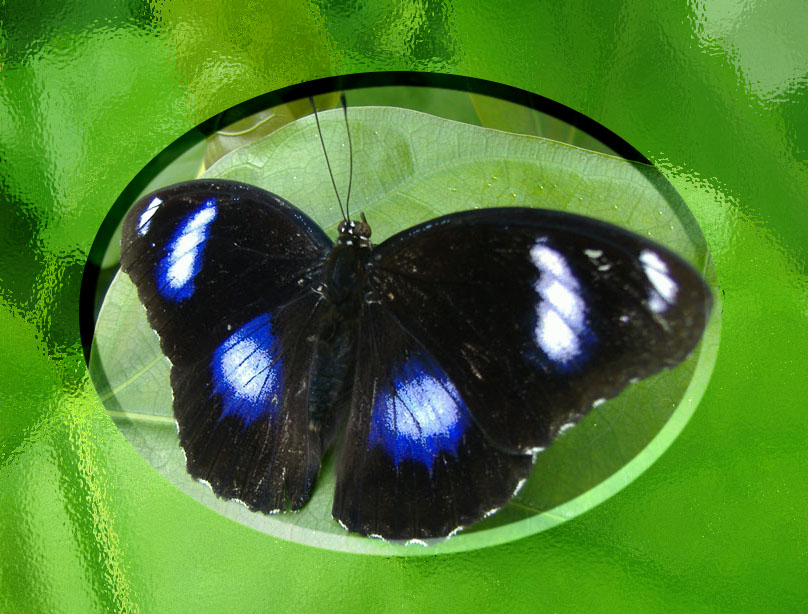
This script is addictive. I love it! :yes


Attachments:
faro-polygonize.jpg
faro-polygonize.jpg [ 156.42 KiB | Viewed 2194 times ]
IMG_4094-charcoal.JPG
IMG_4094-charcoal.JPG [ 1.14 MiB | Viewed 2194 times ]
Butterflies.jpg
Butterflies.jpg [ 481.24 KiB | Viewed 2194 times ]

_________________
Image

Gimp 2.10.36 (samj) portable _ OS Windows 10 Home_ 64bits
Don’t be afraid to start over. It’s a new chance to rebuild what you want.
Top
 Post subject: Re: new script glass-frame-effect.scm
PostPosted: Thu Sep 11, 2014 3:37 am  (#27) 
Offline
GimpChat Member
User avatar

Joined: Jan 20, 2013
Posts: 14835
Location: roma, italy
@Marcello
fantastic! very nice and creative use

@Graechan
thanks, please feel free to post your suggested amendments

@Issabella
not yet tired of this script after hundreds of tests done for me???
excellent outcomes!

_________________
"Where am I ?"


Top
 Post subject: Re: new script glass-frame-effect.scm
PostPosted: Thu Sep 11, 2014 3:42 am  (#28) 
Offline
Script Coder
User avatar

Joined: Feb 18, 2011
Posts: 4826
Location: Bendigo Vic. Australia
Dinasset I will post changes in a PM to you tomorrow, it's bed time now for me

_________________
Image
No matter how much you push the envelope, it'll still be stationery.


Top
 Post subject: Re: new script glass-frame-effect.scm
PostPosted: Thu Sep 11, 2014 3:44 am  (#29) 
Offline
GimpChat Member
User avatar

Joined: Jan 20, 2013
Posts: 14835
Location: roma, italy
OK, Graechan
Have a good night! and thanks again...

_________________
"Where am I ?"


Top
 Post subject: Re: new script glass-frame-effect.scm
PostPosted: Thu Sep 11, 2014 6:09 am  (#30) 
Offline
Global Moderator
User avatar

Joined: Apr 01, 2012
Posts: 8491
Location: On the other side of your screen
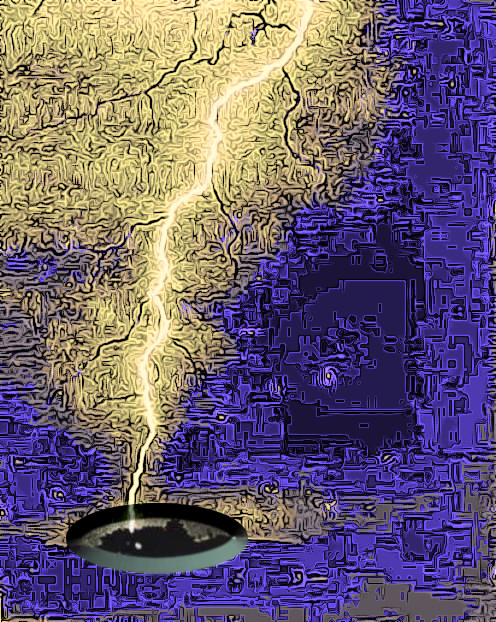
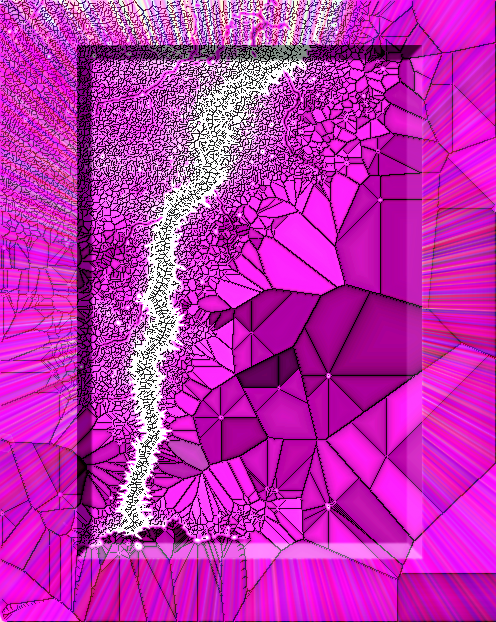
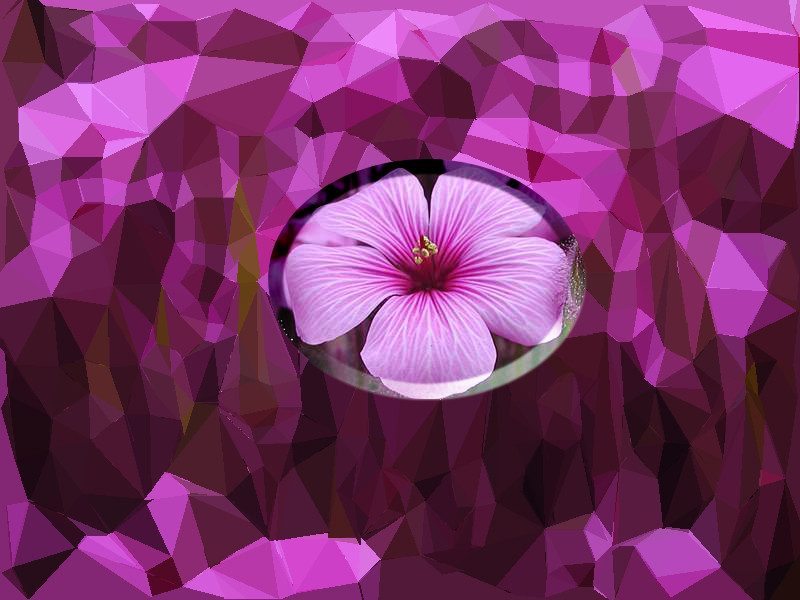
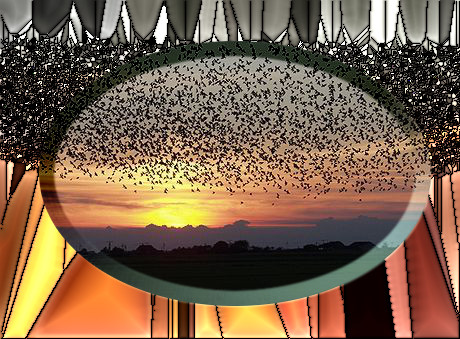
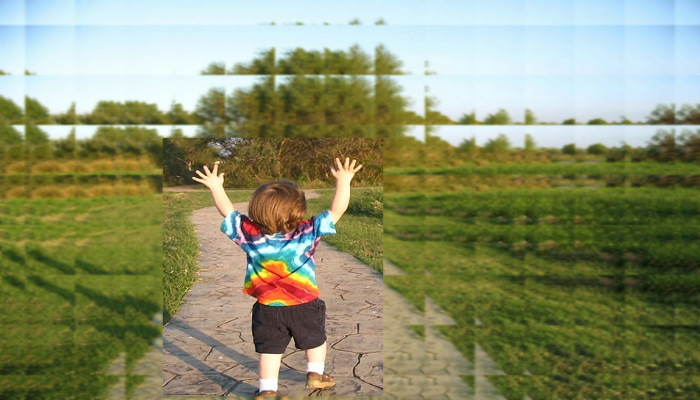
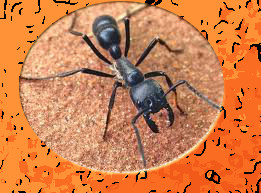
I have only done some PD images and mostly run the different frame options by themselves.
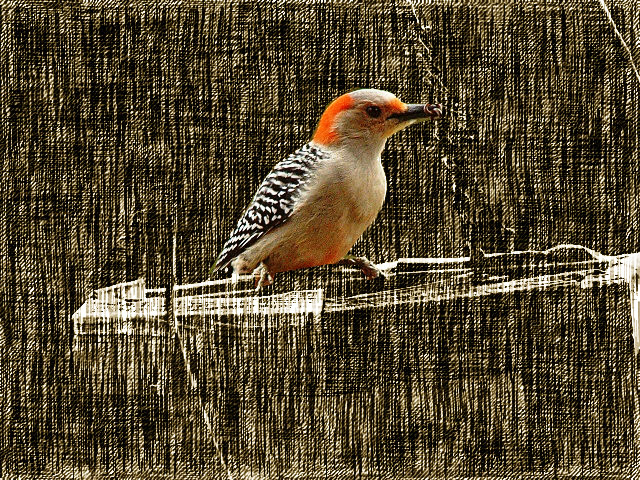
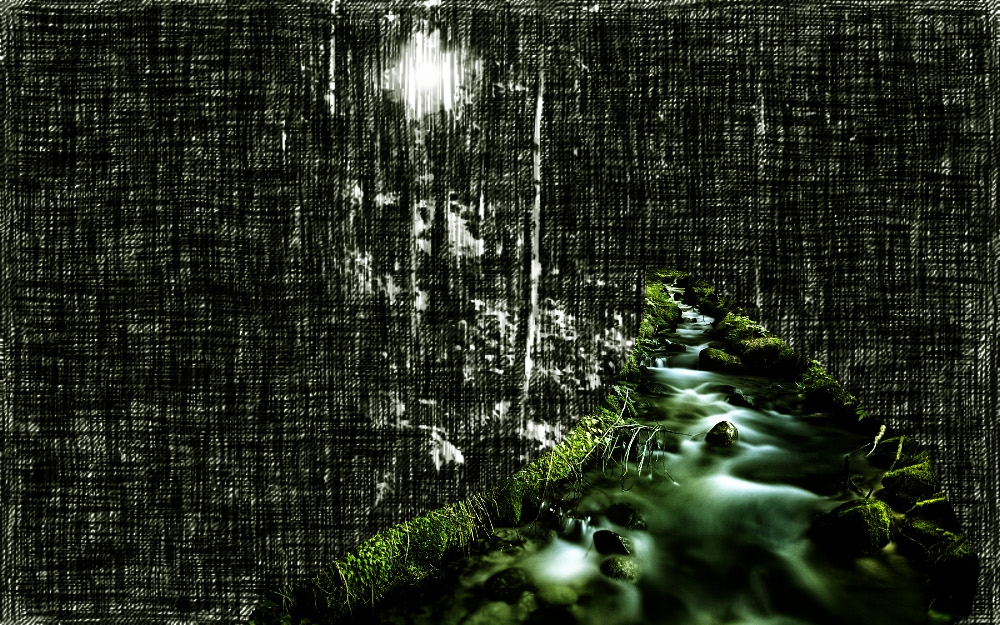
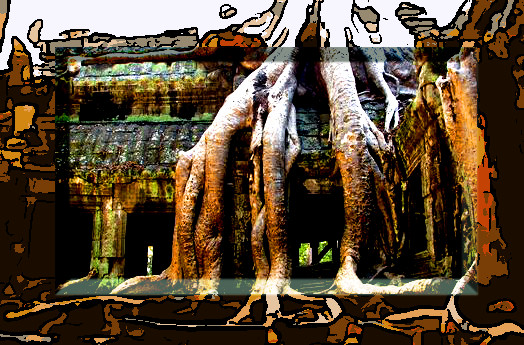
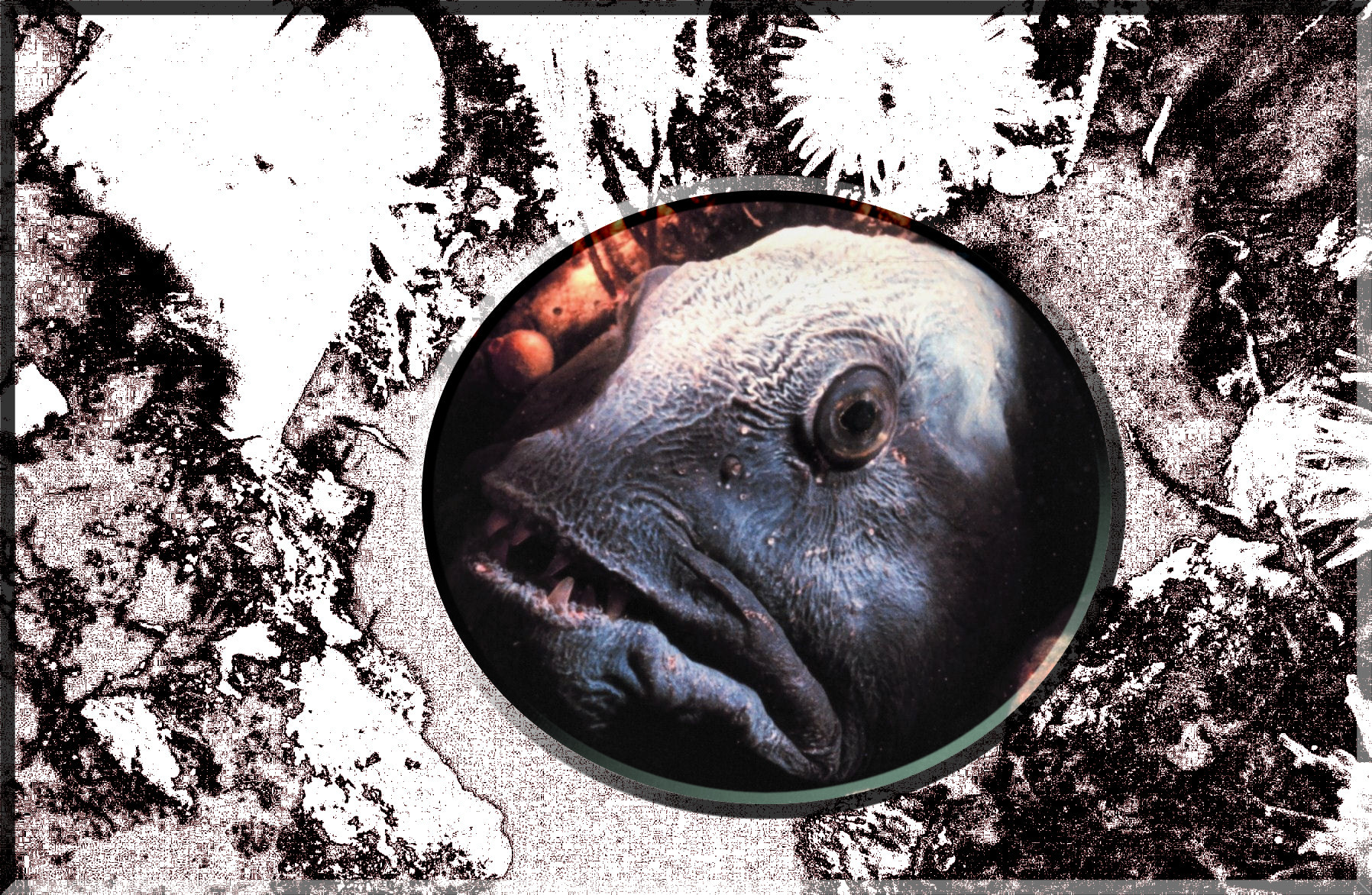
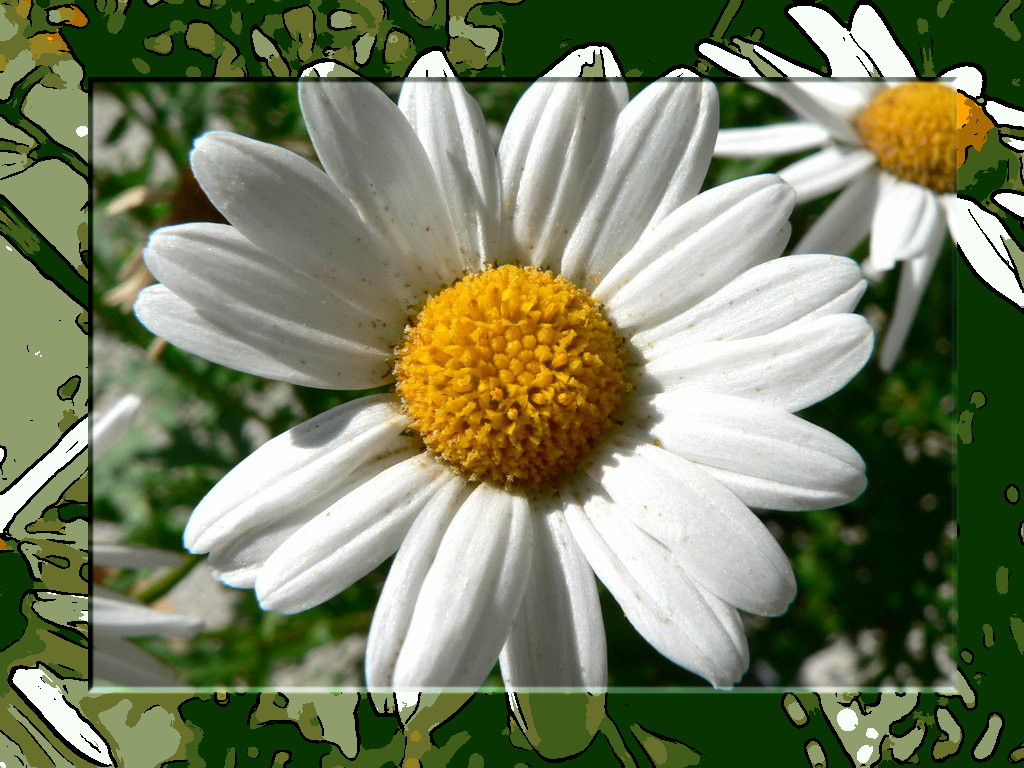
Image Cartoons
ImageCharcoal
Image Colour pencil / same picture Image
on this one I ran the G'MIC psychadelic glasswork tiler then the gradient flare.
Image Etching
Image gradient flare
Image Manhattan script then fractalize
Image Polygonize

_________________
Image
Free Fun Photo Editing & resources
Poems from the Lord
Gimp Newby
Gimp version 3.2.6 and GMIC-Qt 4.0.2 OS :- Windows 10 Home 64


Top
 Post subject: Re: new script glass-frame-effect.scm
PostPosted: Thu Sep 11, 2014 6:19 am  (#31) 
Offline
Global Moderator
User avatar

Joined: Apr 01, 2012
Posts: 8491
Location: On the other side of your screen
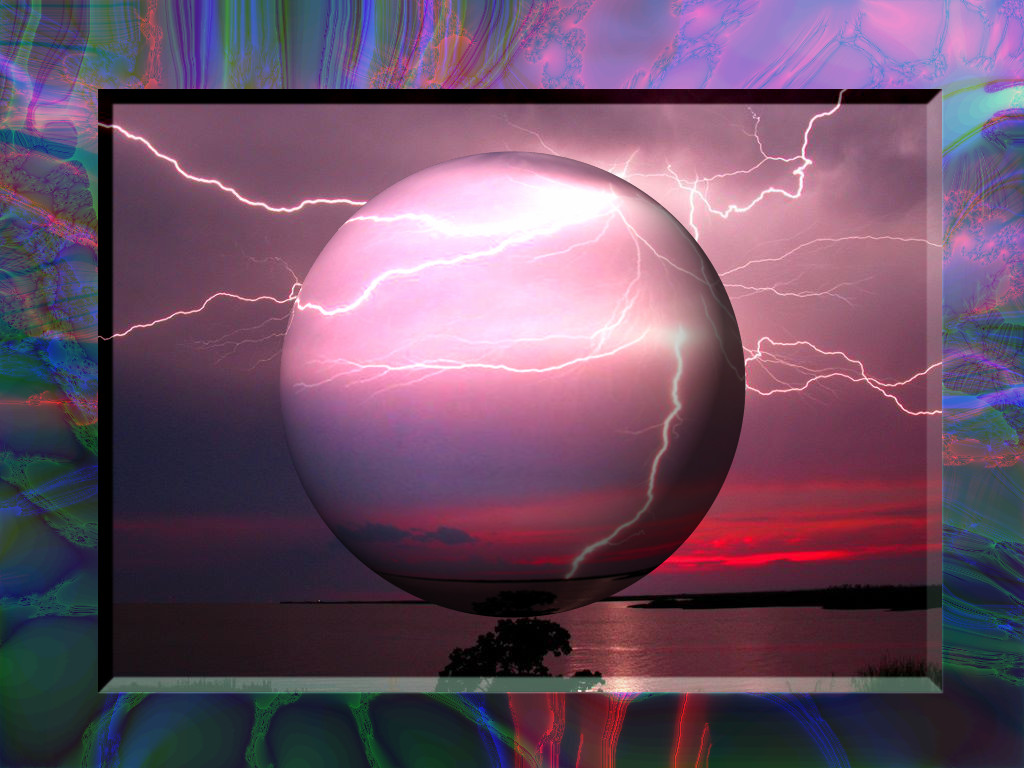
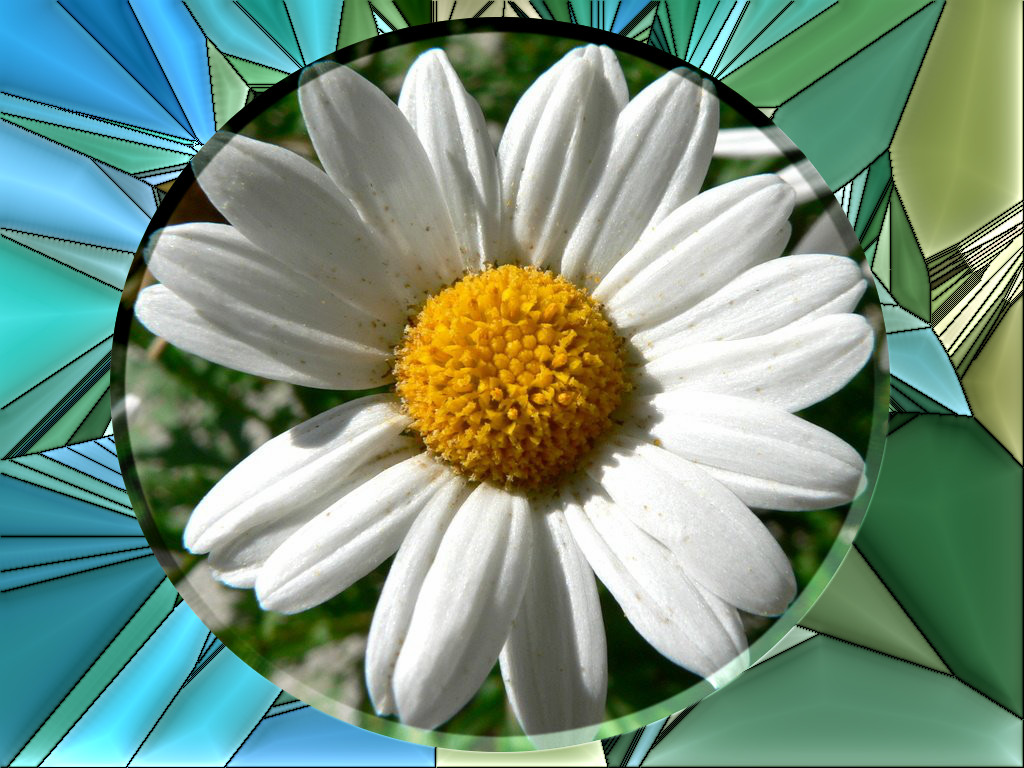
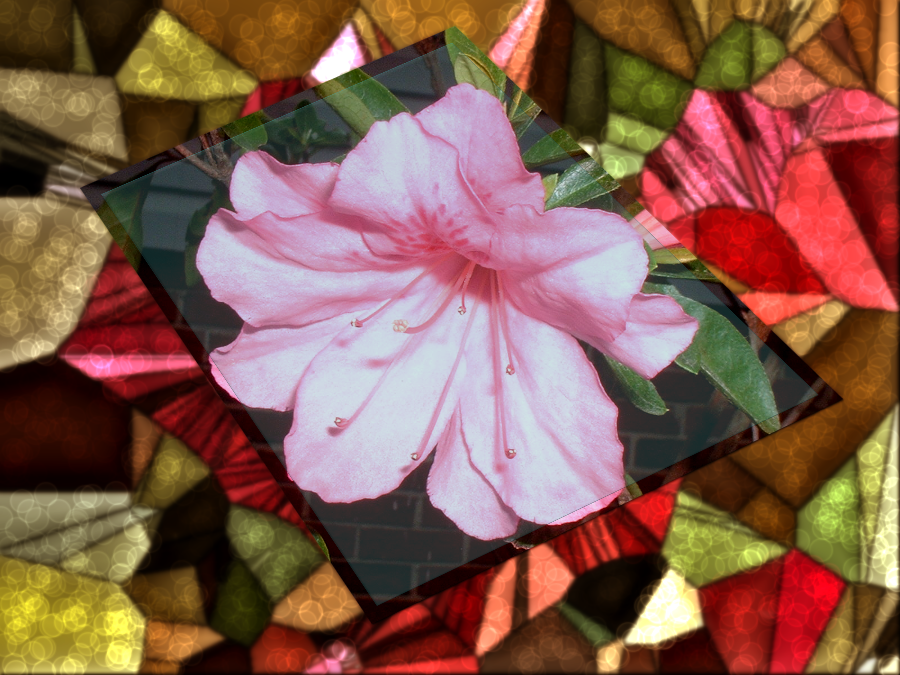
Few more
Image Psychedelic
Image psychedelic
Image Stained glass
Image textured glass
Image tiles and blur with no bevel

_________________
Image
Free Fun Photo Editing & resources
Poems from the Lord
Gimp Newby
Gimp version 3.2.6 and GMIC-Qt 4.0.2 OS :- Windows 10 Home 64


Top
 Post subject: Re: new script glass-frame-effect.scm
PostPosted: Thu Sep 11, 2014 6:24 am  (#32) 
Offline
GimpChat Member
User avatar

Joined: Jan 20, 2013
Posts: 14835
Location: roma, italy
Good morning, SallyAnne!
Happy to look at your experiments.
All very nice, some excellent, indeed.
Do you like the script?

_________________
"Where am I ?"


Top
 Post subject: Re: new script glass-frame-effect.scm
PostPosted: Thu Sep 11, 2014 6:32 am  (#33) 
Offline
Global Moderator
User avatar

Joined: Apr 01, 2012
Posts: 8491
Location: On the other side of your screen
It is quite nice dinasset thank you. Looking forward to seeing what changes are made. Be nice if we could have a bevel adjustment in the script. (says me who can't write scripts). Thanks for all your hard work to make it this good.

I tried on some of my own photos earlier today but keeping them all open until I was ready to save them all. Won't do that again in a hurry. Gimp crashed on me and I lost all of my work.

_________________
Image
Free Fun Photo Editing & resources
Poems from the Lord
Gimp Newby
Gimp version 3.2.6 and GMIC-Qt 4.0.2 OS :- Windows 10 Home 64


Top
 Post subject: Re: new script glass-frame-effect.scm
PostPosted: Thu Sep 11, 2014 6:36 am  (#34) 
Offline
GimpChat Member
User avatar

Joined: Jan 20, 2013
Posts: 14835
Location: roma, italy
what do you like to see for the bevelling option? different size? maybe automatically proportional to the image size?

_________________
"Where am I ?"


Top
 Post subject: Re: new script glass-frame-effect.scm
PostPosted: Thu Sep 11, 2014 6:40 am  (#35) 
Offline
Global Moderator
User avatar

Joined: Apr 01, 2012
Posts: 8491
Location: On the other side of your screen
I was just looking at some things I had done and noticed the selections that were bevelled could be different in different pictures. Especially a smaller selection would need a smaller bevel.

_________________
Image
Free Fun Photo Editing & resources
Poems from the Lord
Gimp Newby
Gimp version 3.2.6 and GMIC-Qt 4.0.2 OS :- Windows 10 Home 64


Top
 Post subject: Re: new script glass-frame-effect.scm
PostPosted: Thu Sep 11, 2014 6:58 am  (#36) 
Offline
GimpChat Member
User avatar

Joined: Jan 20, 2013
Posts: 14835
Location: roma, italy
SallyAnne
could you please make some other test with the attached modified version?
(remove the old one and place this one)

(attachment removed)

obviously, if someone else wants to experiment with this amended version, just do it and comment...

edit: removed script code: see page 5 post #47

_________________
"Where am I ?"


Last edited by dinasset on Fri Sep 12, 2014 12:41 am, edited 1 time in total.

Top
 Post subject: Re: new script glass-frame-effect.scm
PostPosted: Thu Sep 11, 2014 7:34 am  (#37) 
Offline
GimpChat Founder
User avatar

Joined: May 22, 2008
Posts: 5241
Location: Gimpville
Cool effect, dinasset. Here's my first attempt. I added a layer of glass over the inside of my selection using Logo Toolbox and it seemed to complete the effect. Sort of a double glass effect, I suppose. :hehe

Image

I probably should have made my selection a little more symmetric. Actually, a circular selection would have probably been better for this image. I'll do that on my next attempt. I agree with Sallyanne on the bevel adjustment. :bigthup

_________________
“If you reach for the stars, you just might land on a decently sized hill.” - Stuart Hill


Top
 Post subject: Re: new script glass-frame-effect.scm
PostPosted: Thu Sep 11, 2014 8:03 am  (#38) 
Offline
GimpChat Member
User avatar

Joined: Jan 20, 2013
Posts: 14835
Location: roma, italy
excellent outcome, Gnutux! I like it as it is, non-symmetric.

_________________
"Where am I ?"


Top
 Post subject: Re: new script glass-frame-effect.scm
PostPosted: Thu Sep 11, 2014 8:06 am  (#39) 
Offline
Global Moderator
User avatar

Joined: Apr 01, 2012
Posts: 8491
Location: On the other side of your screen
Very good GT :)
Dinasset I am sure Isabella would have picked up by now with all her testing. But might be too polite to say. Maybe keep it as it was for the larger images, or allow for a bevel adjustment option, depending on how different people want to have their picture come out :)
Might be easier just to allow for the bevel adjustment option then no one can complain.

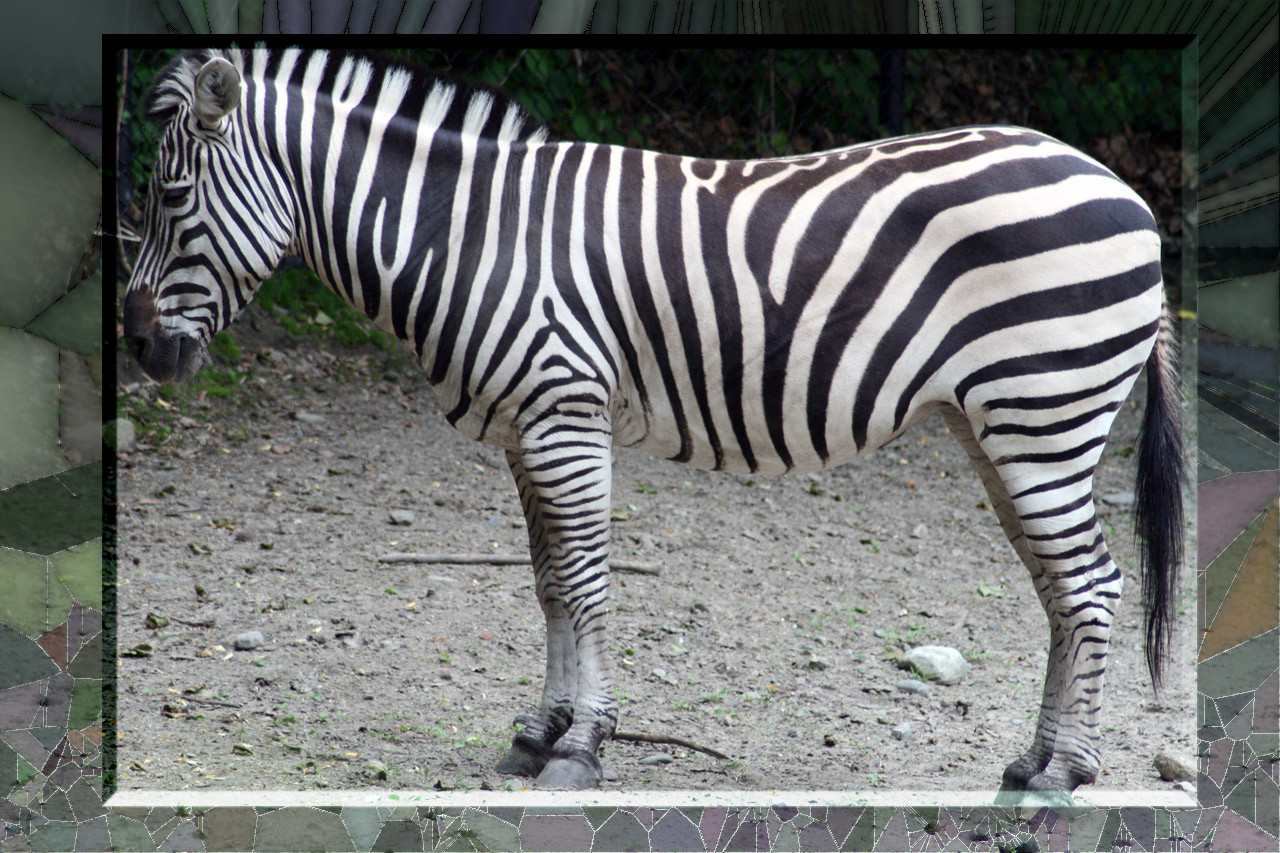
ps. the new script worked fine on a small image

Image
Image

_________________
Image
Free Fun Photo Editing & resources
Poems from the Lord
Gimp Newby
Gimp version 3.2.6 and GMIC-Qt 4.0.2 OS :- Windows 10 Home 64


Top
 Post subject: Re: new script glass-frame-effect.scm
PostPosted: Thu Sep 11, 2014 8:46 am  (#40) 
Offline
GimpChat Member
User avatar

Joined: Jan 20, 2013
Posts: 14835
Location: roma, italy
if you find OK how the amended version works now, I ask Issabella to do her tests also.
Please both of you check whether the new bevel is OK both for small and large images (it is proportional, now); it may be too small (for both) or too large (again, for both).
If so, I can adjust the ratio between the bevel and the image size.
I don't like to have it as a parameter.

_________________
"Where am I ?"


Top
Post new topic Reply to topic  [ 166 posts ]  Go to page Previous  1, 2, 3, 4, 5 ... 9  Next

All times are UTC - 5 hours [ DST ]


* Login  


Powered by phpBB3 © phpBB Group