It is currently Wed Nov 11, 2026 6:48 am


All times are UTC - 5 hours [ DST ]


Post new topic Reply to topic  [ 139 posts ]  Go to page Previous  1, 2, 3, 4, 5, 6, 7  Next
Author Message
 Post subject: Re: Circle Mandala Made Using BRL
PostPosted: Sun Nov 23, 2014 1:45 pm  (#61) 
Offline
Administrator
User avatar

Joined: Aug 10, 2012
Posts: 14268
Location: Native to NYC living in Arizona, Gimp 2.8 - 3.0, Win 11 PC.
molly wrote:
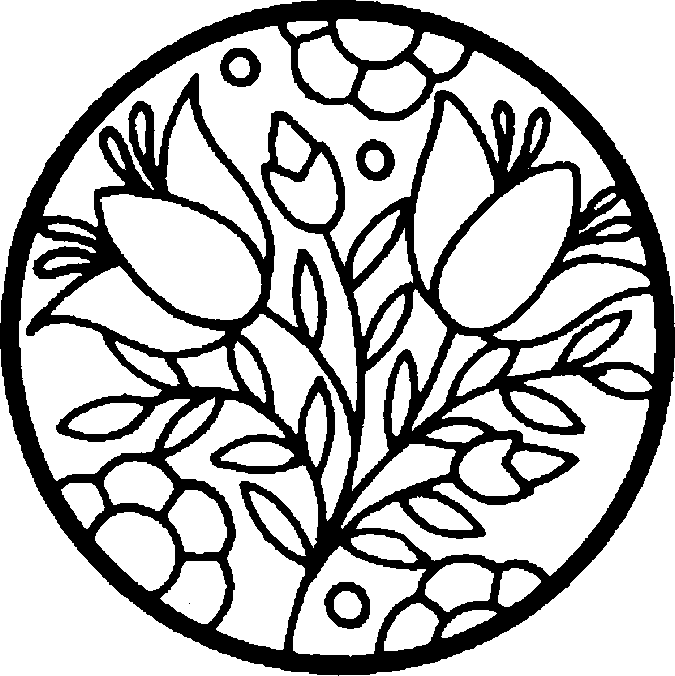
I don't care for the thick black lines
[ Image ]

Yeah, it a little on the thick side. Would you mind if I do this one?

_________________
Image
"A wise man learns more from a foolish question than a fool can learn from a wise answer"
Image


Top
 Post subject: Re: Circle Mandala Made Using BRL
PostPosted: Sun Nov 23, 2014 1:50 pm  (#62) 
Offline
GimpChat Member
User avatar

Joined: Apr 07, 2010
Posts: 14182
You certainly can. Did you want me to post it? I had it already made into a svg but I couldn't upload it.
Image

_________________
Image


Top
 Post subject: Re: Circle Mandala Made Using BRL
PostPosted: Sun Nov 23, 2014 3:45 pm  (#63) 
Offline
Administrator
User avatar

Joined: Aug 10, 2012
Posts: 14268
Location: Native to NYC living in Arizona, Gimp 2.8 - 3.0, Win 11 PC.
molly wrote:
You certainly can. Did you want me to post it? I had it already made into a svg but I couldn't upload it.
[ Image ]

Thanks Molly. :bigthup
I was in the process of using your Tulip Mandala image as reference for creating all the paths.

_________________
Image
"A wise man learns more from a foolish question than a fool can learn from a wise answer"
Image


Top
 Post subject: Re: Circle Mandala Made Using BRL
PostPosted: Sun Nov 23, 2014 11:42 pm  (#64) 
Offline
Global Moderator
User avatar

Joined: Oct 02, 2014
Posts: 5091
Location: Sydney Australia
Keeping up with you guys is so difficult - following posts above, I have just downloaded Incendia and Inkscape but have no idea how to use them yet.

But I have had a try at the Mandalas, but my computer virus problems today have slowed me down. Still here is my first with two others underway.

Image

Its difficult to know what colours to use and how to create appropriate paths for using with BRL - learned today I can create/select multiple paths at a time!!

_________________
Image

Respect should be offered freely but hard earned


Top
 Post subject: Re: Circle Mandala Made Using BRL
PostPosted: Mon Nov 24, 2014 12:07 am  (#65) 
Offline
Administrator
User avatar

Joined: Aug 10, 2012
Posts: 14268
Location: Native to NYC living in Arizona, Gimp 2.8 - 3.0, Win 11 PC.
oldmangrumpy wrote:
Keeping up with you guys is so difficult - following posts above, I have just downloaded Incendia and Inkscape but have no idea how to use them yet.

But I have had a try at the Mandalas, but my computer virus problems today have slowed me down. Still here is my first with two others underway.

[ Image ]

Its difficult to know what colours to use and how to create appropriate paths for using with BRL - learned today I can create/select multiple paths at a time!!

Nice work OMG! :clap

I often find myself changing colors a lot to get the effect I'm after. Although running BRL interactively is a great option, I feel that the preview image leaves little to be desired. It also takes considerably more time to use this option than I'm willing to spend.

The paths tool can be difficult for some to grasp, keep up the good work. :bigthup

_________________
Image
"A wise man learns more from a foolish question than a fool can learn from a wise answer"
Image


Top
 Post subject: Re: Circle Mandala Made Using BRL
PostPosted: Mon Nov 24, 2014 1:25 am  (#66) 
Offline
Global Moderator
User avatar

Joined: Oct 02, 2014
Posts: 5091
Location: Sydney Australia
Thanks a lot Wallace, as always I appreciate your unflagging support.

Well here is version 2 and its clear i prefer the old regal colours; now to move on to circular Mandalas ... but it is great fun and rewarding too!

Image

OK and now the round one too.

Image

_________________
Image

Respect should be offered freely but hard earned


Top
 Post subject: Re: Circle Mandala Made Using BRL
PostPosted: Mon Nov 24, 2014 8:36 am  (#67) 
Offline
Administrator
User avatar

Joined: Aug 10, 2012
Posts: 14268
Location: Native to NYC living in Arizona, Gimp 2.8 - 3.0, Win 11 PC.
oldmangrumpy wrote:
Thanks a lot Wallace, as always I appreciate your unflagging support.

Well here is version 2 and its clear i prefer the old regal colours; now to move on to circular Mandalas ... but it is great fun and rewarding too!

[ Image ]

OK and now the round one too.

[ Image ]

Nice!
It looks like you added a little something to the round mandala, is this correct?

_________________
Image
"A wise man learns more from a foolish question than a fool can learn from a wise answer"
Image


Top
 Post subject: Re: Circle Mandala Made Using BRL
PostPosted: Mon Nov 24, 2014 10:45 am  (#68) 
Offline
GimpChat Member
User avatar

Joined: Mar 10, 2014
Posts: 845
oldmangrumpy wrote:
Keeping up with you guys is so difficult - following posts above, I have just downloaded Incendia and Inkscape but have no idea how to use them yet.


OMG , I like yr results!
for INCENDIA (if can help) you can start modifying some parameters already done.Unzip the file attached, put the files in a folder; retrieve the data from that folder (Menu fractals>Load Parameters) and start to make variations
(I built more than 300 params)


Attachments:
IncendiaParams.zip [5.78 KiB]
Downloaded 106 times
Top
 Post subject: Re: Circle Mandala Made Using BRL
PostPosted: Mon Nov 24, 2014 10:59 am  (#69) 
Offline
GimpChat Member

Joined: Oct 02, 2014
Posts: 48
Hi Wallace, thanks for the cool idea. In this example, only used gradients,and it makes a good emap as well.

Attachment:
Circle Mandala.png
Circle Mandala.png [ 1.32 MiB | Viewed 1948 times ]


Top
 Post subject: Re: Circle Mandala Made Using BRL
PostPosted: Mon Nov 24, 2014 11:10 am  (#70) 
Offline
GimpChat Member
User avatar

Joined: Nov 16, 2011
Posts: 5127
Location: Metro Vancouver, BC
Nice one rbdflyboy :bigthup

_________________
Image
Gimp 2.8.18, Linux, median user
Gimp Chat Tutorials Index
Spirit Bear (Kermode)


Top
 Post subject: Re: Circle Mandala Made Using BRL
PostPosted: Mon Nov 24, 2014 12:34 pm  (#71) 
Offline
GimpChat Member

Joined: Oct 02, 2014
Posts: 48
Odinbc wrote:
Nice one rbdflyboy :bigthup


Thanks Odinbc, this image is very interesting, in that it somewhat has a mind of its own. If one clicks and drags and area sometimes the whole image lights up (or just a section) as marching ants. On the next image going to try that again and stroke the selection by about 2 and see what happens...hoping that will give crisper lines.
The other bonus is, the possibilities for combinations are endless, along with it being a great learning tool! :gimp


Top
 Post subject: Re: Circle Mandala Made Using BRL
PostPosted: Mon Nov 24, 2014 12:44 pm  (#72) 
Offline
GimpChat Member
User avatar

Joined: Apr 07, 2010
Posts: 14182
Marcello wrote:
Molly near to become master you too

Thanks Marcello

_________________
Image


Top
 Post subject: Re: Circle Mandala Made Using BRL
PostPosted: Mon Nov 24, 2014 1:04 pm  (#73) 
Offline
Administrator
User avatar

Joined: Aug 10, 2012
Posts: 14268
Location: Native to NYC living in Arizona, Gimp 2.8 - 3.0, Win 11 PC.
rbdflyboy wrote:
Hi Wallace, thanks for the cool idea. In this example, only used gradients,and it makes a good emap as well.

Attachment:
Circle Mandala.png

Didn't think about using these images as E-Maps.
I'm glad you're having fun with it, that was the whole idea anyway. :bigthup

_________________
Image
"A wise man learns more from a foolish question than a fool can learn from a wise answer"
Image


Top
 Post subject: Re: Circle Mandala Made Using BRL
PostPosted: Mon Nov 24, 2014 2:06 pm  (#74) 
Offline
Global Moderator
User avatar

Joined: Oct 02, 2014
Posts: 5091
Location: Sydney Australia
Wallace wrote:
Nice!
It looks like you added a little something to the round mandala, is this correct?


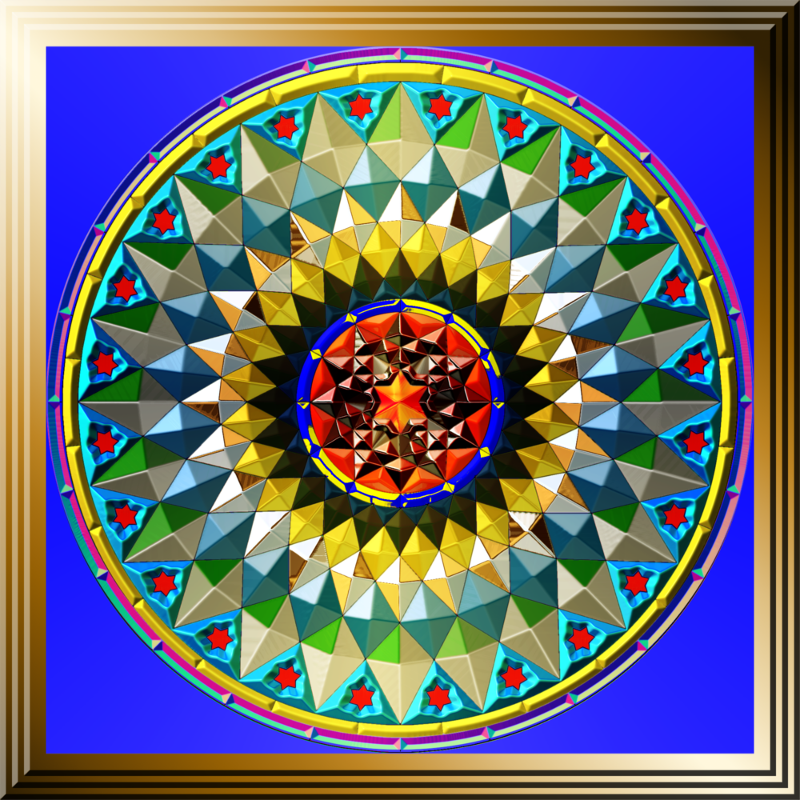
Thankyou again Wallace; I am not aware of adding anything specific to the round mandala, just created a series of reducing concentric paths then progrerssively ran BRL against each one. I did though create two different path sets for the centre 'flower' and overlayed them. A little bit of color changing at the end to improve the combinations, as I basically wanted a much lighter object this time, then I placed it on a bevelled background.

I will have another go today with larger, more leaf shaped path sets. Very enjoyable exercise!

_________________
Image

Respect should be offered freely but hard earned


Top
 Post subject: Re: Circle Mandala Made Using BRL
PostPosted: Mon Nov 24, 2014 2:46 pm  (#75) 
Offline
GimpChat Member

Joined: Oct 02, 2014
Posts: 48
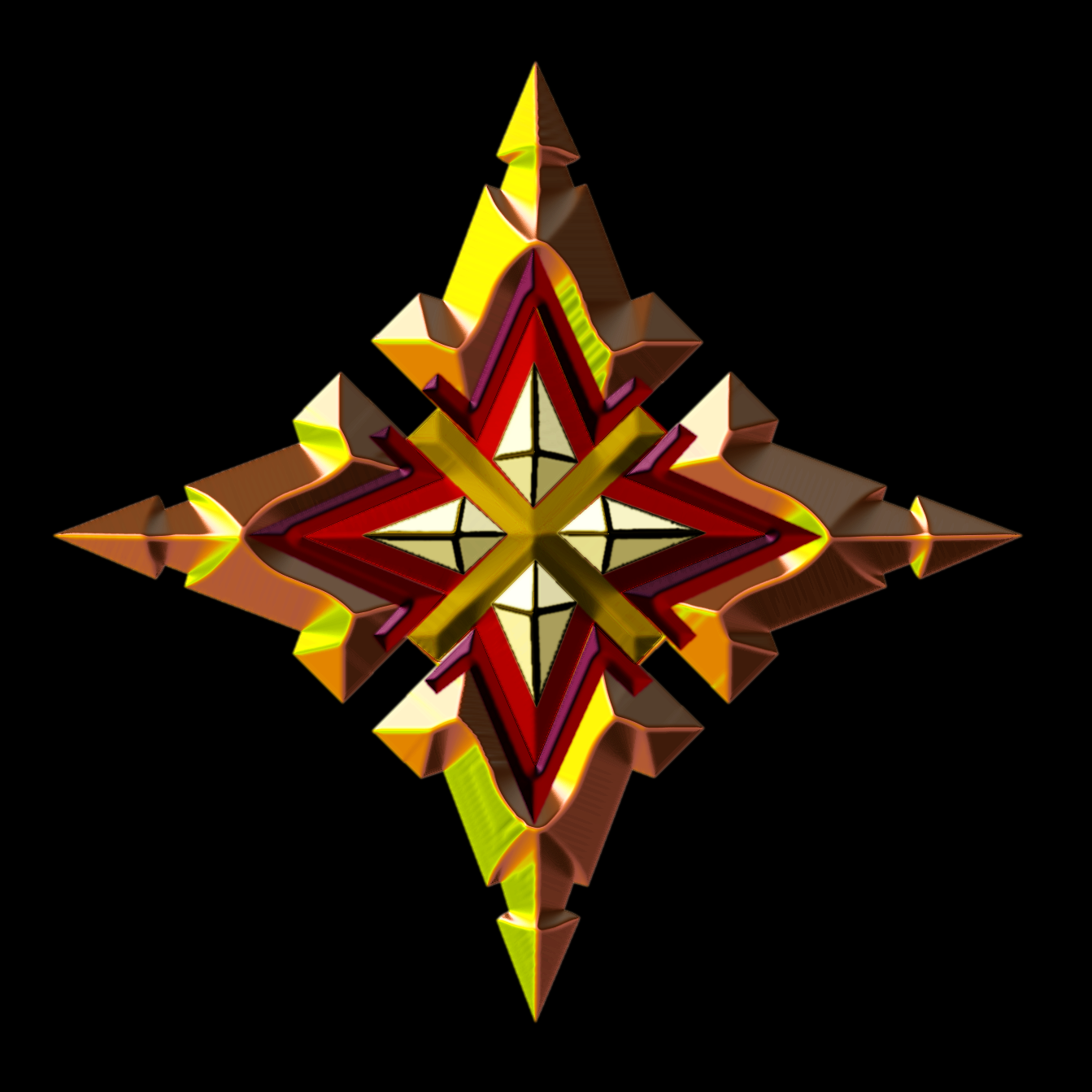
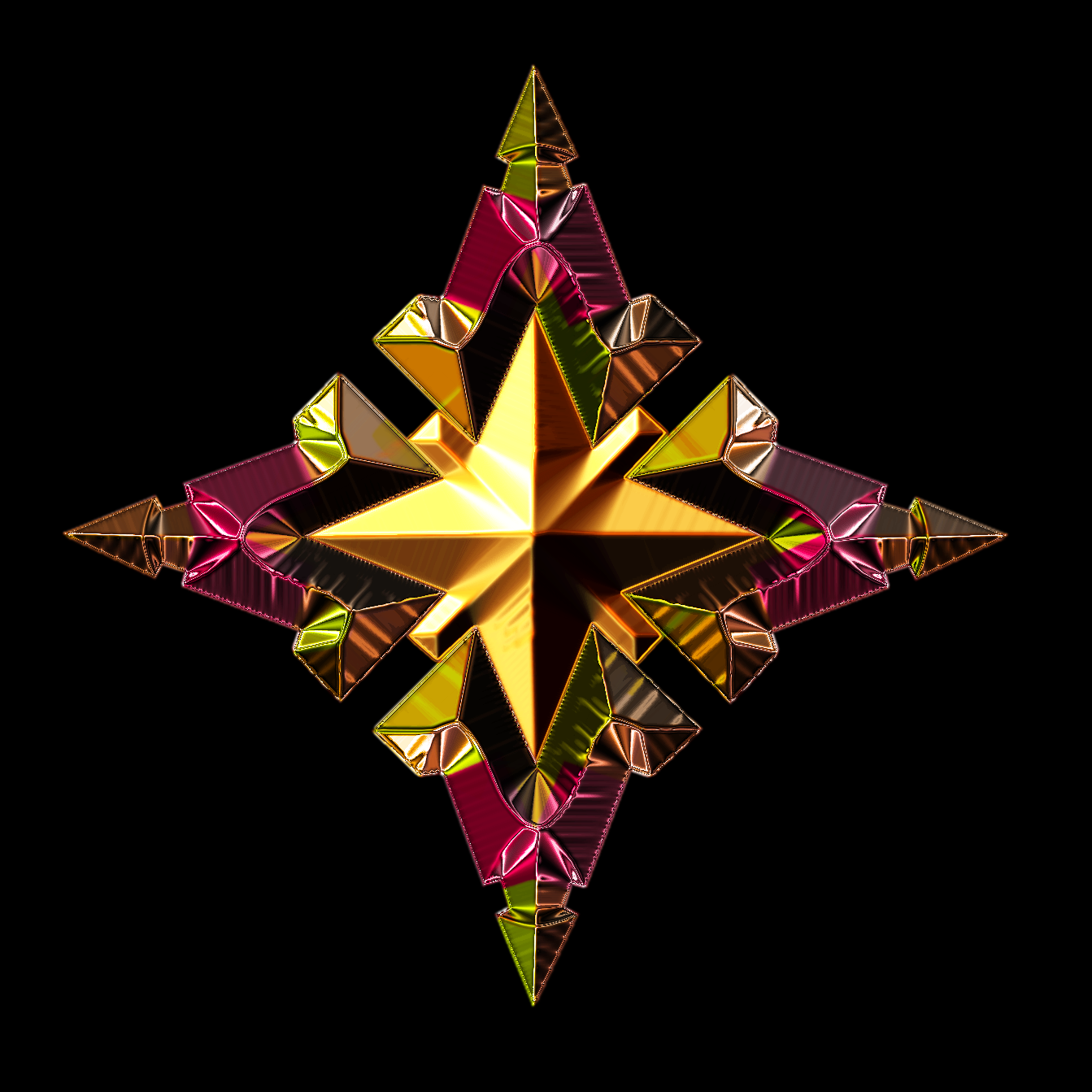
For this one changed to paths and achieved better results... (Don't mind the colors...still experimenting)

Attachment:
Star Mandala_1.png
Star Mandala_1.png [ 858.32 KiB | Viewed 1979 times ]


Getting the lighter potion of the gradients to line up with the corners and points would give it more of a pushing and squeezing feel...will try for that next time (sometimes the gradients won't cooperate.)


Last edited by rbdflyboy on Mon Nov 24, 2014 3:06 pm, edited 1 time in total.

Top
 Post subject: Re: Circle Mandala Made Using BRL
PostPosted: Mon Nov 24, 2014 2:55 pm  (#76) 
Offline
GimpChat Member
User avatar

Joined: Apr 07, 2010
Posts: 14182
Very good.

_________________
Image


Top
 Post subject: Re: Circle Mandala Made Using BRL
PostPosted: Mon Nov 24, 2014 3:09 pm  (#77) 
Offline
GimpChat Member
User avatar

Joined: Mar 10, 2014
Posts: 845
rbdflyboy - Your result is excellent :yes


Top
 Post subject: Re: Circle Mandala Made Using BRL
PostPosted: Mon Nov 24, 2014 3:36 pm  (#78) 
Offline
Administrator
User avatar

Joined: Aug 10, 2012
Posts: 14268
Location: Native to NYC living in Arizona, Gimp 2.8 - 3.0, Win 11 PC.
oldmangrumpy wrote:
Wallace wrote:
Nice!
It looks like you added a little something to the round mandala, is this correct?


Thankyou again Wallace; I am not aware of adding anything specific to the round mandala, just created a series of reducing concentric paths then progrerssively ran BRL against each one. I did though create two different path sets for the centre 'flower' and overlayed them. A little bit of color changing at the end to improve the combinations, as I basically wanted a much lighter object this time, then I placed it on a bevelled background.

I will have another go today with larger, more leaf shaped path sets. Very enjoyable exercise!

@OMG
Image

_________________
Image
"A wise man learns more from a foolish question than a fool can learn from a wise answer"
Image


Top
 Post subject: Re: Circle Mandala Made Using BRL
PostPosted: Mon Nov 24, 2014 4:00 pm  (#79) 
Offline
GimpChat Member

Joined: Oct 02, 2014
Posts: 48
Thanks Molly and Marcello...working on the circle mandala just now...trying for something somewhat different. Can see it...just need to create it...so many ways of seeing this one, can make a person dizzy at times.


Top
 Post subject: Re: Circle Mandala Made Using BRL
PostPosted: Mon Nov 24, 2014 4:45 pm  (#80) 
Offline
Global Moderator
User avatar

Joined: Oct 02, 2014
Posts: 5091
Location: Sydney Australia
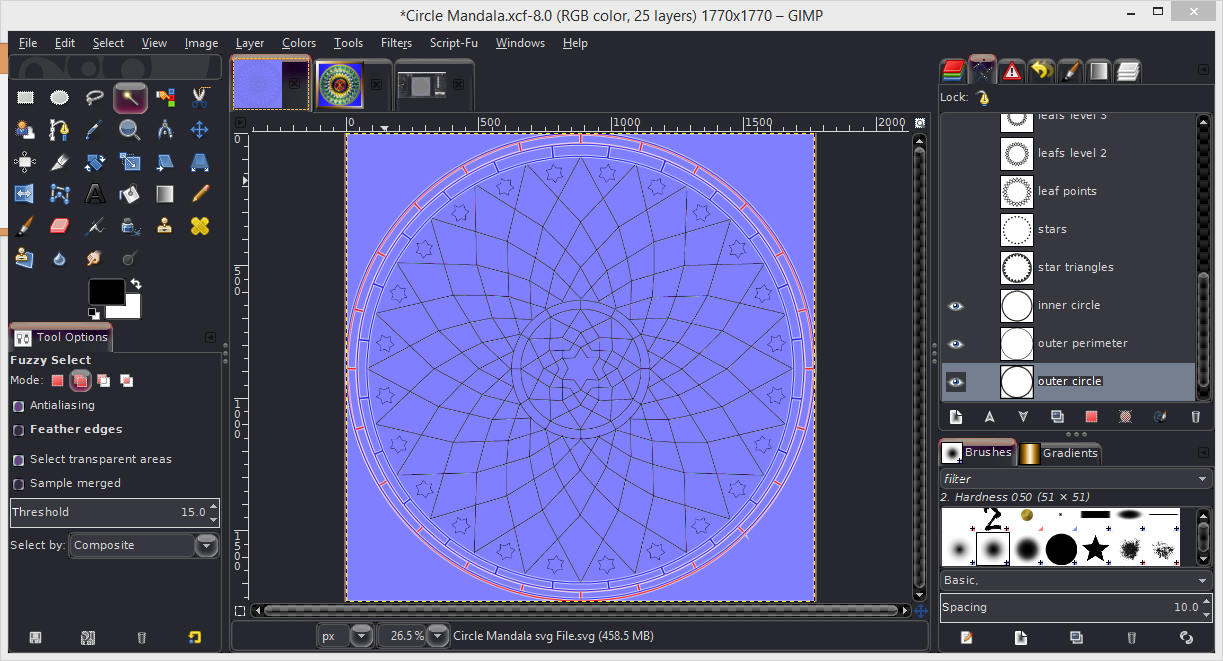
@Wallace - you are giving me too much credit for 'making so called changes' to the mandala. I have had a look at my xcf file but I got rid of all the extraneous levels and I even tried to recreate the diamonds but no! So whatever I did was unwitting. However they do match up with the lines on both the outer and inner perimeter circles with your original svg ... as shown below where I have overlayed my paths on your svg image.

Image

W have a saying about my favourite sport - "the glorious uncertainty of cricket", well now I can say "the glorious uncertainty of GIMP"!

_________________
Image

Respect should be offered freely but hard earned


Top
Post new topic Reply to topic  [ 139 posts ]  Go to page Previous  1, 2, 3, 4, 5, 6, 7  Next

All times are UTC - 5 hours [ DST ]


* Login  


Powered by phpBB3 © phpBB Group