It is currently Sun Sep 27, 2026 12:26 pm


All times are UTC - 5 hours [ DST ]


Post new topic Reply to topic  [ 28 posts ]  Go to page Previous  1, 2
Author Message
 Post subject: Re: Getting started
PostPosted: Mon Dec 01, 2014 10:31 am  (#21) 
Offline
GimpChat Member

Joined: Dec 01, 2014
Posts: 11
Attachment:
gimp.jpg
gimp.jpg [ 179.45 KiB | Viewed 1787 times ]


Well I couldn't see "device status" but I did find "new toolbox" (somewhere!) which opens up a set of icons on the left of the screen .Is that progress?

Edit: it looks like the icons on the left do control what is displayed on the right hand side......


Top
 Post subject: Re: Getting started
PostPosted: Mon Dec 01, 2014 10:43 am  (#22) 
Offline
GimpChat Member
User avatar

Joined: Nov 15, 2014
Posts: 161
geordief, you can customize Gimp by clicking on 'Edit' and go down to 'Preferences'. When you're done setting things how you want them you will have to close Gimp and then restart it.


Attachments:
Gimp.png
Gimp.png [ 152.3 KiB | Viewed 1785 times ]
Top
 Post subject: Re: Getting started
PostPosted: Mon Dec 01, 2014 10:48 am  (#23) 
Offline
GimpChat Member
User avatar

Joined: Apr 07, 2010
Posts: 14182
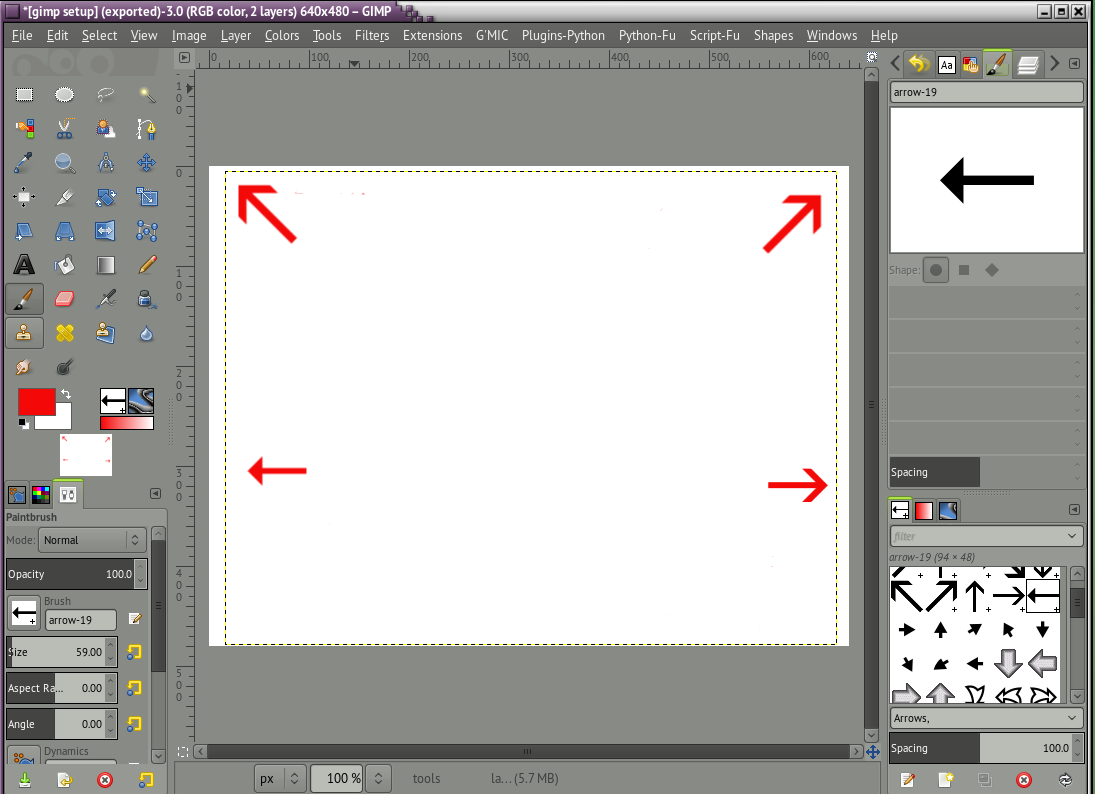
Yes, keep working on it until you get it close to this. Your tool options should be on the same side as your tools and over to the right your will have your layers, paths, and channels, add more if you like.
Image

_________________
Image


Top
 Post subject: Re: Getting started
PostPosted: Mon Dec 01, 2014 12:32 pm  (#24) 
Offline
GimpChat Member
User avatar

Joined: Nov 16, 2011
Posts: 5127
Location: Metro Vancouver, BC
Click on Edit > Preferences > Reset button.
Restart Gimp.

I also suggest upgrading to Gimp 2.8.14

_________________
Image
Gimp 2.8.18, Linux, median user
Gimp Chat Tutorials Index
Spirit Bear (Kermode)


Top
 Post subject: Re: Getting started
PostPosted: Mon Dec 01, 2014 12:58 pm  (#25) 
Offline
GimpChat Member

Joined: Mar 04, 2011
Posts: 2615
geordief wrote:
Attachment:
gimp.jpg


Well I couldn't see "device status" but I did find "new toolbox" (somewhere!) which opens up a set of icons on the left of the screen .Is that progress?

Edit: it looks like the icons on the left do control what is displayed on the right hand side......


The unusual arrangement is because of the position of the docks before switching to single window mode.
Go to Edit -> Preferences -> Window Management -> Reset Saved Window Positions...
Restart Gimp.
There should be 3 windows, Tools & options - The image window - Dialogs for layers, brushes etc.
Now Use Windows -> Single Window Mode, then resize to fit your display.

A couple of very short videos that I made for other people.

Getting the tool options back to that box which says You can drop dockable dialogs here http://www.youtube.com/watch?v=vqEUZvvhFKY&hd=1

Dialogs all jumbled up? Revert Gimp back to a default state
http://www.youtube.com/watch?v=i2sKkA3vqvw&hd=1


Top
 Post subject: Re: Getting started
PostPosted: Mon Dec 01, 2014 2:15 pm  (#26) 
Offline
Global Moderator
User avatar

Joined: May 16, 2010
Posts: 16175
If you DOUBLE CLICK any tool in the toolbox the tool options dialog window should pop up.
I also agree with Odin. You should update to the newest version.


Top
 Post subject: Re: Getting started
PostPosted: Tue Dec 02, 2014 5:04 am  (#27) 
Offline
GimpChat Member
User avatar

Joined: Nov 15, 2014
Posts: 875
rich2005,

Thanks for the advice - your two videos have got me a stable setup each time I open the gimp.

david.


Top
 Post subject: Re: Getting started
PostPosted: Tue Dec 02, 2014 5:43 am  (#28) 
Offline
Global Moderator
User avatar

Joined: Apr 01, 2012
Posts: 8472
Location: On the other side of your screen
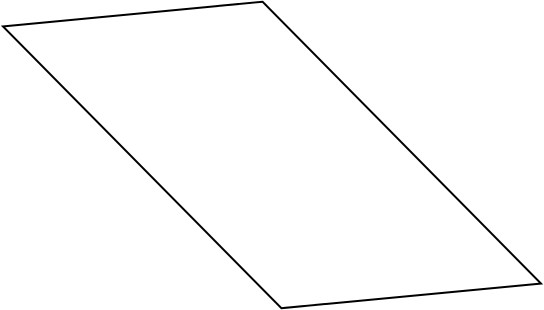
You can make your shapes in filters > Path > Path Shape Creator
Image
I only did this one quickly.
You may need to add a script to get it in your menu though.
viewtopic.php?f=9&t=10389&start=160

_________________
Image
Free Fun Photo Editing & resources
Poems from the Lord
Gimp Newby
Gimp version 3.2.4 and GMIC-Qt 4.0.2 OS :- Windows 10 Home 64


Top
Post new topic Reply to topic  [ 28 posts ]  Go to page Previous  1, 2

All times are UTC - 5 hours [ DST ]


* Login  


Powered by phpBB3 © phpBB Group