It is currently Thu Nov 19, 2026 12:13 am


All times are UTC - 5 hours [ DST ]


Post new topic Reply to topic  [ 26 posts ]  Go to page Previous  1, 2
Author Message
 Post subject: Re: Gimp Clock
PostPosted: Sat Jan 17, 2015 9:35 am  (#21) 
Offline
Script Coder
User avatar

Joined: Dec 27, 2014
Posts: 508
@Rod
I don't think there is such a thing as ".hpng" filetype .. this is just a peculiar naming convention adopted by clocx .. the file format is in fact just standard PNG.

The reference to Adobe ImageReady in the file you showed above is in an IHDR block .. a standard PNG information header which just contains a bit of info about the program that generated the PNG file, etc.

As far as I can make out, clocx is expecting PNG files for the hands, whether you call them ".png", ".hpng" or ".foo" is up to you .. specify the names in the .ini file.


Top
 Post subject: Re: Gimp Clock
PostPosted: Sat Jan 17, 2015 12:16 pm  (#22) 
Offline
Global Moderator
User avatar

Joined: May 16, 2010
Posts: 16277
jontait2 wrote:
specify the names in the .ini file.

I did this exact thing at the start, and they still didn't work. :)

_________________
Image


Top
 Post subject: Re: Gimp Clock
PostPosted: Sat Jan 17, 2015 12:23 pm  (#23) 
Offline
Administrator
User avatar

Joined: Aug 10, 2012
Posts: 14278
Location: Native to NYC living in Arizona, Gimp 2.8 - 3.0, Win 11 PC.
molly wrote:
sexy looking clock Wallace. nice job

Thanks Molly.
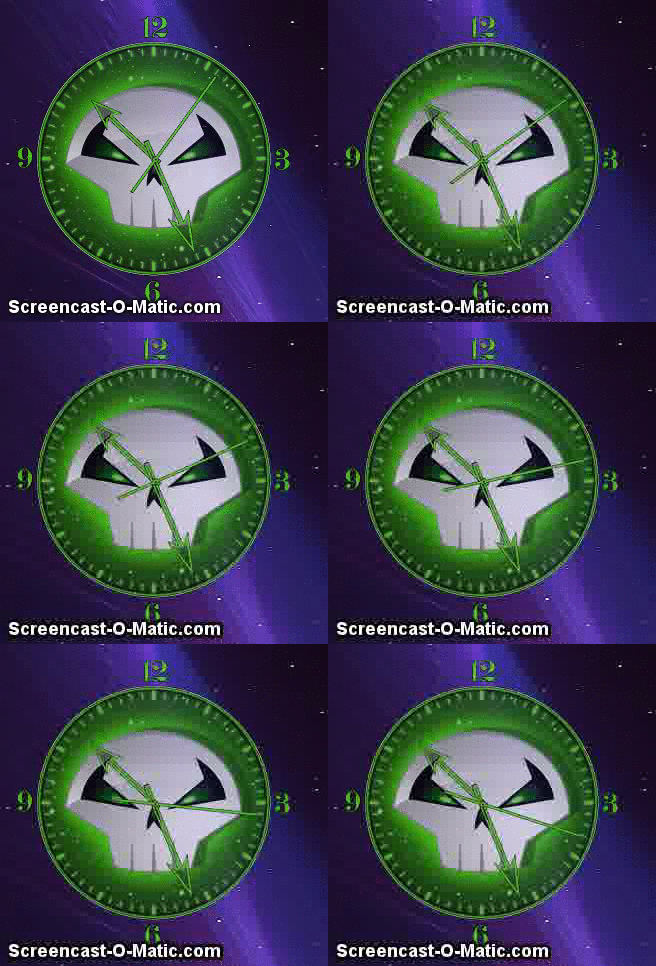
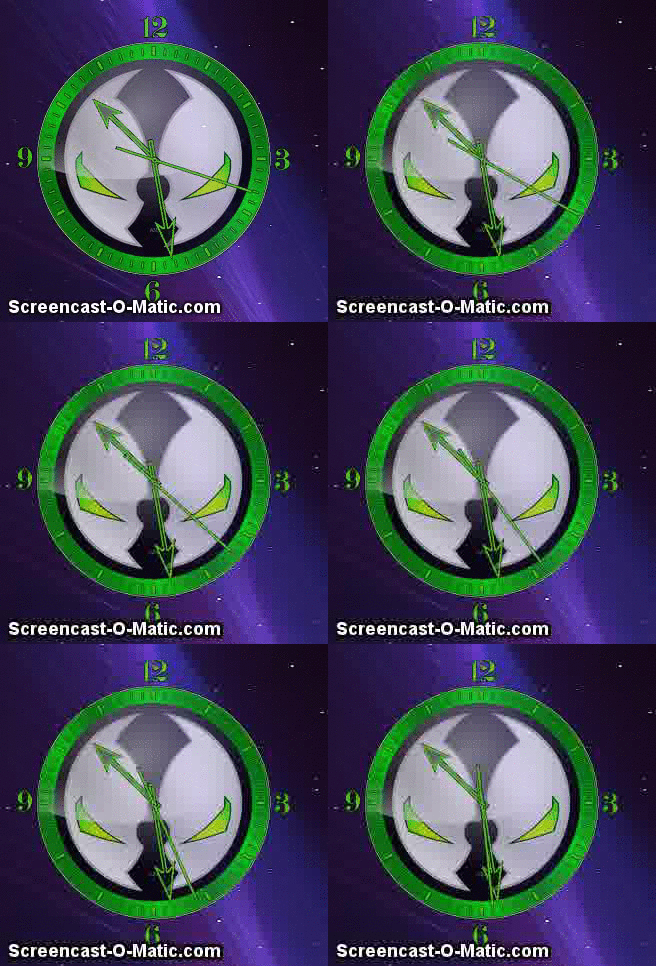
BTW here are screenshots of both clocks.
ImageImage
Rod wrote:
jontait2 wrote:
specify the names in the .ini file.

I did this exact thing at the start, and they still didn't work. :)

It works for me and my ClocX, always has too. :puzzled
Do my Spawn ClocX Clocks work for you Rod?

_________________
Image
"A wise man learns more from a foolish question than a fool can learn from a wise answer"
Image


Top
 Post subject: Re: Gimp Clock
PostPosted: Sat Jan 17, 2015 4:38 pm  (#24) 
Offline
Script Coder
User avatar

Joined: Dec 27, 2014
Posts: 508
@Rod
I've split conbagui's original .xcf into separate images for the clockface, hour hand and minute hand, all scaled down by factor of 2 (so you can get a sensible size clock on your desktop), and modified the default .ini to suit:

Attachment:
GimpClockByConbagui_1.zip [164.37 KiB]
Downloaded 123 times

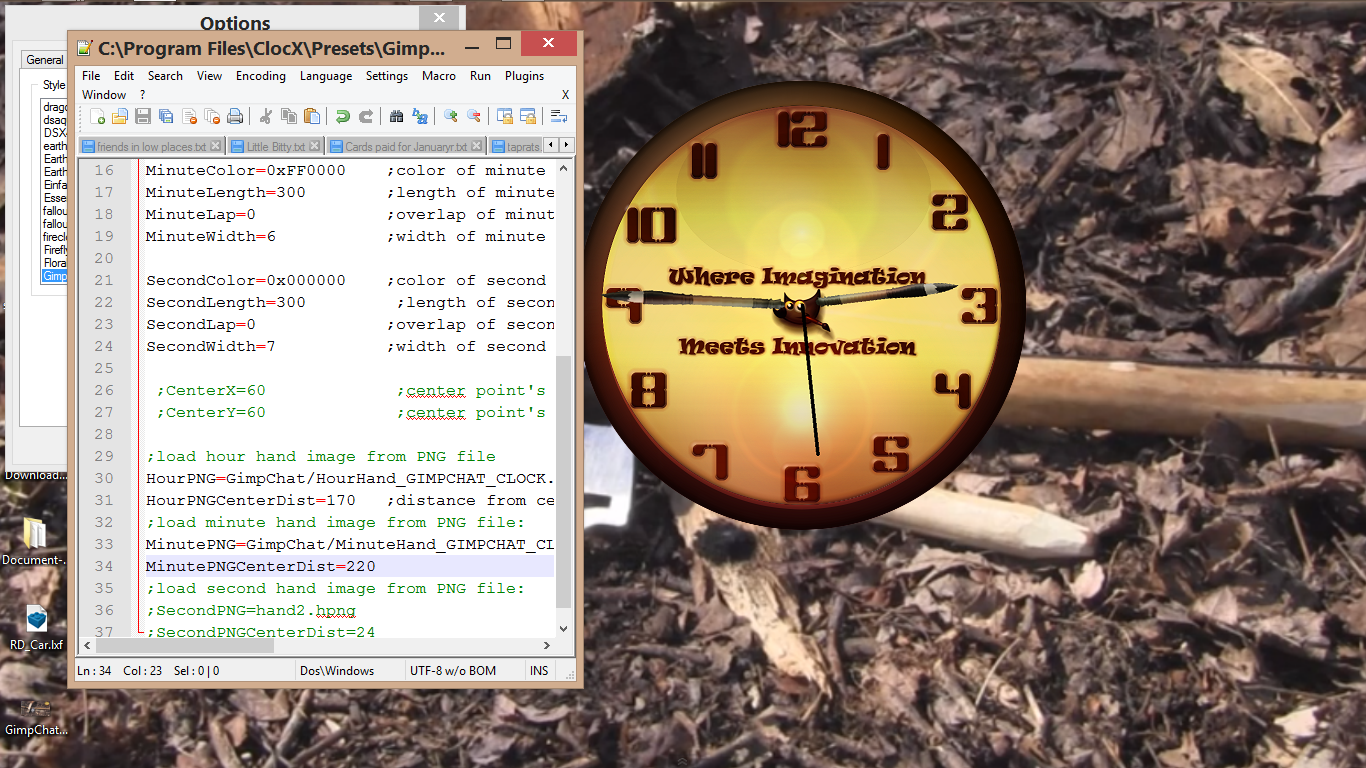
It does work, but the hands cover much of Wilber's face:

Image

You can either shorten the hands or move Wilber somewhere else (eg. up to the top of the clockface) - I'll leave that decision to the artist!

PS. When you've finished tinkering, the hand PNGs should be put into a subfolder (in the presets folder) so that they don't appear in the clocx "Options" dialogue "Style" selectbox.


Top
 Post subject: Re: Gimp Clock
PostPosted: Sun Jan 18, 2015 2:40 am  (#25) 
Offline
Global Moderator
User avatar

Joined: May 16, 2010
Posts: 16277
See my original post for the new version. :)
viewtopic.php?f=11&t=11820&p=159879#p159879

_________________
Image


Top
 Post subject: Re: Gimp Clock
PostPosted: Sun Jan 18, 2015 2:47 am  (#26) 
Offline
Global Moderator
User avatar

Joined: May 16, 2010
Posts: 16277
Change the ini file to read as such. That pretty well shows Wilbers face again. :)

Image

_________________
Image


Top
Post new topic Reply to topic  [ 26 posts ]  Go to page Previous  1, 2

All times are UTC - 5 hours [ DST ]


* Login  


Powered by phpBB3 © phpBB Group