It is currently Sat Nov 14, 2026 6:03 am


All times are UTC - 5 hours [ DST ]


Post new topic Reply to topic  [ 24 posts ]  Go to page 1, 2  Next
Author Message
 Post subject: Copying texture Into Text
PostPosted: Tue Mar 22, 2011 3:42 pm  (#1) 
Offline
GimpChat Member
User avatar

Joined: Mar 02, 2011
Posts: 1850
Location: Michigan
Okay I want to take this image here
Attachment:
002StainedGlass.png
002StainedGlass.png [ 175.82 KiB | Viewed 3688 times ]


And take the Smaller Crystal like textures out of the middle, and place Text that looks like that in the place.

And ideas as to how to do this?

_________________
Image
I'm back I think


Share on Facebook Share on Twitter Share on Orkut Share on Digg Share on MySpace Share on Delicious Share on Technorati
Top
 Post subject: Re: Copying texture Into Text
PostPosted: Tue Mar 22, 2011 4:56 pm  (#2) 
Offline
GimpChat Member

Joined: Aug 27, 2010
Posts: 491
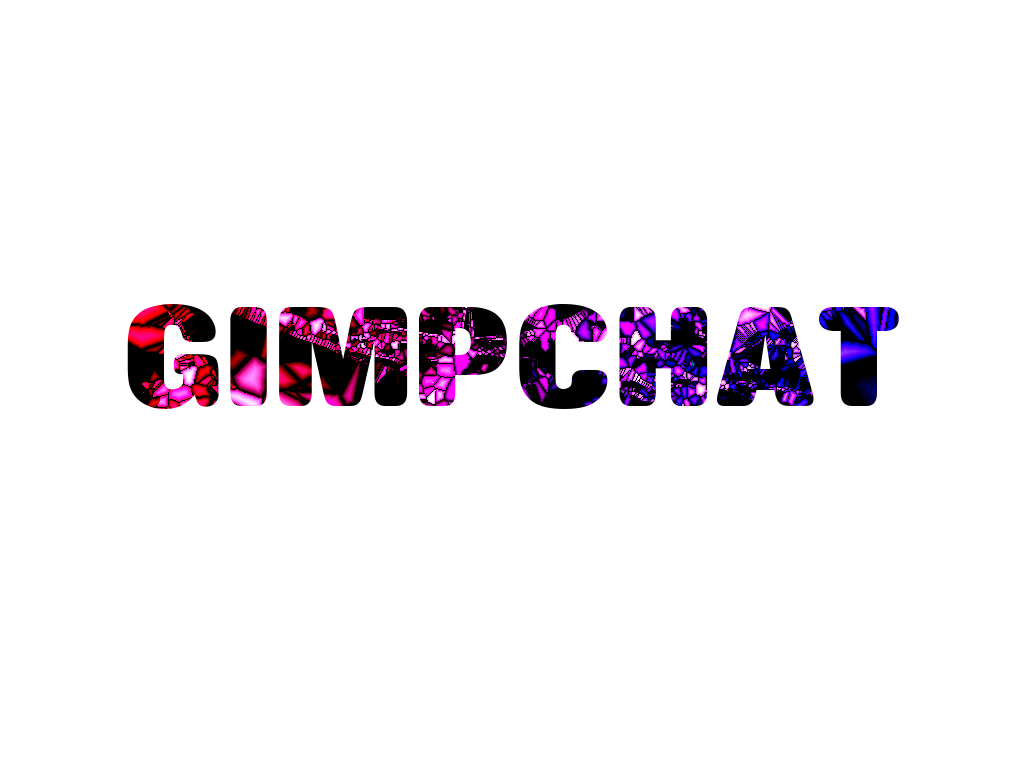
Like this?

Image


Top
 Post subject: Re: Copying texture Into Text
PostPosted: Tue Mar 22, 2011 5:00 pm  (#3) 
Offline
GimpChat Member
User avatar

Joined: Mar 02, 2011
Posts: 1850
Location: Michigan
I had that, but that wasn't what I was looking for, I was looking for those Crystals in the shape of the text,

So that instead of having the text clearly defined, the Crystals would be the text, so that they would look like the text...

Sorry I really can't explain this any better, I'll see if I can make something that looks somewhat right,
Willy

_________________
Image
I'm back I think


Top
 Post subject: Re: Copying texture Into Text
PostPosted: Tue Mar 22, 2011 5:05 pm  (#4) 
Offline
GimpChat Member
User avatar

Joined: Mar 02, 2011
Posts: 1850
Location: Michigan
This is the best I could do...

Take the Crystals that are in like Strings and shape those to look like Willy... is that any clearer?


Attachments:
W.png
W.png [ 87.59 KiB | Viewed 3660 times ]

_________________
Image
I'm back I think
Top
 Post subject: Re: Copying texture Into Text
PostPosted: Tue Mar 22, 2011 5:39 pm  (#5) 
Offline
GimpChat Member
User avatar

Joined: Oct 06, 2010
Posts: 4050
I think running a voronoi on text would result in a more stained glass look than using the G'MIC filter.

But remember what I suggested about adding noise or disturbance to your image before using the filter in G'MIC? Well, I ran a similar text layer in G'MIC and got this result. Then added this to the image you provided as your background:
Image

I didn't like the result because the smaller your text, the harder it is to get good tiling. So now I am going to test the voronoi method, which I believe will look a lot better.

_________________
"In order to attain the impossible, one must attempt the absurd."
~ Miguel de Cervantes


Top
 Post subject: Re: Copying texture Into Text
PostPosted: Tue Mar 22, 2011 5:40 pm  (#6) 
Offline
GimpChat Member
User avatar

Joined: Mar 02, 2011
Posts: 1850
Location: Michigan
This is not for the stained glass effect like that, although I am interested in Voronoi, this is trying to take those parts and turn them into a font or something. I know what I want, just don't know how to explain it :(

_________________
Image
I'm back I think


Top
 Post subject: Re: Copying texture Into Text
PostPosted: Tue Mar 22, 2011 8:12 pm  (#7) 
Offline
GimpChat Member
User avatar

Joined: Oct 06, 2010
Posts: 4050
If you're wanting what I think you're wanting, you'll either have to lay out selection points in the form of text using the Free Select tool, or using the Path tool. Or using a quick mask.

Probably be easiest to start with a text that resembles the tiling the closest (jagged edge type text) use that as an overlay and then move your path points to parallel the edges. Other than that, I have no idea what else to suggest.

HTH

_________________
"In order to attain the impossible, one must attempt the absurd."
~ Miguel de Cervantes


Top
 Post subject: Re: Copying texture Into Text
PostPosted: Tue Mar 22, 2011 8:16 pm  (#8) 
Offline
GimpChat Member
User avatar

Joined: Mar 02, 2011
Posts: 1850
Location: Michigan
HTH?

And is there any way you could throw to together something either a bit more explanitory, or just make something that could be low quality just as a proof of concept?

_________________
Image
I'm back I think


Top
 Post subject: Re: Copying texture Into Text
PostPosted: Tue Mar 22, 2011 8:24 pm  (#9) 
Offline
GimpChat Member
User avatar

Joined: Oct 06, 2010
Posts: 4050
Hope this helps = HTH

I started to make an example, it's just too time consuming. But to explain in simpler terms, you basically use the Free select tool and draw out your name W - I - L - L - Y in block selections but use the edges (black lines) of the background image (the stained glass picture) as your guide.

_________________
"In order to attain the impossible, one must attempt the absurd."
~ Miguel de Cervantes


Top
 Post subject: Re: Copying texture Into Text
PostPosted: Tue Mar 22, 2011 8:27 pm  (#10) 
Offline
GimpChat Member
User avatar

Joined: Mar 02, 2011
Posts: 1850
Location: Michigan
I understand what you mean, and I'll look at it in the morning, I just got another idea, I would select the longest String or Crystals and make it a brush, and do some rotating and then Bending to get the right Shapes :D

_________________
Image
I'm back I think


Top
 Post subject: Re: Copying texture Into Text
PostPosted: Tue Mar 22, 2011 11:30 pm  (#11) 
Offline
Global Moderator
User avatar

Joined: May 16, 2010
Posts: 16267
That is exactly what i would suggest.Create some texture brushes that give you this effect.
Brushes can really add simplicity to your life. :lol
I am almost sure you could probably find brushes that mimic Chrystal textures.
One of my favorite brush sites - http://www.brusheezy.com/Brushes

Looking forward to seeing the results either way. :)

_________________
Image


Top
 Post subject: Re: Copying texture Into Text
PostPosted: Wed Mar 23, 2011 8:54 am  (#12) 
Offline
GimpChat Member

Joined: Aug 27, 2010
Posts: 491
I found one way of doing it, if I understand what you are wanting to do. This isn't a great example but I rushed it:

Image

If this is anything like what you are wanting to do it can be done by creating the stained glass with the cel size you want and then using the magic wand to select the cels to make the letters.


Top
 Post subject: Re: Copying texture Into Text
PostPosted: Wed Mar 23, 2011 1:54 pm  (#13) 
Offline
GimpChat Member
User avatar

Joined: Oct 06, 2010
Posts: 4050
Yep, Mike, that's why I recommended using Voronoi, because it will create those tiles for you rather simply, you can even use fonts to create them. Good example! :)

_________________
"In order to attain the impossible, one must attempt the absurd."
~ Miguel de Cervantes


Top
 Post subject: Re: Copying texture Into Text
PostPosted: Wed Mar 23, 2011 2:48 pm  (#14) 
Offline
GimpChat Member
User avatar

Joined: Mar 02, 2011
Posts: 1850
Location: Michigan
Thanks Mike, and I think I have an idea, using Voronoi is there a way to have the crystals layered?

_________________
Image
I'm back I think


Top
 Post subject: Re: Copying texture Into Text
PostPosted: Wed Mar 23, 2011 3:18 pm  (#15) 
Offline
GimpChat Member
User avatar

Joined: Oct 06, 2010
Posts: 4050
Just create a new layer, the voronoi are paths, so can be used on any layer.

Just in case you aren't aware, this is what I am talking about:

http://registry.gimp.org/node/20041

Save your text as a path, then right click the text path (in Path dialog) and select voronoi.

_________________
"In order to attain the impossible, one must attempt the absurd."
~ Miguel de Cervantes


Top
 Post subject: Re: Copying texture Into Text
PostPosted: Wed Mar 23, 2011 3:21 pm  (#16) 
Offline
GimpChat Member
User avatar

Joined: Mar 02, 2011
Posts: 1850
Location: Michigan
Unix file type gonna work in Vista?
And where do I put this?

_________________
Image
I'm back I think


Top
 Post subject: Re: Copying texture Into Text
PostPosted: Wed Mar 23, 2011 3:25 pm  (#17) 
Offline
GimpChat Member
User avatar

Joined: Oct 06, 2010
Posts: 4050
put the exe file in users/username/.gimp-2.6/plug-ins

_________________
"In order to attain the impossible, one must attempt the absurd."
~ Miguel de Cervantes


Top
 Post subject: Re: Copying texture Into Text
PostPosted: Wed Mar 23, 2011 3:28 pm  (#18) 
Offline
GimpChat Member
User avatar

Joined: Mar 02, 2011
Posts: 1850
Location: Michigan
Thanks, gonna mess around and probably make a signature with this.

_________________
Image
I'm back I think


Top
 Post subject: Re: Copying texture Into Text
PostPosted: Wed Mar 23, 2011 3:31 pm  (#19) 
Offline
GimpChat Member
User avatar

Joined: Oct 06, 2010
Posts: 4050
There's more to it than using it for font paths. You can even place path "points" all over an image by holding the shift key down as you drop path points, then run Voronoi on that. The voronoi is more original then.

_________________
"In order to attain the impossible, one must attempt the absurd."
~ Miguel de Cervantes


Top
 Post subject: Re: Copying texture Into Text
PostPosted: Wed Mar 23, 2011 4:41 pm  (#20) 
Offline
GimpChat Member
User avatar

Joined: Oct 06, 2010
Posts: 4050
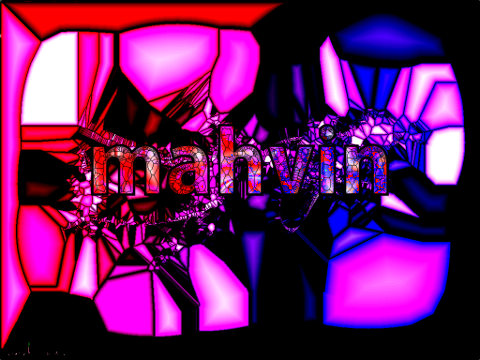
Me just goofing around with voronoi paths:

Image

_________________
"In order to attain the impossible, one must attempt the absurd."
~ Miguel de Cervantes


Top
Post new topic Reply to topic  [ 24 posts ]  Go to page 1, 2  Next

All times are UTC - 5 hours [ DST ]


* Login  


Powered by phpBB3 © phpBB Group