It is currently Wed Nov 25, 2026 2:51 pm


All times are UTC - 5 hours [ DST ]


Post new topic Reply to topic  [ 37 posts ]  Go to page Previous  1, 2
Author Message
 Post subject: Re: sharing outcomes - landscapes
PostPosted: Fri Jan 16, 2015 10:47 am  (#21) 
Offline
GimpChat Member

Joined: Jan 25, 2014
Posts: 78
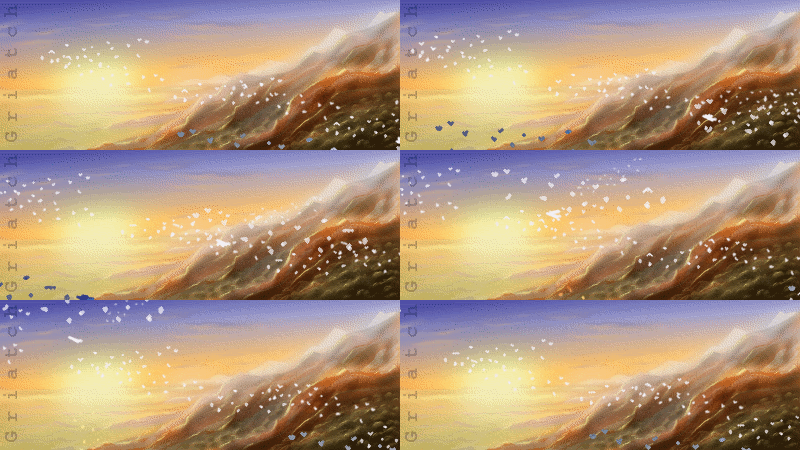
I really like them and will grab them to my album. Thank you dinasset!

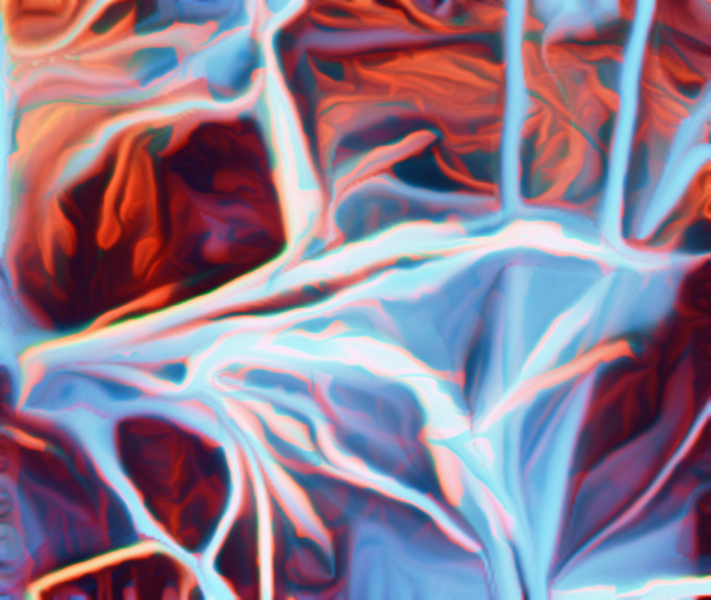
By a coincidence I have made one of the same picture :)

Image


Top
 Post subject: Re: sharing outcomes - landscapes
PostPosted: Fri Jan 16, 2015 10:56 am  (#22) 
Offline
GimpChat Member
User avatar

Joined: Jan 20, 2013
Posts: 14835
Location: roma, italy
thanks
your is "abstract art" inspired by the nature which surrounds you! nice...

_________________
"Where am I ?"


Top
 Post subject: Re: sharing outcomes - landscapes
PostPosted: Fri Jan 16, 2015 11:42 am  (#23) 
Offline
GimpChat Member
User avatar

Joined: Nov 16, 2011
Posts: 5127
Location: Metro Vancouver, BC
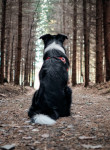
This reminds me of my youth.
Image

Image

_________________
Image
Gimp 2.8.18, Linux, median user
Gimp Chat Tutorials Index
Spirit Bear (Kermode)


Top
 Post subject: Re: sharing outcomes - landscapes
PostPosted: Fri Jan 16, 2015 12:48 pm  (#24) 
Offline
GimpChat Member
User avatar

Joined: Jan 20, 2013
Posts: 14835
Location: roma, italy
Thanks Odin!

From my side, still playing with painting look:
original
Attachment:
1979_Dia_194.jpg
1979_Dia_194.jpg [ 496.11 KiB | Viewed 3770 times ]

aquarel look
Attachment:
1979_Dia_194_Aquarel.jpg
1979_Dia_194_Aquarel.jpg [ 843.21 KiB | Viewed 3770 times ]

_________________
"Where am I ?"


Top
 Post subject: Re: sharing outcomes - landscapes
PostPosted: Fri May 01, 2015 5:29 am  (#25) 
Offline
GimpChat Member
User avatar

Joined: Mar 01, 2014
Posts: 14263
Location: Spain, Aragón
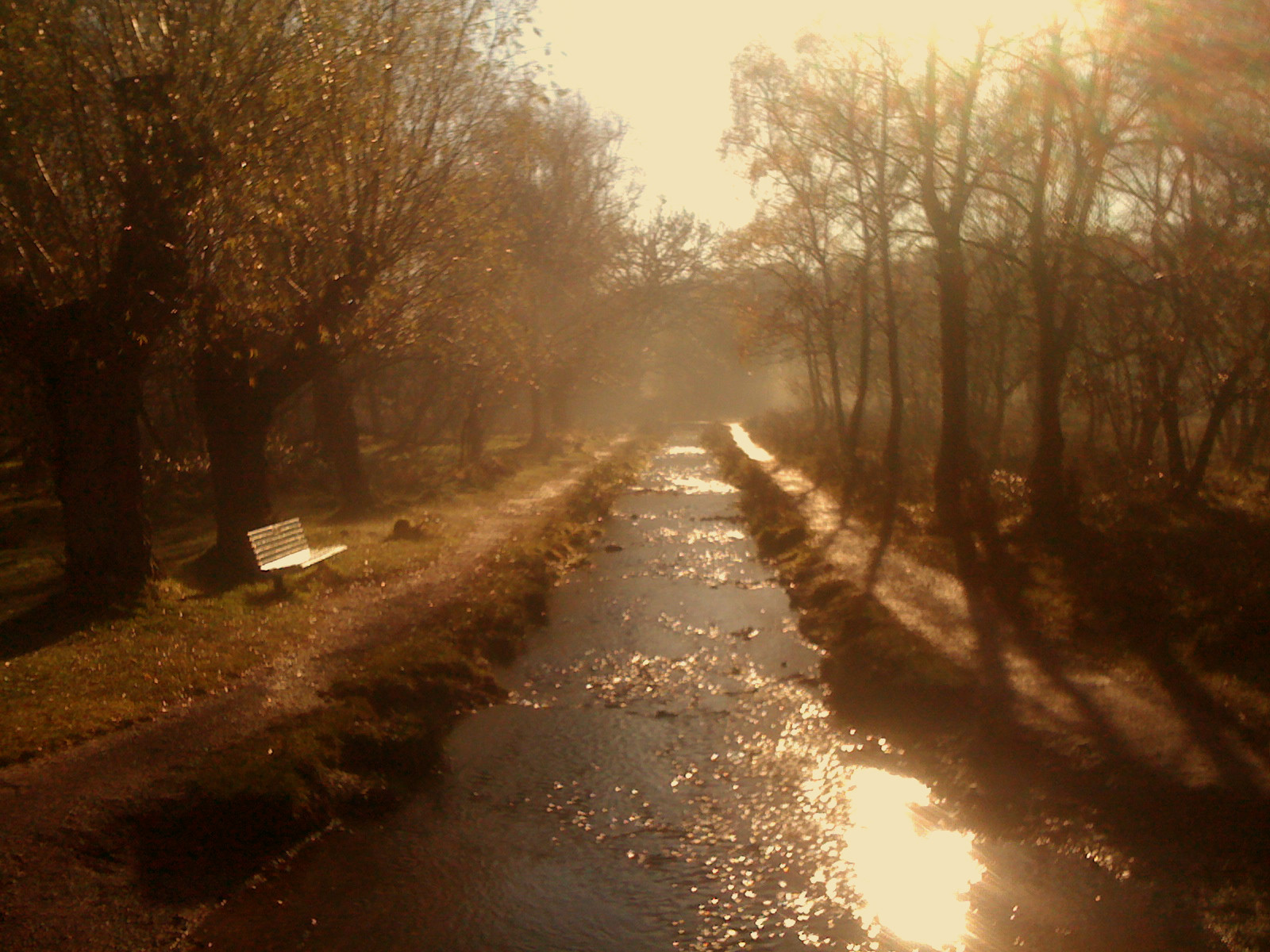
I have this photo taken on the English Countryside. As you can see it was foggy at the moment. I've tried to improve it. I did a try.
New tries are welcome. Thank you. :) :tyspin


Attachments:
IMG_0646-fogonthecountryside.JPG
IMG_0646-fogonthecountryside.JPG [ 520.97 KiB | Viewed 3660 times ]
IMG_0646-fogonthecountryside-enhancement.JPG
IMG_0646-fogonthecountryside-enhancement.JPG [ 530.54 KiB | Viewed 3660 times ]

_________________
Image

Gimp 2.10.36 (samj) portable _ OS Windows 10 Home_ 64bits
Don’t be afraid to start over. It’s a new chance to rebuild what you want.
Top
 Post subject: Re: sharing outcomes - landscapes
PostPosted: Fri May 01, 2015 5:49 am  (#26) 
Offline
GimpChat Member
User avatar

Joined: Apr 27, 2010
Posts: 1510
Location: Sweden
@issabella:

To be honest I think the first image you took, fog and all, is very atmospheric and interesting already as it is. :)
.
Griatch

_________________


Top
 Post subject: Re: sharing outcomes - landscapes
PostPosted: Fri May 01, 2015 6:00 am  (#27) 
Offline
GimpChat Member
User avatar

Joined: Mar 01, 2014
Posts: 14263
Location: Spain, Aragón
Thank you Griatch. It's my lack of experience and willingness to learn to enhance photos. :) :tyspin

_________________
Image

Gimp 2.10.36 (samj) portable _ OS Windows 10 Home_ 64bits
Don’t be afraid to start over. It’s a new chance to rebuild what you want.


Top
 Post subject: Re: sharing outcomes - landscapes
PostPosted: Fri May 01, 2015 6:06 am  (#28) 
Offline
Global Moderator
User avatar

Joined: Apr 01, 2012
Posts: 8511
Location: On the other side of your screen
You did good. I am not sure you will get rid of the fog altogether though.
I have tried, won't post mine. I might try again later.

_________________
Image
Free Fun Photo Editing & resources
Poems from the Lord
Gimp Newby
Gimp version 3.2.8 and GMIC-Qt 4.0.2 OS :- Windows 10 Home 64


Top
 Post subject: Re: sharing outcomes - landscapes
PostPosted: Fri May 01, 2015 6:11 am  (#29) 
Offline
GimpChat Member
User avatar

Joined: Mar 01, 2014
Posts: 14263
Location: Spain, Aragón
Thanks Sally. My idea was to get lower fog, not so thick and give it a bit of colour to the whole pic. :) :tyspin

_________________
Image

Gimp 2.10.36 (samj) portable _ OS Windows 10 Home_ 64bits
Don’t be afraid to start over. It’s a new chance to rebuild what you want.


Top
 Post subject: Re: sharing outcomes - landscapes
PostPosted: Fri May 01, 2015 6:57 am  (#30) 
Offline
Script Coder
User avatar

Joined: Dec 27, 2014
Posts: 508
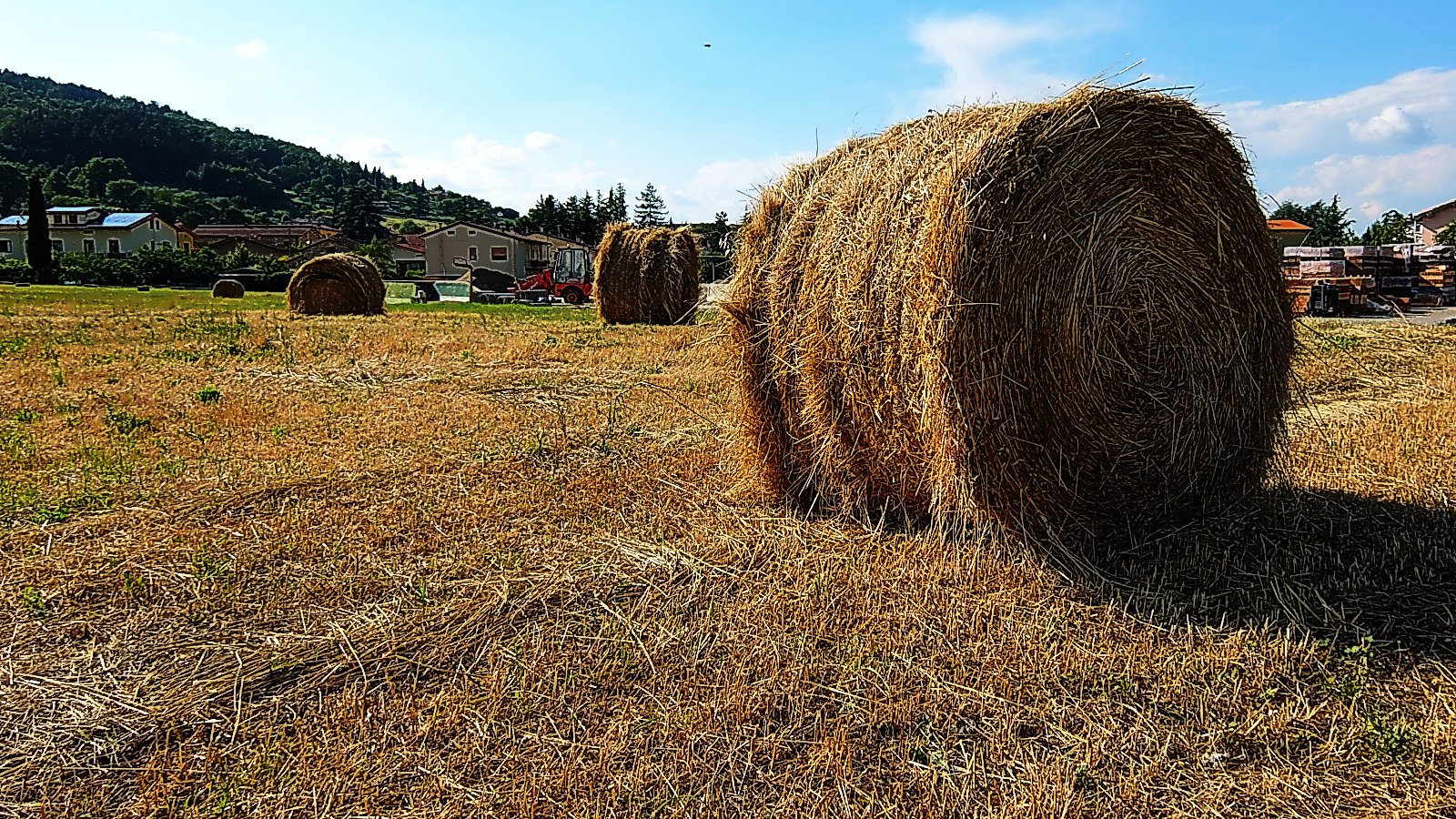
You could try Color Grading:
Image


Top
 Post subject: Re: sharing outcomes - landscapes
PostPosted: Fri May 01, 2015 7:07 am  (#31) 
Offline
GimpChat Member
User avatar

Joined: Nov 16, 2011
Posts: 5127
Location: Metro Vancouver, BC
Nice job with the color Issabella. The most interesting part on both versions are the shadows.

_________________
Image
Gimp 2.8.18, Linux, median user
Gimp Chat Tutorials Index
Spirit Bear (Kermode)


Top
 Post subject: Re: sharing outcomes - landscapes
PostPosted: Fri May 01, 2015 7:10 am  (#32) 
Offline
Script Coder
User avatar

Joined: Dec 27, 2014
Posts: 508
Or, better, Issabella, try blending your existing enhancement with a Color-Graded copy
This is a 50:50 blend of your enhancement with my Color Graded (sunny1)
Image


Top
 Post subject: Re: sharing outcomes - landscapes
PostPosted: Fri May 01, 2015 7:54 am  (#33) 
Offline
Script Coder
User avatar

Joined: Jun 22, 2010
Posts: 1171
Location: Here and there
I can get a certain amount of contrast into the misty middle part without loosing too much of the shadow detail in the foreground:
Attachment:
IMG_0646-fogonthecountryside_sml.jpg
IMG_0646-fogonthecountryside_sml.jpg [ 318.38 KiB | Viewed 3691 times ]

Done by duplicating the layer, using the curves to make the duplicate more contrasty, then adding a layer mask with a radial gradient:
Attachment:
Untitled.png
Untitled.png [ 1 MiB | Viewed 3691 times ]


Kevin


Top
 Post subject: Re: sharing outcomes - landscapes
PostPosted: Fri May 01, 2015 7:59 am  (#34) 
Offline
GimpChat Member
User avatar

Joined: Mar 01, 2014
Posts: 14263
Location: Spain, Aragón
Thank you Odin for your advice. I'll remember it. :)
Jontait2, Your advice is great. I like your outcome blending the two pics. Nice! :)
PayneKj, thank you so much. I appreciate your help and I thank you for sharing your methods. I have to learn so much. :tyspin :)

_________________
Image

Gimp 2.10.36 (samj) portable _ OS Windows 10 Home_ 64bits
Don’t be afraid to start over. It’s a new chance to rebuild what you want.


Top
 Post subject: Re: sharing outcomes - landscapes
PostPosted: Fri May 01, 2015 8:06 am  (#35) 
Offline
Script Coder
User avatar

Joined: Dec 27, 2014
Posts: 508
@Issabella
Just as a matter of interest, how did you do your enhancement?


Top
 Post subject: Re: sharing outcomes - landscapes
PostPosted: Fri May 01, 2015 8:24 am  (#36) 
Offline
GimpChat Member
User avatar

Joined: Mar 01, 2014
Posts: 14263
Location: Spain, Aragón
Firstly, I worked it in Gimp trying to correct bright and contrast. Something too in colour balance. Finally I went to G'MIC - colours - mixer (lab) :)
Excuse me, but I am learning and give unsure steps.

_________________
Image

Gimp 2.10.36 (samj) portable _ OS Windows 10 Home_ 64bits
Don’t be afraid to start over. It’s a new chance to rebuild what you want.


Top
 Post subject: Re: sharing outcomes - landscapes
PostPosted: Fri May 01, 2015 10:02 am  (#37) 
Offline
GimpChat Member
User avatar

Joined: Jan 20, 2013
Posts: 14835
Location: roma, italy
Very interesting revival of this topic!
A lot to learn, I should experiment with some of the indications provided here.
The original photo was too nice, Issabella, to take it as a base for enhancements, it's risky! ...hehehe
anyhow, your result is good (and better with some merge...)

_________________
"Where am I ?"


Top
Post new topic Reply to topic  [ 37 posts ]  Go to page Previous  1, 2

All times are UTC - 5 hours [ DST ]


* Login  


Powered by phpBB3 © phpBB Group