It is currently Thu Oct 29, 2026 3:47 am


All times are UTC - 5 hours [ DST ]


Post new topic Reply to topic  [ 64 posts ]  Go to page Previous  1, 2, 3, 4  Next
Author Message
 Post subject: Re: Very Basic Tutorial For Layer Masks
PostPosted: Tue Aug 26, 2014 3:50 pm  (#21) 
Offline
GimpChat Member
User avatar

Joined: Nov 15, 2012
Posts: 949
Location: Mesa, AZ
Wallace wrote:
Mike wrote:
Excellent result ...

[ Image ]


Very nice tut Molly.

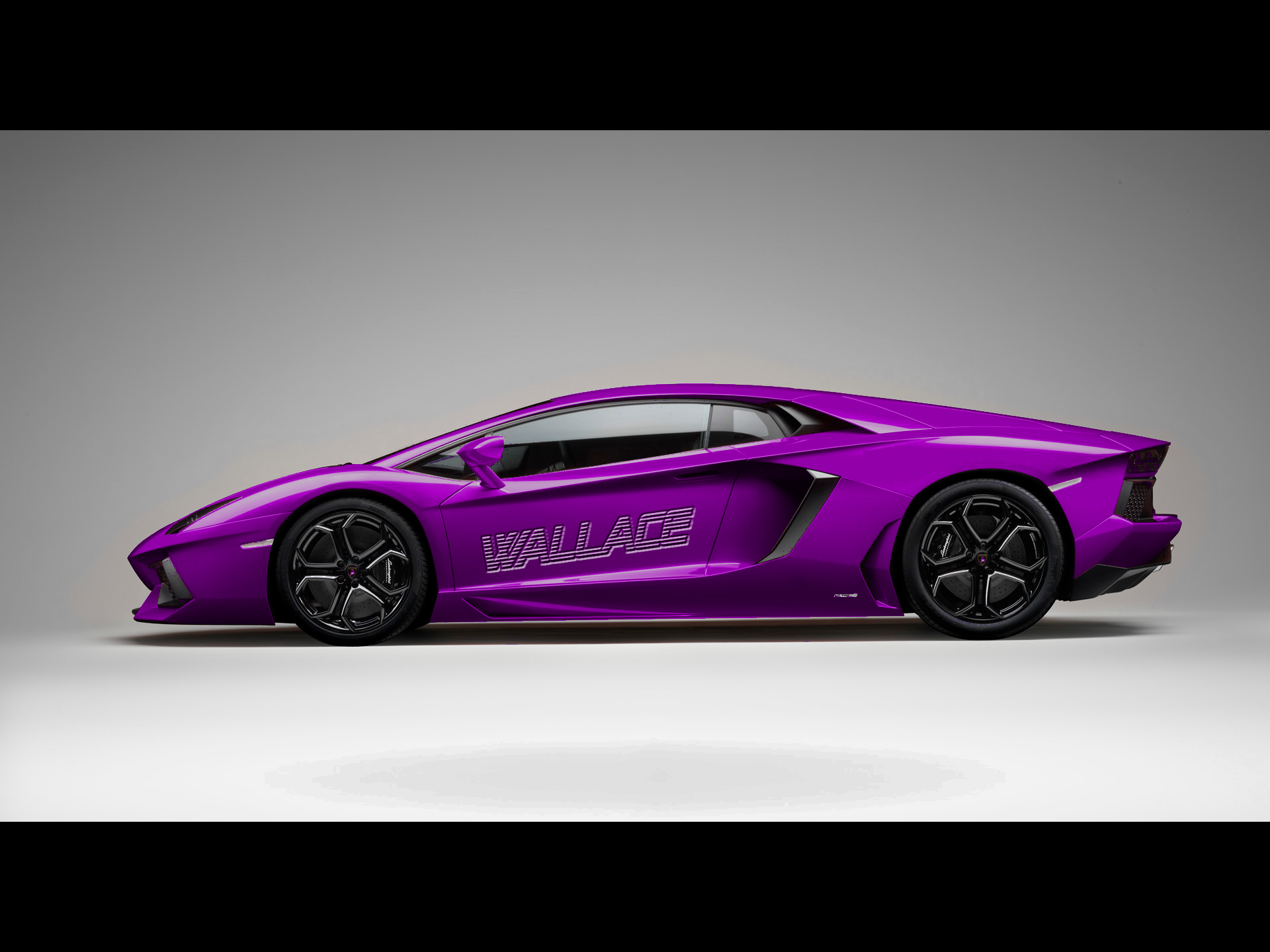
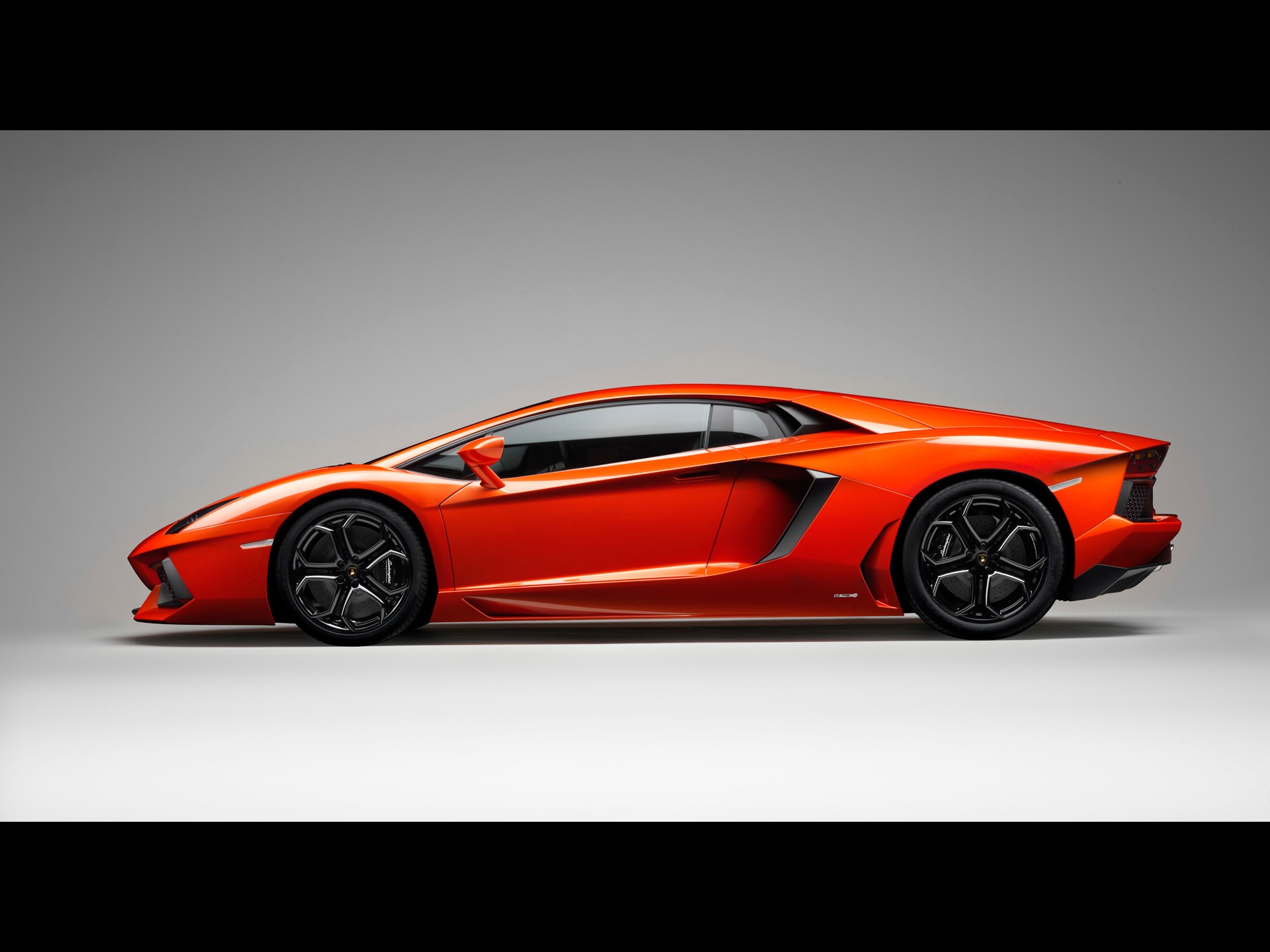
Love that automobile Mike, but would love to see it in my favorite color. ;) ;)


Image

_________________
Image

I now have a Tumblr, check it out!


Top
 Post subject: Re: Very Basic Tutorial For Layer Masks
PostPosted: Tue Aug 26, 2014 5:15 pm  (#22) 
Offline
Administrator
User avatar

Joined: Aug 10, 2012
Posts: 14250
Location: Native to NYC living in Arizona, Gimp 2.8 - 3.0, Win 11 PC.
ek22 wrote:
Wallace wrote:
Mike wrote:
Excellent result ...

[ Image ]


Very nice tut Molly.

Love that automobile Mike, but would love to see it in my favorite color. ;) ;)


Image

Thanks EK22!
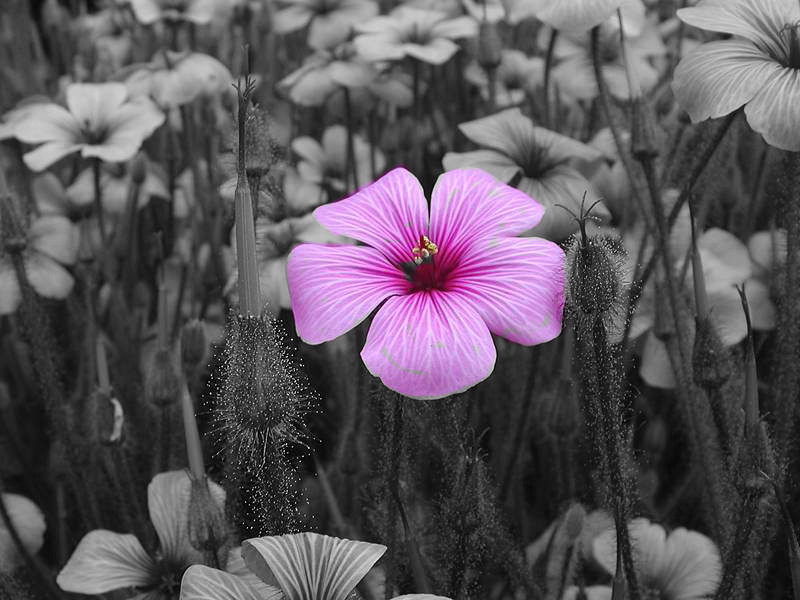
:jumpclap I made one too. And of course I use a layer mask to help me do it. ;)
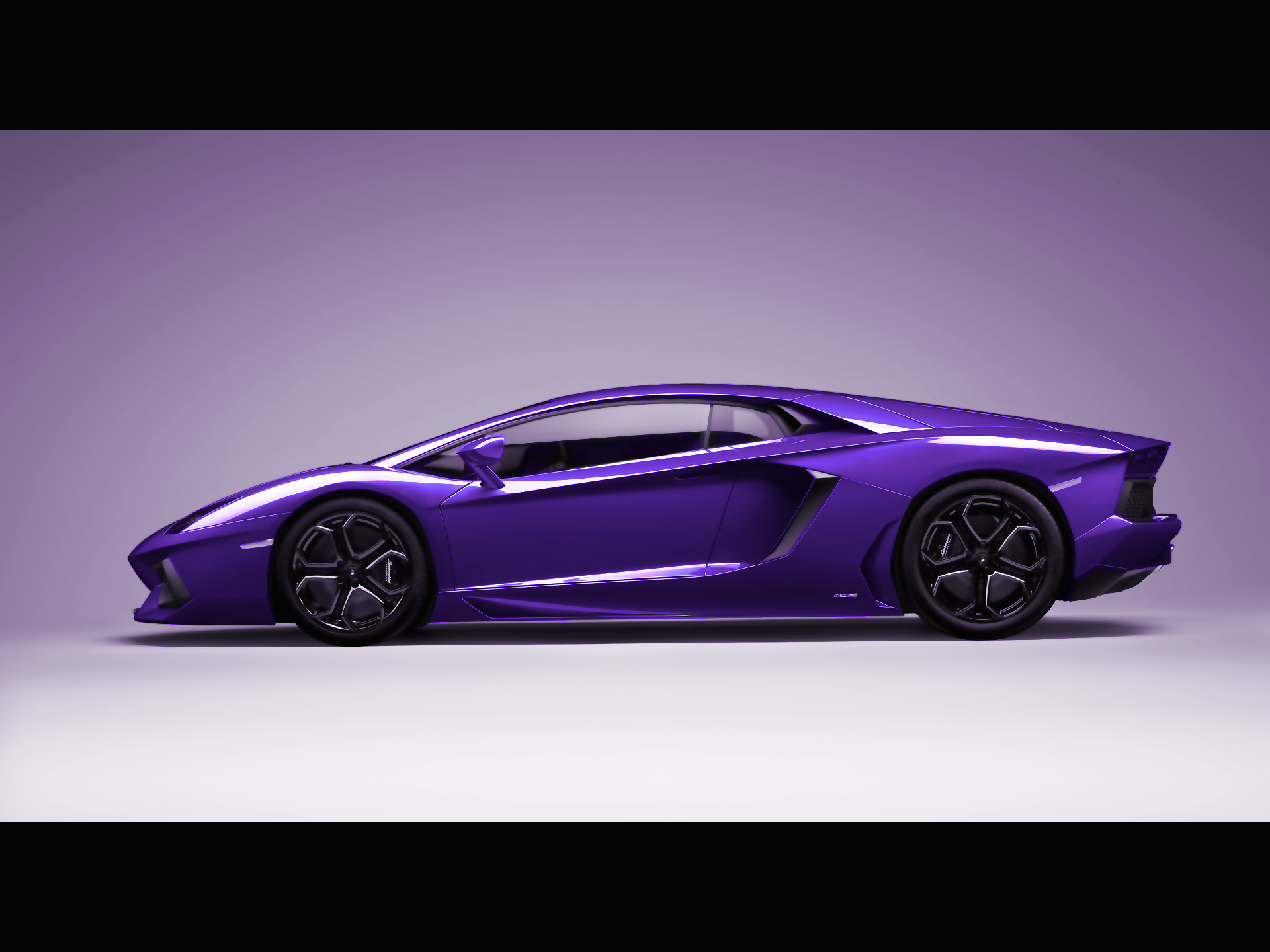
Image

_________________
Image
"A wise man learns more from a foolish question than a fool can learn from a wise answer"
Image


Top
 Post subject: Re: Very Basic Tutorial For Layer Masks
PostPosted: Tue Aug 26, 2014 5:59 pm  (#23) 
Offline
GimpChat Member
User avatar

Joined: Jan 10, 2013
Posts: 863
Cool Ek22 !! It is contagious! :coolthup
Wallace :ninja
I also used masks :hehe
Image

_________________
bbbbbbbbbbbImage
bbbbbbbbbbb Be patient, English is not my language.


Top
 Post subject: Re: Very Basic Tutorial For Layer Masks
PostPosted: Tue Aug 26, 2014 8:16 pm  (#24) 
Offline
Administrator
User avatar

Joined: Aug 10, 2012
Posts: 14250
Location: Native to NYC living in Arizona, Gimp 2.8 - 3.0, Win 11 PC.
Akros wrote:
Cool Ek22 !! It is contagious! :coolthup
Wallace :ninja
I also used masks :hehe
Image

:jumpclap

_________________
Image
"A wise man learns more from a foolish question than a fool can learn from a wise answer"
Image


Top
 Post subject: Re: Very Basic Tutorial For Layer Masks
PostPosted: Tue Aug 26, 2014 8:26 pm  (#25) 
Offline
GimpChat Member
User avatar

Joined: Apr 07, 2010
Posts: 14182
Thank you guys, Wallace,s purple rubbed off on y,all.

_________________
Image


Top
 Post subject: Re: Very Basic Tutorial For Layer Masks
PostPosted: Tue Aug 26, 2014 8:46 pm  (#26) 
Offline
Administrator
User avatar

Joined: Aug 10, 2012
Posts: 14250
Location: Native to NYC living in Arizona, Gimp 2.8 - 3.0, Win 11 PC.
molly wrote:
Thank you guys, Wallace,s purple rubbed off on y,all.

Image

_________________
Image
"A wise man learns more from a foolish question than a fool can learn from a wise answer"
Image


Top
 Post subject: Re: Very Basic Tutorial For Layer Masks
PostPosted: Fri Jul 10, 2015 6:05 am  (#27) 
Offline
Global Moderator
User avatar

Joined: Apr 01, 2012
Posts: 8493
Location: On the other side of your screen
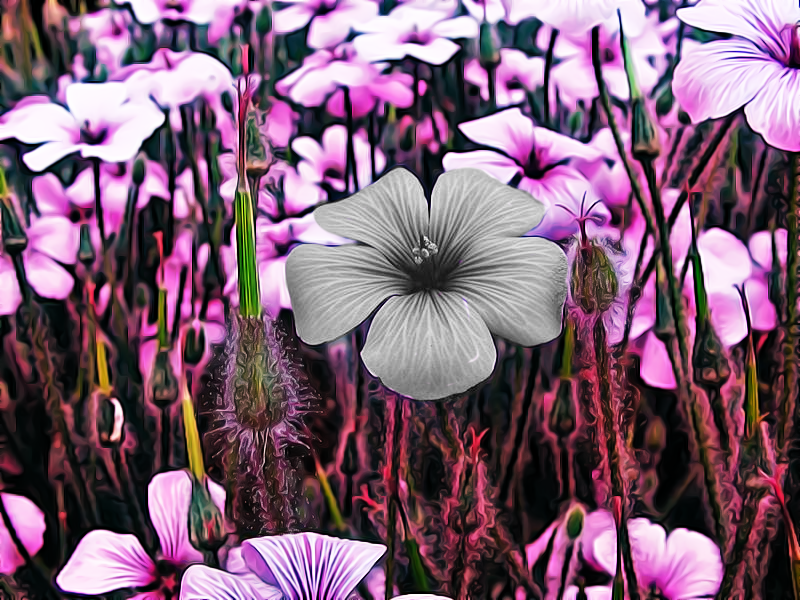
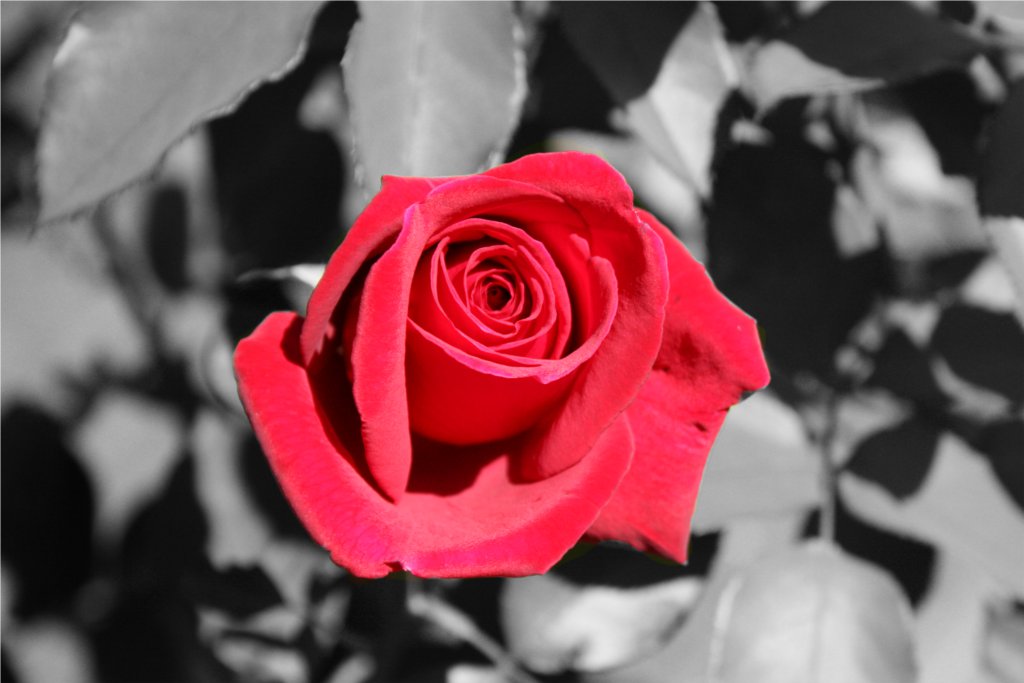
Didn't try this until today.
Image

added graphic novel to the original as well
Image

Oh and what I did here was put the layers opposite way around after desturating then brushing the black and white through the colour.

_________________
Image
Free Fun Photo Editing & resources
Poems from the Lord
Gimp Newby
Gimp version 3.2.6 and GMIC-Qt 4.0.2 OS :- Windows 10 Home 64


Last edited by sallyanne on Sat Jul 11, 2015 10:23 pm, edited 1 time in total.

Top
 Post subject: Re: Very Basic Tutorial For Layer Masks
PostPosted: Fri Jul 10, 2015 8:24 am  (#28) 
Offline
GimpChat Member
User avatar

Joined: Apr 26, 2014
Posts: 3833
Location: belgium
Image


Top
 Post subject: Re: Very Basic Tutorial For Layer Masks
PostPosted: Fri Jul 10, 2015 10:28 am  (#29) 
Offline
GimpChat Member
User avatar

Joined: Jun 24, 2010
Posts: 504
Location: Western Vic Australia
Thank You Molly, an excellent simple tut. I apologise for the rough edges but my tablet has given up the ghost and my drawing skills with a mouse are a " hit and miss" affair
Image

_________________
Image


Top
 Post subject: Re: Very Basic Tutorial For Layer Masks
PostPosted: Fri Jul 10, 2015 11:54 am  (#30) 
Offline
GimpChat Member
User avatar

Joined: Apr 07, 2010
Posts: 14182
Nice job guys... gals. Gosh I forget I even made that simple but effective tute.

_________________
Image


Top
 Post subject: Re: Very Basic Tutorial For Layer Masks
PostPosted: Fri Jul 10, 2015 12:42 pm  (#31) 
Offline
Administrator
User avatar

Joined: Aug 10, 2012
Posts: 14250
Location: Native to NYC living in Arizona, Gimp 2.8 - 3.0, Win 11 PC.
molly wrote:
Nice job guys... gals. Gosh I forget I even made that simple but effective tute.

So soon you forget? Image It is a 5 year on tut.

_________________
Image
"A wise man learns more from a foolish question than a fool can learn from a wise answer"
Image


Top
 Post subject: Re: Very Basic Tutorial For Layer Masks
PostPosted: Fri Jul 10, 2015 12:50 pm  (#32) 
Offline
GimpChat Member
User avatar

Joined: Apr 07, 2010
Posts: 14182
You bad Wallace.

_________________
Image


Top
 Post subject: Re: Very Basic Tutorial For Layer Masks
PostPosted: Fri Jul 10, 2015 1:28 pm  (#33) 
Offline
Administrator
User avatar

Joined: Aug 10, 2012
Posts: 14250
Location: Native to NYC living in Arizona, Gimp 2.8 - 3.0, Win 11 PC.
molly wrote:
You bad Wallace.

So bad I'm good. Image

_________________
Image
"A wise man learns more from a foolish question than a fool can learn from a wise answer"
Image


Top
 Post subject: Re: Very Basic Tutorial For Layer Masks
PostPosted: Fri Jul 10, 2015 1:30 pm  (#34) 
Offline
GimpChat Member
User avatar

Joined: Apr 07, 2010
Posts: 14182
:teeth

_________________
Image


Top
 Post subject: Re: Very Basic Tutorial For Layer Masks
PostPosted: Sat Jul 11, 2015 9:39 pm  (#35) 
Offline
GimpChat Member
User avatar

Joined: Jul 04, 2015
Posts: 256
molly wrote:
Very basic tutorial for layer masks (Beginners level)
Please post here if you have any questions...Enjoy


I'm seem to be the only slow one around here. What the heck is 'painting the color back in?' Nothing seems masked. As soon as I start with a brush, it covers everything up. Is there a step everyone is just understanding that I am not aware of? What am I missing? :gaah


Top
 Post subject: Re: Very Basic Tutorial For Layer Masks
PostPosted: Sat Jul 11, 2015 10:02 pm  (#36) 
Offline
GimpChat Member
User avatar

Joined: Apr 08, 2010
Posts: 5420
Location: Northwest Ohio
reverse the brush color... white to black or black to white. In a mask, one color makes opaque, the other color makes transparent. So when you paint with the color, that is what it does...painting the color back in must means to paint the mask with the transparent brush color on the layer mask.


Top
 Post subject: Re: Very Basic Tutorial For Layer Masks
PostPosted: Sat Jul 11, 2015 10:41 pm  (#37) 
Offline
GimpChat Member
User avatar

Joined: Jul 04, 2015
Posts: 256
Okay, I closed it all out and started again. Then I closed it all out again started yet again. Than I closed it all out and started yet, yet again...and for some reason this time it worked correctly. You could see the colors being 'uncovered' as I painted in the black over the barn. I have no idea why the other times I followed the instructions when I painted black it just covered everything in black. Yep, I was painting on the correct layer, but it didn't work until (let me count again) the third time. See the freakin' thing below. :yes

Thank you, Molly and 2-ton.


Attachments:
finally got the freakin thing.png
finally got the freakin thing.png [ 158 KiB | Viewed 4136 times ]
Top
 Post subject: Re: Very Basic Tutorial For Layer Masks
PostPosted: Sat Jul 11, 2015 11:01 pm  (#38) 
Offline
GimpChat Member
User avatar

Joined: Jul 04, 2015
Posts: 256
It's now so simple, I'm just knocking them out!!


Attachments:
lopan_color.jpg
lopan_color.jpg [ 187.69 KiB | Viewed 4130 times ]
Top
 Post subject: Re: Very Basic Tutorial For Layer Masks
PostPosted: Sun Jul 12, 2015 2:08 am  (#39) 
Offline
Global Moderator
User avatar

Joined: Apr 01, 2012
Posts: 8493
Location: On the other side of your screen
steven8 wrote:
Okay, I closed it all out and started again. Then I closed it all out again started yet again. Than I closed it all out and started yet, yet again...and for some reason this time it worked correctly. You could see the colors being 'uncovered' as I painted in the black over the barn. I have no idea why the other times I followed the instructions when I painted black it just covered everything in black. Yep, I was painting on the correct layer, but it didn't work until (let me count again) the third time. See the freakin' thing below. :yes

Thank you, Molly and 2-ton.

Third time lucky :)

_________________
Image
Free Fun Photo Editing & resources
Poems from the Lord
Gimp Newby
Gimp version 3.2.6 and GMIC-Qt 4.0.2 OS :- Windows 10 Home 64


Top
 Post subject: Re: Very Basic Tutorial For Layer Masks
PostPosted: Sun Jul 12, 2015 2:14 am  (#40) 
Offline
GimpChat Member
User avatar

Joined: Jul 04, 2015
Posts: 256
sallyanne wrote:
steven8 wrote:
Okay, I closed it all out and started again. Then I closed it all out again started yet again. Than I closed it all out and started yet, yet again...and for some reason this time it worked correctly. You could see the colors being 'uncovered' as I painted in the black over the barn. I have no idea why the other times I followed the instructions when I painted black it just covered everything in black. Yep, I was painting on the correct layer, but it didn't work until (let me count again) the third time. See the freakin' thing below. :yes

Thank you, Molly and 2-ton.

Third time lucky :)


I'm outta control now. I've gone and mastered the Quick Mask!!


Top
Post new topic Reply to topic  [ 64 posts ]  Go to page Previous  1, 2, 3, 4  Next

All times are UTC - 5 hours [ DST ]


* Login  


Powered by phpBB3 © phpBB Group