It is currently Wed Nov 11, 2026 4:58 pm


All times are UTC - 5 hours [ DST ]


Post new topic Reply to topic  [ 100 posts ]  Go to page Previous  1, 2, 3, 4, 5
Author Message
 Post subject: Re: Image Shine Script Rel5.2 [now works with selections]
PostPosted: Sun Jul 12, 2015 2:25 am  (#81) 
Offline
Script Coder
User avatar

Joined: Feb 18, 2011
Posts: 4826
Location: Bendigo Vic. Australia
This is the type of Image a Alpha-to-Logo script is looking for,were you using just a selection
Rel5.2 is now on GimpScripts and will be OK with selections 'Note this is where 5.1 failed' thank you Pat625 for pointing this out.

_________________
Image
No matter how much you push the envelope, it'll still be stationery.


Top
 Post subject: Re: Image Shine Script Rel5.2 [now works with selections]
PostPosted: Sun Jul 12, 2015 4:45 am  (#82) 
Offline
GimpChat Member
User avatar

Joined: Apr 07, 2010
Posts: 14182
Thank you for the Rel5.2 update Graechan.

Image

_________________
Image


Top
 Post subject: Re: Image Shine Script Rel5.2 [now works with selections]
PostPosted: Sun Jul 12, 2015 8:25 am  (#83) 
Offline
Global Moderator
User avatar

Joined: Apr 01, 2012
Posts: 8502
Location: On the other side of your screen
Image
Image

_________________
Image
Free Fun Photo Editing & resources
Poems from the Lord
Gimp Newby
Gimp version 3.2.8 and GMIC-Qt 4.0.2 OS :- Windows 10 Home 64


Top
 Post subject: Re: Image Shine Script Rel5.2 [now works with selections]
PostPosted: Sun Jul 12, 2015 4:07 pm  (#84) 
Offline
GimpChat Member

Joined: May 12, 2015
Posts: 4693
Thank you, Graechan, for all your help. Also to everyone else that has participated and shared knowledge. I am learning a lot. I did an image with Shine alpha and logo, and had to cut and paste from one to the other for the flower image. Is that the way to do it? or is there an easier way? The image I did is not complex. Everything seems to be working fine now with the Rel5.2. Thank you again!
Attachment:
MyWVRhododendron.png
MyWVRhododendron.png [ 172.01 KiB | Viewed 2673 times ]


Top
 Post subject: Re: Image Shine Script Rel5.2 [now works with selections]
PostPosted: Sun Jul 12, 2015 4:15 pm  (#85) 
Offline
GimpChat Member
User avatar

Joined: Apr 07, 2010
Posts: 14182
Very nice Pat625

_________________
Image


Top
 Post subject: Re: Image Shine Script Rel5.2 [now works with selections]
PostPosted: Sun Jul 12, 2015 7:01 pm  (#86) 
Offline
Script Coder
User avatar

Joined: Feb 18, 2011
Posts: 4826
Location: Bendigo Vic. Australia
Thank you again to all those who participated in getting Image Shine up and running again especially Pat625 and Wallace

_________________
Image
No matter how much you push the envelope, it'll still be stationery.


Top
 Post subject: Re: Image Shine Script Rel5.2 [now works with selections]
PostPosted: Sun Jul 12, 2015 7:18 pm  (#87) 
Offline
Administrator
User avatar

Joined: Aug 10, 2012
Posts: 14268
Location: Native to NYC living in Arizona, Gimp 2.8 - 3.0, Win 11 PC.
Graechan wrote:
Thank you again to all those who participated in getting Image Shine up and running again especially Pat625 and Wallace

:bigthup

_________________
Image
"A wise man learns more from a foolish question than a fool can learn from a wise answer"
Image


Top
 Post subject: Re: Image Shine Script Rel5.2 [now works with selections]
PostPosted: Tue Jul 14, 2015 7:43 am  (#88) 
Offline
Global Moderator
User avatar

Joined: Oct 02, 2014
Posts: 5091
Location: Sydney Australia
Brilliant Graechan - I only downloaded your script this evening, but it is just brilliant. Just intended to have a quick play with some surfboard shapes to see what your script produced and 3 hours later I was surrounded by shiny images, a number of which I fed through GMIC and GIMP lighting effects. They work so well by themselves but also as feeder images for further work.

Thanks again Graechan - love it.

P.S. A bit cold down your way?

_________________
Image

Respect should be offered freely but hard earned


Top
 Post subject: Re: Image Shine Script Rel5.2 [now works with selections]
PostPosted: Tue Jul 14, 2015 8:42 pm  (#89) 
Offline
Script Coder
User avatar

Joined: Feb 18, 2011
Posts: 4826
Location: Bendigo Vic. Australia
OMG It's Freeezing !brrrr!

_________________
Image
No matter how much you push the envelope, it'll still be stationery.


Top
 Post subject: Re: Image Shine Script Rel5.2 [now works with selections]
PostPosted: Wed Jul 15, 2015 12:20 am  (#90) 
Offline
Global Moderator
User avatar

Joined: Oct 02, 2014
Posts: 5091
Location: Sydney Australia
Graechan - there is more cold weather coming through, so a good excuse to sit and GIMP using your script.

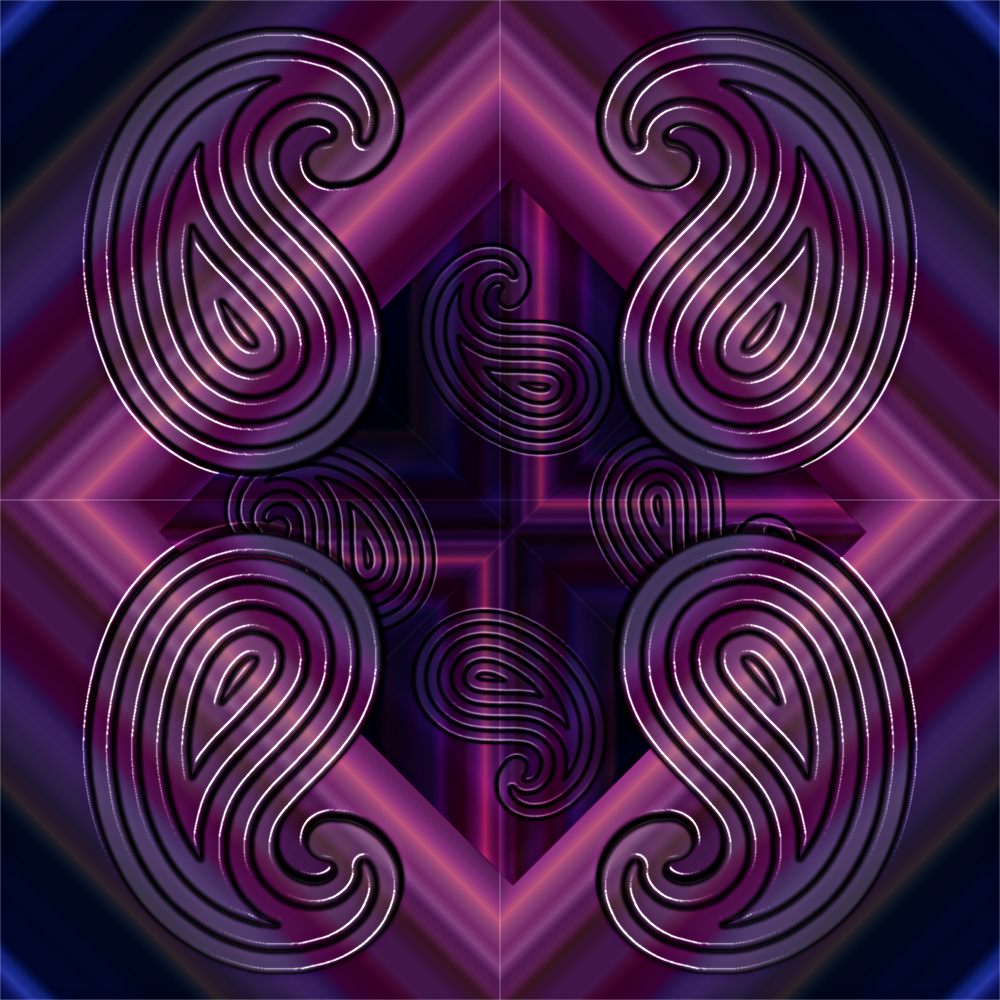
Because I am still 'lost in paisley land', I tried a few more attempts this morning - big hint to all users, retain the separate output layers as they really help one to play around a bit!!

Image.

Great script Graechan, so thank you, but I still need to explore it a lot more.

_________________
Image

Respect should be offered freely but hard earned


Top
 Post subject: Re: Image Shine Script Rel5.2 [now works with selections]
PostPosted: Thu Jul 16, 2015 10:20 pm  (#91) 
Offline
Global Moderator
User avatar

Joined: Oct 02, 2014
Posts: 5091
Location: Sydney Australia
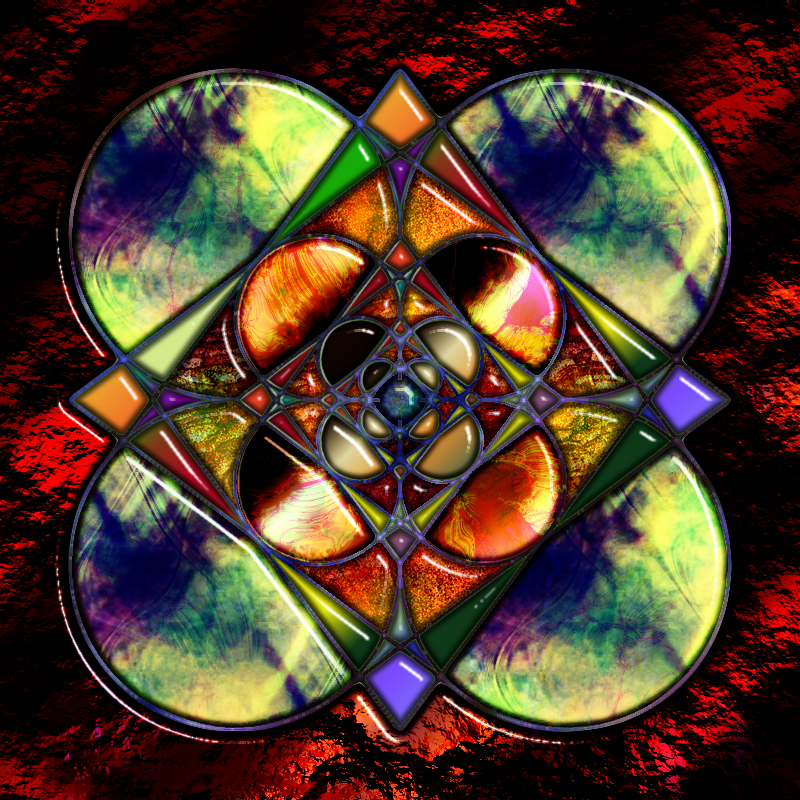
One more for you Graechan - favourite filter of the day right now ...

Image

_________________
Image

Respect should be offered freely but hard earned


Top
 Post subject: Re: Image Shine Script Rel5.2 [now works with selections]
PostPosted: Tue Jul 21, 2015 3:46 pm  (#92) 
Offline
Global Moderator
User avatar

Joined: Oct 02, 2014
Posts: 5091
Location: Sydney Australia
Another one from my the 'still my favourite filter of the day' collection. GIMP rocks, Graechan rocks and Graechans filter produces shiny rocks!

Image

_________________
Image

Respect should be offered freely but hard earned


Top
 Post subject: Re: Image Shine Script Rel5.2 [now works with selections]
PostPosted: Tue Jul 21, 2015 7:24 pm  (#93) 
Offline
Script Coder
User avatar

Joined: Feb 18, 2011
Posts: 4826
Location: Bendigo Vic. Australia
Oldmangrumpy you have used the script to perfection in your Images :bigthup

_________________
Image
No matter how much you push the envelope, it'll still be stationery.


Top
 Post subject: Re: Image Shine Script Rel5.2 [now works with selections]
PostPosted: Tue Jul 21, 2015 10:40 pm  (#94) 
Offline
Administrator
User avatar

Joined: Aug 10, 2012
Posts: 14268
Location: Native to NYC living in Arizona, Gimp 2.8 - 3.0, Win 11 PC.
Graechan wrote:
Oldmangrumpy you have used the script to perfection in your Images :bigthup

:ditto :jumpclap

_________________
Image
"A wise man learns more from a foolish question than a fool can learn from a wise answer"
Image


Top
 Post subject: Re: Image Shine Script Rel5.2 [now works with selections]
PostPosted: Wed Jul 22, 2015 2:22 am  (#95) 
Offline
GimpChat Member

Joined: May 12, 2015
Posts: 4693
Regarding the Shine Logo Script. . .I am either doing something wrong or have the wrong impression of what I can do with the script. I check the "save" selection" box, but what I get is the background and the text. If I don't use a background, I still only get the text. Am I able to start with an image or object and use Shine for the background and text? If not, what is the save selection box for?


Top
 Post subject: Re: Image Shine Script Rel5.2 [now works with selections]
PostPosted: Wed Jul 22, 2015 7:55 pm  (#96) 
Offline
Script Coder
User avatar

Joined: Feb 18, 2011
Posts: 4826
Location: Bendigo Vic. Australia
Pat625 unless you have a selection to start with It's unlikely to save it

_________________
Image
No matter how much you push the envelope, it'll still be stationery.


Top
 Post subject: Re: Image Shine Script Rel5.2 [now works with selections]
PostPosted: Wed Jul 22, 2015 11:37 pm  (#97) 
Offline
GimpChat Member

Joined: May 12, 2015
Posts: 4693
I do make a selection, leave it selected but it is never there. Is there a specific way to make a selection? For screenshots, I very simply selected a pattern with the rectangle select, selected save selection on the script dialog. I have tried with and without checking saving layers and that does not matter.
Attachment:
Capture.JPG
Capture.JPG [ 45.17 KiB | Viewed 2779 times ]
Attachment:
Capture2.JPG
Capture2.JPG [ 59.72 KiB | Viewed 2779 times ]
Attachment:
Capture3.JPG
Capture3.JPG [ 41.47 KiB | Viewed 2779 times ]


Top
 Post subject: Re: Image Shine Script Rel5.2 [now works with selections]
PostPosted: Sat Aug 14, 2021 12:10 pm  (#98) 
Offline
GimpChat Member

Joined: Jul 30, 2021
Posts: 12
Hello everyone in the chat!
Please, would anyone know where I can get this script, in order to use it in Gimp 2.10?
From now on, I thank you for your esteemed attention!


Top
 Post subject: Re: Image Shine Script Rel5.2 [now works with selections]
PostPosted: Sat Aug 14, 2021 2:32 pm  (#99) 
Offline
Global Moderator
User avatar

Joined: Oct 02, 2014
Posts: 5091
Location: Sydney Australia
Here is 'shine' tweaked to work under 2.10.


Attachments:
Shine_2_Gimp_2-10-0_update.scm [5.6 KiB]
Downloaded 191 times

_________________
Image

Respect should be offered freely but hard earned
Top
 Post subject: Re: Image Shine Script Rel5.2 [now works with selections]
PostPosted: Thu Feb 09, 2023 10:18 am  (#100) 
Offline
GimpChat Member
User avatar

Joined: Dec 09, 2018
Posts: 745
vitforlinux wrote:
Not good work... but better of nothing, many backgrounds not works.

It would be useful if you also alter the version number and add to the change log in the file's header to make it easier for people to cope with the multiple copies there are. Otherwise this will look like a copy of Graechan's original when it isn't.

I know that's clear from your post right now but it won't be clear when your version is passed around elsewhere in future.


Top
Post new topic Reply to topic  [ 100 posts ]  Go to page Previous  1, 2, 3, 4, 5

All times are UTC - 5 hours [ DST ]


* Login  


Powered by phpBB3 © phpBB Group