It is currently Sat Jul 25, 2026 6:00 am


All times are UTC - 5 hours [ DST ]


Post new topic Reply to topic  [ 240 posts ]  Go to page Previous  1 ... 8, 9, 10, 11, 12  Next
Author Message
 Post subject: Re: path-inbetweener
PostPosted: Mon Aug 03, 2015 2:26 am  (#201) 
Offline
Global Moderator
User avatar

Joined: Oct 02, 2014
Posts: 5006
Location: Sydney Australia
Anmal - thank you; one of my older ones!!

I think I have helped out Pat625 now, so I am looking forward to her path based creations :)

_________________
Image

Respect should be offered freely but hard earned


Top
 Post subject: Re: path-inbetweener
PostPosted: Tue Aug 11, 2015 11:09 am  (#202) 
Offline
GimpChat Member
User avatar

Joined: Mar 01, 2014
Posts: 14086
Location: Spain, Aragón
From here I want to thank you all for your help, as your doubts and questions in this thread were mine, too. Ofnuts, your inbetweener plug-in works great :tyspin
Here my tries, :)


Attachments:
First try-inbetweener-swing.png
First try-inbetweener-swing.png [ 632.14 KiB | Viewed 2054 times ]
Big Star.png
Big Star.png [ 271.7 KiB | Viewed 2054 times ]
Golden Star.png
Golden Star.png [ 492.54 KiB | Viewed 2054 times ]

_________________
Image

Gimp 2.10.30(samj) portable _ OS Windows 10 Home_ 64bits
Don’t be afraid to start over. It’s a new chance to rebuild what you want.
Top
 Post subject: Re: path-inbetweener
PostPosted: Wed Aug 12, 2015 5:34 am  (#203) 
Offline
Global Moderator
User avatar

Joined: Oct 02, 2014
Posts: 5006
Location: Sydney Australia
Issabella - well done and welcome into the world of Ofnuts path scripts; Ofnuts has plenty of other scripts to play with, some of which I am trying out right now ;)

_________________
Image

Respect should be offered freely but hard earned


Top
 Post subject: Re: path-inbetweener
PostPosted: Wed Aug 12, 2015 11:25 am  (#204) 
Offline
GimpChat Member
User avatar

Joined: Mar 01, 2014
Posts: 14086
Location: Spain, Aragón
Thanks OMG, I can't wait to see your new Ofnut's scripts outcomes. :hi5

_________________
Image

Gimp 2.10.30(samj) portable _ OS Windows 10 Home_ 64bits
Don’t be afraid to start over. It’s a new chance to rebuild what you want.


Top
 Post subject: Re: path-inbetweener
PostPosted: Wed Aug 12, 2015 2:20 pm  (#205) 
Offline
GimpChat Member
User avatar

Joined: Jan 20, 2013
Posts: 14831
Location: roma, italy
nice results, Issabella!
you found your...path! (in the Gimp forest)

_________________
"Where am I ?"


Top
 Post subject: Re: path-inbetweener
PostPosted: Thu Aug 13, 2015 9:55 pm  (#206) 
Offline
GimpChat Member

Joined: May 12, 2015
Posts: 4693
How do you save the results of the path inbetweener? I can save in .xcf, but in .jpg or .png the results are different, especially if I have turned off some paths to get the color results that I want.
I used Snip it to show you the difference.
What I was trying to save:
Attachment:
snip snowflake.jpg
snip snowflake.jpg [ 57.7 KiB | Viewed 1978 times ]


Results with exporting:
Attachment:
Trial flake exported.png
Trial flake exported.png [ 157.18 KiB | Viewed 1978 times ]


Top
 Post subject: Re: path-inbetweener
PostPosted: Thu Aug 13, 2015 10:26 pm  (#207) 
Offline
Global Moderator
User avatar

Joined: Oct 02, 2014
Posts: 5006
Location: Sydney Australia
Hi Pat625 - you should be able to just export (not save) your image as a PNG file that results from using the 'path inbetweener'. It should be no different from exporting any other image.

Are you sure that your first snowflake image you snipped does not still have the selected paths showing? Also are you sure that you have the layers in the right order, so that selective path stroked layers are above say a fill layer?

Also just a thought, did you check your brush size before stroking the selected paths - presumably you wanted a small size say just 2 or 3?

Let us know if you still have problems.

_________________
Image

Respect should be offered freely but hard earned


Top
 Post subject: Re: path-inbetweener
PostPosted: Sat Aug 15, 2015 1:34 am  (#208) 
Offline
GimpChat Member

Joined: May 12, 2015
Posts: 4693
Attachment:
image.jpg
image.jpg [ 111.84 KiB | Viewed 1937 times ]
I have not as yet figured out what I am or am not doing to correctly export the images of path inbetweener when I have turned off a few of the paths from a stroke or fill. No problem if I just use the strokes or fills as they are. Ichecked on brush size,position of strokes and fills as OMG suggested. I'm not sure about the eyes though as I have to turn them on or off for different effects.
Here are ones I did with just fills and strokes.
Attachment:
image.jpg
image.jpg [ 109.1 KiB | Viewed 1937 times ]


Top
 Post subject: Re: path-inbetweener
PostPosted: Sat Aug 15, 2015 7:26 am  (#209) 
Offline
Script Coder
User avatar

Joined: Oct 25, 2010
Posts: 4812
Paths-inbetweener create paths. These paths aren't any more part of the picture as the marching ants used to show selection or the checker board used to show transparency. In the image you export, the paths aren't visible, unless you have explicitly stroked them.

To quickly turn off the visibility of all paths (and so see the image as it really is and as it will be exported), Shift-click once the eye icon of any path in the path list (this makes all paths invisible except the one you clicked), then click (without Shift-) that path again to make it invisible.

_________________
Image


Top
 Post subject: Re: path-inbetweener
PostPosted: Sun Aug 16, 2015 12:27 am  (#210) 
Offline
GimpChat Member

Joined: May 12, 2015
Posts: 4693
Thank you Ofnuts. With your explanations and OMG's I now know what to do with exporting what I really think I have created. Thanks again!


Top
 Post subject: Re: path-inbetweener
PostPosted: Fri Aug 21, 2015 6:59 pm  (#211) 
Offline
Global Moderator
User avatar

Joined: Oct 02, 2014
Posts: 5006
Location: Sydney Australia
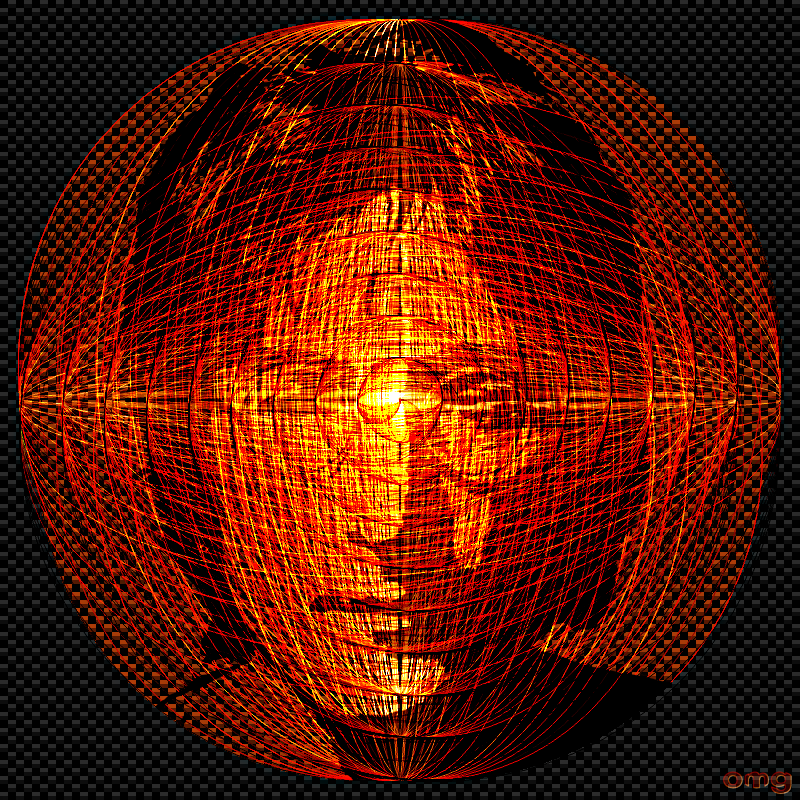
Well hopefully I can do better with this image than with my paisley animation :roll:

Thought I would try to get inside the mind of John Lennon ...

Image

_________________
Image

Respect should be offered freely but hard earned


Top
 Post subject: Re: path-inbetweener
PostPosted: Fri Aug 21, 2015 7:24 pm  (#212) 
Offline
GimpChat Member

Joined: May 12, 2015
Posts: 4693
That image looks very complicated! But, I'm sure John Lennon's mind was also!


Top
 Post subject: Re: path-inbetweener
PostPosted: Sat Aug 22, 2015 1:21 am  (#213) 
Offline
GimpChat Member
User avatar

Joined: Mar 01, 2014
Posts: 14086
Location: Spain, Aragón
Clever OMG, :clap

_________________
Image

Gimp 2.10.30(samj) portable _ OS Windows 10 Home_ 64bits
Don’t be afraid to start over. It’s a new chance to rebuild what you want.


Top
 Post subject: Re: path-inbetweener
PostPosted: Sun Aug 23, 2015 4:29 am  (#214) 
Offline
Global Moderator
User avatar

Joined: Oct 02, 2014
Posts: 5006
Location: Sydney Australia
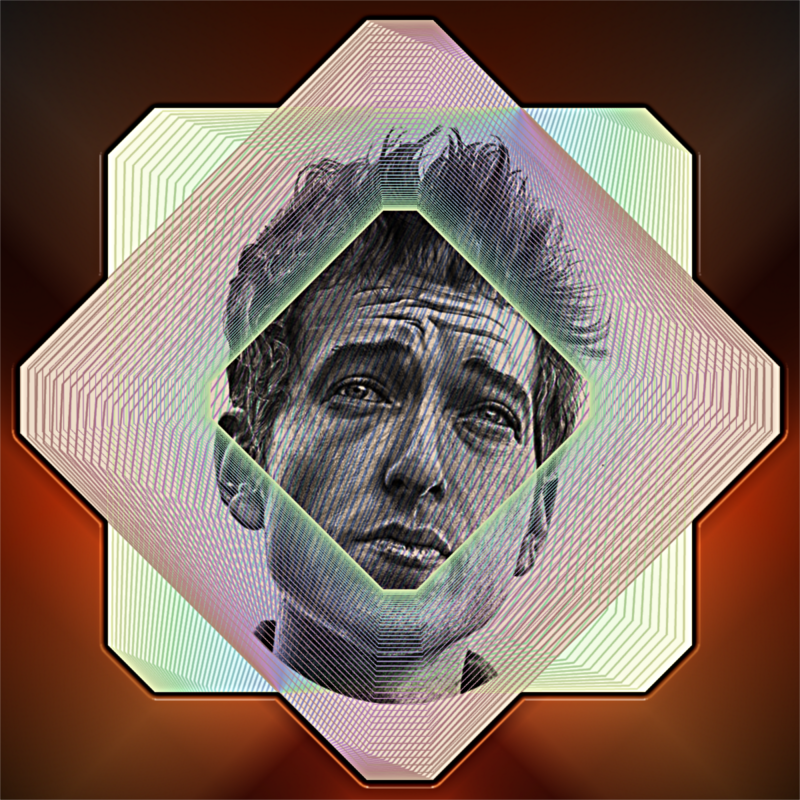
Issabella - as always I thank you; seeing that paisley is on vacation right now and I failed apng animation, I thought I would try some more images of my favourite singers using path inbetweener as decoration.

Image

Image

Yes I realise that they go back a bit in time, but so do I ... :hehe

_________________
Image

Respect should be offered freely but hard earned


Top
 Post subject: Re: path-inbetweener
PostPosted: Sun Aug 23, 2015 11:38 am  (#215) 
Offline
GimpChat Member
User avatar

Joined: Aug 13, 2015
Posts: 312
Location: Somewhere between lost and found.
Excellent work! I love the double exposure thing.

_________________
The answer was 42. The question is long forgotten. The computer that solved it is now destroyed.
The MK-2 has been built. Should this be the next question?
(Solve if you can ... ;) )
Image


Top
 Post subject: Re: path-inbetweener
PostPosted: Sun Aug 23, 2015 9:36 pm  (#216) 
Offline
Global Moderator
User avatar

Joined: Oct 02, 2014
Posts: 5006
Location: Sydney Australia
Jazzon - well thank you. Bob Dylan and Leonard Cohen .. ahh just love the latter's evocative Sisters Of Mercy and Hallelujah.

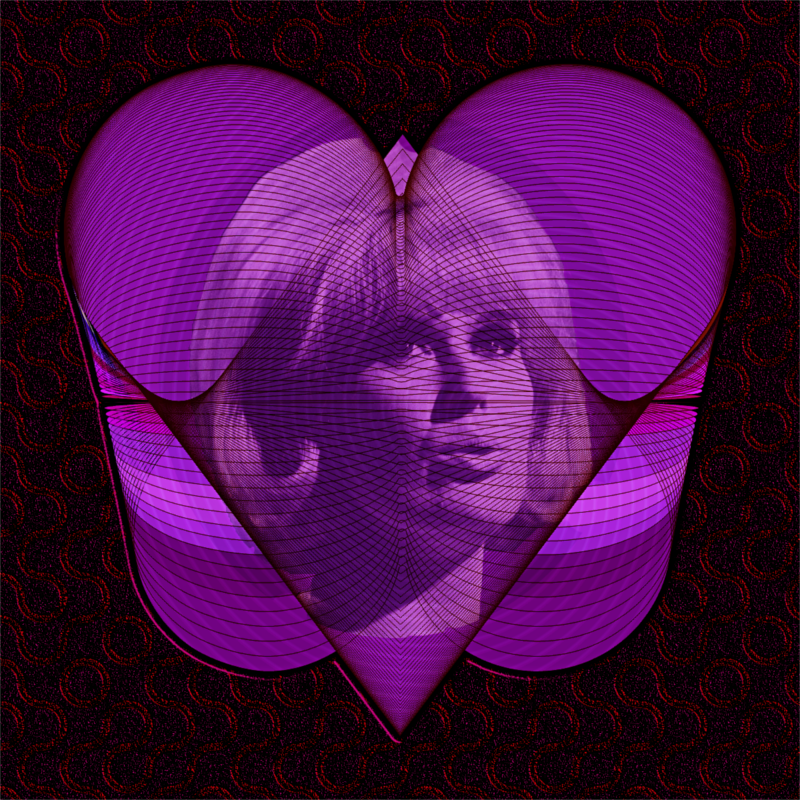
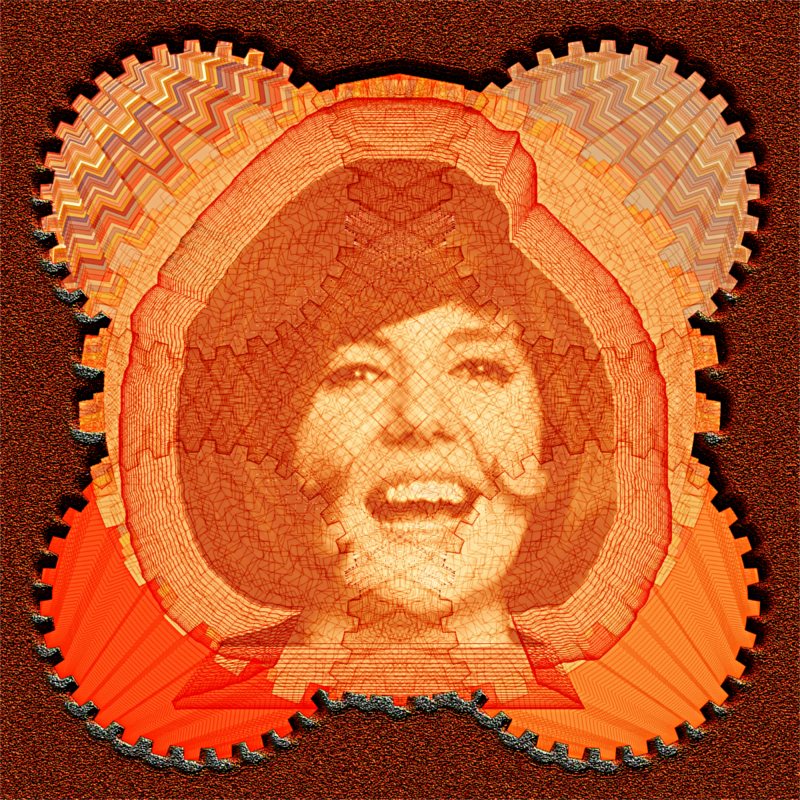
But it can't all be about male singers, so here are a couple more English song birds from the early 60's.

Image

Image

Ofnuts path toolkit - in betweener, decorator, stroker and filler :jumpclap - fabulous tools and there is more experimenting to do!


_________________
Image

Respect should be offered freely but hard earned


Top
 Post subject: Re: path-inbetweener
PostPosted: Sun Aug 23, 2015 10:10 pm  (#217) 
Offline
GimpChat Member
User avatar

Joined: Aug 13, 2015
Posts: 312
Location: Somewhere between lost and found.
I LOVE the retro look of the gears in the second one Patty something wasn't she...? I know the face anyway, and Ive seen the source photo for the first, but I can recall nothing at the moment......old timers disease ya know..

_________________
The answer was 42. The question is long forgotten. The computer that solved it is now destroyed.
The MK-2 has been built. Should this be the next question?
(Solve if you can ... ;) )
Image


Top
 Post subject: Re: path-inbetweener
PostPosted: Mon Aug 24, 2015 2:19 am  (#218) 
Offline
Global Moderator
User avatar

Joined: Oct 02, 2014
Posts: 5006
Location: Sydney Australia
Jazzon - thanks ..Dusty Springfield and Cilla Black ... both now passed on.

_________________
Image

Respect should be offered freely but hard earned


Top
 Post subject: Re: path-inbetweener
PostPosted: Mon Aug 24, 2015 8:20 am  (#219) 
Offline
GimpChat Member
User avatar

Joined: Aug 13, 2015
Posts: 312
Location: Somewhere between lost and found.
Woulda sworn that second one was Patty or Kitty something..... (hate being in left field)

_________________
The answer was 42. The question is long forgotten. The computer that solved it is now destroyed.
The MK-2 has been built. Should this be the next question?
(Solve if you can ... ;) )
Image


Top
 Post subject: Re: path-inbetweener
PostPosted: Mon Aug 24, 2015 9:44 am  (#220) 
Offline
GimpChat Member
User avatar

Joined: Aug 16, 2012
Posts: 4271
Location: Göteborg, Sweden
oldmangrumpy: i love these, they're great compositions all of them!

_________________


Top
Post new topic Reply to topic  [ 240 posts ]  Go to page Previous  1 ... 8, 9, 10, 11, 12  Next

All times are UTC - 5 hours [ DST ]


* Login  


Powered by phpBB3 © phpBB Group