It is currently Wed Aug 05, 2026 6:06 am


All times are UTC - 5 hours [ DST ]


Post new topic Reply to topic  [ 9 posts ] 
Author Message
 Post subject: Need help with jagged edges
PostPosted: Sat Feb 20, 2016 3:53 pm  (#1) 
Offline
New Member

Joined: Feb 20, 2016
Posts: 2
GIMP Version: 2.8.14
Operating System: Windows
GIMP Experience: New User


Completely new user here. I'm trying to use some geometric patterns to create a tattoo stencil. My issue is that the image must be enlarged and that shows the pixelated quality of the edges of the shapes. How do I create a smooth curved border of the shapes from this? I've included the files. These will be blown up so that the shapes will be about 3/4-1" diameter once printed.


Attachments:
images3.jpg
images3.jpg [ 17.81 KiB | Viewed 5723 times ]
images4.jpg
images4.jpg [ 26.1 KiB | Viewed 5723 times ]
Share on Facebook Share on Twitter Share on Orkut Share on Digg Share on MySpace Share on Delicious Share on Technorati
Top
 Post subject: Re: Need help with jagged edges
PostPosted: Sat Feb 20, 2016 4:52 pm  (#2) 
Offline
GimpChat Member
User avatar

Joined: Aug 13, 2015
Posts: 312
Location: Somewhere between lost and found.
Your source images are part of the problem. The edges of he colored parts are already showing some pixelation at size (when looked at closely), when You scale them, this will be amplified.

I took your red and white one, blew it up to 2" x 2" at 300 pixels per inch using Sinc (Lanczos3) as the interpolation method. (I am not sure if that is a stock feature or one I got with a plugin, maybe someone else here can answer that issue?) Then I used the fuzzy select tool (the magic wand looking icon) with a threshold of 100 on the red parts. (Some parts got missed so I changed the selection type to "addition" and added the missing parts as well). Set the color to red, and used bucket fill (Fill Whole Selection option) and clicked in the red part of the image. Then "Select" -> "Invert" on the menu, change the color to white, and bucket fill in the white part.

That was the whole process, should be easy to replicate. Avoiding pixelization is a tricky issue at best. Fixing it (as with these two color images) I find to be easier.

Is this what You are after?

And by the way, Welcome to The Forums!


Attachments:
File comment: Modified as described
images4.jpg
images4.jpg [ 346.81 KiB | Viewed 5687 times ]

_________________
The answer was 42. The question is long forgotten. The computer that solved it is now destroyed.
The MK-2 has been built. Should this be the next question?
(Solve if you can ... ;) )
Image
Top
 Post subject: Re: Need help with jagged edges
PostPosted: Sat Feb 20, 2016 5:02 pm  (#3) 
Offline
GimpChat Member

Joined: May 12, 2015
Posts: 4693
Augerpro: Welcome to the forum. You will always find knowledgeable people to help you, such as Jazzon.

Jazzon: I think that was a complete and wonderful explanation for how to fix the edges. I know that it will be helpful to me! Thanks again.


Top
 Post subject: Re: Need help with jagged edges
PostPosted: Sat Feb 20, 2016 5:03 pm  (#4) 
Offline
New Member

Joined: Feb 20, 2016
Posts: 2
Yes that is it! I'll have to chew on your instructions and try to tackle the other one. It is the tougher of the two and the one that has me worried. If you find out where you got the Lanczos3 filter let me know.


Top
 Post subject: Re: Need help with jagged edges
PostPosted: Sat Feb 20, 2016 5:58 pm  (#5) 
Offline
GimpChat Member
User avatar

Joined: Aug 13, 2015
Posts: 312
Location: Somewhere between lost and found.
Your other one didn't appear to need retouching after I blew it up (same procedure), so here it is. Hope it helps.

Also according to gimp.org, Lanczos3 is built in by default.

Pat625: You are very welcome! (although I hardly qualify as "knowledgeable", I just happened to know this one because I have struggled with it as well.., but I appreciate the compliment!)


Attachments:
File comment: Modified
images3.jpg
images3.jpg [ 218.14 KiB | Viewed 5666 times ]

_________________
The answer was 42. The question is long forgotten. The computer that solved it is now destroyed.
The MK-2 has been built. Should this be the next question?
(Solve if you can ... ;) )
Image
Top
 Post subject: Re: Need help with jagged edges
PostPosted: Sat Feb 20, 2016 7:17 pm  (#6) 
Offline
GimpChat Member

Joined: May 12, 2015
Posts: 4693
Augerpro: Lanczos3 is built in. It is under Menu/Image/Scale/Interpolation. I found an article that might help.
Attachment:
Use GIMP to Resize an Image.pdf [723.49 KiB]
Downloaded 547 times


Top
 Post subject: Re: Need help with jagged edges
PostPosted: Sat Feb 20, 2016 8:39 pm  (#7) 
Offline
Administrator
User avatar

Joined: Aug 10, 2012
Posts: 14144
Location: Native to NYC living in Arizona, Gimp 2.8 - 3.0, Win 11 PC.
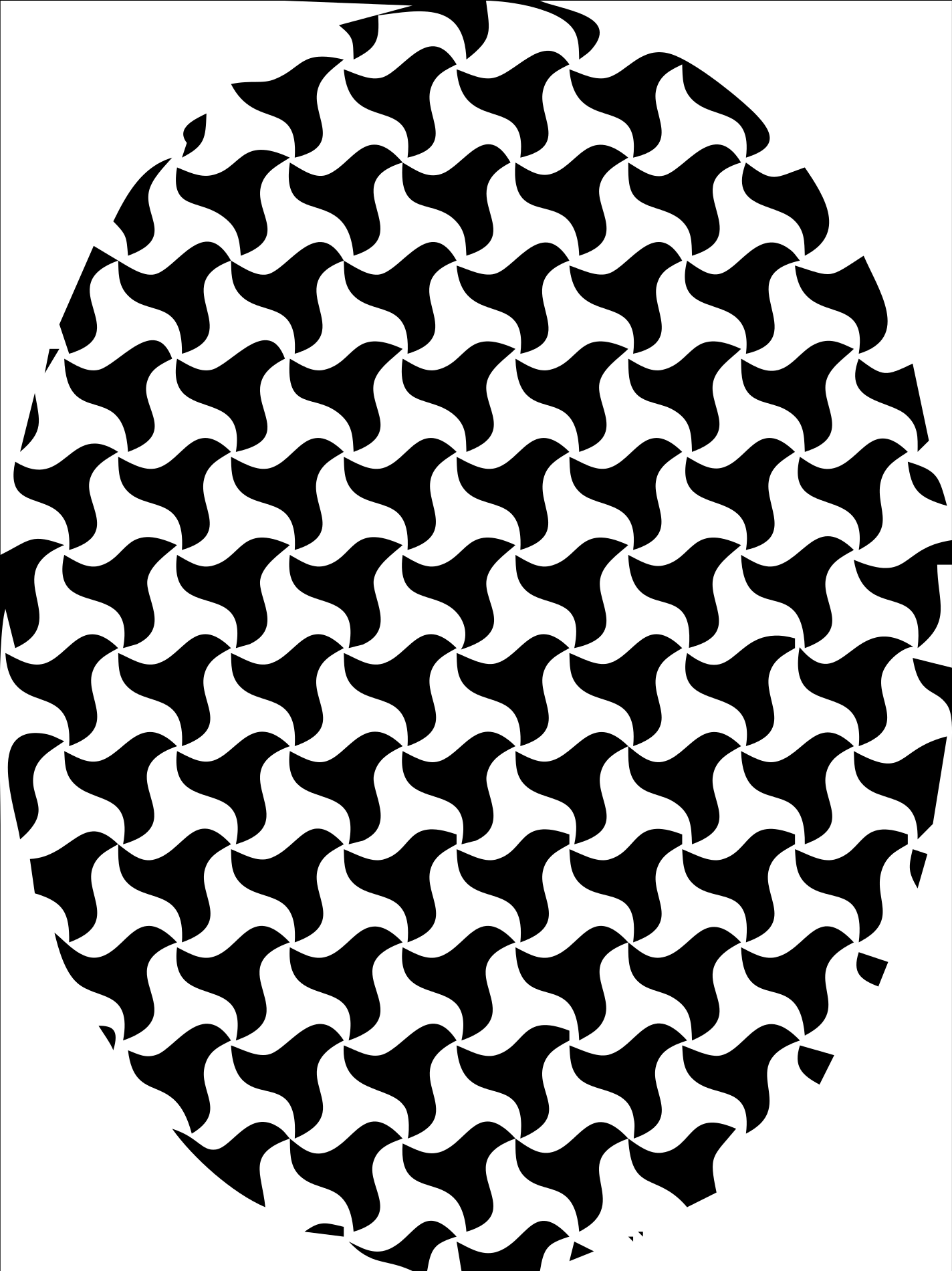
I made SVG file from the images you uploaded and was able to create these patterns using them.
Their able to be scaled to whatever size that's required.

There are a few anomalies, but for the most part... their pretty clean looking.

Image
Image


Attachments:
File comment: svg files
Image 3 and 4 svg files.zip [17.98 KiB]
Downloaded 146 times
File comment: xcf files
Image 3 and 4 xcf files.zip [866.5 KiB]
Downloaded 219 times

_________________
Image
"A wise man learns more from a foolish question than a fool can learn from a wise answer"
Image
Top
 Post subject: Re: Need help with jagged edges
PostPosted: Sat Feb 20, 2016 8:55 pm  (#8) 
Offline
GimpChat Member
User avatar

Joined: Aug 13, 2015
Posts: 312
Location: Somewhere between lost and found.
Well done Wallace. I never thought of using svg. I guess I should have, it is all hard edges. Live and learn!

_________________
The answer was 42. The question is long forgotten. The computer that solved it is now destroyed.
The MK-2 has been built. Should this be the next question?
(Solve if you can ... ;) )
Image


Top
 Post subject: Re: Need help with jagged edges
PostPosted: Sat Feb 20, 2016 9:05 pm  (#9) 
Offline
Administrator
User avatar

Joined: Aug 10, 2012
Posts: 14144
Location: Native to NYC living in Arizona, Gimp 2.8 - 3.0, Win 11 PC.
jazzon wrote:
Well done Wallace. I never thought of using svg. I guess I should have, it is all hard edges. Live and learn!

Scaling raster images from small to large, almost always renders unfavorable results.
Which can be difficult at best to try and correct.
The svg's I uploaded aren't perfect,
but they are scaleable and cleaner then any enlarged raster image would be.
Given the nature of the patterns involved.

_________________
Image
"A wise man learns more from a foolish question than a fool can learn from a wise answer"
Image


Top
Post new topic Reply to topic  [ 9 posts ] 

All times are UTC - 5 hours [ DST ]


* Login  


Powered by phpBB3 © phpBB Group