It is currently Wed Jun 17, 2026 7:56 am


All times are UTC - 5 hours [ DST ]


Post new topic Reply to topic  [ 23 posts ]  Go to page Previous  1, 2
Author Message
 Post subject: Re: Crinkled Tin Foil in Three Easy Steps
PostPosted: Sun Feb 28, 2016 2:40 am  (#21) 
Offline
GimpChat Member

Joined: Dec 29, 2015
Posts: 223
Hello everybody
During a recent picnic trip I captured this photo. Previously I had downloaded a tutorial "Crinkled tin foil in three easy steps". I had this tutorial in my mind that I would use it someday. So I used it as a background in the illustration.

1. Where is the actual reflector? In fact this is the lid of the pot which I am holding in my hand. If I had not held the lid in my hand, the pot would have had a shadow beneath the rim along the heading. This is a point.

2. Photo is split into parts by "Pile Photo Script".

Thanks.


Attachments:
File comment: Use of "Crinkled tin foil in three easy steps" & "Pile Photo Script"
Collage.jpg
Collage.jpg [ 1.22 MiB | Viewed 2697 times ]
Top
 Post subject: Re: Crinkled Tin Foil in Three Easy Steps
PostPosted: Sun Feb 28, 2016 3:07 am  (#22) 
Offline
GimpChat Member
User avatar

Joined: Jan 20, 2013
Posts: 14831
Location: roma, italy
very good !

_________________
"Where am I ?"


Top
 Post subject: Re: Crinkled Tin Foil in Three Easy Steps
PostPosted: Sat Sep 03, 2016 2:28 pm  (#23) 
Offline
GimpChat Member
User avatar

Joined: Mar 16, 2015
Posts: 613
Location: On Earth,specifically Queensland,Australia
Image
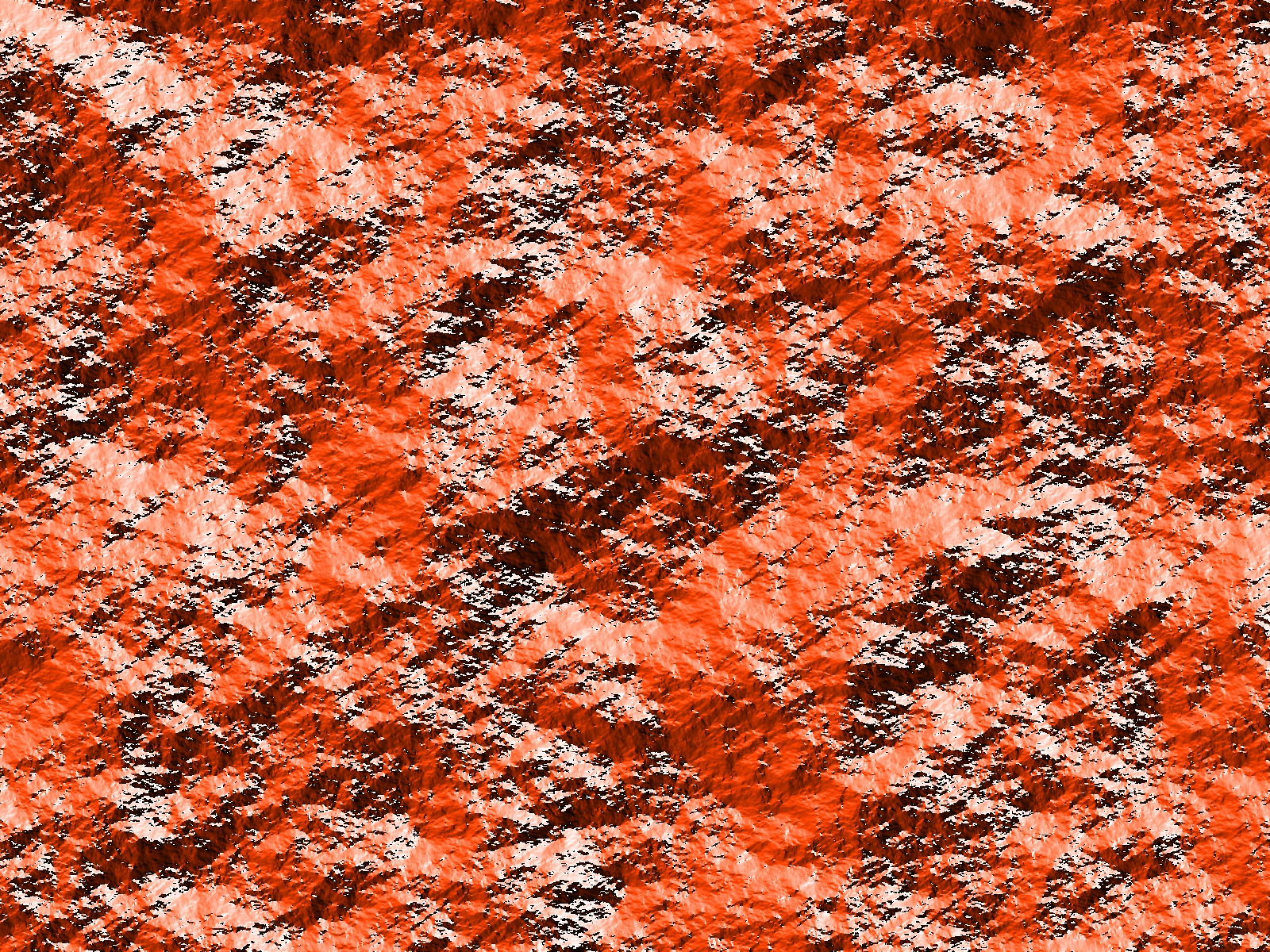
Since no-one has mentioned this I thought I would share that after doing this tut again I found that setting the blend mode to "Color" will make a variegated pattern effect.

_________________
Image


Top
Post new topic Reply to topic  [ 23 posts ]  Go to page Previous  1, 2

All times are UTC - 5 hours [ DST ]


* Login  


Powered by phpBB3 © phpBB Group