It is currently Wed Nov 18, 2026 4:18 am


All times are UTC - 5 hours [ DST ]


Post new topic Reply to topic  [ 317 posts ]  Go to page Previous  1, 2, 3, 4, 5, 6, 7 ... 16  Next
Author Message
 Post subject: Re: Ive got Wood!
PostPosted: Tue Apr 26, 2016 12:59 am  (#61) 
Offline
Global Moderator
User avatar

Joined: Oct 02, 2014
Posts: 5095
Location: Sydney Australia
Dalia - love the Indian emblem in wood and it is clear you are free of 'techo' issues now.

I've been playing with some more Japanese wood ...

Image

... not yet confident enough to add shadows.

_________________
Image

Respect should be offered freely but hard earned


Top
 Post subject: Re: Ive got Wood!
PostPosted: Tue Apr 26, 2016 2:17 am  (#62) 
Offline
GimpChat Member

Joined: May 12, 2015
Posts: 4693
Dalia and OMG, your creations are beautiful!

Dalia, how did you do your tree?


Top
 Post subject: Re: Ive got Wood!
PostPosted: Tue Apr 26, 2016 3:05 am  (#63) 
Offline
GimpChat Member
User avatar

Joined: Mar 01, 2014
Posts: 14252
Location: Spain, Aragón
Wow!!!!!! You all are incredibly good creating masterpieces in wood. :jumpclap
I'll try something tomorrow as I have a busy day. I love your trees. :)

_________________
Image

Gimp 2.10.36 (samj) portable _ OS Windows 10 Home_ 64bits
Don’t be afraid to start over. It’s a new chance to rebuild what you want.


Top
 Post subject: Re: Ive got Wood!
PostPosted: Tue Apr 26, 2016 11:30 am  (#64) 
Offline
GimpChat Member
User avatar

Joined: Dec 10, 2013
Posts: 1004
Omg, I love how you see beyond the initial idea and develop it into your beautiful creations; so unique!

Pat, you sell yourself short - it was your beautiful initial combination of patterns that pushed me to try this again. I followed Norseman's suggestion as I'm sure you have as well. I selected each little leaf, put that on a layer by itself and instead of giving a wood texture gave that just a "leaf green" pattern. The rest of the tree as well - selecting different parts and putting them on different layers.

I suffer greatly from "impulse control" - in other words whatever may be easy my immediate response is, 'go for it and make it hard'. The reason I spent two days trying to fix Gimp a few days back. :lol :oops:

_________________
Image
Macbook Air - MacOS Sierra 10.12
McGimp 2.8.14
G'mic 1.6.5


Top
 Post subject: Re: Ive got Wood!
PostPosted: Tue Apr 26, 2016 2:53 pm  (#65) 
Offline
GimpChat Member

Joined: May 12, 2015
Posts: 4693
Beautiful, Dalia!


Top
 Post subject: Re: Ive got Wood!
PostPosted: Tue Apr 26, 2016 9:07 pm  (#66) 
Offline
GimpChat Member
User avatar

Joined: Jun 22, 2015
Posts: 235
Pat,OMG,Issabela and Dalia

Great work! Its kind of amazing how real this wood effect looks.

If a person didnt know, I bet they would think its real, maybe hanging on a wall or something


Top
 Post subject: Re: Ive got Wood!
PostPosted: Tue Apr 26, 2016 11:52 pm  (#67) 
Offline
Global Moderator
User avatar

Joined: Oct 02, 2014
Posts: 5095
Location: Sydney Australia
Pat625, Dalia, Issabella & Norseman143 - thank you for your kind words.

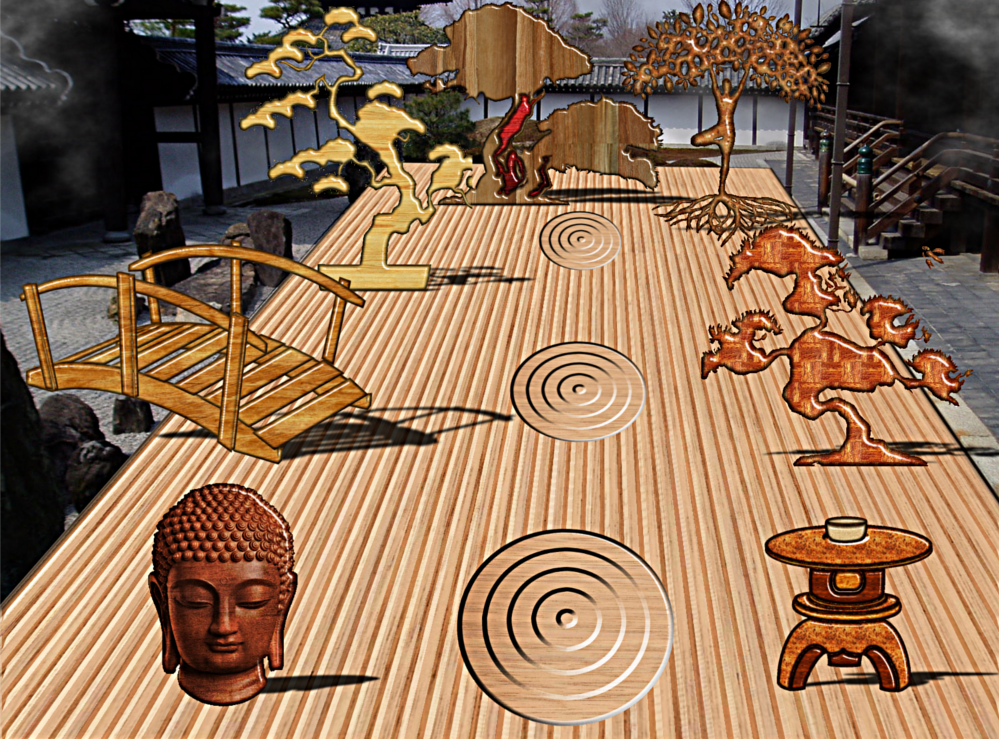
Another Japanese journey based on a photo I took at an Onsen many years back now, where I have changed the typical garden into a wooden one. Even put shadows in this time too.

Image

_________________
Image

Respect should be offered freely but hard earned


Top
 Post subject: Re: Ive got Wood!
PostPosted: Wed Apr 27, 2016 11:08 am  (#68) 
Offline
GimpChat Member
User avatar

Joined: Dec 10, 2013
Posts: 1004
Omg!!! Wow - you are limitless.

_________________
Image
Macbook Air - MacOS Sierra 10.12
McGimp 2.8.14
G'mic 1.6.5


Top
 Post subject: Re: Ive got Wood!
PostPosted: Wed Apr 27, 2016 8:44 pm  (#69) 
Offline
Global Moderator
User avatar

Joined: Oct 02, 2014
Posts: 5095
Location: Sydney Australia
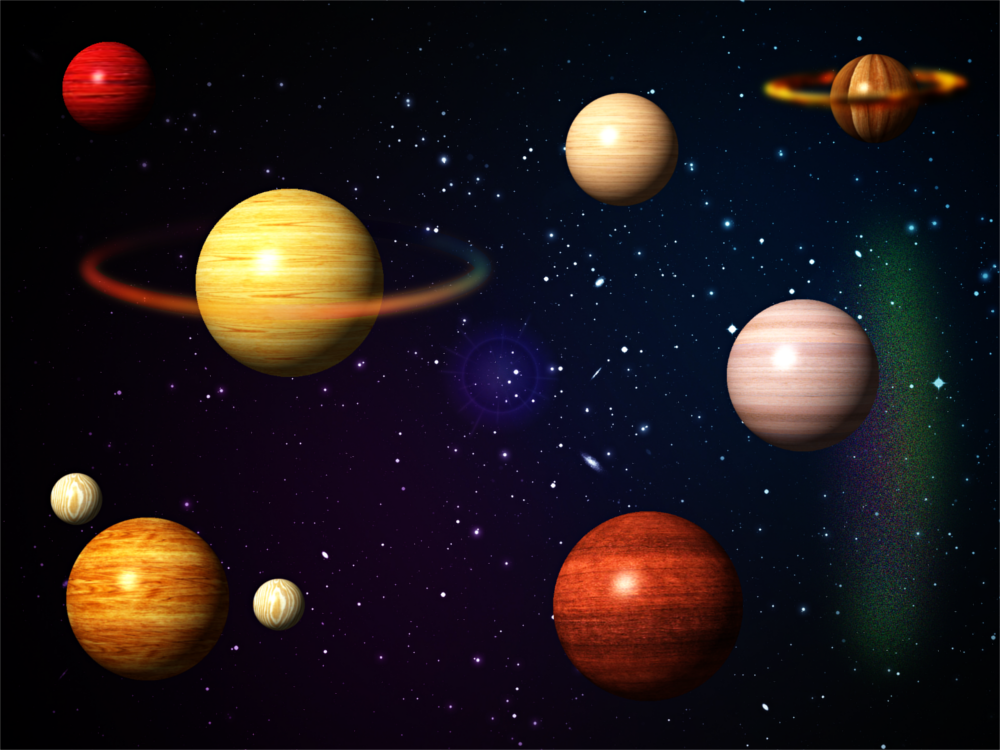
Dalia - thank you; but it's not me that is limitless it is our universe and especially that wooden galaxy far out in space ...

Image

_________________
Image

Respect should be offered freely but hard earned


Top
 Post subject: Re: Ive got Wood!
PostPosted: Wed Apr 27, 2016 9:17 pm  (#70) 
Offline
GimpChat Member

Joined: May 12, 2015
Posts: 4693
No, OMG. I agree with Dalia! Your creativity has no bounds or limitations!


Top
 Post subject: Re: Ive got Wood!
PostPosted: Thu Apr 28, 2016 1:44 am  (#71) 
Offline
GimpChat Member

Joined: Feb 21, 2016
Posts: 34
Why cannot be performed error going on?
Attachment:
snip_20160428141831.png
snip_20160428141831.png [ 230.47 KiB | Viewed 1848 times ]


Top
 Post subject: Re: Ive got Wood!
PostPosted: Thu Apr 28, 2016 2:19 am  (#72) 
Offline
GimpChat Member
User avatar

Joined: Mar 01, 2014
Posts: 14252
Location: Spain, Aragón
gimpest, I think that your selection is wrong. I mean that you have to select a part of the photo and copy, create above a new layer and paste it. That newly part in selection (alpha to selection) and go filters - beautify - and choose the wood pattern. :) I hope it works for you.

_________________
Image

Gimp 2.10.36 (samj) portable _ OS Windows 10 Home_ 64bits
Don’t be afraid to start over. It’s a new chance to rebuild what you want.


Top
 Post subject: Re: Ive got Wood!
PostPosted: Thu Apr 28, 2016 3:56 am  (#73) 
Offline
Administrator
User avatar

Joined: Aug 10, 2012
Posts: 14276
Location: Native to NYC living in Arizona, Gimp 2.8 - 3.0, Win 11 PC.
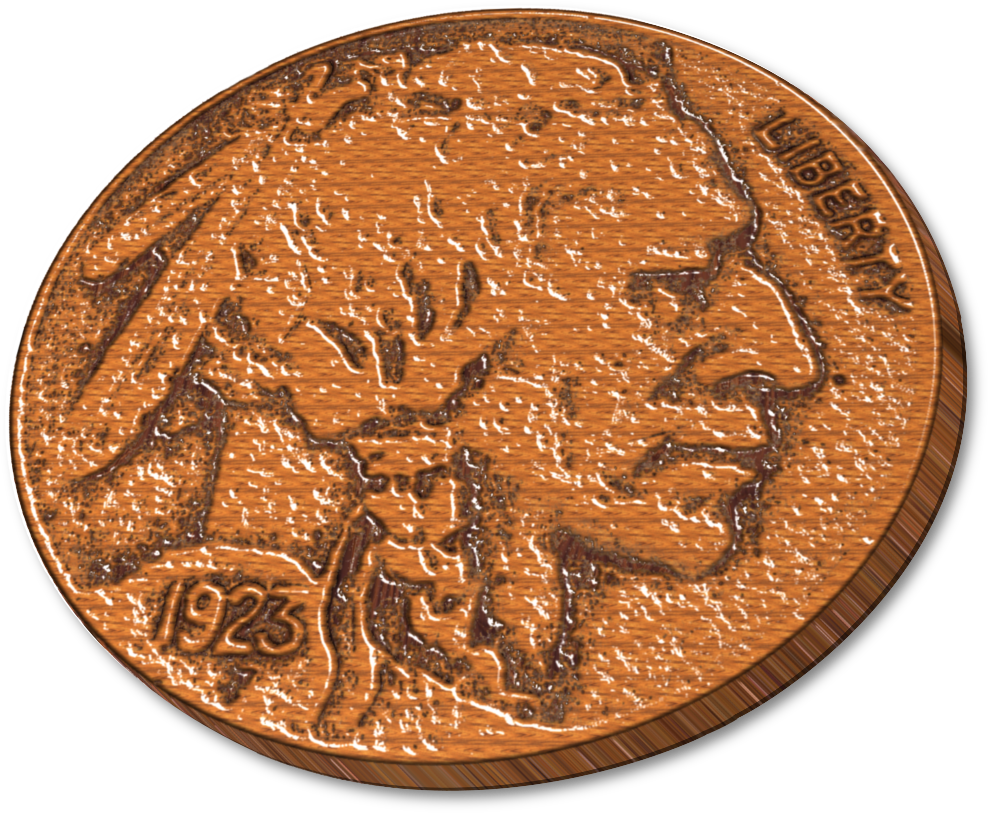
Here's a wooden nickle.
Image

_________________
Image
"A wise man learns more from a foolish question than a fool can learn from a wise answer"
Image


Top
 Post subject: Re: Ive got Wood!
PostPosted: Thu Apr 28, 2016 4:38 am  (#74) 
Offline
GimpChat Member

Joined: Feb 21, 2016
Posts: 34
Issabella wrote:
gimpest, I think that your selection is wrong. I mean that you have to select a part of the photo and copy, create above a new layer and paste it. That newly part in selection (alpha to selection) and go filters - beautify - and choose the wood pattern. :) I hope it works for you.


Thank Issabella
To test I have built a SCM, new layers, keep selections, executed in a new layer, but error. Don't know what code problem
(define (go_wood image
                drawable)

  (let* (      
       (draw-offset-x (car (gimp-drawable-offsets drawable)))
         (draw-offset-y (cadr (gimp-drawable-offsets drawable)))
         (has-sel       (car (gimp-drawable-mask-intersect drawable)))
         (sel-offset-x  (cadr (gimp-drawable-mask-intersect drawable)))
         (sel-offset-y  (caddr (gimp-drawable-mask-intersect drawable)))
         (width         (cadddr (gimp-drawable-mask-intersect drawable)))
         (height        (caddr (cddr (gimp-drawable-mask-intersect drawable))))
         (type          (car (gimp-drawable-type-with-alpha drawable)))
       (bgmap   (car (gimp-layer-new image width height type
                                           "bg-map" 100 0)))                  
       (offset-x      0)
         (offset-y      0)
        )      
    (gimp-image-undo-group-start image)
      (if (= (car (gimp-selection-is-empty image)) TRUE)
        (gimp-image-select-item image CHANNEL-OP-REPLACE drawable)
    )
   (gimp-layer-add-alpha drawable)
   (gimp-by-color-select drawable '(79 123 188) 38 2 TRUE FALSE 0 FALSE)
    (set! drawable (car (gimp-image-get-active-layer image)))   
   (gimp-image-insert-layer image bgmap 0 -1)
    (gimp-drawable-fill bgmap 3)
    (set! offset-x (+ draw-offset-x sel-offset-x))
    (set! offset-y (+ draw-offset-y sel-offset-y))
   (set! bgmap (car (gimp-image-get-active-layer image)))
   (script-fu-shine-alpha-to-logo 1 image bgmap 0 "Wood #2" '(153 153 153) "Abstract 3" 12 8 0 1 60 0 50 1 1)   
   
    (gimp-image-undo-group-end image)   
   
  )
)
(script-fu-register "go_wood"
_"gowood"
_"create a wood"
"gimptest" 
"gimptest"
  "28/04/2016"
  "RGB* GRAY* INDEXED*"
  SF-IMAGE       "Image"          0
  SF-DRAWABLE    "Drawable"       0
  )
(script-fu-menu-register "go_wood"
                         "<Image>/Filters")


Attachment:
snip_20160428170728.png
snip_20160428170728.png [ 517.78 KiB | Viewed 1831 times ]


Top
 Post subject: Re: Ive got Wood!
PostPosted: Thu Apr 28, 2016 5:09 am  (#75) 
Offline
GimpChat Member
User avatar

Joined: Jul 04, 2015
Posts: 256
Wallace wrote:
Here's a wooden nickle.
[ Image ]


I remember taking one of those once....

That is awesome, Wallace!


Top
 Post subject: Re: Ive got Wood!
PostPosted: Thu Apr 28, 2016 5:16 am  (#76) 
Offline
GimpChat Member
User avatar

Joined: Mar 01, 2014
Posts: 14252
Location: Spain, Aragón
Gimpest, I can't see the layer with the object pasted on. So I post my steps to get a wooden Object in PDF. But if more objects, each part should be on a different layer. Let me know if it is OK for you. :)


Attachments:
Step 5.JPG
Step 5.JPG [ 33.74 KiB | Viewed 1826 times ]
Steps to make Wood Items- Issa.pdf [520.72 KiB]
Downloaded 160 times

_________________
Image

Gimp 2.10.36 (samj) portable _ OS Windows 10 Home_ 64bits
Don’t be afraid to start over. It’s a new chance to rebuild what you want.
Top
 Post subject: Re: Ive got Wood!
PostPosted: Thu Apr 28, 2016 6:31 am  (#77) 
Offline
GimpChat Member

Joined: May 12, 2015
Posts: 4693
Wallace, I love your wooden nickel! I remember my father always saying, "Don't take any wooden nickels!"


Top
 Post subject: Re: Ive got Wood!
PostPosted: Thu Apr 28, 2016 7:10 am  (#78) 
Offline
GimpChat Member

Joined: Feb 21, 2016
Posts: 34
Issabella wrote:
Gimpest, I can't see the layer with the object pasted on. So I post my steps to get a wooden Object in PDF. But if more objects, each part should be on a different layer. Let me know if it is OK for you. :)


Thank you, Issabella
I'm not for operations through a graphical interface, for the level of interface I have no problems.
I said more carefully by SCM scripts call level, normally called directly, but this script-fu-shine-Alpha-to-logo is called an error but do not know why.


Top
 Post subject: Re: Ive got Wood!
PostPosted: Thu Apr 28, 2016 7:26 am  (#79) 
Offline
GimpChat Member
User avatar

Joined: Mar 01, 2014
Posts: 14252
Location: Spain, Aragón
Sorry Gimptest, I misunderstood you. and about that problem, I can't help as I know nothing about that. Sure that someone here will see it and say something.

_________________
Image

Gimp 2.10.36 (samj) portable _ OS Windows 10 Home_ 64bits
Don’t be afraid to start over. It’s a new chance to rebuild what you want.


Top
 Post subject: Re: Ive got Wood!
PostPosted: Thu Apr 28, 2016 7:36 am  (#80) 
Offline
GimpChat Member

Joined: Feb 21, 2016
Posts: 34
Issabella wrote:
Sorry Gimptest, I misunderstood you. and about that problem, I can't help as I know nothing about that. Sure that someone here will see it and say something.


No, it's OK, Issabella, you are very helpful, the forum requires you to such an enthusiastic person, to learn and progress.


Top
Post new topic Reply to topic  [ 317 posts ]  Go to page Previous  1, 2, 3, 4, 5, 6, 7 ... 16  Next

All times are UTC - 5 hours [ DST ]


* Login  


Powered by phpBB3 © phpBB Group