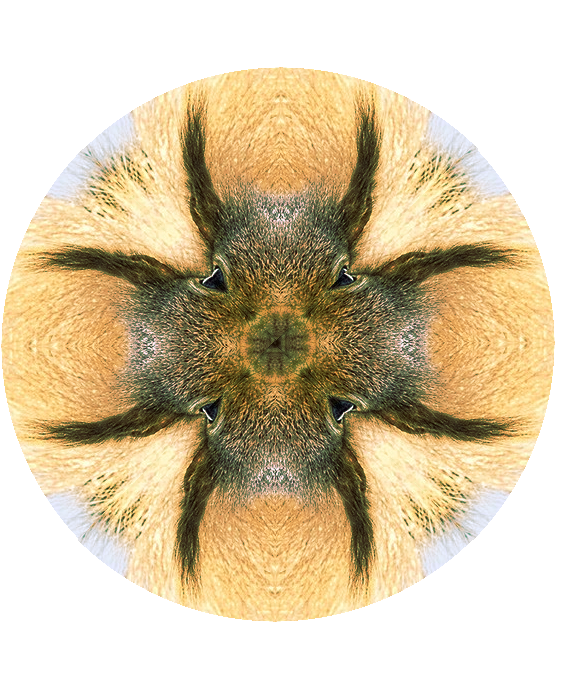
I saw the video for the PS version of making the mandala and also started to do Rod's tutorial which was very good. Then I thought. . .why so many steps to get a segment of an image to make a mandala?
What I did:
1. Opened new image in gimp, transparent, 1000X1000 so I had room to play.
2. Made a path of a 1/8th segment of a pie.(can do a number of ways but I used Tin's Protractor).
3. Opened my desired image as layer and moved it around using the move, rotate, scale tools until I was satisfied with my choice with the path's boundries.
4. Did path to selection.
5. Select/Invert then delete leaving my triangular shape to duplicate and arrange to complete the pie as has already been stated in the tutorial above.
6. Add another layer for background color or pattern as desired.
Here is my result:
Original image:
Attachment:
Glass Wood ChiselCarve.png
Mandala image:
Attachment:
2016.10.26 Make Mandela from image.jpg
The great thing about GIMP is there are all kinds of ways to do the same thing.
I will create a tutorial and place it on my website soon. If Odin or Wallace wants they can add the tutorial here also.
 Login
Login Register
 Tweets
 FAQ
FAQ Advanced Search