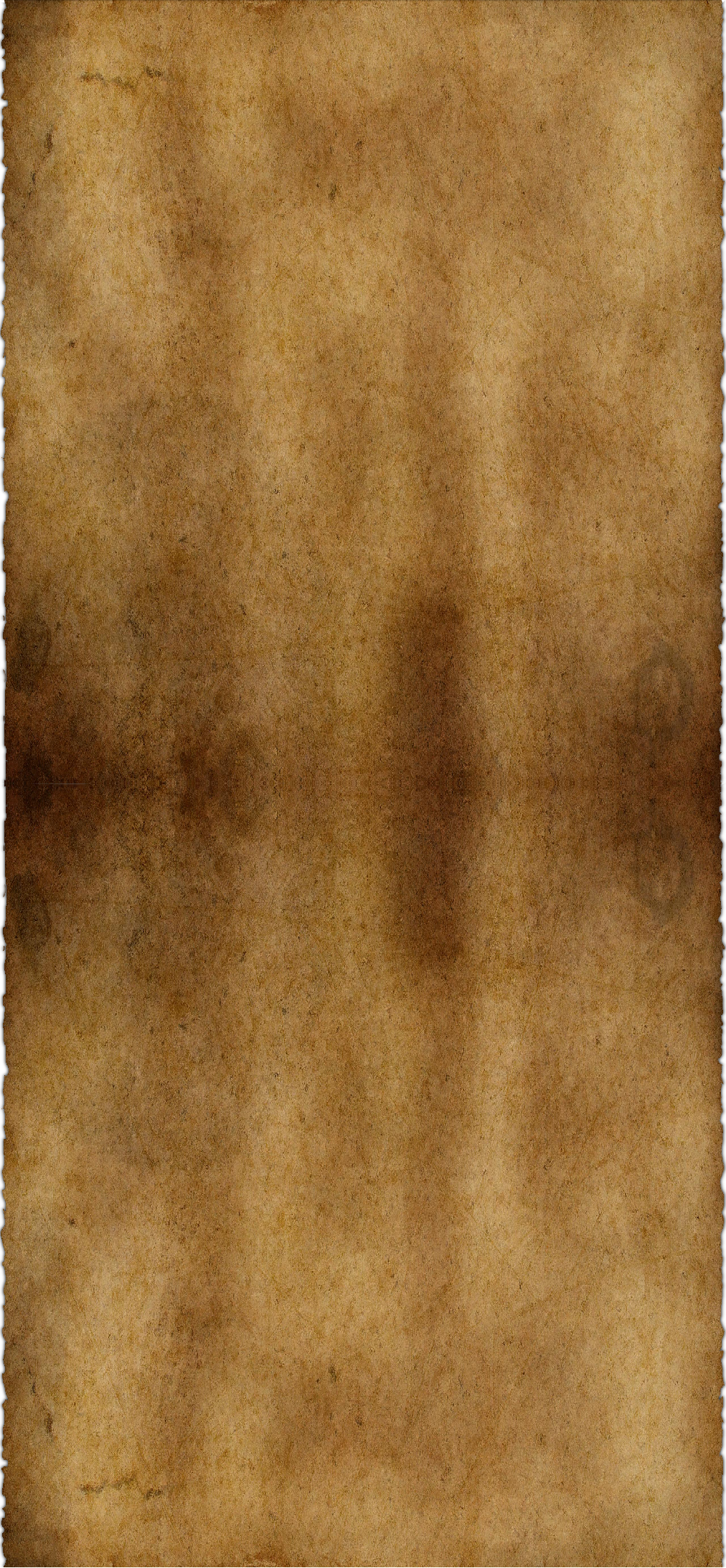
GIMP Version: 2.8.14
Operating System: Windows
GIMP Experience: New User
URL or Image link: https://s28.postimg.org/fsrtndifh/parchment.png
I have searched everywhere for this. It may be a very simple thing to do, but I'm an amateur, and definitely not a graphics designer. I've tried various tutorials but just can't make it work. I've tried adding layer masks and using the blend tool, but it doesn't really make a difference at all. It just kind of creates an empty space between the two layers if I drag the tool too far. If I don't drag the tool to far, it barely makes a noticeable difference.
As, you can easily see, there's two layers and they meet in the middle, clearly shown by the obvious horizontal line marking the connection. I want this line to disappear, and have both layers merge together so it looks like one. How would I go about doing this?
 Login
Login Register
 Tweets
 FAQ
FAQ Advanced Search