It is currently Mon Nov 16, 2026 4:58 pm


All times are UTC - 5 hours [ DST ]


Post new topic Reply to topic  [ 47 posts ]  Go to page Previous  1, 2, 3  Next
Author Message
 Post subject: Re: Plaid art
PostPosted: Sat May 14, 2011 6:00 pm  (#21) 
Offline
GimpChat Member

Joined: Feb 06, 2011
Posts: 342
yes Jim is. :)

Here is my stitiches using Ofnuts slinky filter took me a bit to get it the way I wanted. :paint

Thanks Willy :tyspin


Liana


Attachments:
slinky stitch.png
slinky stitch.png [ 101.2 KiB | Viewed 1801 times ]
Top
 Post subject: Re: Plaid art
PostPosted: Sat May 14, 2011 6:11 pm  (#22) 
Offline
GimpChat Member
User avatar

Joined: Mar 02, 2011
Posts: 1850
Location: Michigan
No problem looks very cool Liana :)

_________________
Image
I'm back I think


Top
 Post subject: Re: Plaid art
PostPosted: Sat May 14, 2011 11:25 pm  (#23) 
Offline
GimpChat Member

Joined: Feb 06, 2011
Posts: 342
Thanks Willy. :)

Liana


Top
 Post subject: Re: Plaid art
PostPosted: Sun May 15, 2011 7:53 am  (#24) 
Offline
GimpChat Member
User avatar

Joined: Apr 09, 2011
Posts: 1764
They all look terrific!! I sure started something with that one question...only person who cant get it right is me but I will sooner or later I am sure. Thanks for the great eye candy folks!


Top
 Post subject: Re: Plaid art
PostPosted: Sun May 15, 2011 12:10 pm  (#25) 
Offline
GimpChat Member

Joined: Feb 06, 2011
Posts: 342
@ Akky..I am glad you enjoyed them. I look forward to seeing yours. :) Before I got that script I just used the rotating tool and more than one layer. Then the small tiles filter to get some of my results.

Actually I still use it all but the rotating tool now and all on one layer. :paint

Liana


Top
 Post subject: Re: Plaid art
PostPosted: Sun May 15, 2011 6:39 pm  (#26) 
Offline
Retired Staff
User avatar

Joined: May 22, 2008
Posts: 6946
Location: Somewhere in GIMP
Trying a bit of quilting here.

Image
.........................Image

_________________
Image
World War IV will be fought with sticks and stones. - Albert Einstein


Top
 Post subject: Re: Plaid art
PostPosted: Sun May 15, 2011 6:42 pm  (#27) 
Offline
GimpChat Member
User avatar

Joined: Mar 02, 2011
Posts: 1850
Location: Michigan
O maybe you could use DD's Bevel on that with the rounded setting to get a really big Pop on the Quilted areas

_________________
Image
I'm back I think


Top
 Post subject: Re: Plaid art
PostPosted: Sun May 15, 2011 6:59 pm  (#28) 
Offline
Retired Staff
User avatar

Joined: May 22, 2008
Posts: 6946
Location: Somewhere in GIMP
I used dd's bevel, but you're right, I need to make it deeper and rounder. I'll play with it a bit more and see what I come up with.

_________________
Image
World War IV will be fought with sticks and stones. - Albert Einstein


Top
 Post subject: Re: Plaid art
PostPosted: Sun May 15, 2011 7:07 pm  (#29) 
Offline
GimpChat Member
User avatar

Joined: Mar 02, 2011
Posts: 1850
Location: Michigan
Ahh I did see something there then :) maybe try adding some distortion to your Plaid so it appears raised

_________________
Image
I'm back I think


Top
 Post subject: Re: Plaid art
PostPosted: Sun May 15, 2011 9:11 pm  (#30) 
Offline
GimpChat Member
User avatar

Joined: Jul 04, 2010
Posts: 2253
Location: Retired Moderator Slowly Returning to the Living.
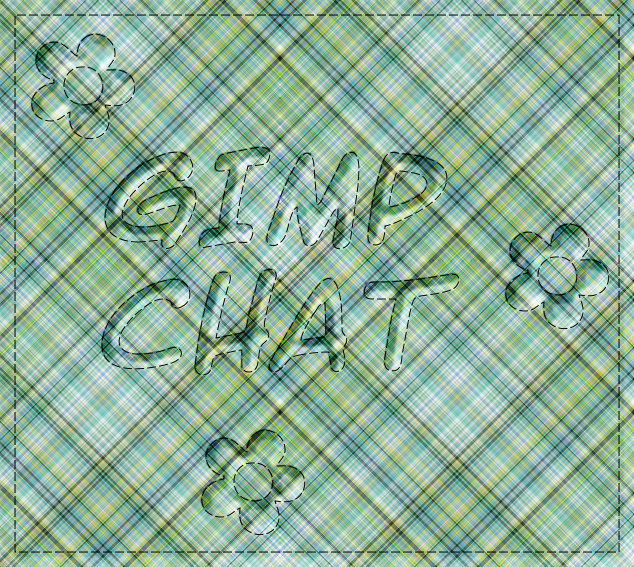
You have some pretty sweet images here! I like the idea of stitching around the text. Very well done!

_________________
Artists aren't crazy! We're eccentric! ~G.M. Ross

Image

My Sigs = My Photos
Check out my work at http://www.flickr.com/photos/photomastergreg.


Top
 Post subject: Re: Plaid art
PostPosted: Sun May 15, 2011 9:42 pm  (#31) 
Offline
GimpChat Member

Joined: Feb 06, 2011
Posts: 342
@ O. I like your stitching/quilting samples. Willy suggestions is a good one. I was thinking maybe Willy should go into quilting seems he knows a bit about it. :hehe

I have seen people on that IMVU site (no longer there too unstable messed up my pc) that did pucker, seams, tucks ,etc look on clothes I guess using the dodge and burn tool. I never got that good. I never did figure out how they did the details like that seems maybe they started with a really big image and scaled it down to fit the 3D requirements?

I may try to do one myself may take a few days now. We have nice weather so I am back to working outside. :jumpclap

Liana


Top
 Post subject: Re: Plaid art
PostPosted: Mon May 16, 2011 9:35 pm  (#32) 
Offline
GimpChat Member

Joined: Feb 06, 2011
Posts: 342
I tried out a bit of GIMP quilting too. Gives me ideas of things to play with. :)

Liana


Attachments:
gimp stitching.png
gimp stitching.png [ 701.74 KiB | Viewed 5398 times ]
Top
 Post subject: Re: Plaid art
PostPosted: Mon May 16, 2011 11:05 pm  (#33) 
Offline
GimpChat Member
User avatar

Joined: Apr 09, 2011
Posts: 1764
A desert rose by any other name.....


Attachments:
DESERTROSE.PNG
DESERTROSE.PNG [ 389.19 KiB | Viewed 5396 times ]
Top
 Post subject: Re: Plaid art
PostPosted: Tue May 17, 2011 8:08 am  (#34) 
Offline
Retired Staff
User avatar

Joined: May 22, 2008
Posts: 6946
Location: Somewhere in GIMP
Nice, Liana and Akky.

Liana, hey, nice applique work too.

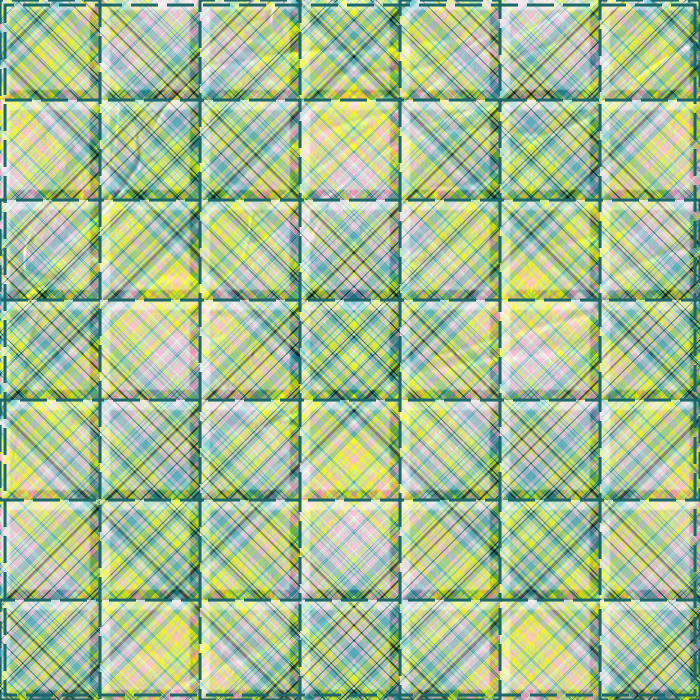
I'm still working on making it look more like kind of wrinkly but not too much. I think if I made the quilted squares just as a border around the outside and used the center for a design it would be better. Need to go back to the drawing board on that. I used an image I got here and scaled and used it as a bump map for wrinkles. I would really like to be able to make the beveling look more puffy and roundish.

Image

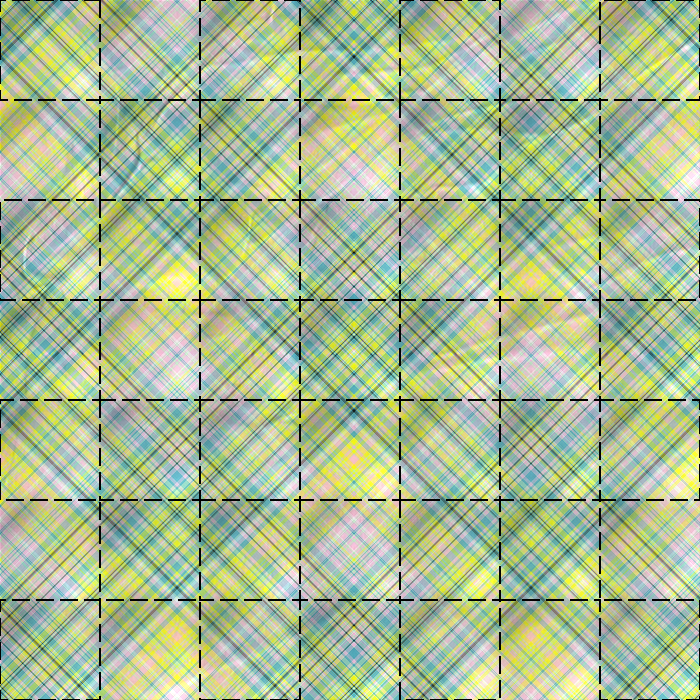
This is what I used for beveling the little squares. It's a transparent png image that can be opened and copied to the clipboard and used as a pattern on a new transparent layer. Use alpha to selection for it and use dd's bevel script to bevel it on the "wrinkled" fabric. The squares are 100x100px.

Image

_________________
Image
World War IV will be fought with sticks and stones. - Albert Einstein


Top
 Post subject: Re: Plaid art
PostPosted: Tue May 17, 2011 10:59 am  (#35) 
Offline
GimpChat Member

Joined: Feb 06, 2011
Posts: 342
@ Akky..Looks great glad you got it all figured out with G'MIC. I think i have mine fixed now too. At least my files look better. LOL

@ O.. I like it. :) I just had a thought may not get to it until later today. Is it possible to leave your squares (in the quliting pattern) as is and then get another pattern with circles and bevel off of it? Like your black and white squares.

Liana


Top
 Post subject: Re: Plaid art
PostPosted: Tue May 17, 2011 1:43 pm  (#36) 
Offline
Retired Staff
User avatar

Joined: May 22, 2008
Posts: 6946
Location: Somewhere in GIMP
Lianam wrote:
Is it possible to leave your squares (in the quliting pattern) as is and then get another pattern with circles and bevel off of it? Like your black and white squares.


What a good idea, Liana.

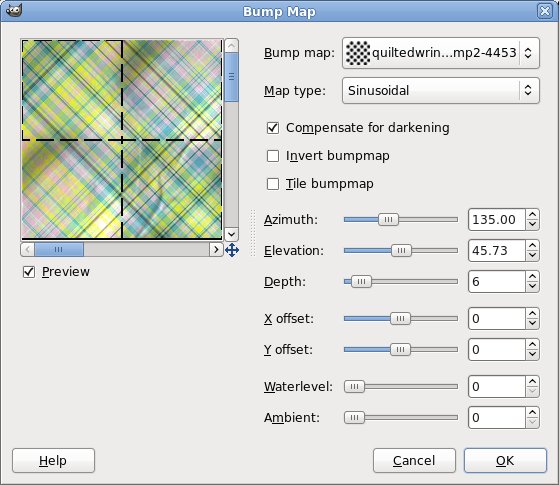
I made a pattern with circles with the same diameter as the edge of the squares and made a bump map out of it. I blurred the circle layer a huge amount (59) so the edges carried over to the next one. Then I flipped the circles and made a new bump map and re-bumped. I tried putting the circles all in one bump map and it didn't look as good.

Blurring and bumpmapping settings need to be experimented with.

I've attached the two circle patterns.

Image

Bump map settings
Image


Attachments:
bumpcirclesrev.png
bumpcirclesrev.png [ 2.33 KiB | Viewed 5382 times ]
bumpcircles.png
bumpcircles.png [ 2.33 KiB | Viewed 5382 times ]

_________________
Image
World War IV will be fought with sticks and stones. - Albert Einstein
Top
 Post subject: Re: Plaid art
PostPosted: Tue May 17, 2011 2:25 pm  (#37) 
Offline
GimpChat Member

Joined: Feb 06, 2011
Posts: 342
I came in for a break. :rofl
Here is mine...I created a square and a circle texture black and white using sambrookjm filters. I think it was 10 across for each and saved them. Maybe not perfect but will paly with it more.
Then I opened a plaid texture I had made and the circles and squares together in layers.
I color selected the black circles and beveled them in soft light mode on to the plaid.
Then I color selected the black squares and selected 'to path' then I stroked to path with the dashed lines.
Lastly, I made a square selection around the perimeter, selected 'to path', stroked path with the dashed lines.

I guassian blurred at 6.0 on both X and Y axis on the circle bevel.

I hope I remembered it right. The order is not that significant really I don't think because I did do one thing before the other.

Liana


Attachments:
seaquilted plaid.png
seaquilted plaid.png [ 465.53 KiB | Viewed 5380 times ]
Top
 Post subject: Re: Plaid art
PostPosted: Tue May 17, 2011 4:35 pm  (#38) 
Offline
GimpChat Member
User avatar

Joined: Oct 06, 2010
Posts: 4050
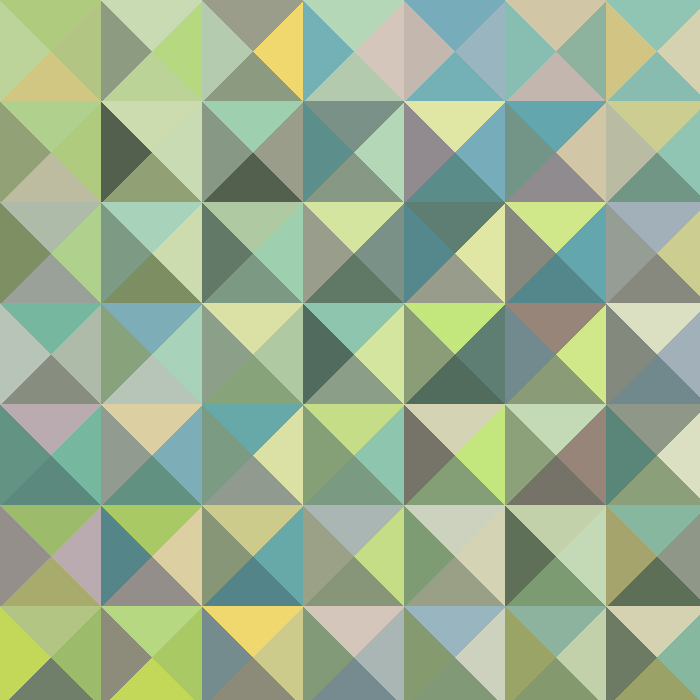
I found an old PSP tutorial that involved making quilt like patterns using a couple of plug-ins. Linux users will need Rob's Shellout.py to use one of the plug-ins. The only instructions were the use of two plug-in filters:

http://thepluginsite.com/resources/lotis/index.htm (using the diamond setting - adjust cell size to 100 = 100% of your image size)

The other is in userfilters under Triangular Mosaic filter. A small tip for this filter is, count your blocks, then adjust the cell size to fit accordingly. If you use default settings, it will mess up your pattern.

If you need more help or info, let me know.
Image

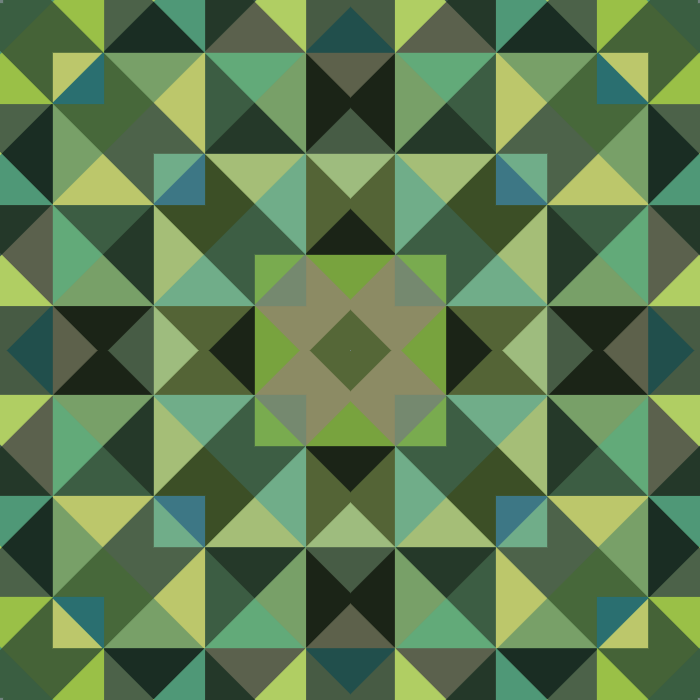
Tossing the design into kaleidoscope on 4 segments:
Image

I found another simple tutorial for PSP (this will work in GIMP, too - just not the keyboard shortcuts) and its mainly for Windows users. There is a link to the filters in this PDF file. But I will attach the zips for them just in case.


Attachments:
replay-web-archive-org.pdf [136.77 KiB]
Downloaded 142 times
bonus.zip [66.27 KiB]
Downloaded 127 times
simple.zip [282.84 KiB]
Downloaded 119 times

_________________
"In order to attain the impossible, one must attempt the absurd."
~ Miguel de Cervantes
Top
 Post subject: Re: Plaid art
PostPosted: Tue May 17, 2011 5:47 pm  (#39) 
Offline
GimpChat Member

Joined: Feb 06, 2011
Posts: 342
@ Mahvin..I will have to give that a try later tonight unless I am too tired been working outside today.

Liana


Top
 Post subject: Re: Plaid art
PostPosted: Wed May 18, 2011 5:46 am  (#40) 
Offline
GimpChat Member
User avatar

Joined: Oct 06, 2010
Posts: 4050
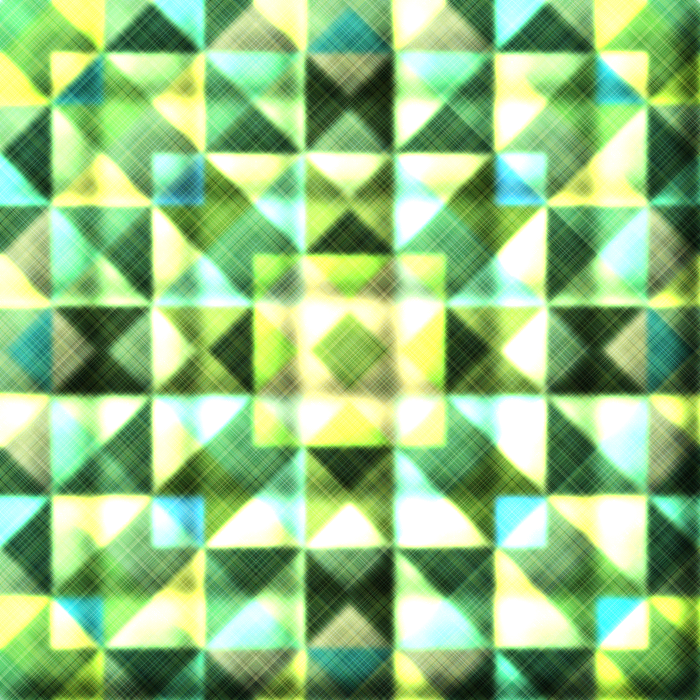
I guess I should have added a target goal picture. I was clearly thinking of adding the quilt idea with the plaid (this is just a quick mock up, plenty of room for improvements):
Image

Quilted plaid text:
Image

It would be really cool if you could mask plaid onto specific patterns/objects in G'MIC

_________________
"In order to attain the impossible, one must attempt the absurd."
~ Miguel de Cervantes


Top
Post new topic Reply to topic  [ 47 posts ]  Go to page Previous  1, 2, 3  Next

All times are UTC - 5 hours [ DST ]


* Login  


Powered by phpBB3 © phpBB Group