It is currently Thu Jun 18, 2026 5:56 am


All times are UTC - 5 hours [ DST ]


Post new topic Reply to topic  [ 47 posts ]  Go to page Previous  1, 2, 3  Next
Author Message
 Post subject: Re: G'MIC Stylize
PostPosted: Sat Dec 29, 2018 12:12 pm  (#21) 
Offline
GimpChat Member
User avatar

Joined: Dec 15, 2014
Posts: 185
Location: France
@racer-x Than you very much it works ! As you told us, the plugin is really faster under Linux. A dual boot is a viable possibilty for windows users of gimp. I made some tests with krita 4 and the bionic version and it's unstable with that package under MInt. :tyspin

_________________
Image


Top
 Post subject: Re: G'MIC Stylize
PostPosted: Wed Jan 02, 2019 7:50 am  (#22) 
Offline
GimpChat Member
User avatar

Joined: Jan 03, 2011
Posts: 1656
Thanks for reporting the performance issues with this filter.
We are investigating :) -> https://discuss.pixls.us/t/performance- ... n-windows/

(OpenMP threading seems to be the main cause of the troubles).


Top
 Post subject: Re: G'MIC Stylize
PostPosted: Thu Jan 03, 2019 12:49 pm  (#23) 
Offline
GimpChat Member
User avatar

Joined: Jan 03, 2011
Posts: 1656
I have been working hard today to try optimizing the Stylize filter in G'MIC (among other things :) ).
I've been able to generate one updated binary of the G'MIC plug-in for GIMP (2.10 only and 64bits! Don't try it with other configurations).

The binary installer is available here : https://gmic.eu/files/prerelease_window ... _win64.exe

I'd be really interested by your feedback, particulary from people who have already used the Stylize filter extensively before !
Feedback appreciated :)


Top
 Post subject: Re: G'MIC Stylize
PostPosted: Thu Jan 03, 2019 1:19 pm  (#24) 
Offline
GimpChat Member
User avatar

Joined: Sep 24, 2010
Posts: 12775
Just tried it, David (zip version). Nearly 10X faster now. Wow!!!!

I posted that something speed up to 2/3 1/2 faster but it may have just been a fluke since it went back to slow the next time I tried running it (pixls forum). Now this version literally is 10X faster. Kudos. :)

_________________
Lyle

Psalm 109:8

Image


Top
 Post subject: Re: G'MIC Stylize
PostPosted: Fri Jan 04, 2019 12:09 am  (#25) 
Offline
GimpChat Member
User avatar

Joined: Sep 24, 2010
Posts: 12775
Among the frontiers of Chaos

ref: http://www.fontplay.com/freephotos/sixt ... 06-016.jpg

target ref: https://www.deviantart.com/timothylgree ... -392112259

Now that David speed up this preset by an order of magnitude (this one took around 5 minutes since I ran it through twice), I was inspired to play again. :)

https://www.flickr.com/photos/163034485 ... 1/sizes/o/

Image

_________________
Lyle

Psalm 109:8

Image


Top
 Post subject: Re: G'MIC Stylize
PostPosted: Fri Jan 04, 2019 1:14 am  (#26) 
Offline
GimpChat Member
User avatar

Joined: Jan 20, 2013
Posts: 14831
Location: roma, italy
Lyle, not to act as the "devil's advocate", but IMHO you can get "similar" (not equal, but similar) results simply playing with layers and modes to mix up the two images.
I'm curious about Ofnuts' opinion on this, if he wants to post it.

_________________
"Where am I ?"


Top
 Post subject: Re: G'MIC Stylize
PostPosted: Fri Jan 04, 2019 1:29 am  (#27) 
Offline
GimpChat Member
User avatar

Joined: Sep 24, 2010
Posts: 12775
There's always more than one way to skin a cat, Diego. Still, I go for the least amount of work since I'm a lazy filter guy. :)

_________________
Lyle

Psalm 109:8

Image


Top
 Post subject: Re: G'MIC Stylize
PostPosted: Fri Jan 04, 2019 2:04 am  (#28) 
Offline
GimpChat Member
User avatar

Joined: Mar 28, 2016
Posts: 312
Location: Netherlands
Happy new year

@dinasset,

Can you do this (example by lylejk on pixls.us) with layers?:

https://discuss.pixls.us/t/style-transf ... c/10009/83


Top
 Post subject: Re: G'MIC Stylize
PostPosted: Fri Jan 04, 2019 2:12 am  (#29) 
Offline
GimpChat Member
User avatar

Joined: Jan 20, 2013
Posts: 14831
Location: roma, italy
If not that one, many others appearing on pixls can be done similarly with layers manipulation.
That is to say that there is too much enthusiasm on the so-called A.I., many times it happens that "la montagna partorisce un topolino" as we say...

_________________
"Where am I ?"


Top
 Post subject: Re: G'MIC Stylize
PostPosted: Fri Jan 04, 2019 2:40 am  (#30) 
Offline
GimpChat Member
User avatar

Joined: Mar 28, 2016
Posts: 312
Location: Netherlands
I think there is misunderstanding here.

There is no AI in this filter as far as I know, if else correct me please. It uses patch-based inpainting techniques in a clever way.

Yes, it is funny that the results are close to AI results like DeepDream, something to meditate about....


Top
 Post subject: Re: G'MIC Stylize
PostPosted: Fri Jan 04, 2019 2:55 am  (#31) 
Offline
GimpChat Member
User avatar

Joined: Jan 20, 2013
Posts: 14831
Location: roma, italy
Whatever it is, I think that the author's warning should be seriously taken into account:
"The quality of the result depends on how target and style images may match…".
Otherwise the target image is not "stylized" but mixed up with the style image contents, including all unrelated objects; for that reason the result becomes closer to a layers mixup more than to a stylization.

_________________
"Where am I ?"


Top
 Post subject: Re: G'MIC Stylize
PostPosted: Fri Jan 04, 2019 3:17 am  (#32) 
Offline
GimpChat Member
User avatar

Joined: Mar 28, 2016
Posts: 312
Location: Netherlands
Yes, in some way I agree with you. I'm also not sure about the AI/ no AI. David Tschumperle is a bit vague/ mysterious about this :wizwand
In the filter-code there is a very long coded line at the end. What is that? AI Trained preset? Or something else?


Top
 Post subject: Re: G'MIC Stylize
PostPosted: Fri Jan 04, 2019 3:28 am  (#33) 
Offline
GimpChat Member
User avatar

Joined: Jan 20, 2013
Posts: 14831
Location: roma, italy
I can't say anything about, I've lost the capability of reading G'MIC code….

_________________
"Where am I ?"


Top
 Post subject: Re: G'MIC Stylize
PostPosted: Mon Jan 07, 2019 11:34 am  (#34) 
Offline
GimpChat Member
User avatar

Joined: Jan 03, 2011
Posts: 1656
Today, we have released a new version 2.4.4 which should fix most of the performance issues on Windows :)


Top
 Post subject: Re: G'MIC Stylize
PostPosted: Mon Jan 07, 2019 12:51 pm  (#35) 
Offline
GimpChat Member
User avatar

Joined: Sep 24, 2010
Posts: 12775
Update works great. Again, thanks a heap. No longer have to have the patience of a grasshopper. ;)

:)

_________________
Lyle

Psalm 109:8

Image


Top
 Post subject: Re: G'MIC Stylize
PostPosted: Mon Jan 07, 2019 1:31 pm  (#36) 
Offline
GimpChat Member
User avatar

Joined: Nov 28, 2018
Posts: 41
Location: Brazil
Hi. I have downloaded the new GMIC version, but I'm not able to find this filter in GMIC menu. The name of the filter is ''stylize'' or it goes by any other name in the menu? Thanks.


Top
 Post subject: Re: G'MIC Stylize
PostPosted: Mon Jan 07, 2019 1:45 pm  (#37) 
Offline
GimpChat Member
User avatar

Joined: Sep 24, 2010
Posts: 12775
It's under Artistic, Dionisio

_________________
Lyle

Psalm 109:8

Image


Top
 Post subject: Re: G'MIC Stylize
PostPosted: Fri Jan 11, 2019 10:42 am  (#38) 
Offline
Global Moderator
User avatar

Joined: Apr 01, 2012
Posts: 8377
Location: On the other side of your screen
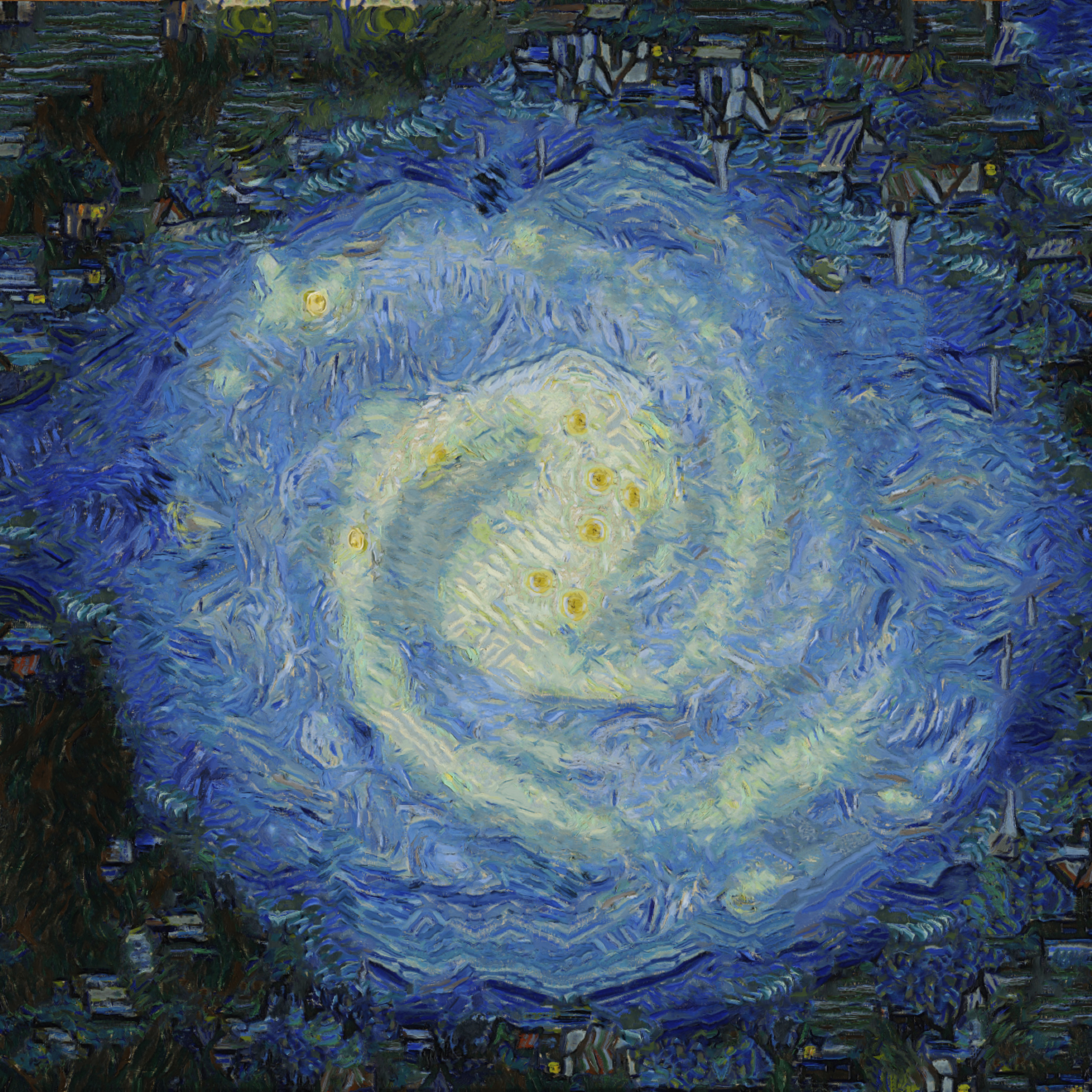
I like how this one turned out.
Ran MIlkyway with starry night predefined preset at 75%, all xy flips - if you look closely you can see houses on every side/corner
Image

_________________
Image
Free Fun Photo Editing & resources
Poems from the Lord
Gimp Newby
Gimp version 3.2.0 and GMIC-Qt 3.7.5 OS :- Windows 10 Home 64


Top
 Post subject: Re: G'MIC Stylize
PostPosted: Fri Jan 11, 2019 1:15 pm  (#39) 
Offline
GimpChat Member
User avatar

Joined: Sep 24, 2010
Posts: 12775
Not bad; now it's your turn to partake in Stylize crack, Sallyanne. lolol

Soon, I will have to break my binge of it, but you have a long way since you just got started. Enjoy. :)

_________________
Lyle

Psalm 109:8

Image


Top
 Post subject: Re: G'MIC Stylize
PostPosted: Sat Jan 12, 2019 2:02 am  (#40) 
Offline
Global Moderator
User avatar

Joined: Apr 01, 2012
Posts: 8377
Location: On the other side of your screen
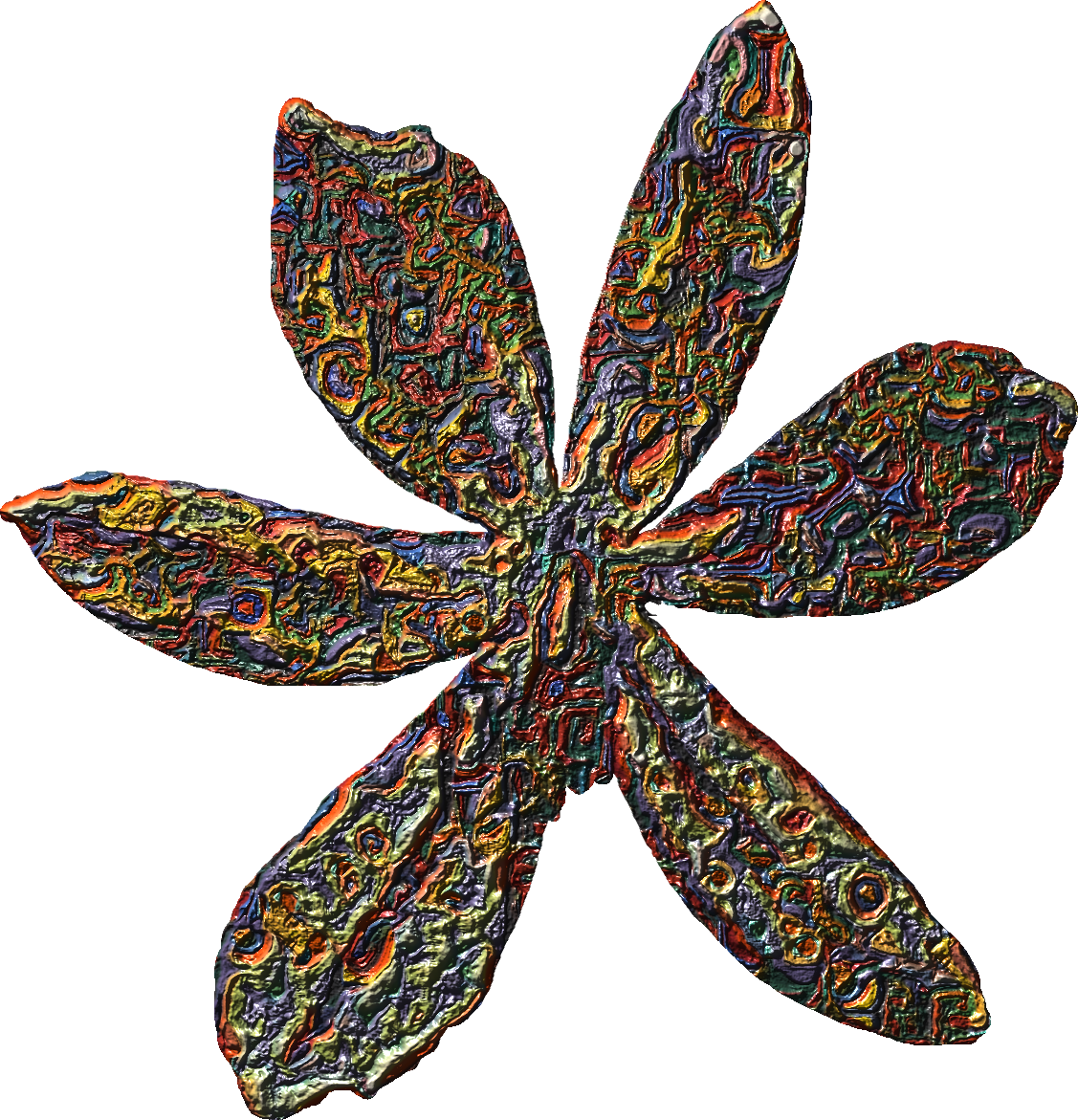
Did this one today and also bumped it
Image

_________________
Image
Free Fun Photo Editing & resources
Poems from the Lord
Gimp Newby
Gimp version 3.2.0 and GMIC-Qt 3.7.5 OS :- Windows 10 Home 64


Top
Post new topic Reply to topic  [ 47 posts ]  Go to page Previous  1, 2, 3  Next

All times are UTC - 5 hours [ DST ]


* Login  


Powered by phpBB3 © phpBB Group