It is currently Mon Aug 17, 2026 12:39 pm


All times are UTC - 5 hours [ DST ]


Post new topic Reply to topic  [ 32 posts ]  Go to page Previous  1, 2
Author Message
 Post subject: Re: Let selected area stand out (just a way)
PostPosted: Fri Jan 25, 2019 11:15 pm  (#21) 
Offline
GimpChat Member

Joined: May 12, 2015
Posts: 4693
I love to play with this effect.

Attachment:
DN.Selection Stand Out tut.Tea Party.jpg
DN.Selection Stand Out tut.Tea Party.jpg [ 532.46 KiB | Viewed 6952 times ]


Top
 Post subject: Re: Let selected area stand out (just a way)
PostPosted: Fri Jan 25, 2019 11:52 pm  (#22) 
Offline
Global Moderator
User avatar

Joined: Apr 01, 2012
Posts: 8457
Location: On the other side of your screen
Thaks for the gradients Pat

_________________
Image
Free Fun Photo Editing & resources
Poems from the Lord
Gimp Newby
Gimp version 3.2.4 and GMIC-Qt 4.0.2 OS :- Windows 10 Home 64


Top
 Post subject: Re: Let selected area stand out (just a way)
PostPosted: Sat Jan 26, 2019 12:21 am  (#23) 
Offline
GimpChat Member

Joined: May 12, 2015
Posts: 4693
You are most welcome, Sallyanne.


Top
 Post subject: Re: Let selected area stand out (just a way)
PostPosted: Sat Jan 26, 2019 12:22 am  (#24) 
Offline
Global Moderator
User avatar

Joined: Apr 01, 2012
Posts: 8457
Location: On the other side of your screen
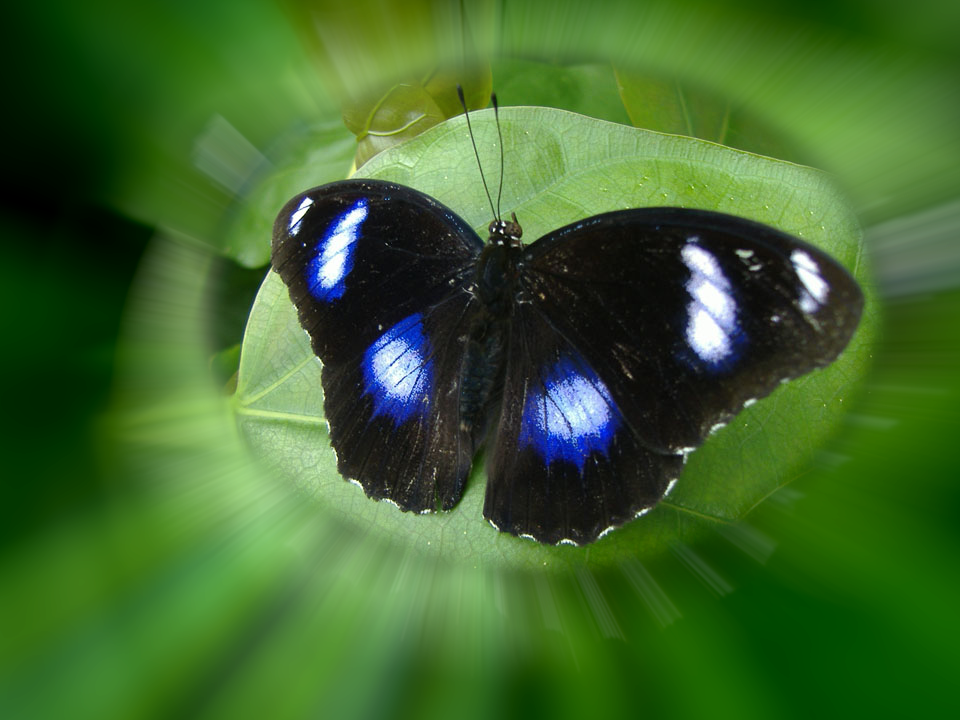
I like all the things about this photo.
Image

_________________
Image
Free Fun Photo Editing & resources
Poems from the Lord
Gimp Newby
Gimp version 3.2.4 and GMIC-Qt 4.0.2 OS :- Windows 10 Home 64


Top
 Post subject: Re: Let selected area stand out (just a way)
PostPosted: Sat Jan 26, 2019 1:18 am  (#25) 
Offline
Global Moderator
User avatar

Joined: Apr 01, 2012
Posts: 8457
Location: On the other side of your screen
Thought I'd try one with the selection feathered
Image

_________________
Image
Free Fun Photo Editing & resources
Poems from the Lord
Gimp Newby
Gimp version 3.2.4 and GMIC-Qt 4.0.2 OS :- Windows 10 Home 64


Top
 Post subject: Re: Let selected area stand out (just a way)
PostPosted: Sat Jan 26, 2019 2:34 am  (#26) 
Offline
GimpChat Member

Joined: Apr 09, 2018
Posts: 1888
Location: France
Fast passage this morning, thank you Pat625 :) :)

_________________
Les parfums, les couleurs et les sons se répondent.Baudelaire (Les fleurs du mal)
2.10.36/(Samj) Gimp 2.10.38 OS Windows 10 Home 64 bits


Top
 Post subject: Re: Let selected area stand out (just a way)
PostPosted: Sat Jan 26, 2019 2:42 am  (#27) 
Offline
GimpChat Member

Joined: Apr 09, 2018
Posts: 1888
Location: France
Issabella wrote:
Level_0 (you should change 0) :)


Issabella,I wanted to change level_0 to level_1 but could not change in User Control Panel/Edit account settings

_________________
Les parfums, les couleurs et les sons se répondent.Baudelaire (Les fleurs du mal)
2.10.36/(Samj) Gimp 2.10.38 OS Windows 10 Home 64 bits


Top
 Post subject: Re: Let selected area stand out (just a way)
PostPosted: Sat Jan 26, 2019 10:19 am  (#28) 
Offline
GimpChat Member

Joined: May 12, 2015
Posts: 4693
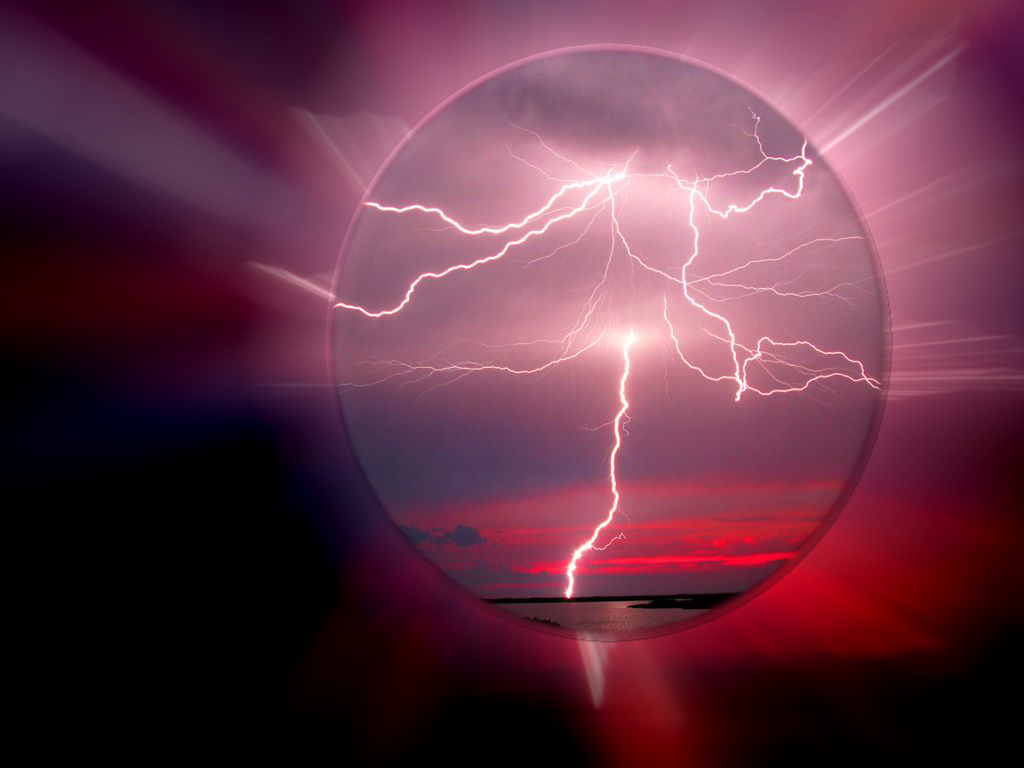
Sallyanne, both of your images are beautiful but the first is astounding!


Top
 Post subject: Re: Let selected area stand out (just a way)
PostPosted: Sun Jan 27, 2019 3:17 am  (#29) 
Offline
GimpChat Member
User avatar

Joined: Mar 01, 2014
Posts: 14133
Location: Spain, Aragón
Sallyanne, I like your results a lot. Your idea of feathering the selection has much potential to get a very nice result. I love it. :yes
Pat, like usual, your results are beautiful. :paint :yes

_________________
Image

Gimp 2.10.30(samj) portable _ OS Windows 10 Home_ 64bits
Don’t be afraid to start over. It’s a new chance to rebuild what you want.


Top
 Post subject: Re: Let selected area stand out (just a way)
PostPosted: Sun Jan 27, 2019 4:09 am  (#30) 
Offline
Global Moderator
User avatar

Joined: Apr 01, 2012
Posts: 8457
Location: On the other side of your screen
Thank you Pat & Isabella. Everything I have seen here is brilliant.
@Pat The photographer took a brilliant photo there including with the lightning, A sunset. sea and sillouette of the landscape.
@Isabella. Idea of the feathered selection was to not have such a sharp border around the selected area.

_________________
Image
Free Fun Photo Editing & resources
Poems from the Lord
Gimp Newby
Gimp version 3.2.4 and GMIC-Qt 4.0.2 OS :- Windows 10 Home 64


Top
 Post subject: Re: Let selected area stand out (just a way)
PostPosted: Sun Jan 27, 2019 5:56 am  (#31) 
Offline
GimpChat Member

Joined: Apr 09, 2018
Posts: 1888
Location: France
:clap :clap to all

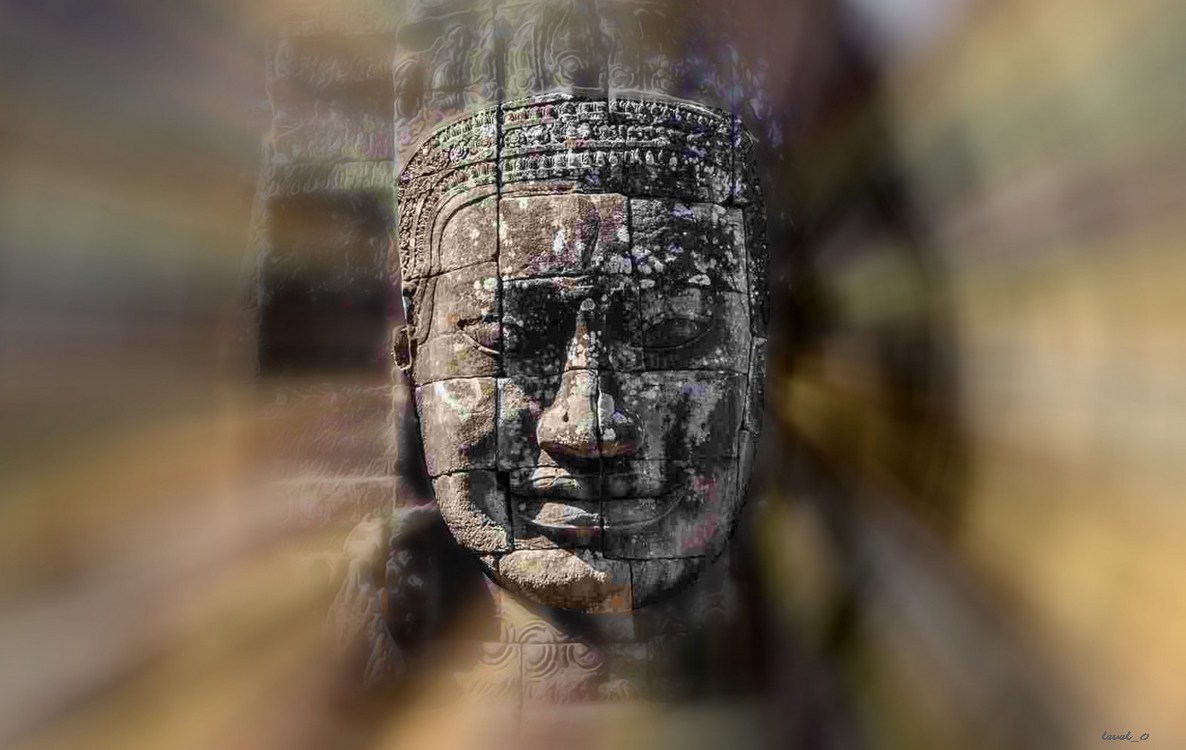
thanks to Pat625 for the gradients, difficult to make a choice because all are beautiful! :)
Image

_________________
Les parfums, les couleurs et les sons se répondent.Baudelaire (Les fleurs du mal)
2.10.36/(Samj) Gimp 2.10.38 OS Windows 10 Home 64 bits


Top
 Post subject: Re: Let selected area stand out (just a way)
PostPosted: Sun Jan 27, 2019 12:32 pm  (#32) 
Offline
GimpChat Member
User avatar

Joined: Mar 01, 2014
Posts: 14133
Location: Spain, Aragón
A very nice result, Level_0. I like it.

_________________
Image

Gimp 2.10.30(samj) portable _ OS Windows 10 Home_ 64bits
Don’t be afraid to start over. It’s a new chance to rebuild what you want.


Top
Post new topic Reply to topic  [ 32 posts ]  Go to page Previous  1, 2

All times are UTC - 5 hours [ DST ]


* Login  


Powered by phpBB3 © phpBB Group