It is currently Wed Nov 18, 2026 2:40 pm


All times are UTC - 5 hours [ DST ]


Post new topic Reply to topic  [ 3689 posts ]  Go to page Previous  1 ... 100, 101, 102, 103, 104, 105, 106 ... 185  Next
Author Message
 Post subject: Re: JUST WITHOUT WORDS
PostPosted: Mon May 11, 2020 7:49 am  (#2041) 
Offline
GimpChat Member
User avatar

Joined: Apr 26, 2014
Posts: 3842
Location: belgium
Image


Top
 Post subject: Re: JUST WITHOUT WORDS
PostPosted: Mon May 11, 2020 11:22 am  (#2042) 
Offline
GimpChat Member
User avatar

Joined: Mar 01, 2014
Posts: 14253
Location: Spain, Aragón
So cute! :yes

_________________
Image

Gimp 2.10.36 (samj) portable _ OS Windows 10 Home_ 64bits
Don’t be afraid to start over. It’s a new chance to rebuild what you want.


Top
 Post subject: Re: JUST WITHOUT WORDS
PostPosted: Tue May 12, 2020 3:49 am  (#2043) 
Offline
GimpChat Member
User avatar

Joined: Apr 26, 2014
Posts: 3842
Location: belgium
Image


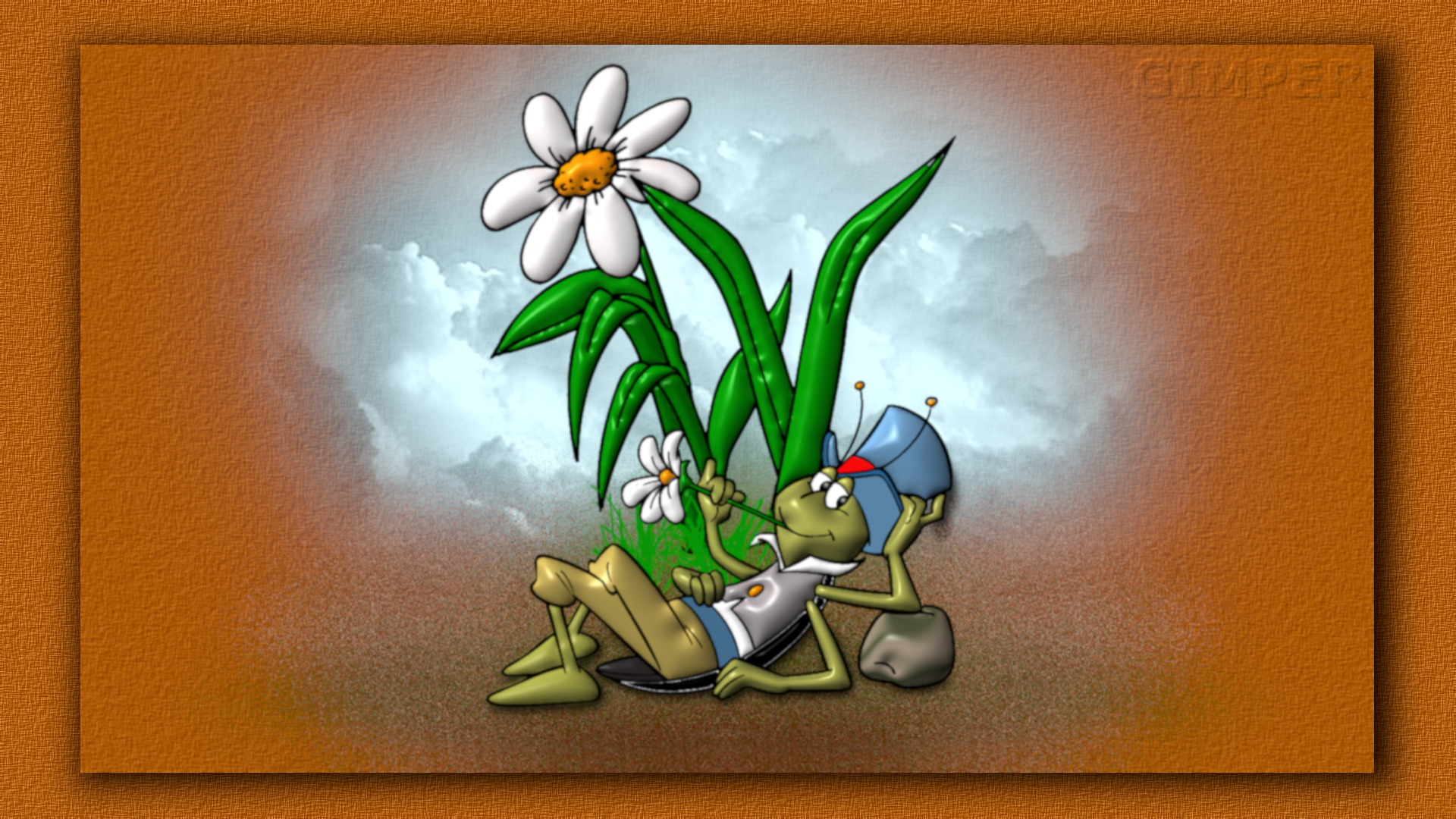
to the fairy tale of the cricket and the ant


Top
 Post subject: Re: JUST WITHOUT WORDS
PostPosted: Wed May 13, 2020 4:08 am  (#2044) 
Offline
GimpChat Member
User avatar

Joined: Apr 26, 2014
Posts: 3842
Location: belgium
Image


Top
 Post subject: Re: JUST WITHOUT WORDS
PostPosted: Wed May 13, 2020 5:03 am  (#2045) 
Offline
GimpChat Member
User avatar

Joined: Mar 01, 2014
Posts: 14253
Location: Spain, Aragón
Very effective and the transition image to background is perfect. :yes :cool

_________________
Image

Gimp 2.10.36 (samj) portable _ OS Windows 10 Home_ 64bits
Don’t be afraid to start over. It’s a new chance to rebuild what you want.


Top
 Post subject: Re: JUST WITHOUT WORDS
PostPosted: Wed May 13, 2020 5:45 am  (#2046) 
Offline
GimpChat Member
User avatar

Joined: Apr 26, 2014
Posts: 3842
Location: belgium
Issabella wrote:
Very effective and the transition image to background is perfect. :yes :cool


issabella,thanks for your constructive comment


Top
 Post subject: Re: JUST WITHOUT WORDS
PostPosted: Wed May 13, 2020 9:18 am  (#2047) 
Offline
GimpChat Member
User avatar

Joined: Apr 26, 2014
Posts: 3842
Location: belgium
Image


Top
 Post subject: Re: JUST WITHOUT WORDS
PostPosted: Thu May 14, 2020 6:44 am  (#2048) 
Offline
GimpChat Member
User avatar

Joined: Apr 26, 2014
Posts: 3842
Location: belgium
Image


Top
 Post subject: Re: JUST WITHOUT WORDS
PostPosted: Fri May 15, 2020 5:08 am  (#2049) 
Offline
GimpChat Member
User avatar

Joined: Apr 26, 2014
Posts: 3842
Location: belgium
Image


Top
 Post subject: Re: JUST WITHOUT WORDS
PostPosted: Fri May 15, 2020 7:30 am  (#2050) 
Offline
GimpChat Member
User avatar

Joined: Apr 26, 2014
Posts: 3842
Location: belgium
Image


Top
 Post subject: Re: JUST WITHOUT WORDS
PostPosted: Fri May 15, 2020 8:10 am  (#2051) 
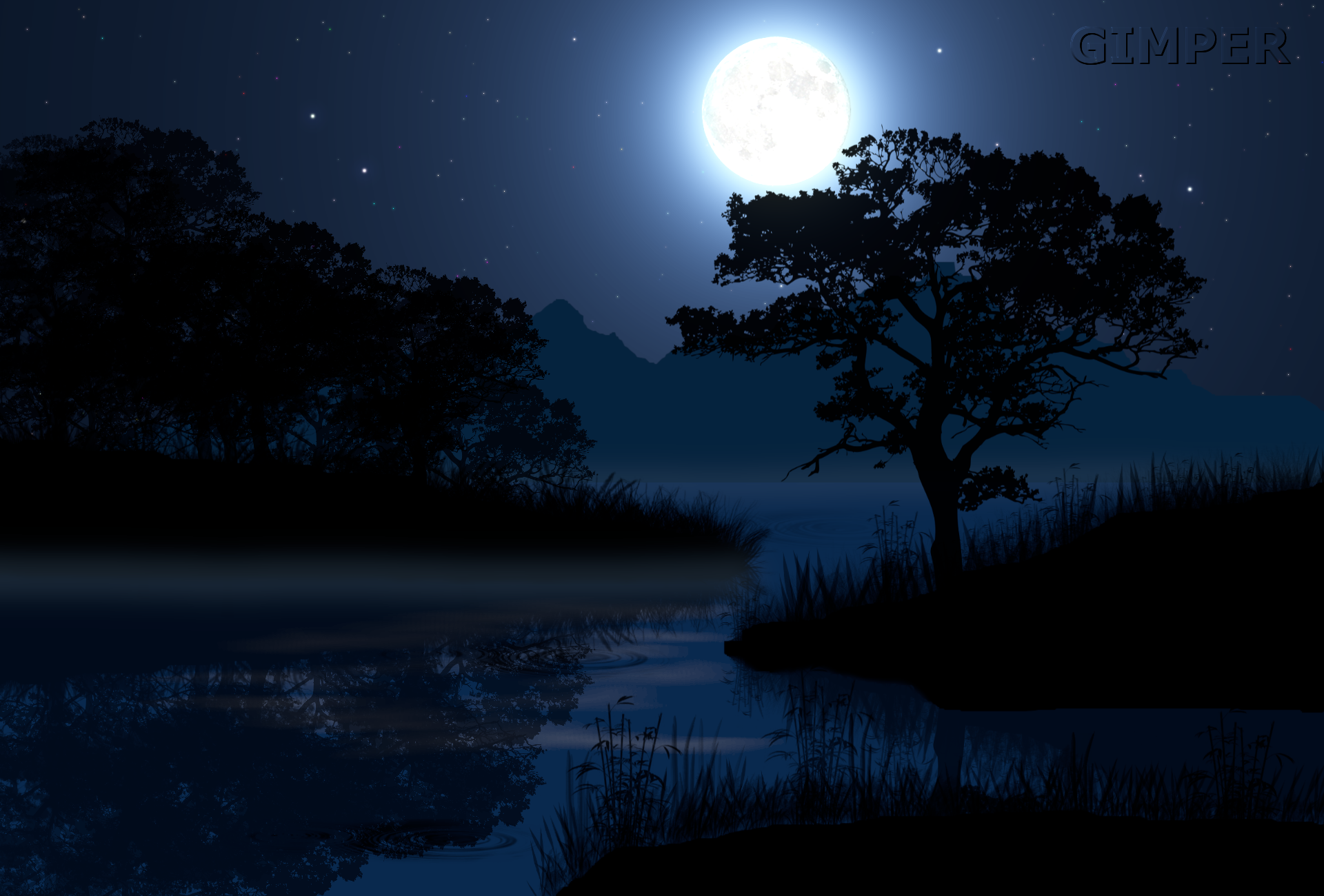
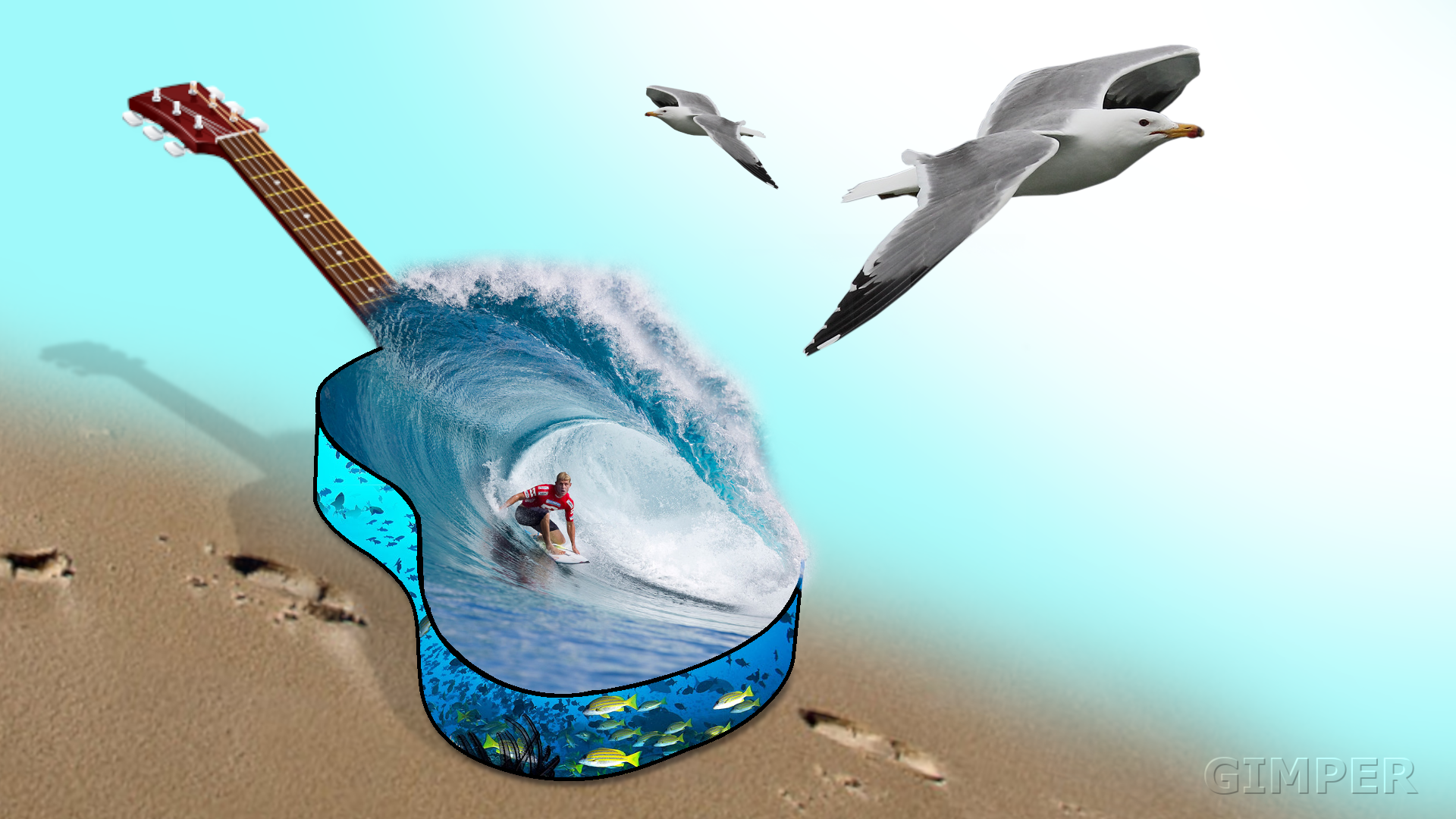
This is one of Ed Merced (conbagui) images and they're nice, I seem them in his page@ deviantart.com.


Last edited by Pocholo on Fri May 15, 2020 1:01 pm, edited 1 time in total.

Top
 Post subject: Re: JUST WITHOUT WORDS
PostPosted: Fri May 15, 2020 9:15 am  (#2052) 
Offline
GimpChat Member
User avatar

Joined: Apr 26, 2014
Posts: 3842
Location: belgium
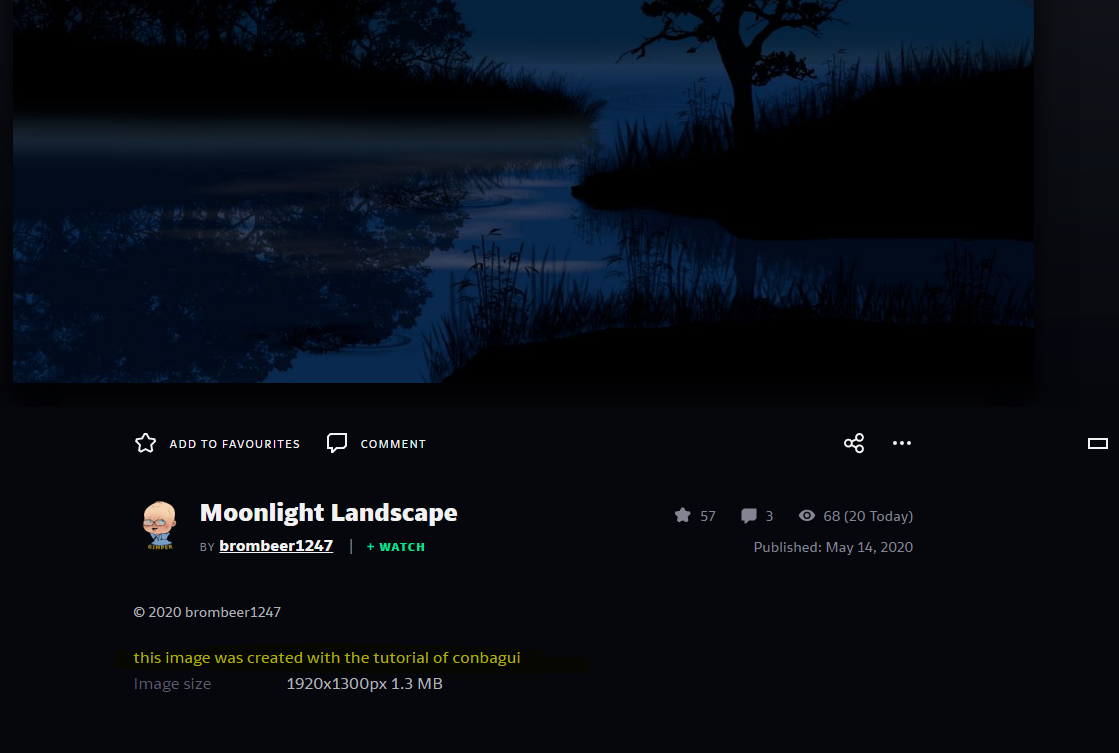
first and foremost I can tell you that I made this image myself
the tutorial is from conbagui.
if you look closely in deviand art you will see that I have an account there and post my images there as well.
you will notice that I have placed a thanks to conbagui for sharing the tutorial.
why I don't say anything about this at gimpchat because I know that conbagui has been banned from this site.
the how and why, I do not know everything about it and that is not my business,that only concerns the administrators of gimpchat.
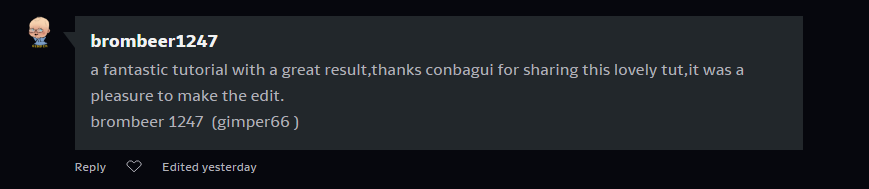
if you are interested take a look at brombeer1247,as well as at conbagui, you will see that I posted a thank you note.
I'm not going to have any further discussion here, that's not gimp chat.
gimper66


Image

Image

it might have been better to talk to me with a private message about that first, now you throw it on gimp chat so i reply.

https://www.deviantart.com/brombeer1247

https://www.deviantart.com/search/devia ... q=conbagui


Attachments:
File comment: this is my version of conbagui's tutorial
MOONLIGHT LANDSCAPE.zip [3.53 MiB]
Downloaded 86 times
Top
 Post subject: Re: JUST WITHOUT WORDS
PostPosted: Fri May 15, 2020 1:00 pm  (#2053) 
I apologize, for not knowing that you have given credit to conbagui. I didn't mean it in a wrong way, I retrieve what I said.


Top
 Post subject: Re: JUST WITHOUT WORDS
PostPosted: Sat May 16, 2020 12:06 am  (#2054) 
Offline
GimpChat Member

Joined: May 12, 2015
Posts: 4693
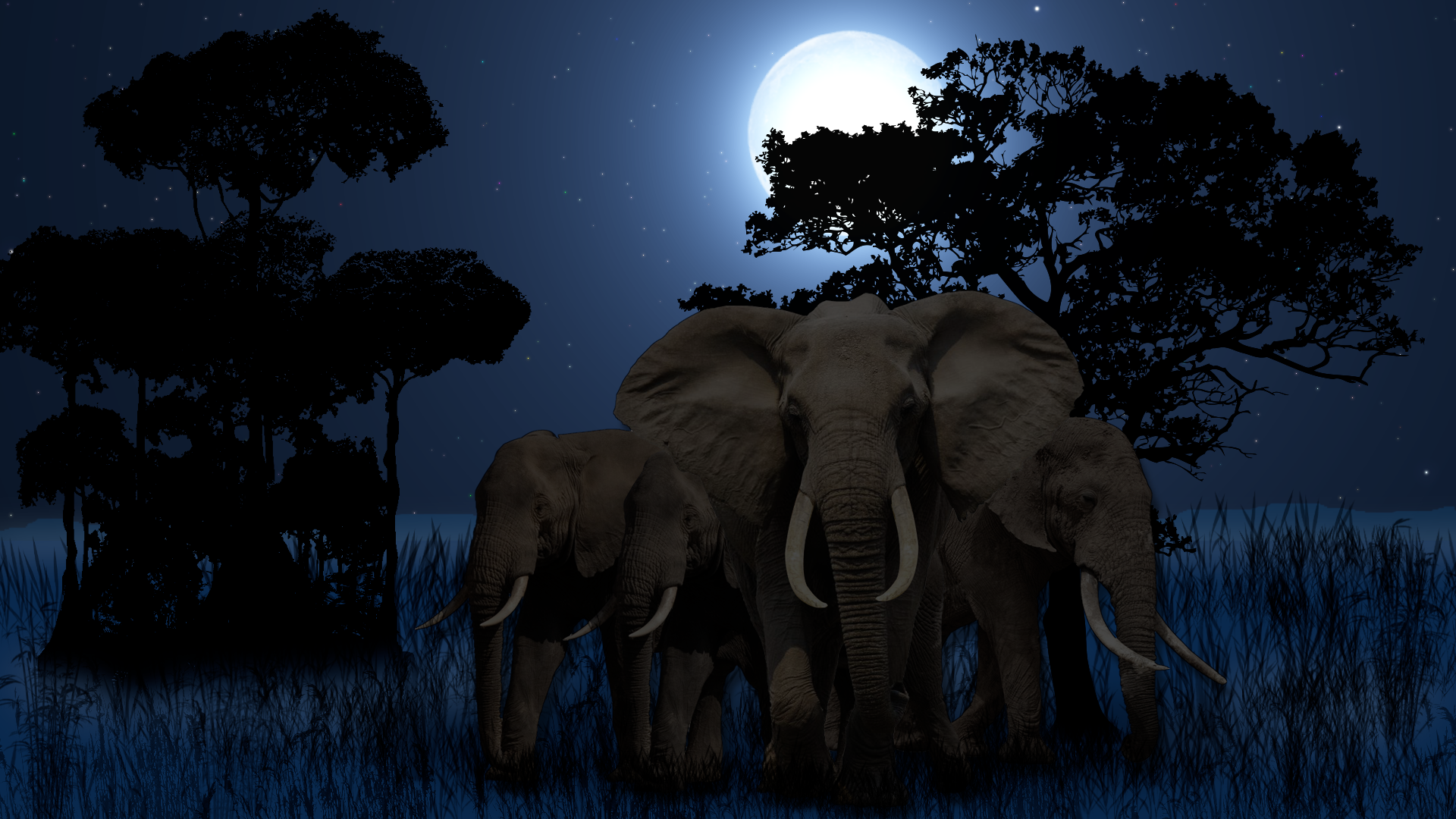
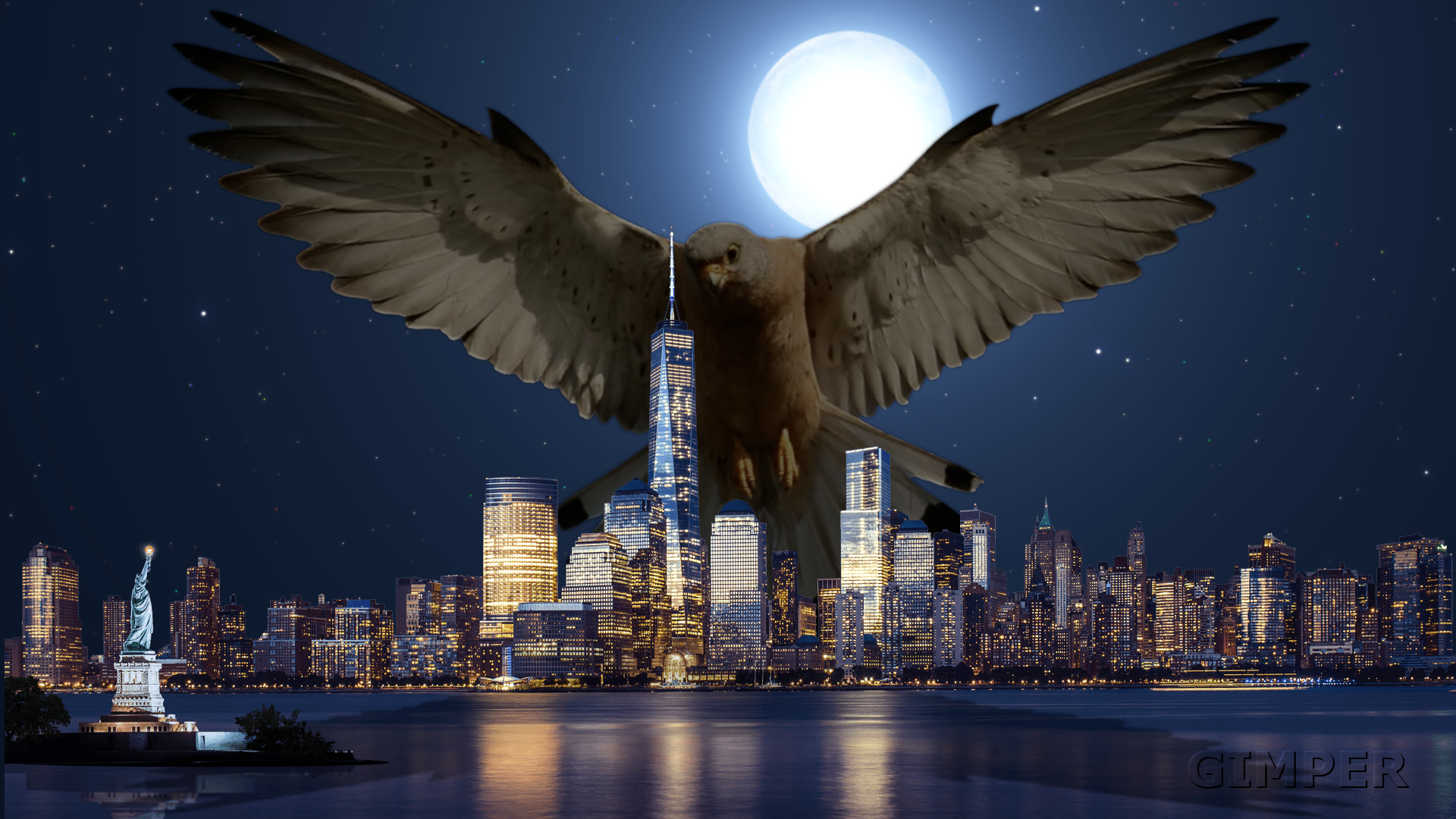
Gimper, I love most all of your images. I think that posts #2048, 2049, & 2050 are special!


Top
 Post subject: Re: JUST WITHOUT WORDS
PostPosted: Sat May 16, 2020 3:43 am  (#2055) 
Offline
GimpChat Member
User avatar

Joined: Apr 26, 2014
Posts: 3842
Location: belgium
Image


Top
 Post subject: Re: JUST WITHOUT WORDS
PostPosted: Sat May 16, 2020 5:48 am  (#2056) 
Offline
GimpChat Member
User avatar

Joined: Jan 13, 2011
Posts: 2648
Location: Poland
I am of the same opinion as Pat625 - I am particularly charmed #2048 :tyspin


Attachments:
Screenshot_My new desctop.png
Screenshot_My new desctop.png [ 649.24 KiB | Viewed 2383 times ]

_________________
Image
Top
 Post subject: Re: JUST WITHOUT WORDS
PostPosted: Sun May 17, 2020 6:38 am  (#2057) 
Offline
GimpChat Member
User avatar

Joined: Apr 26, 2014
Posts: 3842
Location: belgium
Image


thanks pat & mareroQ


Top
 Post subject: Re: JUST WITHOUT WORDS
PostPosted: Mon May 18, 2020 6:48 am  (#2058) 
Offline
GimpChat Member
User avatar

Joined: Apr 26, 2014
Posts: 3842
Location: belgium
Image


Top
 Post subject: Re: JUST WITHOUT WORDS
PostPosted: Thu May 21, 2020 2:53 pm  (#2059) 
Offline
GimpChat Member
User avatar

Joined: Apr 26, 2014
Posts: 3842
Location: belgium
Image


https://youtu.be/jQwGKg-Z8do


Top
 Post subject: Re: JUST WITHOUT WORDS
PostPosted: Sat May 23, 2020 2:04 am  (#2060) 
Offline
GimpChat Member
User avatar

Joined: Apr 26, 2014
Posts: 3842
Location: belgium
Image


Top
Post new topic Reply to topic  [ 3689 posts ]  Go to page Previous  1 ... 100, 101, 102, 103, 104, 105, 106 ... 185  Next

All times are UTC - 5 hours [ DST ]


* Login  


Powered by phpBB3 © phpBB Group