It is currently Fri Aug 07, 2026 12:19 am


All times are UTC - 5 hours [ DST ]


Post new topic Reply to topic  [ 7 posts ] 
Author Message
 Post subject: Inkscape plugin for Gimp 3
PostPosted: Wed Apr 09, 2025 12:52 am  (#1) 
Offline
GimpChat Member
User avatar

Joined: Jan 13, 2011
Posts: 2648
Location: Poland
If you don't have Inkscape version 1.4, it's time to install it:

https://inkscape.org/release/inkscape-1 ... directed=1

Image

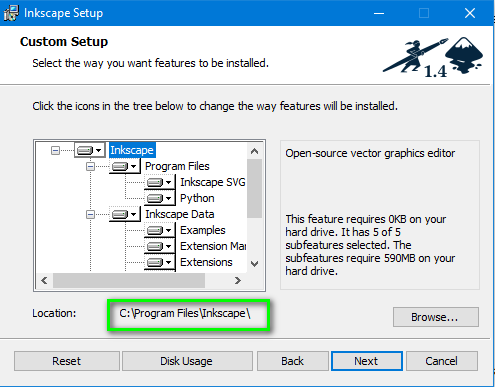
Run msi installer: inkscape-1.4_2024-10-11_86a8ad7-x64.msi
Select the default installation path c:\Program Files\Inkscape\
Image

Download and unzip Inkscape-plugin.zip (in ... 'HomeDirectory'\plug-ins\Inkscape-plugin\Inkscape-plugin.py)

Uruchom Gimp 3.

In menu: Filters ➤ ShelOut ➤ Inkscape...

Image

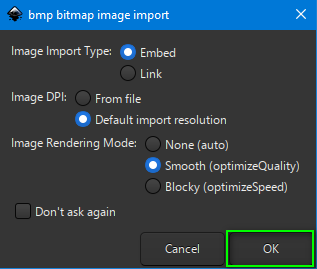
Select options in the plugin and run it
Image

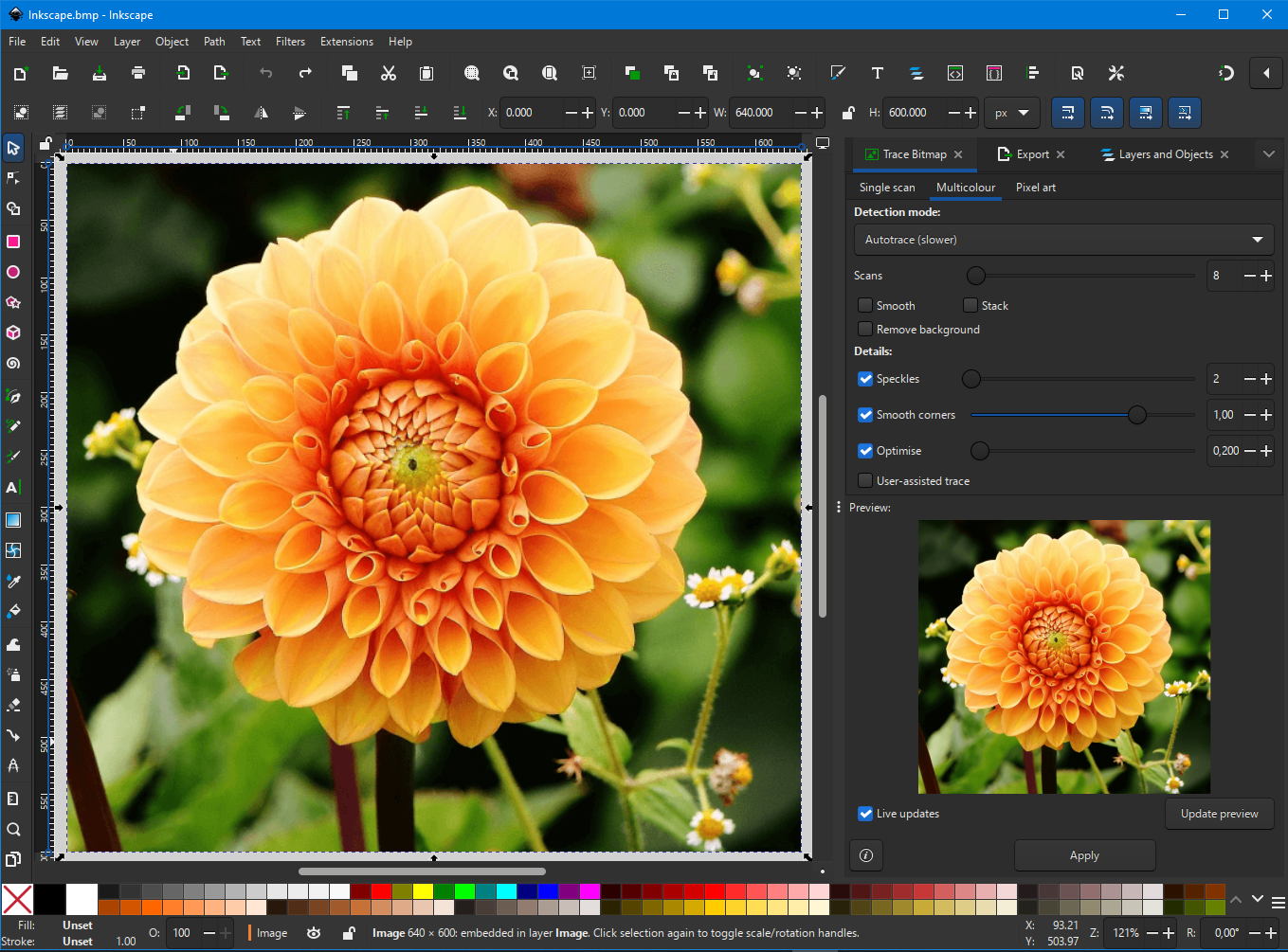
If you want to create svg file use Trace Bitmap:
Image

and you can use some Filter:

Image

Save As ➤ Replace 'Name temp-file'.svg

Image

Image

Image

Close Inkscape and you will be back to Gimp with the result

Image

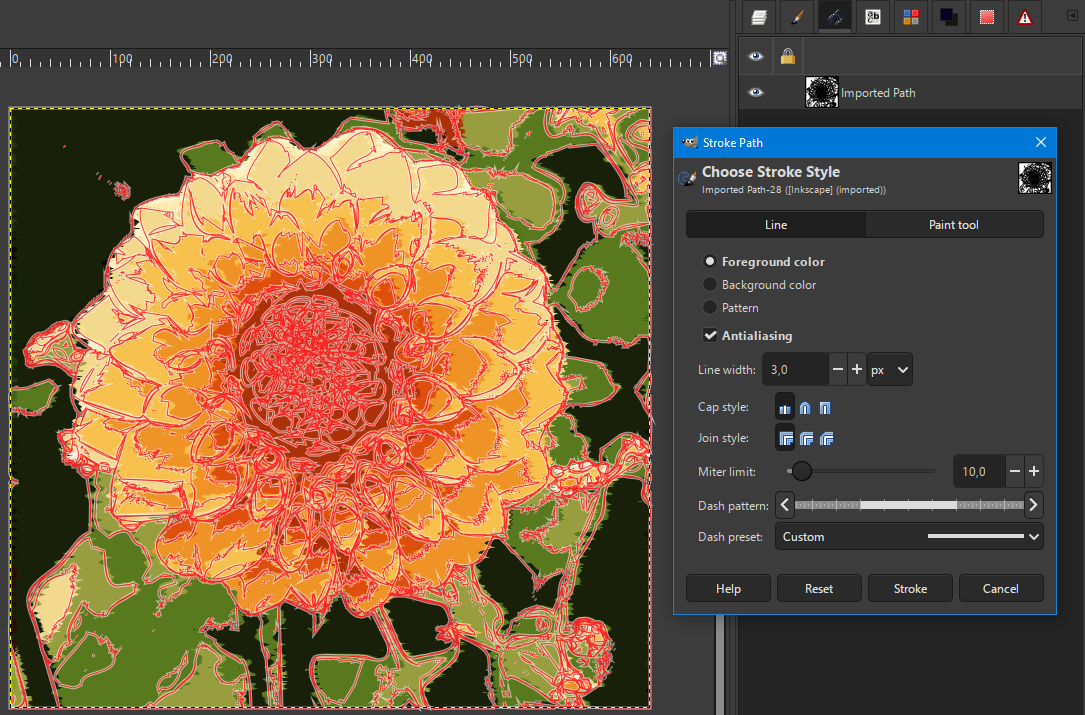
If you want open svg as path:

Image

... and play with the path as you like...
Image


Attachments:
Inkscape_plugin.zip [3.33 KiB]
Downloaded 198 times

_________________
Image
Share on Facebook Share on Twitter Share on Orkut Share on Digg Share on MySpace Share on Delicious Share on Technorati
Top
 Post subject: Re: Inkscape plugin for Gimp 3
PostPosted: Tue Apr 29, 2025 6:42 am  (#2) 
Offline
GimpChat Member
User avatar

Joined: Jan 13, 2011
Posts: 2648
Location: Poland
Ver.0.2.

Just a small addition (allows you to create paths in the active image).

Image


Attachments:
Inkscape_plugin Ver.0.2.zip [3.68 KiB]
Downloaded 173 times

_________________
Image
Top
 Post subject: Re: Inkscape plugin for Gimp 3
PostPosted: Tue Apr 29, 2025 6:55 am  (#3) 
Offline
Global Moderator
User avatar

Joined: May 16, 2010
Posts: 16152
Great idea MareroQ! Hey for the life of me i cannot get Inkscape 1.5 dev to work in Windows 10. I get an open container for the splash and the opened program window. I have GTK 4 installed in c:/GTK 4 and the environment variables set correctly, but i still cannot get it to work. I was wondering if you could check it out. Maybe you can figure it out. :)

Thx for the new plugin for Inkscape in Gimp-3.

_________________
Image


Top
 Post subject: Re: Inkscape plugin for Gimp 3
PostPosted: Tue Apr 29, 2025 7:42 am  (#4) 
Offline
GimpChat Member
User avatar

Joined: Jan 13, 2011
Posts: 2648
Location: Poland
Sorry Rod but after Your experience I will not experiment with the development version and will stick with stable 1.4.

_________________
Image


Top
 Post subject: Re: Inkscape plugin for Gimp 3
PostPosted: Tue Apr 29, 2025 8:17 am  (#5) 
Offline
Global Moderator
User avatar

Joined: May 16, 2010
Posts: 16152
MareroQ wrote:
Sorry Rod but after Your experience I will not experiment with the development version and will stick with stable 1.4.

No reason to be sorry. :bigthup Just wondering if you knew how to fix it. It is a conumdrum for me. :puzzled

_________________
Image


Top
 Post subject: Re: Inkscape plugin for Gimp 3
PostPosted: Thu Jun 19, 2025 10:06 am  (#6) 
Offline
Global Moderator
User avatar

Joined: May 16, 2010
Posts: 16152
I have Inkscape 1.5 DEV working in Windows 11. :)

viewtopic.php?f=26&t=21319

_________________
Image


Top
 Post subject: Re: Inkscape plugin for Gimp 3
PostPosted: Mon Aug 25, 2025 5:52 am  (#7) 
Offline
GimpChat Member
User avatar

Joined: May 10, 2013
Posts: 1431
Location: FInland
Hi MaroreQ, just a typo fix on line 301.
procedure.add_menu_path("<Image>/Filters/ShellOut")

Thanks much for all the Gimp 3 updates :tyspin


Top
Post new topic Reply to topic  [ 7 posts ] 

All times are UTC - 5 hours [ DST ]


* Login  


Powered by phpBB3 © phpBB Group




