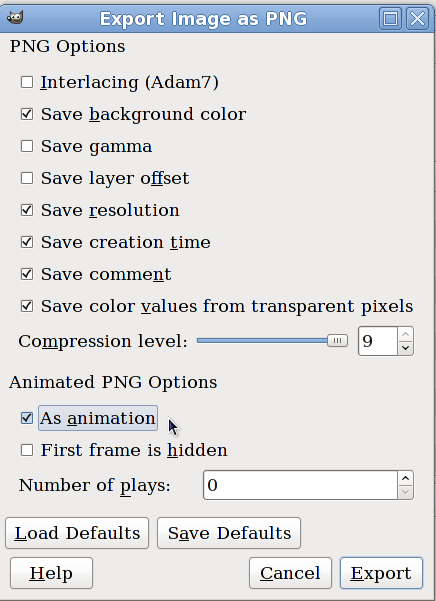
GIMP Version: 2.6.11
Operating System: Windows
OS Version: XP - SP3
GIMP Experience: Beginner Level
List any relevant plug-ins or scripts:APNG Plug-in
found here: viewtopic.php?f=9&t=212
Hi there!
This Plug-In is so great!
Or at least.. it would be if I'd know Gimp a little better. I'm totally inexperienced with animations :'D
I have a .xcf with 6 different layers and want to have them replacing each other, but every time I save the file as .png animation Gimp changes the frame deposal from (replace) to (combine) on the 2nd layer!
I tried to make it 7 layers with the 2nd being the same as the 1st and the 3rd layer being my previous 2nd layer, result: Gimp changes all three layers to (combine) =/
And I added even more layers between my original 2nd and 1st layers, same problem ):I'm quite desperate.. any suggestions how to solve my problem?
Cheers,
Ami
 Login
Login Register
 Tweets
 FAQ
FAQ Advanced Search