This update tries to improve the appearance of the taper option effect when using a brush to stroke character paths.
The plug-in, together with character path files and some brushes are in the zipped Resources folder below. Download, unzip and save to the appropriate locations (user plug-ins and brushes folders).
Attachment:
 Resources.zip [196 KiB]
Downloaded 36 times
Resources.zip [196 KiB]
Downloaded 36 times
A pdf of this guide should you need it:
Attachment:
A few example images using a dragon scale brush to illustrate the effect:
The first uses space set to 30 and without any taper:
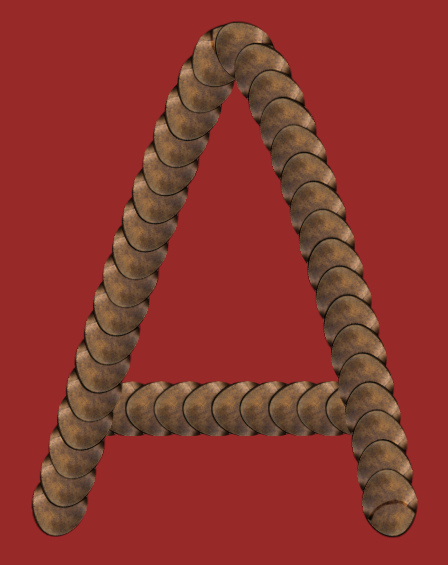
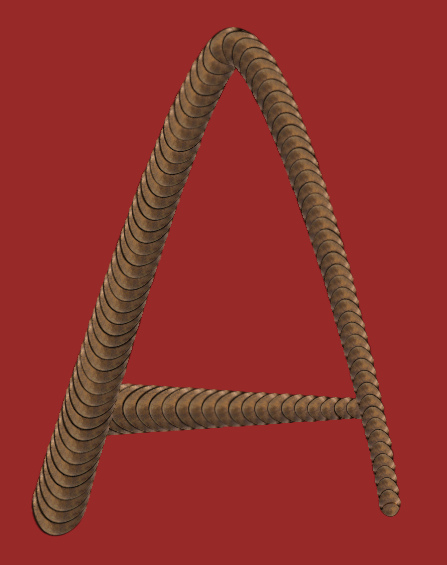
Now the taper is set to 40 (%) (of the original width): The amount used here is intended to exaggerate the taper for display purposes.
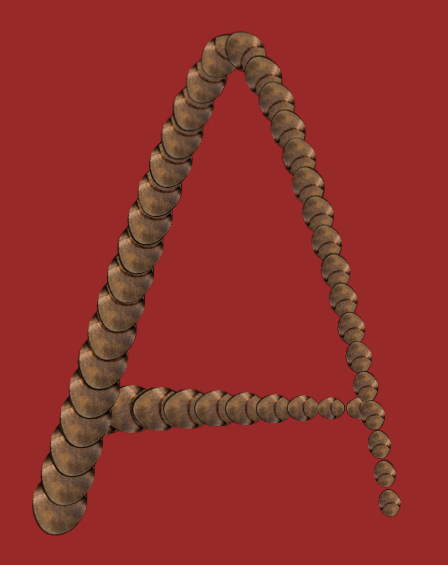
Previous versions of the filter (example below) did not adjust the spacing as the taper got smaller leading to some rather ugly gapping at the end of tapered strokes.
I have added a couple of character path files for experimenting with for this new version. If you create your own paths bear in mind that the order that you create the strokes in (with paths that have more than one stroke obviously) will affect the final appearance of the characters.
The lower-case ‘b’ character below consists of a vertical stroke and a round unclosed stroke.
The vertical stroke was created before the rounded stroke:
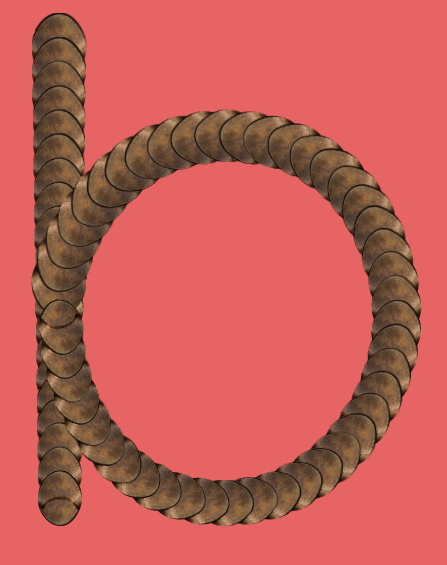
And below the effect of creating the rounded stroke before the vertical stroke:
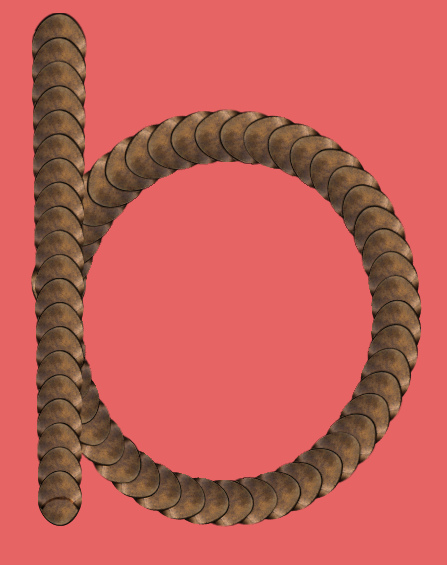
The choice is yours to make.
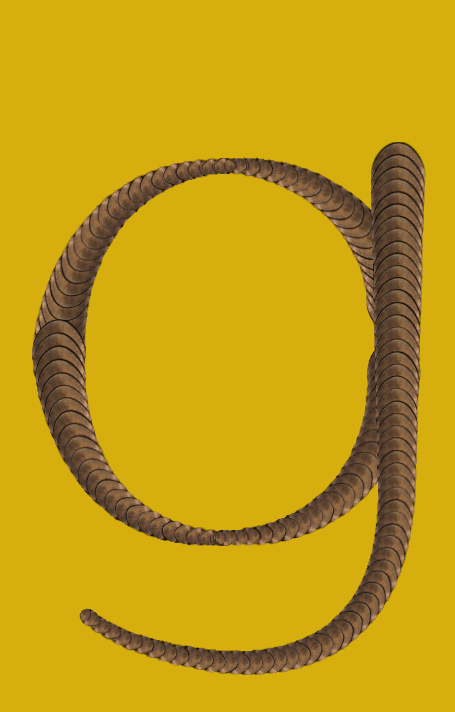
The path for this lower-case ‘g’ character uses four sub-paths for the rounded section in an attempt to add shape to the character:
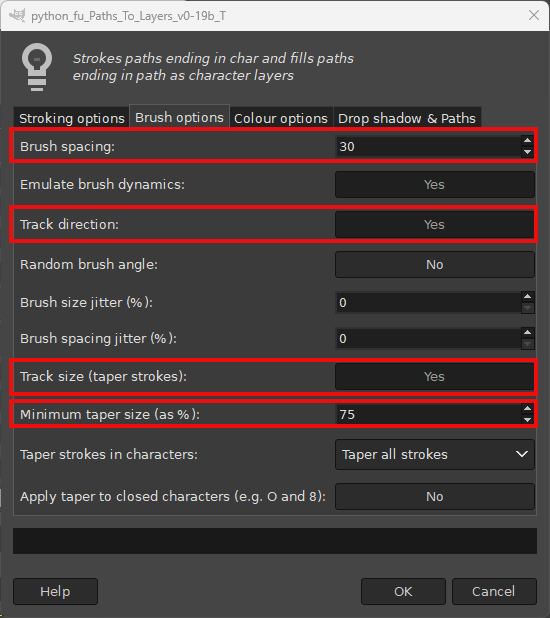
 Suggested values for the Paths to Layers filter:
Open one of the decorative character path files in Gimp.
Choose the brush that you want to use to stroke the character paths before using the filter. There are some Gimp brushes for you to play with in the accompanying Resources folder; these can be placed in your Gimp 2.10 user Brushes folder.
The filter should be placed in your Gimp 2.10 user plug-ins folder and the tabbed dialog can be accessed from the menu option:
Filters>>Custom Fonts>>Constructing Tools>>Custom Fonts Paths to Layers v.0.19b Tabbed…I would suggest that you leave all options at the default values apart from the Brush Options on Tab 2, as highlighted below:
There is a preview option on Tab 4 that you can also use to create a new image containing a single character, before committing to a whole set of character layers.
Have fun.
 Login
Login Register
 Tweets
 FAQ
FAQ Advanced Search










