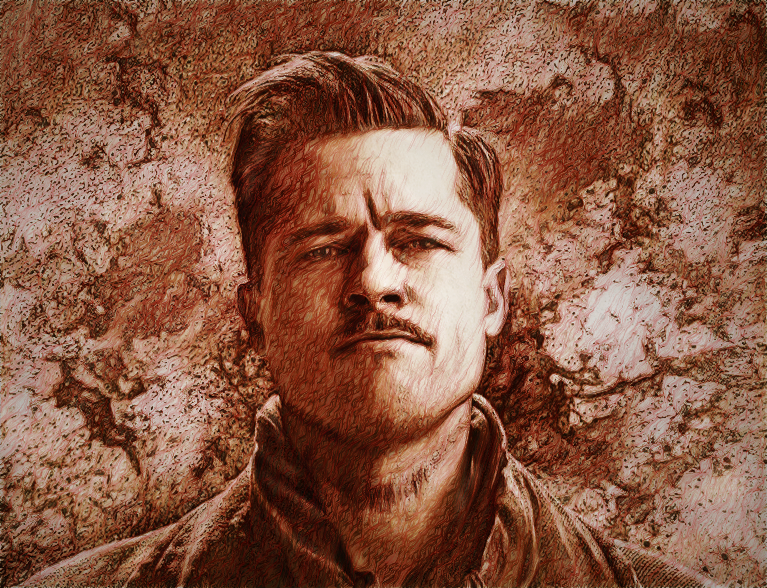
I found the original image to do this, but I having trouble.
Attachment:
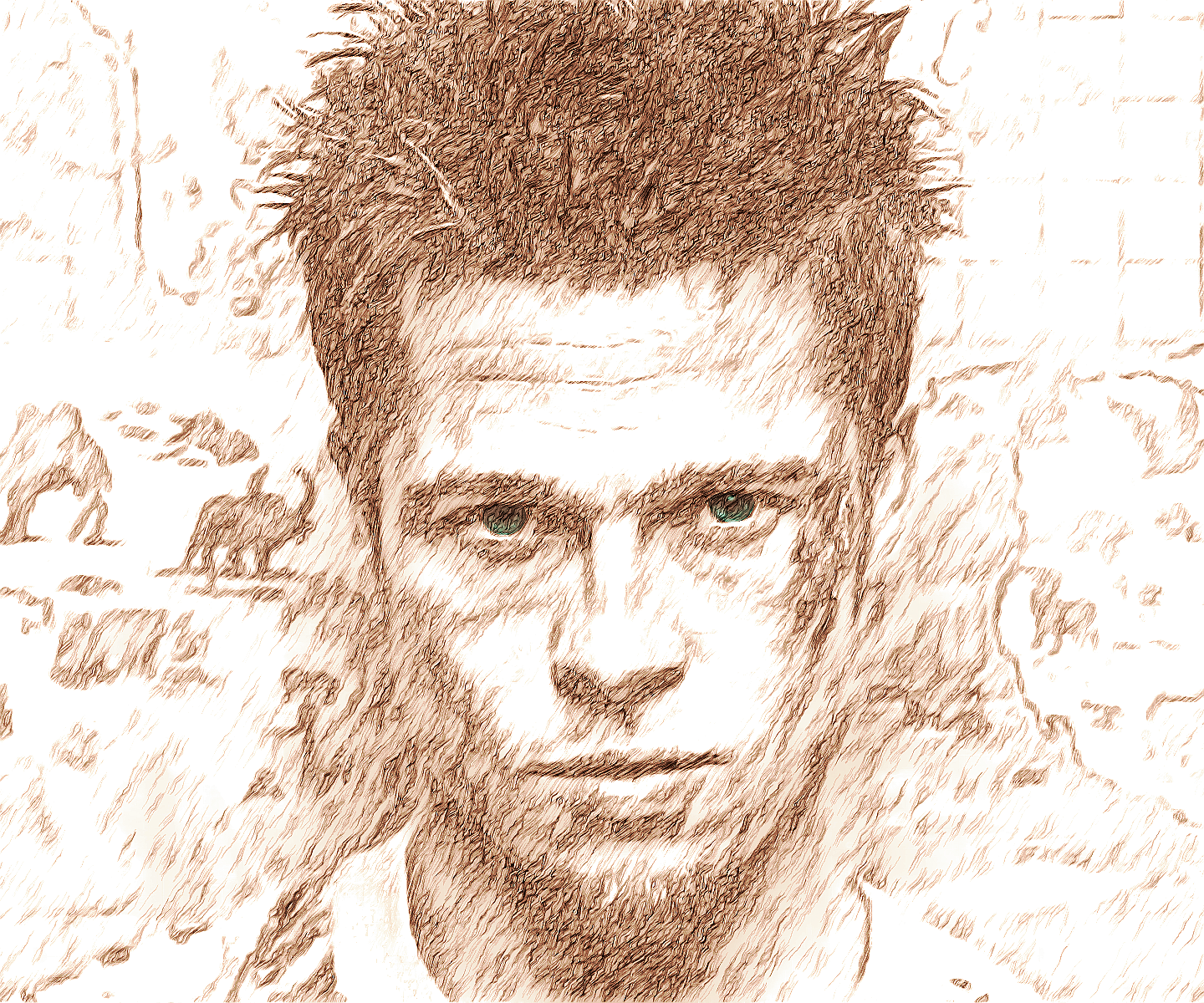
 Another Sketch starter Image.png [ 2.54 MiB | Viewed 3172 times ]
No matter what I do, it not the same, I've tried 5 times, can anyone explain.
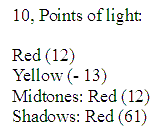
I have the latest GIMP 3.2.6 and the latest G'MIC-QT and set the output to "new layers",
tried the PDF file instructions. Read the whole thread, everything seems to be confusing. Also
tried different desaturation settings and nothing seem to work, even tried color to gray. My
problem is the cheek area is missing or doesn't look the same, not even close to what it should
look like, and under the chin is off, it just blends together. This is what it should look like when
you're done but can't get the same result.
Attachment:
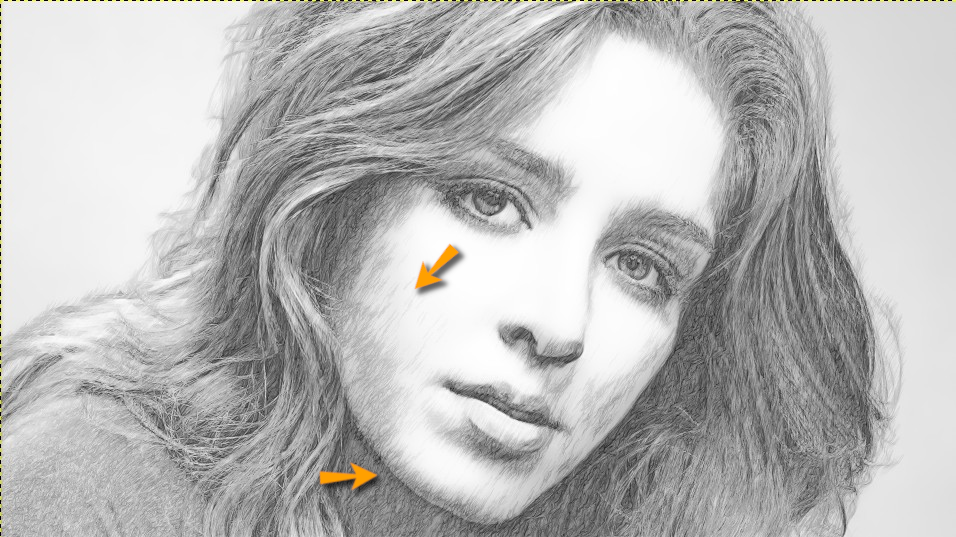 Another Sketch starter Imageb.png [ 602.29 KiB | Viewed 3172 times ]
Can anybody do a shorthand step by step, it says "To desaturate it (mode: luminosity)"
That option isn't in the latest gimp, unless it's been renamed to "Luma."
 Login
Login Register
 Tweets
 FAQ
FAQ Advanced Search