It is currently Thu Sep 03, 2026 7:22 am


All times are UTC - 5 hours [ DST ]


Post new topic Reply to topic  [ 48 posts ]  Go to page 1, 2, 3  Next
Author Message
 Post subject: Sculptures
PostPosted: Tue Oct 25, 2011 12:48 am  (#1) 
Offline
Global Moderator
User avatar

Joined: May 16, 2010
Posts: 16169
Lyle got me back into this. :lol
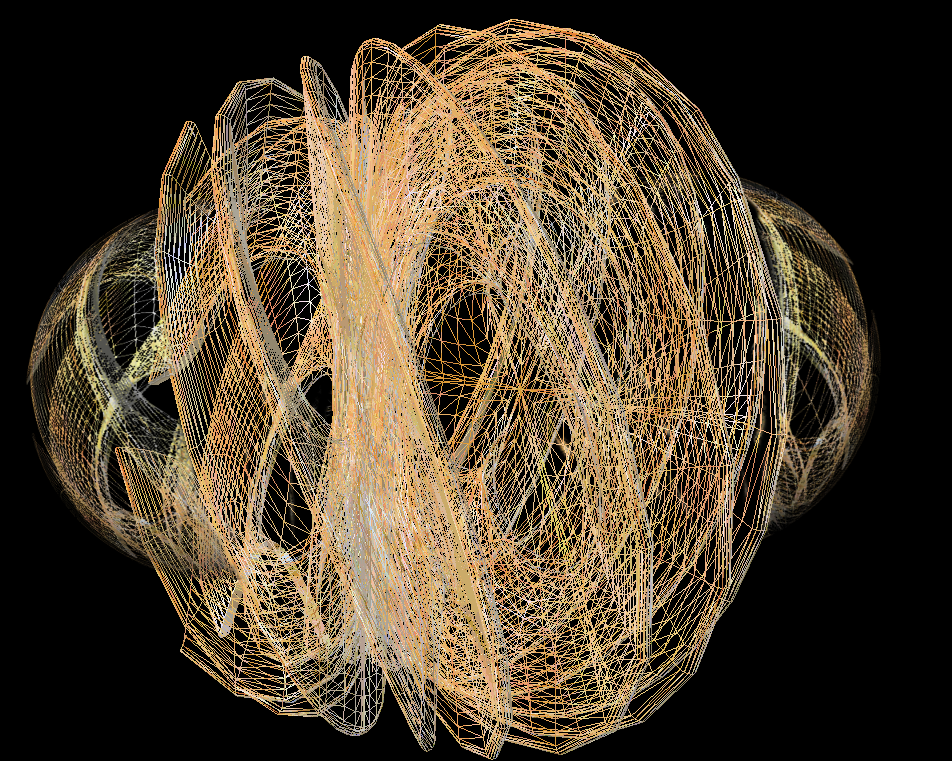
Created this in Sculpture program and then added some spheres to it in Gimp. :)

Image

_________________
Image


Share on Facebook Share on Twitter Share on Orkut Share on Digg Share on MySpace Share on Delicious Share on Technorati
Top
 Post subject: Re: Sculptures
PostPosted: Tue Oct 25, 2011 12:59 am  (#2) 
Offline
GimpChat Member
User avatar

Joined: Sep 24, 2010
Posts: 12841
lol; yeah. This one's addicting. When I'm not doing mathmap spheres to share what I can do with the seamless textures I concoct (my Deviant), I use sculpture generator to show what my textures can do. :)

_________________
Lyle

Psalm 109:8

Image


Top
 Post subject: Re: Sculptures
PostPosted: Tue Oct 25, 2011 1:08 am  (#3) 
Offline
GimpChat Member
User avatar

Joined: Apr 09, 2011
Posts: 1764
looks a lot like a spirograph web


Top
 Post subject: Re: Sculptures
PostPosted: Tue Oct 25, 2011 1:10 am  (#4) 
Offline
Global Moderator
User avatar

Joined: May 16, 2010
Posts: 16169
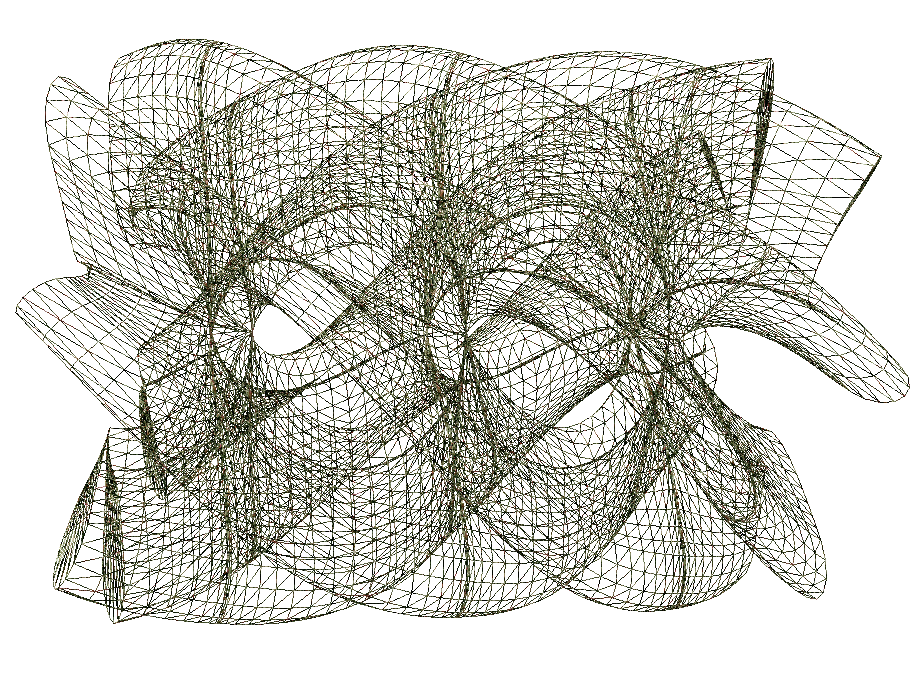
Sculpture-3 with wire frame.

Image

Hey Lyle i can not remember how to save these as PNG in actual pixel size.Do you know how?
I have been saving them via FastStone Screen Capture.Works okay but i would like more detail.

_________________
Image


Top
 Post subject: Re: Sculptures
PostPosted: Tue Oct 25, 2011 1:13 am  (#5) 
Offline
Global Moderator
User avatar

Joined: May 16, 2010
Posts: 16169
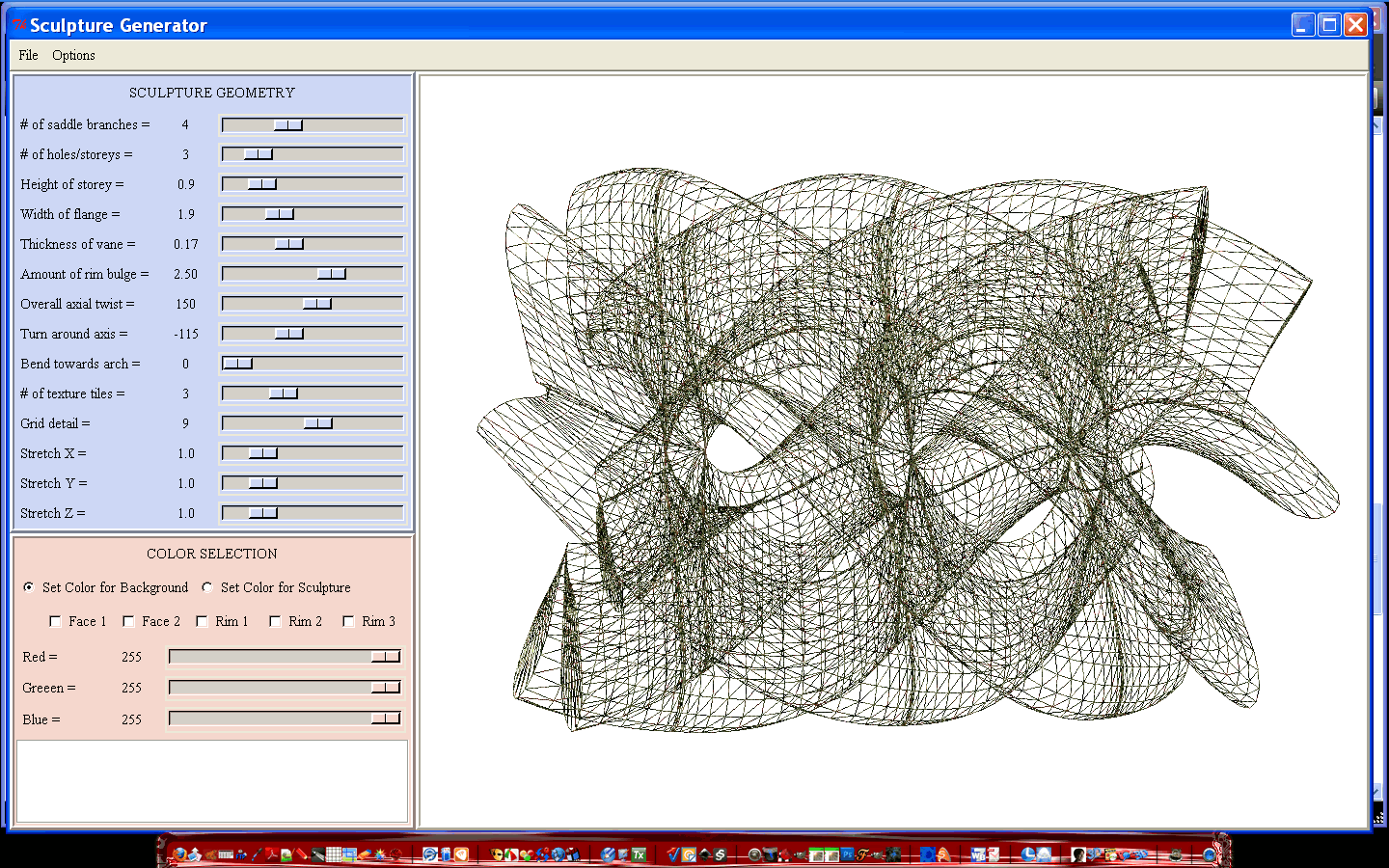
Settings for that last one.

Image

_________________
Image


Top
 Post subject: Re: Sculptures
PostPosted: Tue Oct 25, 2011 1:26 am  (#6) 
Offline
GimpChat Member
User avatar

Joined: Sep 24, 2010
Posts: 12841
Only way I know to save the result is screen capture Rod which is sad. I did try to download a 3D application and opened up saved results in it but not that happy with doing that either. Pretty much no choice but to printscreen (sad oversite by the developer). :)

_________________
Lyle

Psalm 109:8

Image


Top
 Post subject: Re: Sculptures
PostPosted: Tue Oct 25, 2011 1:36 am  (#7) 
Offline
Global Moderator
User avatar

Joined: May 16, 2010
Posts: 16169
lylejk wrote:
Only way I know to save the result is screen capture Rod which is sad. I did try to download a 3D application and opened up saved results in it but not that happy with doing that either. Pretty much no choice but to printscreen (sad oversite by the developer). :)


Yeah that is really too bad. :)

Still fun to mess with though.

_________________
Image


Top
 Post subject: Re: Sculptures
PostPosted: Tue Oct 25, 2011 1:52 am  (#8) 
Offline
GimpChat Member
User avatar

Joined: Sep 24, 2010
Posts: 12841
Weird; never recalled ever playing with the wireframe aspects of Sculpture Generator. No reason to start another thread. Used enviromental mapping capabilities of SG for this one. :)


Attachments:
wireframe.png
wireframe.png [ 487.41 KiB | Viewed 2591 times ]

_________________
Lyle

Psalm 109:8

Image
Top
 Post subject: Re: Sculptures
PostPosted: Tue Oct 25, 2011 1:54 am  (#9) 
Offline
GimpChat Member
User avatar

Joined: Oct 06, 2010
Posts: 4050
Hmmm, maybe there is a way to code a save image button into the program.

Are the wireframes patterns or part of the program? I don't recall ever using it.

_________________
"In order to attain the impossible, one must attempt the absurd."
~ Miguel de Cervantes


Top
 Post subject: Re: Sculptures
PostPosted: Tue Oct 25, 2011 2:00 am  (#10) 
Offline
GimpChat Member
User avatar

Joined: Sep 24, 2010
Posts: 12841
It is Mahvin; I never recalled playing with it either. lol

Just wish I was a tickle coder (believe it's written in TCL but I'm not sure; vaguely remember that we edited the generator.tcl file to get better resolution abilities. :)

_________________
Lyle

Psalm 109:8

Image


Top
 Post subject: Re: Sculptures
PostPosted: Tue Oct 25, 2011 2:30 am  (#11) 
Offline
GimpChat Member
User avatar

Joined: Oct 06, 2010
Posts: 4050
Yes (TCL) we did, and this has me thinking code can be added to save images from the generator.

_________________
"In order to attain the impossible, one must attempt the absurd."
~ Miguel de Cervantes


Top
 Post subject: Re: Sculptures
PostPosted: Tue Oct 25, 2011 2:37 am  (#12) 
Offline
Global Moderator
User avatar

Joined: May 16, 2010
Posts: 16169
That would be awesome Mahvin.Which file do you edit?

Wireframe is pretty cool.

Image

_________________
Image


Top
 Post subject: Re: Sculptures
PostPosted: Tue Oct 25, 2011 3:05 am  (#13) 
Offline
Global Moderator
User avatar

Joined: May 16, 2010
Posts: 16169
Would that be the generator.tcl file under this part of the code?
proc save_file {} {
    global filename
    .view.gl_win SaveSpec $filename
}

proc load_file {} {
    global filename
    .view.gl_win LoadSpec $filename
}

proc export_file {} {
    global filename
    .view.gl_win Export $filename
}

_________________
Image


Top
 Post subject: Re: Sculptures
PostPosted: Tue Oct 25, 2011 3:08 am  (#14) 
Offline
Global Moderator
User avatar

Joined: May 16, 2010
Posts: 16169
This is interesting
http://www.slac.stanford.edu/BFROOT/www ... l/tcl.html

_________________
Image


Top
 Post subject: Re: Sculptures
PostPosted: Tue Oct 25, 2011 3:26 am  (#15) 
Offline
Global Moderator
User avatar

Joined: May 16, 2010
Posts: 16169
Figured this out :lol

Image

_________________
Image


Top
 Post subject: Re: Sculptures
PostPosted: Tue Oct 25, 2011 3:44 am  (#16) 
Offline
Global Moderator
User avatar

Joined: May 16, 2010
Posts: 16169
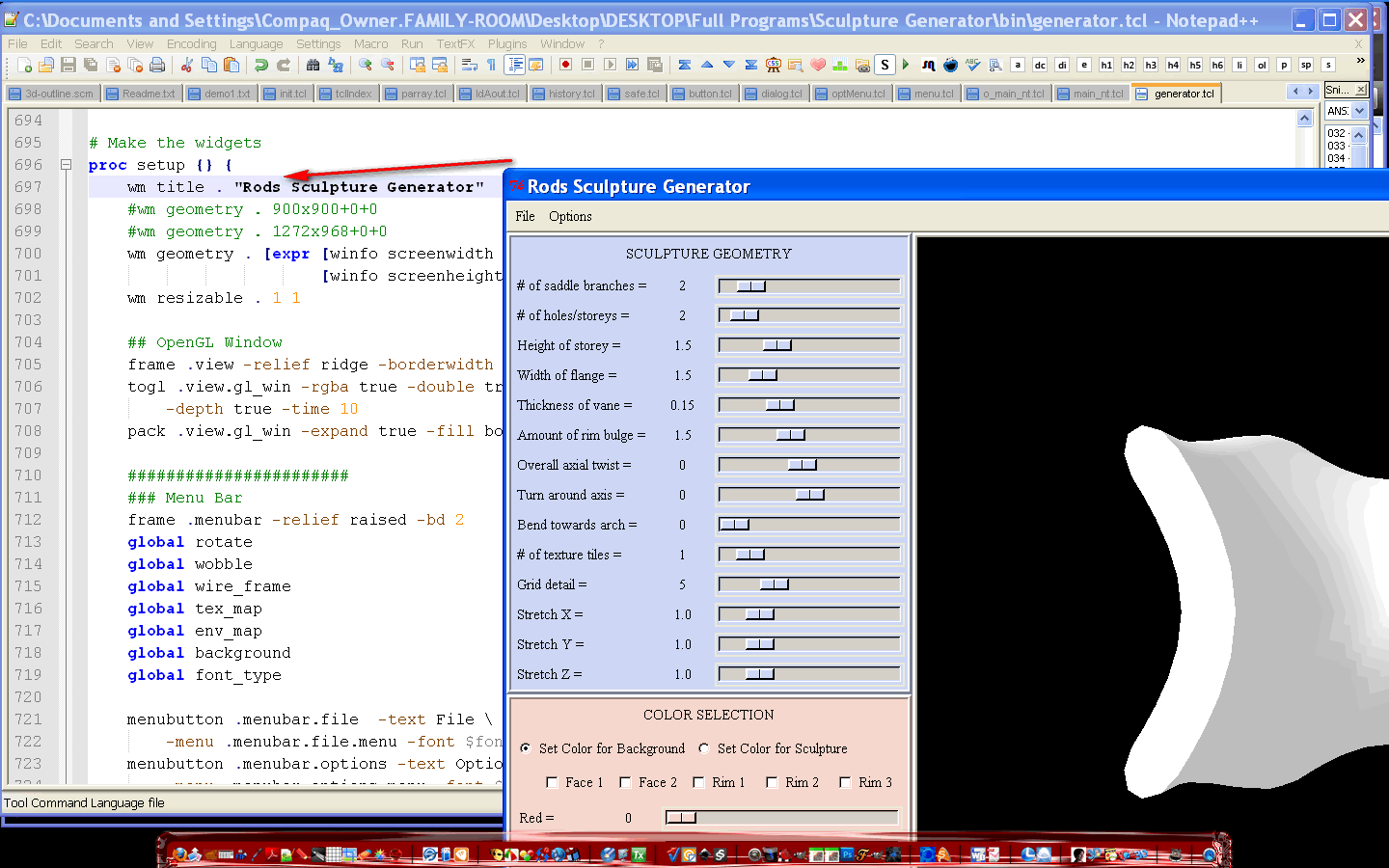
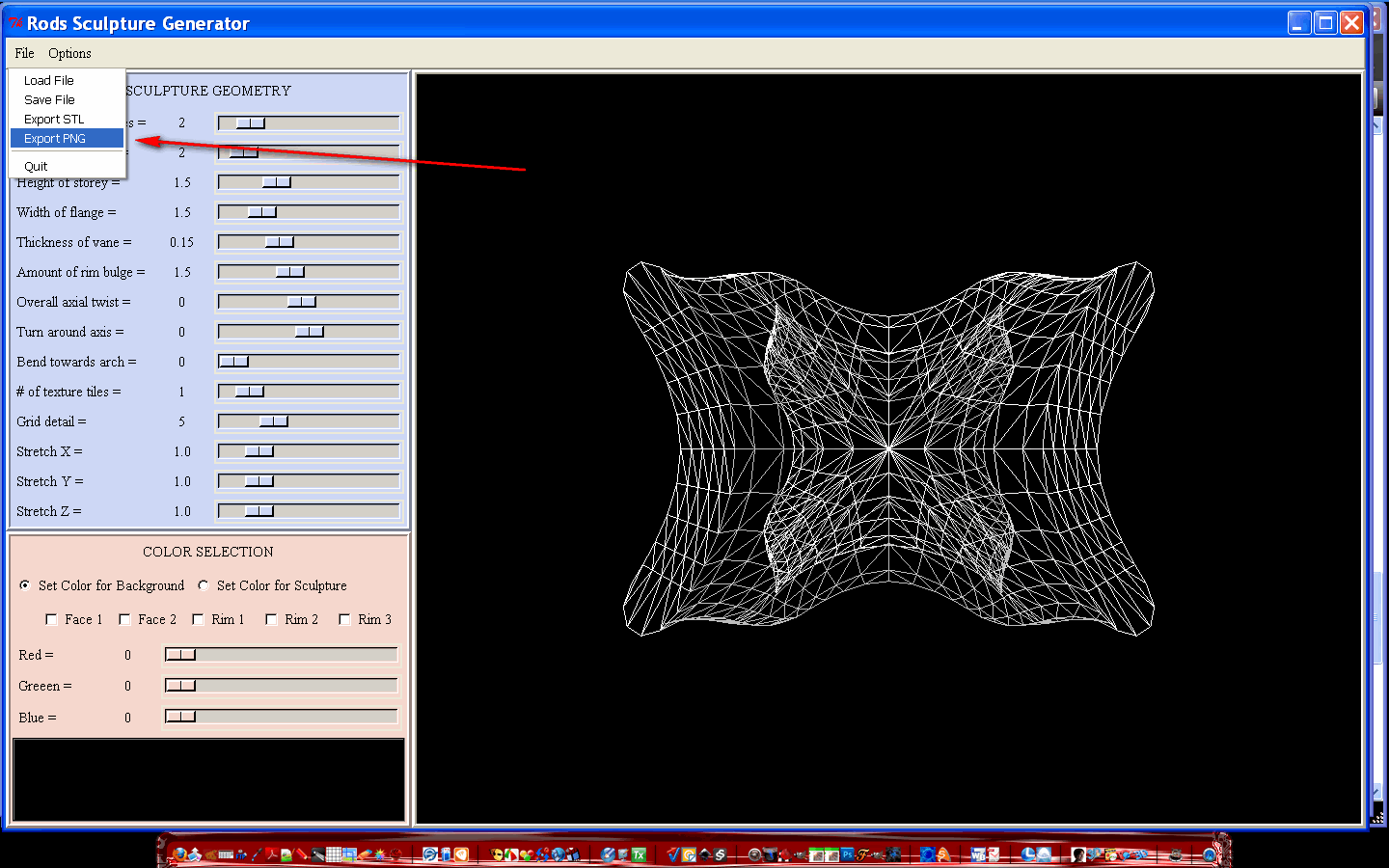
I was able to add the command but upon trying it i got an error.
By adding this line
$m1 add command -label "Export PNG"    -command "GetFilename . exportPNG"

After line #731
Image


stack trace error
bad window path name ".file.button.ok"
    while executing
"pack $w.button.ok $w.button.cancel -side left -padx .2c -pady .2c"
    (procedure "GetFilename" line 44)
    invoked from within
"GetFilename . exportPNG"
    (menu invoke)

_________________
Image


Top
 Post subject: Re: Sculptures
PostPosted: Tue Oct 25, 2011 4:03 am  (#17) 
Offline
Global Moderator
User avatar

Joined: May 16, 2010
Posts: 16169
Okay i will leave it at this -
Image

Hopefully someone can come along and get the command to work.
I still get that same error.

_________________
Image


Top
 Post subject: Re: Sculptures
PostPosted: Tue Oct 25, 2011 4:45 am  (#18) 
Offline
Global Moderator
User avatar

Joined: May 16, 2010
Posts: 16169
I just found out that Blender can open STL files. :)

_________________
Image


Top
 Post subject: Re: Sculptures
PostPosted: Tue Oct 25, 2011 5:19 am  (#19) 
Offline
GimpChat Member
User avatar

Joined: Oct 06, 2010
Posts: 4050
Do they look ok? I got the tcl to accept a filename, but the file loads up in GIMP, corrupted, so I think it needs an export function scripted into the TCL.

_________________
"In order to attain the impossible, one must attempt the absurd."
~ Miguel de Cervantes


Top
 Post subject: Re: Sculptures
PostPosted: Tue Oct 25, 2011 8:08 am  (#20) 
Offline
Script Coder
User avatar

Joined: Jun 22, 2010
Posts: 1171
Location: Here and there
I know some TCL/TK, so where do I find the source?

This is conjecture, but if it's using a Tk canvas to draw the lines on then it should be easily possible to output a postscript file.

Further, if it is a canvas, and the lines are created as line items, then it might be possible to write some code to output it as an svg, then import it as a path.

Kevin


Top
Post new topic Reply to topic  [ 48 posts ]  Go to page 1, 2, 3  Next

All times are UTC - 5 hours [ DST ]


* Login  


Powered by phpBB3 © phpBB Group