It is currently Wed Sep 02, 2026 8:39 pm


All times are UTC - 5 hours [ DST ]


Post new topic Reply to topic  [ 23 posts ]  Go to page 1, 2  Next
Author Message
 Post subject: Just playing with gradients
PostPosted: Sat Oct 29, 2011 6:55 am  (#1) 
Offline
GimpChat Member
User avatar

Joined: Jul 08, 2011
Posts: 285
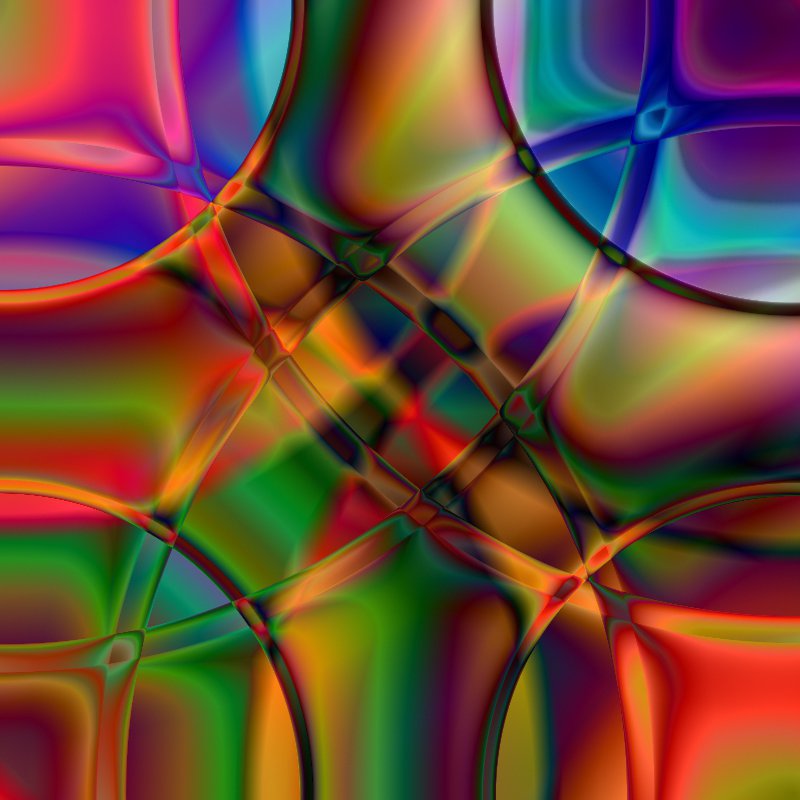
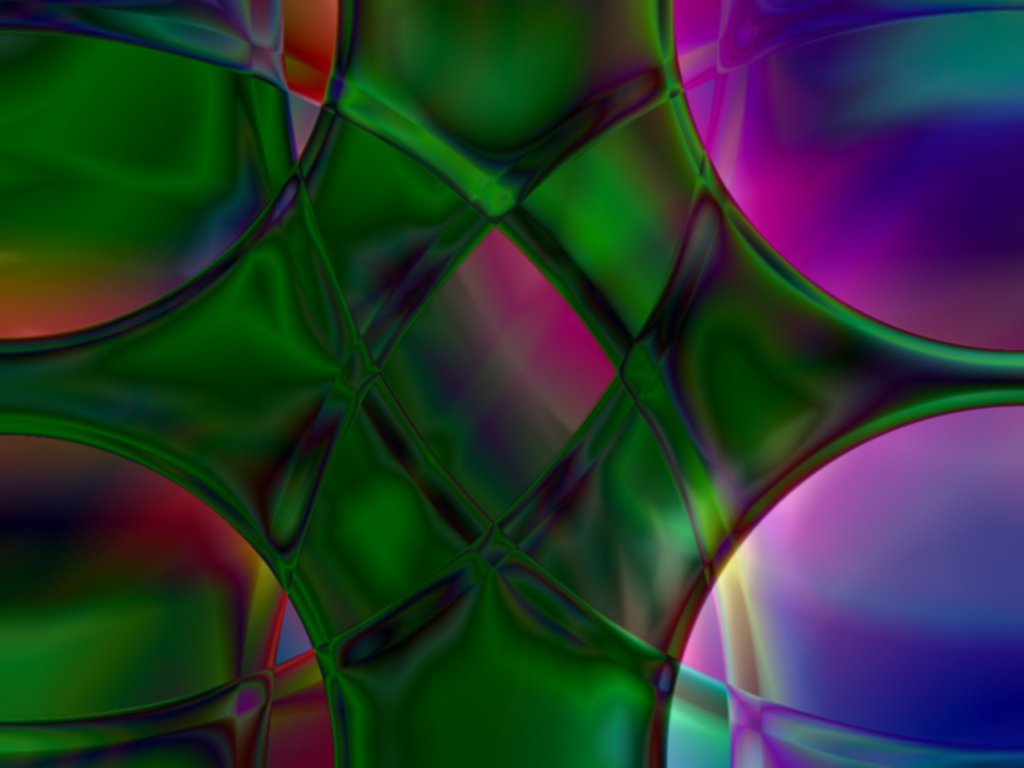
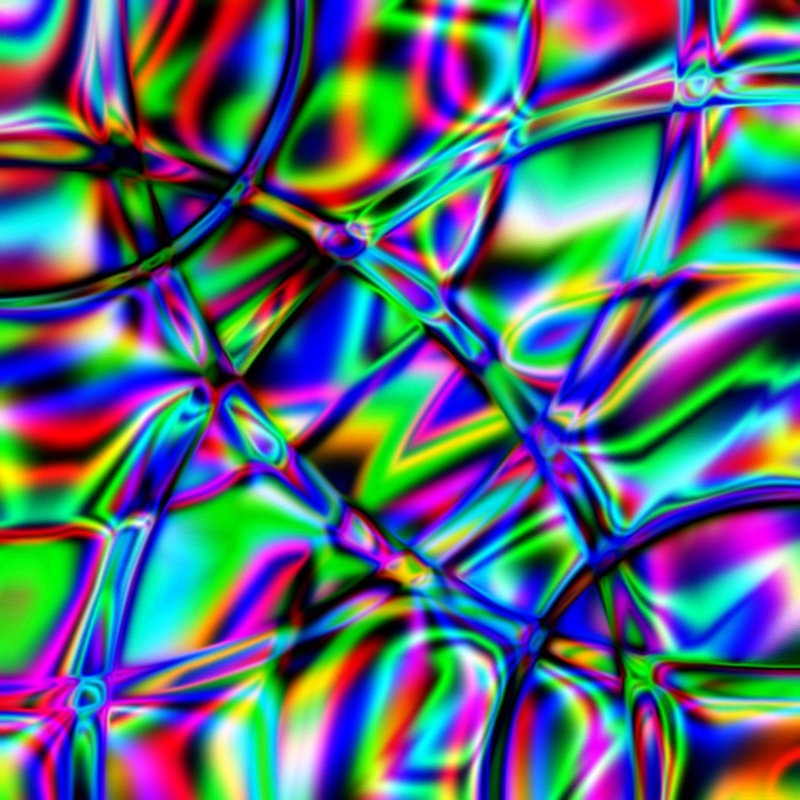
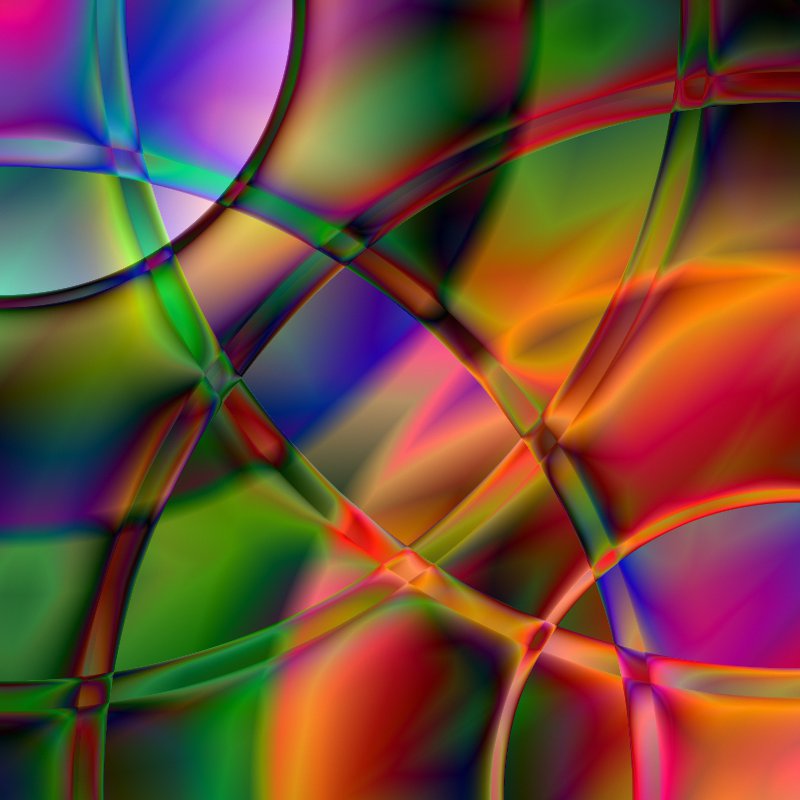
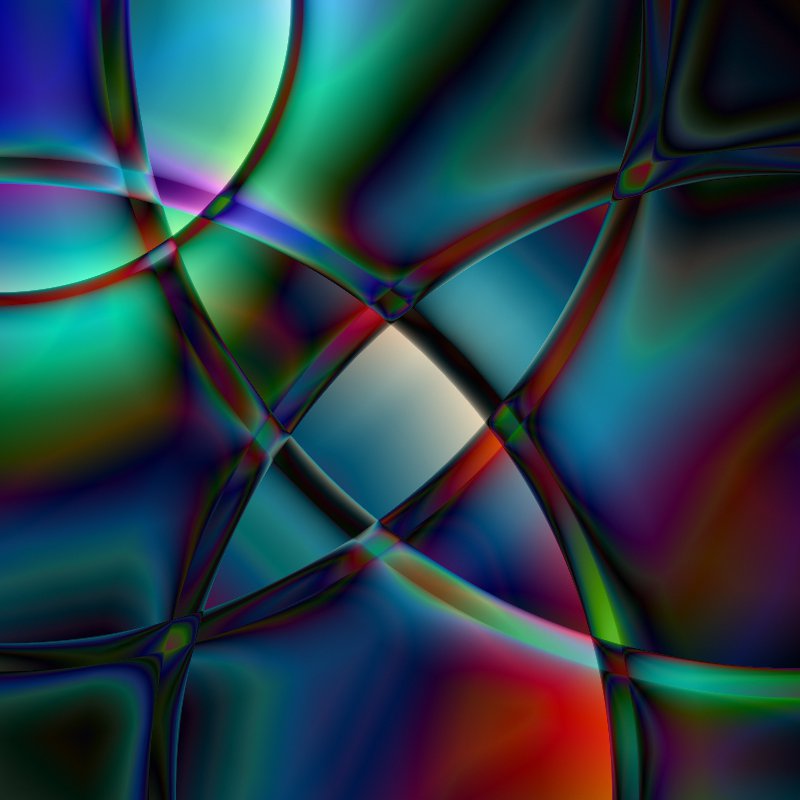
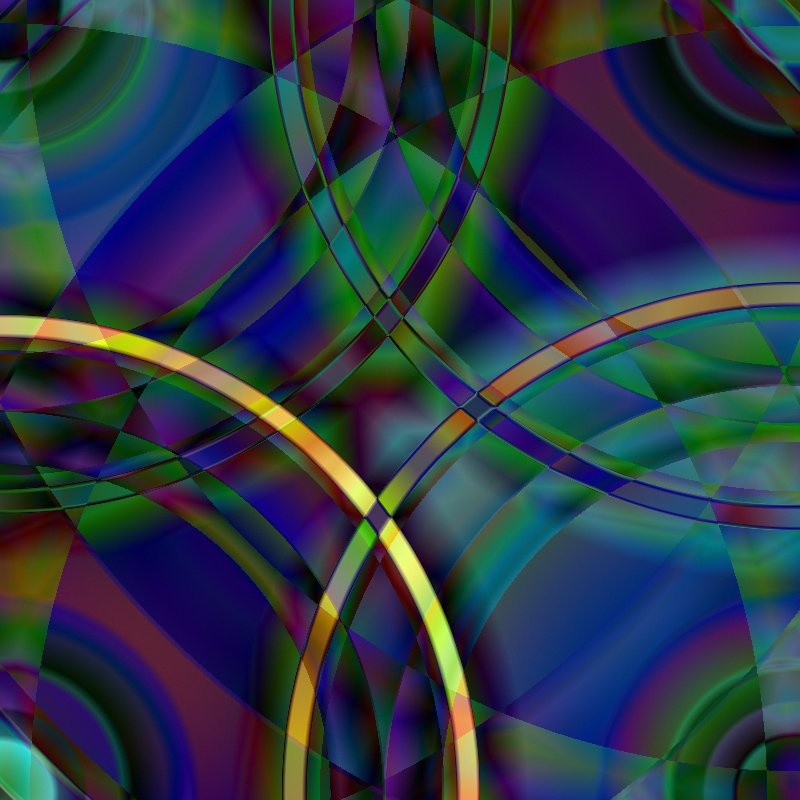
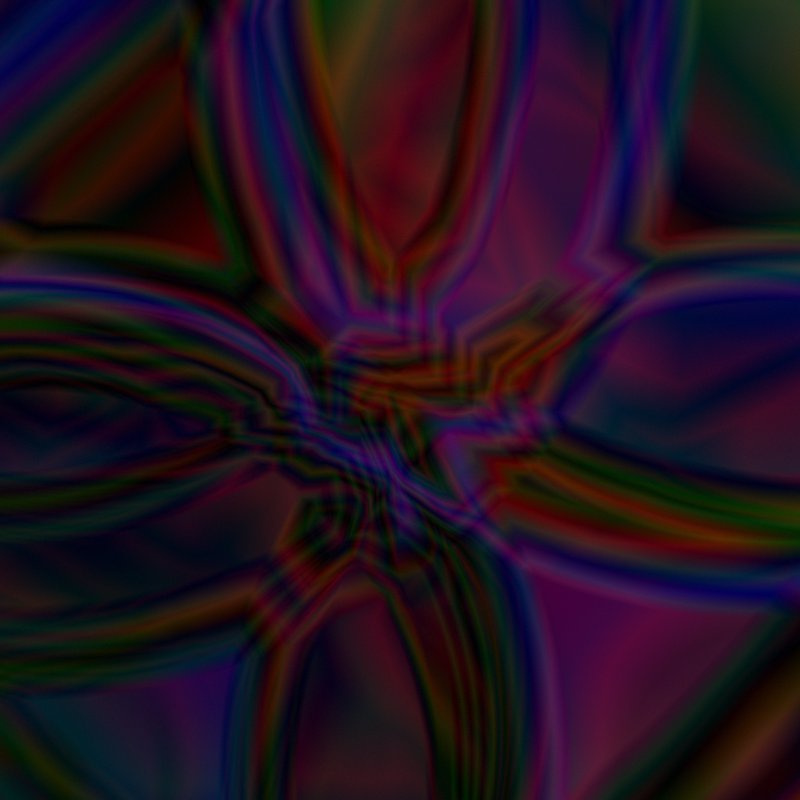
Just playing with some of the gimp gradients:

Image

Image

Image

Image

Image

Image

Image

_________________
Image

My Flickr
http://anaplus.deviantart.com/


Share on Facebook Share on Twitter Share on Orkut Share on Digg Share on MySpace Share on Delicious Share on Technorati
Top
 Post subject: Re: Just playing with gradients
PostPosted: Sat Oct 29, 2011 8:04 am  (#2) 
Offline
GimpChat Member
User avatar

Joined: Jan 13, 2011
Posts: 2648
Location: Poland
Hi - I think you're my soul mate
because is also my favorite game.
I recommend the program to the gradients Create Gradient from Image application 1.0.0.7
http://registry.gimp.org/node/25571


Attachments:
Gradientfromimage1.0.0.7.png
Gradientfromimage1.0.0.7.png [ 27.26 KiB | Viewed 3267 times ]

_________________
Image
Top
 Post subject: Re: Just playing with gradients
PostPosted: Sat Oct 29, 2011 8:37 am  (#3) 
Offline
GimpChat Member
User avatar

Joined: Jul 08, 2011
Posts: 285
MareroQ wrote:
Hi - I think you're my soul mate
because is also my favorite game.
I recommend the program to the gradients Create Gradient from Image application 1.0.0.7
http://registry.gimp.org/node/25571


Thanks MareroQ for this tip,but i'm little confused...don't know what file do i need to download?Is it Change image 7.zip file.?
Image
Image

_________________
Image

My Flickr
http://anaplus.deviantart.com/


Top
 Post subject: Re: Just playing with gradients
PostPosted: Sat Oct 29, 2011 9:05 am  (#4) 
Offline
GimpChat Member
User avatar

Joined: Jan 13, 2011
Posts: 2648
Location: Poland
You have to unpack and optionally add a shortcut to the location.
This is an independent development program - but it will also (ever?) as a GIMP plugin (after testing).
Author - MalyszKZ - promise of development...

_________________
Image


Top
 Post subject: Re: Just playing with gradients
PostPosted: Sat Oct 29, 2011 9:12 am  (#5) 
Offline
GimpChat Member
User avatar

Joined: Jul 08, 2011
Posts: 285
MareroQ wrote:
You have to unpack and optionally add a shortcut to the location.
This is an independent development program - but it will also (ever?) as a GIMP plugin (after testing).
Author - MalyszKZ - promise of development...


Ok thanks......i'll try...hope i can make it:)

_________________
Image

My Flickr
http://anaplus.deviantart.com/


Top
 Post subject: Re: Just playing with gradients
PostPosted: Sat Oct 29, 2011 9:53 am  (#6) 
Offline
GimpChat Member
User avatar

Joined: Sep 24, 2010
Posts: 12841
looks wonderfully beautiful Ana. Believe PC also is a guru of gradient blending. :)

_________________
Lyle

Psalm 109:8

Image


Top
 Post subject: Re: Just playing with gradients
PostPosted: Sat Oct 29, 2011 10:00 am  (#7) 
Offline
GimpChat Member
User avatar

Joined: Jul 08, 2011
Posts: 285
lylejk wrote:
looks wonderfully beautiful Ana. Believe PC also is a guru of gradient blending. :)


Thank you Lylejk :).

_________________
Image

My Flickr
http://anaplus.deviantart.com/


Top
 Post subject: Re: Just playing with gradients
PostPosted: Tue Nov 01, 2011 6:20 am  (#8) 
Offline
GimpChat Member
User avatar

Joined: Jan 13, 2011
Posts: 2648
Location: Poland
Hi Ana,
Do you already use the program GradientFromImage?
Really worth it to install - quick examples of the use is attached (implementation of specific sleep).
On how many layers you create an image ?
Besides the beautiful composition (congratulations) - something to think (from what I associate it?).
Your works are beautiful - why no name ?.
The problem with the choice of names:
proposes a trade:
name my paintings with gradients - and I in return Your ...


Attachments:
01.png
01.png [ 392.28 KiB | Viewed 3155 times ]
02.png
02.png [ 610.81 KiB | Viewed 3155 times ]
03.png
03.png [ 1.1 MiB | Viewed 3155 times ]

_________________
Image
Top
 Post subject: Re: Just playing with gradients
PostPosted: Tue Nov 01, 2011 7:07 am  (#9) 
Offline
GimpChat Member
User avatar

Joined: Jul 08, 2011
Posts: 285
MareroQ wrote:
Hi Ana,
Do you already use the program GradientFromImage?
Really worth it to install - quick examples of the use is attached (implementation of specific sleep).
On how many layers you create an image ?
Besides the beautiful composition (congratulations) - something to think (from what I associate it?).
Your works are beautiful - why no name ?.
The problem with the choice of names:
proposes a trade:
name my paintings with gradients - and I in return Your ...


Hi MareroQ...I download it but don't know how to install....do i need only this exe file to put in gimp plugin folder ?
As for names, sometimes I have no idea...i get stuck with that.

_________________
Image

My Flickr
http://anaplus.deviantart.com/


Top
 Post subject: Re: Just playing with gradients
PostPosted: Tue Nov 01, 2011 11:16 am  (#10) 
Offline
GimpChat Member
User avatar

Joined: Jul 04, 2011
Posts: 395
Location: Indianapolis, IN
Ana wrote:
MareroQ wrote:
Hi Ana,
Do you already use the program GradientFromImage?
Really worth it to install - quick examples of the use is attached (implementation of specific sleep).
On how many layers you create an image ?
Besides the beautiful composition (congratulations) - something to think (from what I associate it?).
Your works are beautiful - why no name ?.
The problem with the choice of names:
proposes a trade:
name my paintings with gradients - and I in return Your ...


Hi MareroQ...I download it but don't know how to install....do i need only this exe file to put in gimp plugin folder ?
As for names, sometimes I have no idea...i get stuck with that.


Ana,

Just extract it to a folder named ChangeImage on your C drive (i.e. C:\ChangeImage)

Once you have extracted it and open that folder that you named ChangeImage you'll see a folder named 'Standard Graphics File' and an executable 'ChangeImage.exe' All you need to do is double click on ChangeImage.exe (the application) and the program will start. It's a stand alone application.

Note: Once you have started it, click on the splash screen else you'll be there forever!

Hope this works for you! If not PM me.

_________________
"That which does not kill us makes us stronger." ~ Friedrich Nietzsche


Top
 Post subject: Re: Just playing with gradients
PostPosted: Tue Nov 01, 2011 11:47 am  (#11) 
Offline
GimpChat Member
User avatar

Joined: Apr 07, 2010
Posts: 14182
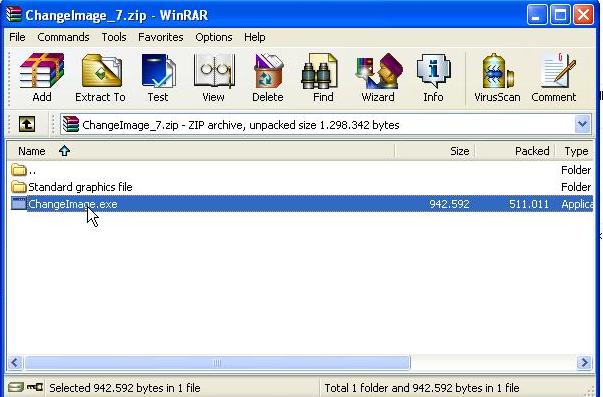
Ana, it will look like this after you extract it. I have it on my desktop, just double click it and as MrBiggz says, click the splash screen. Open it in full in order to see the options at the top.
Image

_________________
Image


Top
 Post subject: Re: Just playing with gradients
PostPosted: Tue Nov 01, 2011 12:15 pm  (#12) 
Offline
GimpChat Member
User avatar

Joined: Jul 08, 2011
Posts: 285
molly wrote:
Ana, it will look like this after you extract it. I have it on my desktop, just double click it and as MrBiggz says, click the splash screen. Open it in full in order to see the options at the top.
Image


Thank you Molly and MrBiggz....just to make sure....all i need to extract is this

Image

right???

_________________
Image

My Flickr
http://anaplus.deviantart.com/


Top
 Post subject: Re: Just playing with gradients
PostPosted: Tue Nov 01, 2011 12:32 pm  (#13) 
Offline
GimpChat Member
User avatar

Joined: Apr 07, 2010
Posts: 14182
yes, that is the exe file. it is already extracted

_________________
Image


Top
 Post subject: Re: Just playing with gradients
PostPosted: Tue Nov 01, 2011 12:35 pm  (#14) 
Offline
GimpChat Member
User avatar

Joined: Jul 08, 2011
Posts: 285
molly wrote:
yes, that is the exe file. it is already extracted


OK Molly...i extract it direct to my desktop.I didn't create any Folder/file in my C disc.Can i leave it like that or do i need to create that folder??

_________________
Image

My Flickr
http://anaplus.deviantart.com/


Top
 Post subject: Re: Just playing with gradients
PostPosted: Tue Nov 01, 2011 1:07 pm  (#15) 
Offline
GimpChat Member
User avatar

Joined: Apr 07, 2010
Posts: 14182
You can but I just have it on the desktop as an exe file, you just need to double click it and the splash screen comes up and thats it. It is a very small program, It isn't in English but you just open your file the same way you would in gimp, open an image and make a gradient out of it. It will save as a gradient and then just put it in your gradient folder.
I really haven't done much else with it yet so maybe there is more in there I haven't seen yet.

_________________
Image


Top
 Post subject: Re: Just playing with gradients
PostPosted: Tue Nov 01, 2011 1:21 pm  (#16) 
Offline
GimpChat Member
User avatar

Joined: Jul 08, 2011
Posts: 285
molly wrote:
You can but I just have it on the desktop as an exe file, you just need to double click it and the splash screen comes up and thats it. It is a very small program, It isn't in English but you just open your file the same way you would in gimp, open an image and make a gradient out of it. It will save as a gradient and then just put it in your gradient folder.
I really haven't done much else with it yet so maybe there is more in there I haven't seen yet.


Thank you Molly.

_________________
Image

My Flickr
http://anaplus.deviantart.com/


Top
 Post subject: Re: Just playing with gradients
PostPosted: Tue Nov 01, 2011 2:26 pm  (#17) 
Offline
GimpChat Member
User avatar

Joined: Jul 08, 2011
Posts: 285
OK...here it is..my first try with this program......

This is the original photo

Image

and this is the gradient i made (brownish gradient) with linear shape

Image

with spiral shape

Image

then i change the gradient mode to difference and made this

Image

and this is after i run Darla's Amazing circle script

Image

so...what you think??

_________________
Image

My Flickr
http://anaplus.deviantart.com/


Top
 Post subject: Re: Just playing with gradients
PostPosted: Tue Nov 01, 2011 2:36 pm  (#18) 
Offline
GimpChat Member
User avatar

Joined: Apr 07, 2010
Posts: 14182
Very cool Ana. It will be handy when you want to match up a background with what you are working on. I have done that and works well. good work.

_________________
Image


Top
 Post subject: Re: Just playing with gradients
PostPosted: Tue Nov 01, 2011 2:56 pm  (#19) 
Offline
GimpChat Member
User avatar

Joined: Jul 08, 2011
Posts: 285
molly wrote:
Very cool Ana. It will be handy when you want to match up a background with what you are working on. I have done that and works well. good work.


Thanks Molly.Now i can see that this program is going to be very usefull.Love it already :) :jumpclap .

_________________
Image

My Flickr
http://anaplus.deviantart.com/


Top
 Post subject: Re: Just playing with gradients
PostPosted: Tue Nov 01, 2011 4:41 pm  (#20) 
Offline
GimpChat Member
User avatar

Joined: Apr 07, 2010
Posts: 14182
Yes it is nice and small, you don't even have to install it. :gaah :teeth

_________________
Image


Top
Post new topic Reply to topic  [ 23 posts ]  Go to page 1, 2  Next

All times are UTC - 5 hours [ DST ]


* Login  


Powered by phpBB3 © phpBB Group