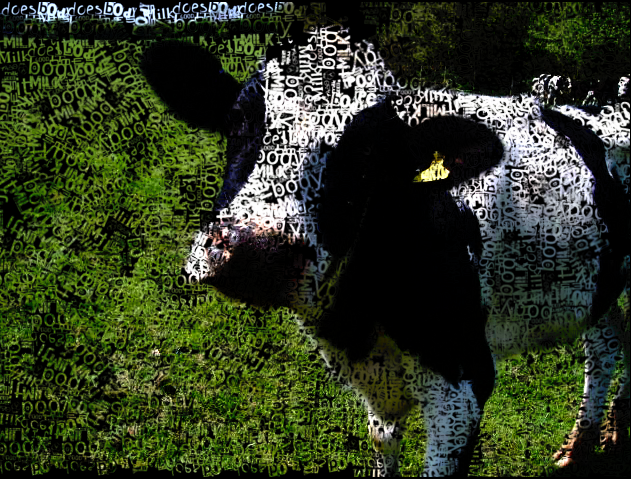
I'm learning a few things.
1) Stroke density on Placement tab controls how thick the brush layers are. The higher the number, the more strokes, vice-versa.
2)On the General tab, a few notable settings. If you use drop shadow, make your settings very low. For instance, shadow depth and blur. If you raise these too high, it bleeds together way too much. However, the Shadow Darken at higher settings looks a lot better, giving more depth to the brush layers. Paint edges, if I ever turn it off, nothing gets added to the image.
3)The Size tab: these settings really depend on the size of your drawing. My experience is, since the Preview window won't allow you to see a larger size, it tends to be misleading (the strokes seem too big for the image) but in reality, it's probably at the right size. Practicing makes perfect.
4)Orientation tab still confuses me. Directions is the only setting I understand. Which is basically how many different applications the brush gets passed to the image.
The labeling of the angle settings seems easy to understand, but there is no way for me to prove it's actually working because every time you update, the brush gets moved to a different orientation whether the angle settings are used or not. There needs to be a wire grid or something to help us see the orientation.
Someone needs to clean this application up and improve it. It's pretty powerful to use, once you start figuring out how to manipulate it.
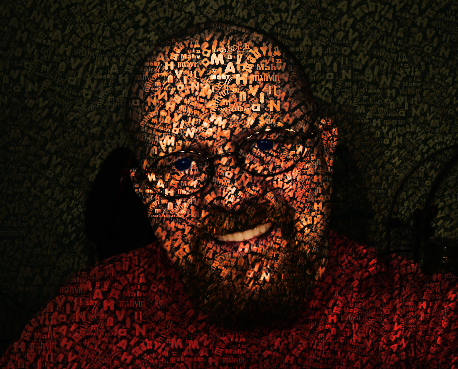
Medium to dark tone images work best with the text effect with medium to dark backgrounds. Bright images aren't working too well for me.
_________________
"In order to attain the impossible, one must attempt the absurd."
~ Miguel de Cervantes
 Login
Login Register
 Tweets
 FAQ
FAQ Advanced Search