MAKING OF "Back To The Magic" that is

Rod asked how i did
first the BG layer was this
BG
 child1
 by
PhotoComiX, on Flickr
The BG layer contribute mostly for the eyes (visible trough layer masks on the other layers)
The BG layer was obtained by merging the original with a Graphic Novel variant in difference mode, dup the result and (since it was really light ) multiply on itself a couple of times
Then i created the layer that contribute for the final colors:
1 Step
Gmic/Artistic/Mescalito colors (also "Colors abstration" could be used but then will be needed merge over the original in color mode to get a equivalent, Mescalito color speed up that process)
Note that the result is too rough but give the basic color combination
 "Back to Magic" Making of"
 by
PhotoComiX, on Flickr
then on this last layer i used Artistic /Ellipsism trying to get the most delicate result possible and using the "ellipsis" al without outline...let say as brushes to spread the color and soften color transition that more or less give this
 "Back to Magic" Making of"
 by
PhotoComiX, on Flickr
I found the result lovely but that was not yet exactly what needed, too much flow
To improve
1)...this may sound strange but is a good trick just add a generous amount of gaussian blur
 "Back to Magic" Making of"
 by
PhotoComiX, on Flickr
2) After the blur recover the details and correct colors :
Copy BG layer place on top in Value mode to preserve the colors but regain outlines and grayscale
Last Duplicate alsothe Flou_Ellipses layers and move the dup on top over in grain merge mode ( or multiply ) but with not too much opacity
And finally i get 1
 "Back to Magic" Making of"
 by
PhotoComiX, on Flickr
Copy the visible run Circlism,
That takes ages also because i run it not only on the visible but also on the other layers
(NOTE WELL Circlism layers are all ON TRANSPARENT BG that is essential!..of course here i can't show the transparency so o i added a solid BG )
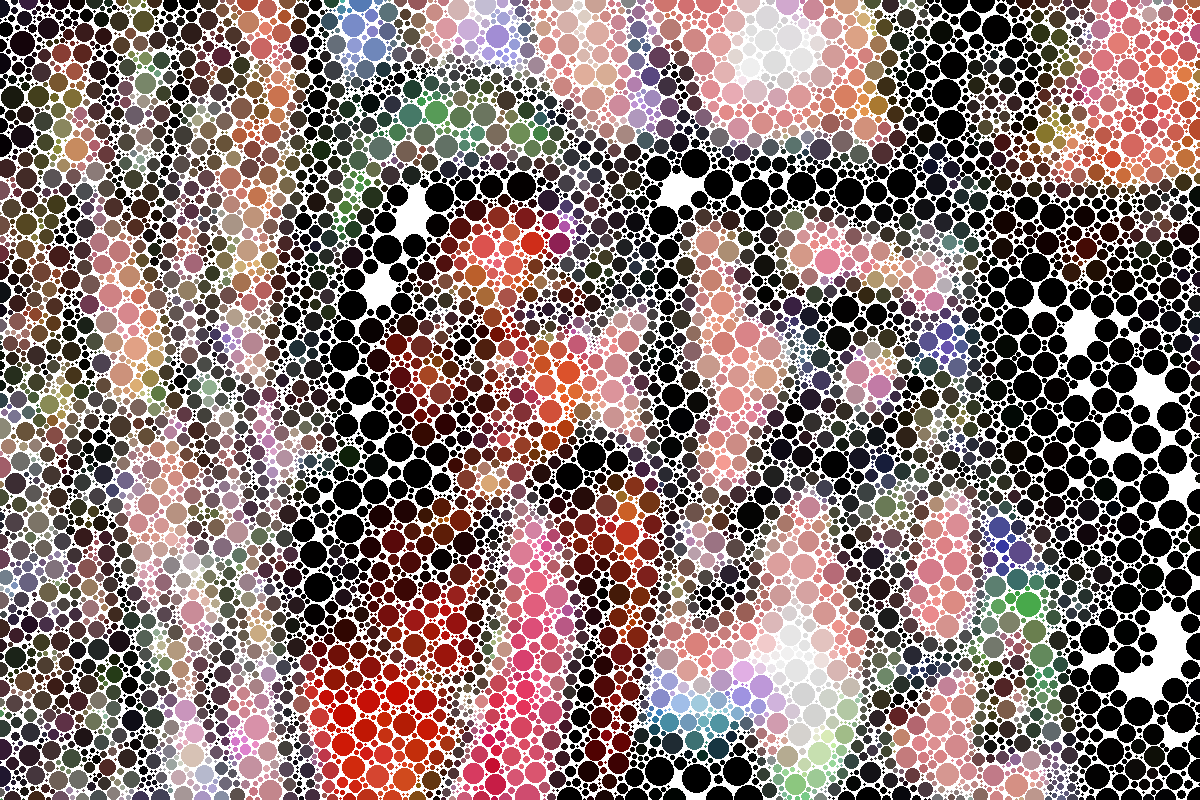
on Circlism i used graphic novel to give a bit of depth and volume to the circles
(note here i use graphic boost because i want all process done within gmic...but also Layer FX /drop shadow
works well)
Note the effect of Graphic novel on the "Circles" here please ignore the black BG (i can't remove that now ,but is is the same layer as before except that the dots have a less homogeneous color
 "Back to Magic" Making of"
 by
PhotoComiX, on Flickr
ALMOST DONE !
Copy in this order from down to up
BG
1-Colors (that with the better colors)
the Circlisms layers
Make the Circlism layers invisible, add a layer mask to "Colors" to erase the eyes (so are that from the BG to be seen)
Toggle on visibility of your favorite Circlism layer, create another layer mask, again to reveal the eyes and with a much lower opacity soft brush the nose and the lips
(If you wish repeat with another circlism layer)
PS i zipped the xcf but are too big for attachment (23 MG )
But in the layer names the xcf has embedded the setting of the gmic filters used
 Login
Login Register
 Tweets
 FAQ
FAQ Advanced Search










 ) so here a first version






 Who said was the last ?


