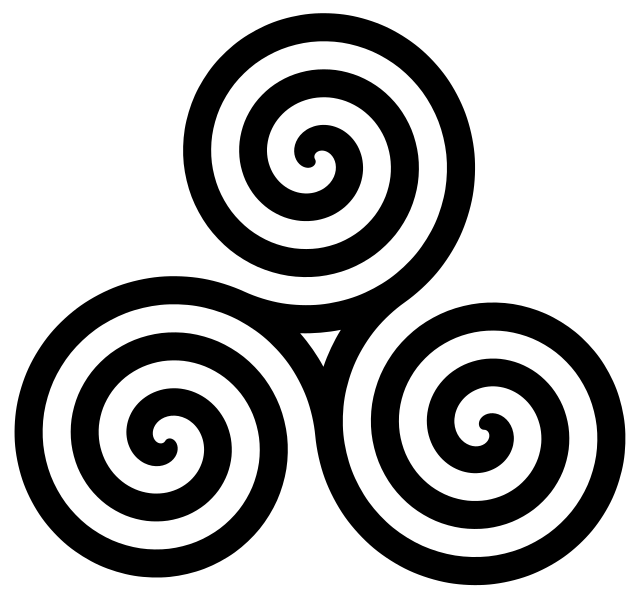
@greg
That is very easy because i was so lucky to have this SVG
http://upload.wikimedia.org/wikipedia/c ... filled.svgOnly the shape filled in black ,but a very good start
then
1
open the SVG chosing the best size
2
get rid out of the BG:
select /clear
3
i want really smooth edges so i grow the selection of 2 pixel then .. of Gaussian blur (about 20px )..again grow the selection and more of gaussian blur (was about 15px)
4
then select again the triple spyral and feather the selection
5
Gradient tool with radial option and full hue gradient (i think is already in gimp )
i stroked from the very center
------------------------------------------------------------------------------------
see more here
http://www.flickriver.com/photos/photoc ... 916118133/ 
oh well the last a sphere and a cube
 pattern with sphere
 by
PhotoComix_Mandala, on Flickr
and a cube
 cube
cube by
PhotoComix_Mandala, on Flickr
 Login
Login Register
 Tweets
 FAQ
FAQ Advanced Search