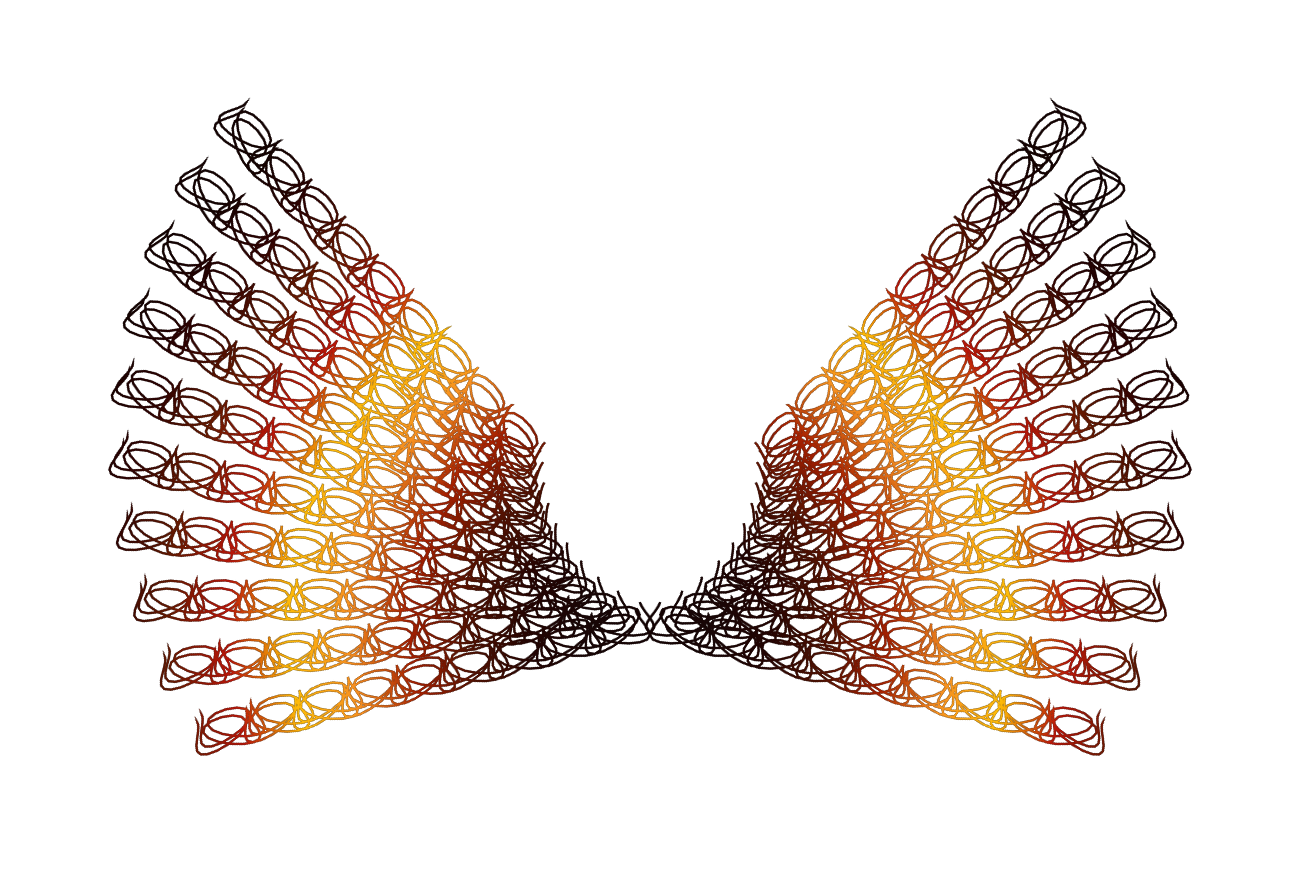
Yes just take a look at the PDF included and you can kind of get a picture on how it works.Also just playing around with the settings and watching what happens helps a lot.
X and Y rotation works as if you are moving the center rotation point (X = left or right) (Y= up or down)
Rotation angle is the direction amount of the rotation (left or right)
Same with the beginning of each formula - If you place a number with a + or - sign after, you move the entire path on the image window. For instance if i wanted to center the ENTIRE path in the horizontal i would use 75+ at the beginning of the X formula.Or whatever number centers the path. If you make a mistake on the formula input fields the plug in will let you know it.

- Another nice feature about the plug-in.
Plus many more available features for tweaking the path.
If you want a more even path look try either adding a few more points or subtracting some.
I was able to get an exact look on each end of a path by doing just that.
Just play with it for a bit and you will get pretty comfortable with the settings.
 Login
 Register
 Tweets
 FAQ
 Advanced Search