It is currently Fri Sep 04, 2026 5:11 pm


All times are UTC - 5 hours [ DST ]


Post new topic Reply to topic  [ 106 posts ]  Go to page Previous  1, 2, 3, 4, 5, 6  Next
Author Message
 Post subject: Re: Povsphere.
PostPosted: Wed Jun 13, 2012 10:43 am  (#41) 
Offline
GimpChat Member
User avatar

Joined: Sep 24, 2010
Posts: 12844
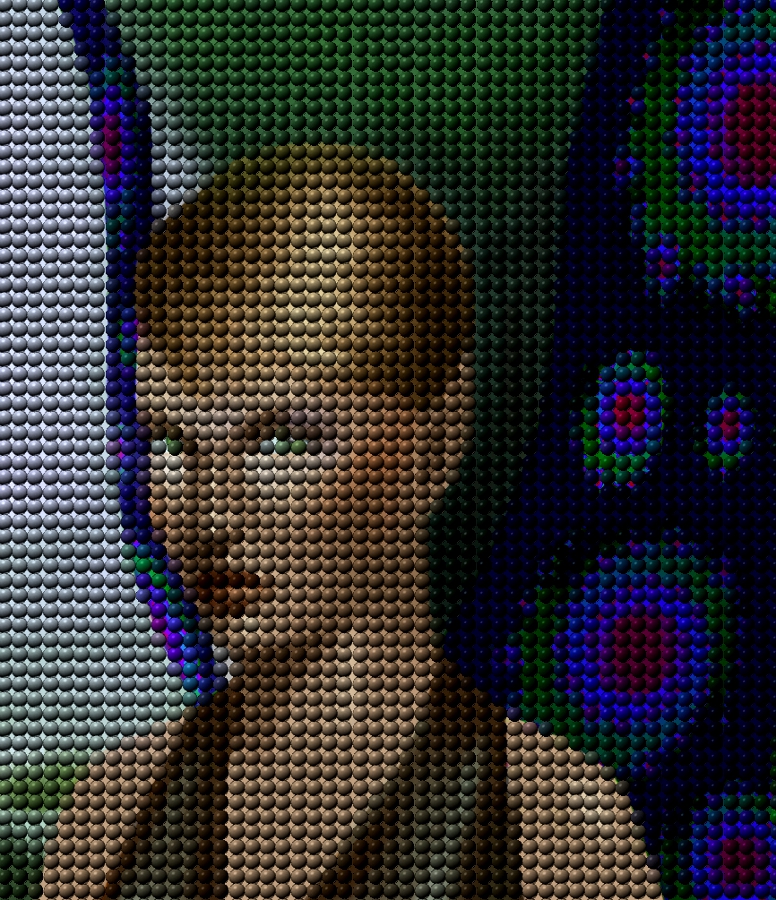
Though you can play tricks in GIMPressionist, if you want any resemblance of order, you can only stay on the grid and that's why it's not the same as packed. Below's another example. :)


Attachments:
L10000408g.jpg
L10000408g.jpg [ 802.08 KiB | Viewed 2124 times ]

_________________
Lyle

Psalm 109:8

Image
Top
 Post subject: Re: Povsphere.
PostPosted: Wed Jun 13, 2012 10:54 am  (#42) 
Offline
GimpChat Member
User avatar

Joined: Apr 18, 2011
Posts: 620
Location: New York
Image

figured it out!!!! :geekon

_________________
Ubuntu 24.04.1, Kernel i686, 6.8.0-52-generic
python3 v3.12.3 ----- GIMP - ver 2.10.38


Top
 Post subject: Re: Povsphere.
PostPosted: Wed Jun 13, 2012 10:55 am  (#43) 
Offline
GimpChat Member
User avatar

Joined: Mar 23, 2012
Posts: 7388
Location: Göteborg at last!
cecilia wrote:
ok, I obviously have to work on my (lack) of understanding of GIMPressionist


You're not alone Cecilia. :)

EDIT: Sorry, I quoted you too soon! I didn't look at your last post.


Top
 Post subject: Re: Povsphere.
PostPosted: Wed Jun 13, 2012 11:05 am  (#44) 
Offline
GimpChat Member
User avatar

Joined: Apr 18, 2011
Posts: 620
Location: New York
Erisian wrote:
cecilia wrote:
ok, I obviously have to work on my (lack) of understanding of GIMPressionist


You're not alone Cecilia. :)

EDIT: Sorry, I quoted you too soon! I didn't look at your last post.
I didn't think I would figure it out THIS fast...must be a fluke :rofl

I just had to find a good size for the ball depending on the res of the original pic and then test the right stroke density (in placement tab). click "evenly distributed" for the obvious reason.

_________________
Ubuntu 24.04.1, Kernel i686, 6.8.0-52-generic
python3 v3.12.3 ----- GIMP - ver 2.10.38


Top
 Post subject: Re: Povsphere.
PostPosted: Wed Jun 13, 2012 12:12 pm  (#45) 
Offline
Script Coder
User avatar

Joined: Jun 22, 2010
Posts: 1171
Location: Here and there
How about some toroidal objects:
Attachment:
gimp_test4.jpg
gimp_test4.jpg [ 133.74 KiB | Viewed 2113 times ]


New version of the script, with some new shapes and a more friendly camera location.

Kevin


Edit: Removed the version of the script from this post - it's been superseded.


Last edited by paynekj on Fri Jun 15, 2012 5:45 pm, edited 1 time in total.

Top
 Post subject: Re: Povsphere.
PostPosted: Wed Jun 13, 2012 12:22 pm  (#46) 
Offline
GimpChat Member
User avatar

Joined: Sep 24, 2010
Posts: 12844
Now that's cool too Kevin. :)

_________________
Lyle

Psalm 109:8

Image


Top
 Post subject: Re: Povsphere.
PostPosted: Wed Jun 13, 2012 1:20 pm  (#47) 
Offline
GimpChat Member
User avatar

Joined: Mar 23, 2012
Posts: 7388
Location: Göteborg at last!
cecilia wrote:
I didn't think I would figure it out THIS fast...must be a fluke :rofl

I just had to find a good size for the ball depending on the res of the original pic and then test the right stroke density (in placement tab). click "evenly distributed" for the obvious reason.


You've got more brains than I have. I couldn't figure it out on my own. :oops:

GOT IT! :yes

Image


Top
 Post subject: Re: Povsphere.
PostPosted: Wed Jun 13, 2012 1:55 pm  (#48) 
Offline
GimpChat Member
User avatar

Joined: Sep 24, 2010
Posts: 12844
Definitely like the Draw Samples option too Kevin; does this inside GIMP itself so those without POVRay can still appreciate this Script-fu. Also like the new camera angle. :)

Attachment:
DSC00422crpds.png
DSC00422crpds.png [ 152.79 KiB | Viewed 2104 times ]


Image

_________________
Lyle

Psalm 109:8

Image


Top
 Post subject: Re: Povsphere.
PostPosted: Wed Jun 13, 2012 4:39 pm  (#49) 
Offline
Global Moderator
User avatar

Joined: May 16, 2010
Posts: 16169
Where exactly does the gimp_test.pov file get saved? :)

Never mind found it!

_________________
Image


Top
 Post subject: Re: Povsphere.
PostPosted: Wed Jun 13, 2012 5:26 pm  (#50) 
Offline
Global Moderator
User avatar

Joined: May 16, 2010
Posts: 16169
This is one cool script Kevin. :) :bigthup

Image

Image

Image

This is really quite addicting. :)
Without povray this time.

Image

_________________
Image


Top
 Post subject: Re: Povsphere.
PostPosted: Wed Jun 13, 2012 10:34 pm  (#51) 
Offline
GimpChat Member
User avatar

Joined: Apr 18, 2011
Posts: 620
Location: New York
Erisian wrote:
cecilia wrote:
I didn't think I would figure it out THIS fast...must be a fluke :rofl

I just had to find a good size for the ball depending on the res of the original pic and then test the right stroke density (in placement tab). click "evenly distributed" for the obvious reason.


You've got more brains than I have. I couldn't figure it out on my own. :oops:

GOT IT! :yes

the "trick" is to change only ONE thing at a time and see how it changes. (I majored in science in grad school. Comes in handy at times like this) :)

_________________
Ubuntu 24.04.1, Kernel i686, 6.8.0-52-generic
python3 v3.12.3 ----- GIMP - ver 2.10.38


Top
 Post subject: Re: Povsphere.
PostPosted: Thu Jun 14, 2012 12:05 pm  (#52) 
Offline
Script Coder
User avatar

Joined: Jun 22, 2010
Posts: 1171
Location: Here and there
Attachment:
gimp_test5.jpg
gimp_test5.jpg [ 130.61 KiB | Viewed 2199 times ]


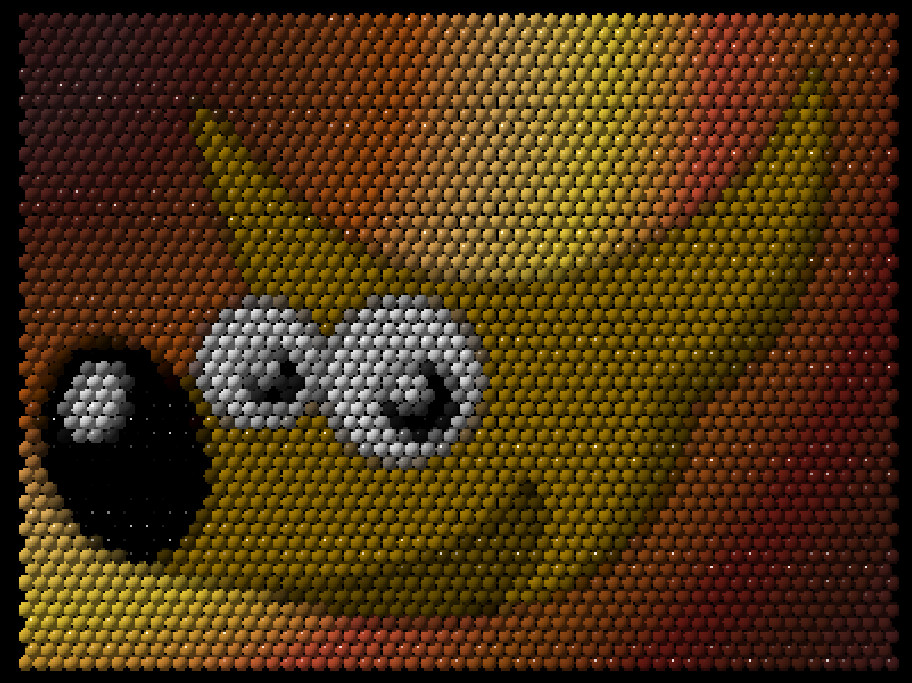
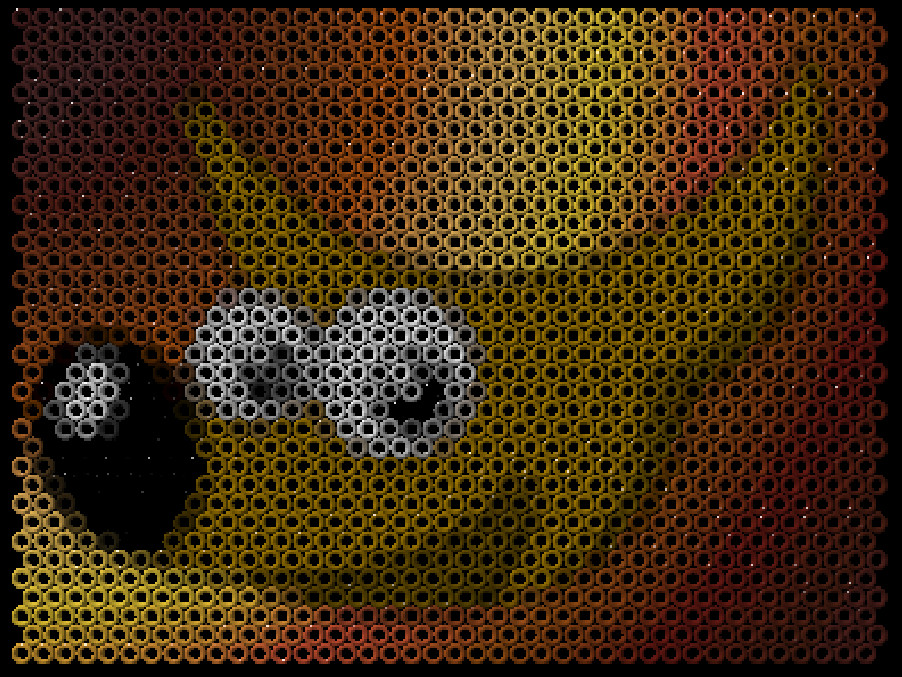
Today's developments include some more shapes (suggestions welcome), and altering the z-position based on sample brightness. I've also made the output file choosing more friendly(?)

Kevin


Edit: Removed the version of the script from this post - it's been superseded.


Last edited by paynekj on Fri Jun 15, 2012 5:46 pm, edited 1 time in total.

Top
 Post subject: Re: Povsphere.
PostPosted: Thu Jun 14, 2012 12:52 pm  (#53) 
Offline
GimpChat Member
User avatar

Joined: Jan 13, 2011
Posts: 2648
Location: Poland
Best script.
Can not keep up with the collection (and test) new version ...

_________________
Image


Top
 Post subject: Re: Povsphere.
PostPosted: Thu Jun 14, 2012 1:16 pm  (#54) 
Offline
GimpChat Member
User avatar

Joined: Sep 24, 2010
Posts: 12844
Now that's way too cool Kevin. Might want to share this one at the Registry. It's beyond worthy for sure. Thanks again. :)

_________________
Lyle

Psalm 109:8

Image


Top
 Post subject: Re: Povsphere.
PostPosted: Thu Jun 14, 2012 1:22 pm  (#55) 
Offline
GimpChat Member
User avatar

Joined: Sep 24, 2010
Posts: 12844
Definitely way too cool Kevin. One question though; how do you get povray to angle the result as you show in your example? Call me clueless when it comes to povray. lol


Attachments:
gimp_pr.png
gimp_pr.png [ 752.18 KiB | Viewed 2189 times ]

_________________
Lyle

Psalm 109:8

Image
Top
 Post subject: Re: Povsphere.
PostPosted: Thu Jun 14, 2012 1:53 pm  (#56) 
Offline
GimpChat Member
User avatar

Joined: Sep 24, 2010
Posts: 12844
Never mind; figured it out. I also used the built in finish library and included the POVray file. Maybe could add this feature to your list, but then again, maybe KISS should be considered too. lol

Again, thanks Kevin. :)

edit: Had forgotten that I modified glass.inc (added F_Glass11 and F_Glass12 entries for finish so I attached that file here too. :)

Attachment:
gimp_pr.png
gimp_pr.png [ 1.93 MiB | Viewed 2185 times ]


Attachments:
glass.7z [2.1 KiB]
Downloaded 137 times
gimp_pr.7z [4.44 KiB]
Downloaded 145 times

_________________
Lyle

Psalm 109:8

Image
Top
 Post subject: Re: Povsphere.
PostPosted: Thu Jun 14, 2012 5:18 pm  (#57) 
Offline
Script Coder
User avatar

Joined: Jun 22, 2010
Posts: 1171
Location: Here and there
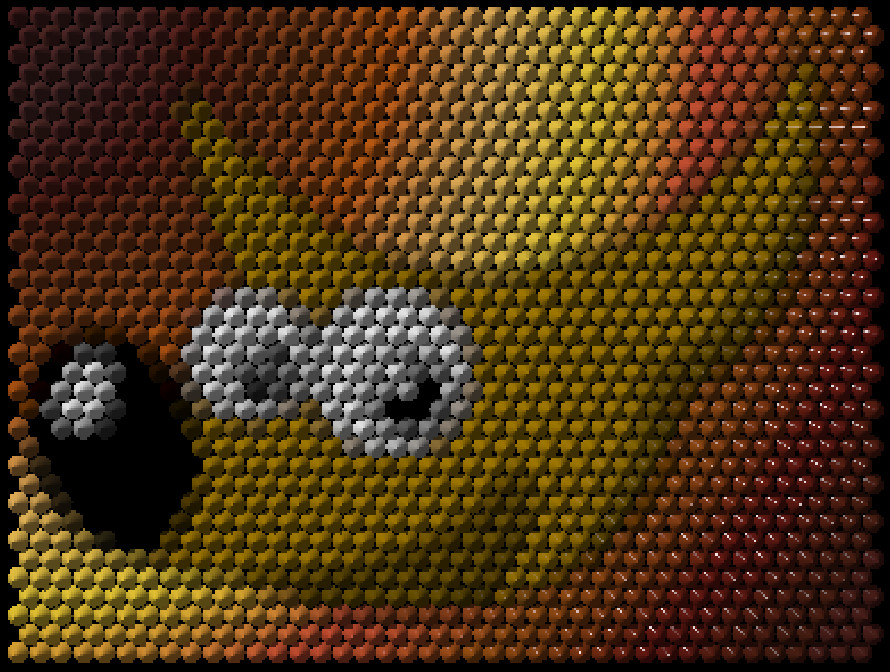
Finally for today, one small tweak - I rotated the hex-prisms so that they interlock

Attachment:
gimp_test6.jpg
gimp_test6.jpg [ 127.32 KiB | Viewed 2181 times ]

I think I should make the prisms taller so there aren't any gaps.

I'll add in glass.inc, textures.inc, woods.inc and metals.inc in tomorrow's iteration because that's easy, and I'll try changing the size based on brightness.

I'm not convinced it's ready for the registry just yet.

Kevin


Edit: Removed the version of the script from this post - it's been superseded.


Last edited by paynekj on Fri Jun 15, 2012 5:46 pm, edited 1 time in total.

Top
 Post subject: Re: Povsphere.
PostPosted: Thu Jun 14, 2012 5:36 pm  (#58) 
Offline
GimpChat Member
User avatar

Joined: Sep 24, 2010
Posts: 12844
That is cool Kevin. Still, I think the folks that visit the Registry would more then appreciate this. I actually believe it's too good for even the Registry; maybe Sourceforge like Ofnuts does with his stuff and a link at the Registry. :)

_________________
Lyle

Psalm 109:8

Image


Top
 Post subject: Re: Povsphere.
PostPosted: Thu Jun 14, 2012 7:18 pm  (#59) 
Offline
GimpChat Member
User avatar

Joined: Sep 24, 2010
Posts: 12844
Hey Kevin; if an object with small radius is chosen (i.e, you want more objects), the Script-fu will crash. Not sure of the issue. I'm going to PM you more details and maybe you can figure either this is a limit with GIMP or something else. :)

_________________
Lyle

Psalm 109:8

Image


Top
 Post subject: Re: Povsphere.
PostPosted: Fri Jun 15, 2012 3:09 am  (#60) 
Offline
Script Coder
User avatar

Joined: Jun 22, 2010
Posts: 1171
Location: Here and there
lylejk wrote:
Hey Kevin; if an object with small radius is chosen (i.e, you want more objects), the Script-fu will crash. Not sure of the issue. I'm going to PM you more details and maybe you can figure either this is a limit with GIMP or something else. :)


I'll have a look at that. I've a feeling that I'm caught between a rock and a hard place here: writing each object to the file as they are generated was occasionally giving a script-fu error (something I also saw with the duplicate script checker), so here I've currently stuffed all the object definitions into a string and written it once - which looks like it's causing a different problem. I'll try a compromise, but I think I hear the Python calling...

Kevin

Edit: Trying to debug this, I threw in a gimp-message call into the loop that gets the samples - and it doesn't crash there any more:
There are 2790 sphere objects
, however it now sometimes fails with "Error: /: argument 1 must be: number "


Top
Post new topic Reply to topic  [ 106 posts ]  Go to page Previous  1, 2, 3, 4, 5, 6  Next

All times are UTC - 5 hours [ DST ]


* Login  


Powered by phpBB3 © phpBB Group