akky wrote:
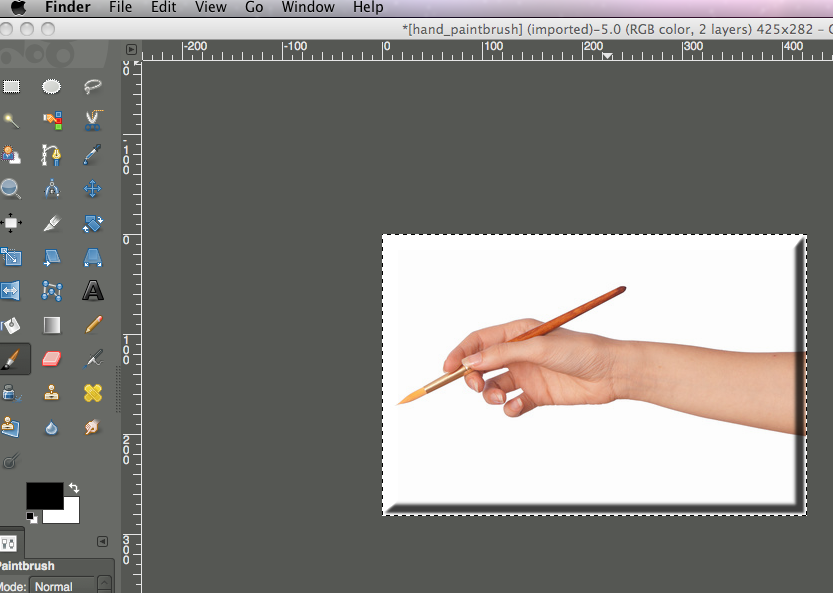
partha I actually deleted the previous version but didnt delete the folder in the library which contains al the extras such as brushes, scripts, gradients and etc...so the when I installed the new build, it picked them all up anyway...but I am very happy with the way its going...with one exception, and that is with all of these and I probably should have mentioned it previously, and that is it doesnt have a mac theme...I have difficulty reading the dark background so I have at the moment the older looking pc type theme and am managing much better ...I could probably add one myself if I knew where to find one. otherwise...I am very happy with this build. Thank you once again.
Pauline,
The theme is extremely conducive to photography since it allows you to modify your image without the application adding it's color scheme. You will notice that applications such as Photoshop, Paint Shop Pro have similar themes.
However, there are 2 additional themes that you can switch to. Go into Preferences and select the Gimp-2.8 Default or small.
You can also add any theme you want as long as it does not require any theme engine beyond that I have included. Simply pick a theme from gnome-looks.org, added it to your local themes folder an change as above. So any standard theme should work automatically.
Hope this helps and let me know if you have any questions.
 Login
Login Register
 Tweets
 FAQ
FAQ Advanced Search





 .
.

