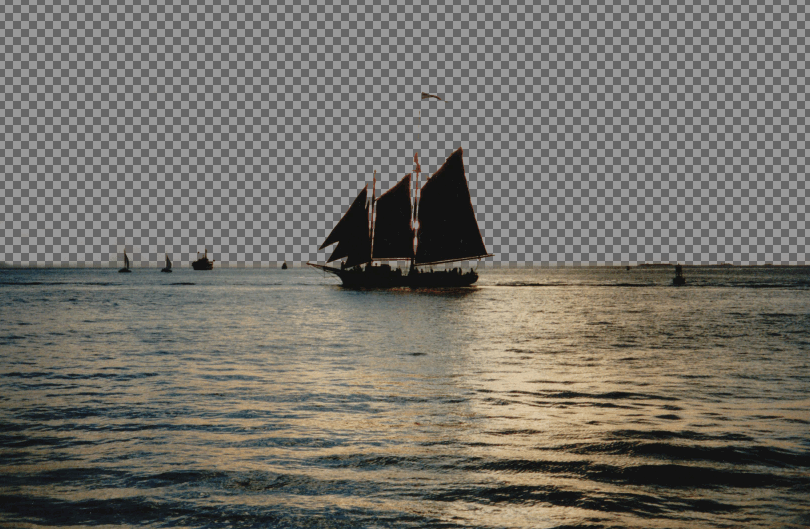
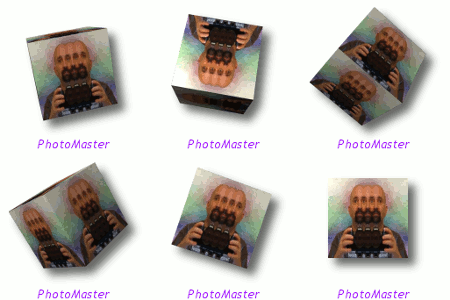
I found i even better way to avoid most of the manual work
duplicate the layer, use level, click with the white eyedropper on the grey sky and with the black on some point of the rod
that will boost the contrast... result should look close to the threshold filter (pure black and solid white ) but more clean
NOW THE TRICK
Copy the duplicate layer but DON'T Paste
instead switch off duplicate visibility
activate the original layer, create a layer mask
(to create the layermask start with a right click on the layer to call the context menu and select Add layer mask in the menu. If the menu item is grayed first select Add Alpha channel in the same menu. A dialog appears where you can initialize the content of the mask:
Attachment:
File comment: file:///usr/share/gimp/2.0/help/images/dialogs/layer-mask-add.png
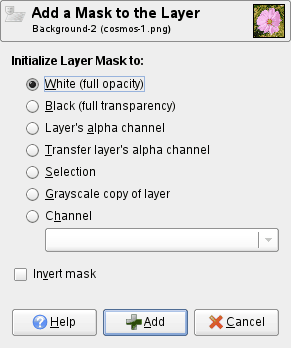 layer-mask-add.png [ 7.83 KiB | Viewed 2896 times ]
chose ..white or blackNow paste over the mask the Layer you copied, and do Colors/Invert
DONE !! on your example no further work should be needed
but in case some detail get lost (as very fine cables ) you may simply correct the layermask with black or white strokes
And is a totally not distributive process no pixels are deleted(is the mask that make them invisible )
 Login
 Register
 Tweets
 FAQ
 Advanced Search