It is currently Fri Nov 20, 2026 12:39 pm


All times are UTC - 5 hours [ DST ]


Post new topic Reply to topic  [ 10 posts ] 
Author Message
 Post subject: tutorial using dark and light to remove background
PostPosted: Mon Mar 11, 2013 7:27 pm  (#1) 
Offline
GimpChat Member
User avatar

Joined: Apr 08, 2010
Posts: 5420
Location: Northwest Ohio
GIMP Version: 2.6.11
Operating System: Mac OS
OS Version: mountain lion
GIMP Experience: Basic Level


I can't find the tutorial I want...I cant remember the tutorial name or the author. I scanned the whole list Odin made but no luck. I am looking for a way to render out a person from the busy background. I'll fiddle around for now, but I remember there was a tutorial where you used dark and light colors to make it end up black and white and use that for a layer mask...or something like that.


Share on Facebook Share on Twitter Share on Orkut Share on Digg Share on MySpace Share on Delicious Share on Technorati
Top
 Post subject: Re: tutorial using dark and light to remove background
PostPosted: Mon Mar 11, 2013 9:32 pm  (#2) 
Offline
GimpChat Member
User avatar

Joined: Jan 10, 2013
Posts: 863
Hu 2-ton!

Maybe this video can help you: http://youtu.be/5pBNVLP3PQ0

_________________
bbbbbbbbbbbImage
bbbbbbbbbbb Be patient, English is not my language.


Top
 Post subject: Re: tutorial using dark and light to remove background
PostPosted: Mon Mar 11, 2013 10:07 pm  (#3) 
Offline
GimpChat Member
User avatar

Joined: Apr 08, 2010
Posts: 5420
Location: Northwest Ohio
haha, that is the exact one I had been thinking of. thanks for that. I must bookmark it.


Top
 Post subject: Re: tutorial using dark and light to remove background
PostPosted: Tue Mar 12, 2013 3:15 am  (#4) 
Offline
GimpChat Member
User avatar

Joined: May 26, 2012
Posts: 342
Location: France
Never heard of this technique, thanks !
Also mentioning a pdf version: https://docs.google.com/viewer?a=v&pid= ... DhmMWI4MGI


Top
 Post subject: Re: tutorial using dark and light to remove background
PostPosted: Tue Mar 12, 2013 2:01 pm  (#5) 
Offline
Retired Staff
User avatar

Joined: May 22, 2008
Posts: 6946
Location: Somewhere in GIMP
I've embedded the video

www.youtube.com Video from : www.youtube.com

_________________
Image
World War IV will be fought with sticks and stones. - Albert Einstein


Top
 Post subject: Re: tutorial using dark and light to remove background
PostPosted: Tue Mar 12, 2013 4:53 pm  (#6) 
Offline
GimpChat Member

Joined: Aug 05, 2011
Posts: 606
Location: limestone,ny
Thanks for this..
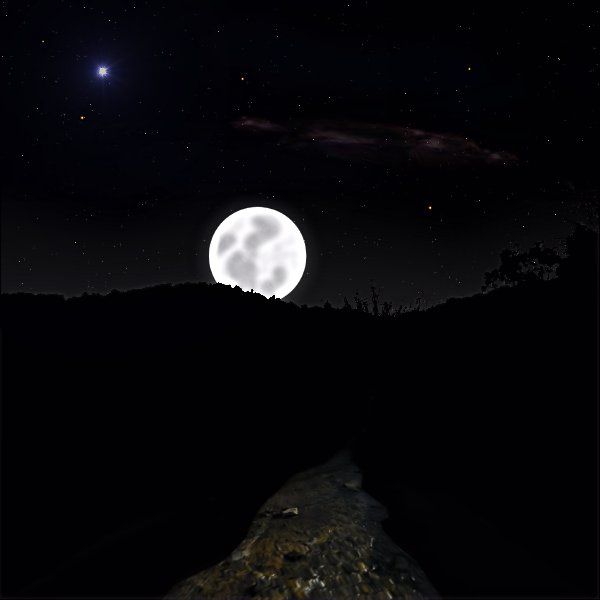
Could have used these tricks making this..

Image

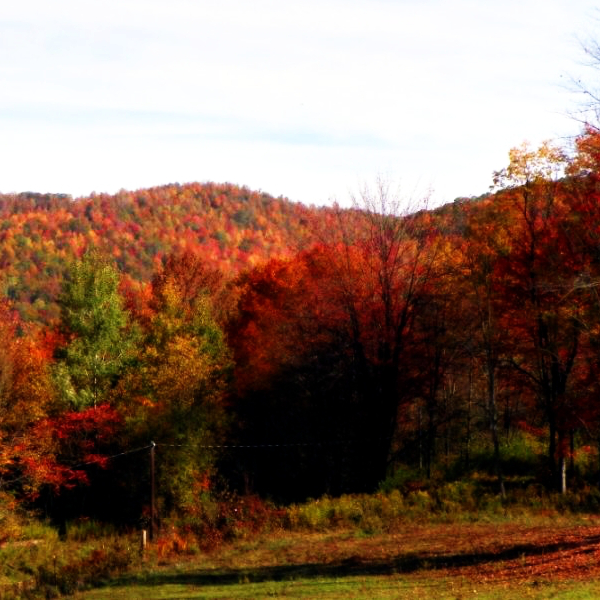
from this..

Image


Top
 Post subject: Re: tutorial using dark and light to remove background
PostPosted: Tue Mar 12, 2013 5:09 pm  (#7) 
Offline
GimpChat Member
User avatar

Joined: Apr 07, 2010
Posts: 14182
That is a really good job alc. What is that moving thang in the first one?

_________________
Image


Top
 Post subject: Re: tutorial using dark and light to remove background
PostPosted: Tue Mar 12, 2013 5:43 pm  (#8) 
Offline
GimpChat Member

Joined: Aug 05, 2011
Posts: 606
Location: limestone,ny
Stream, from another pic, didn't get it too good did I ?
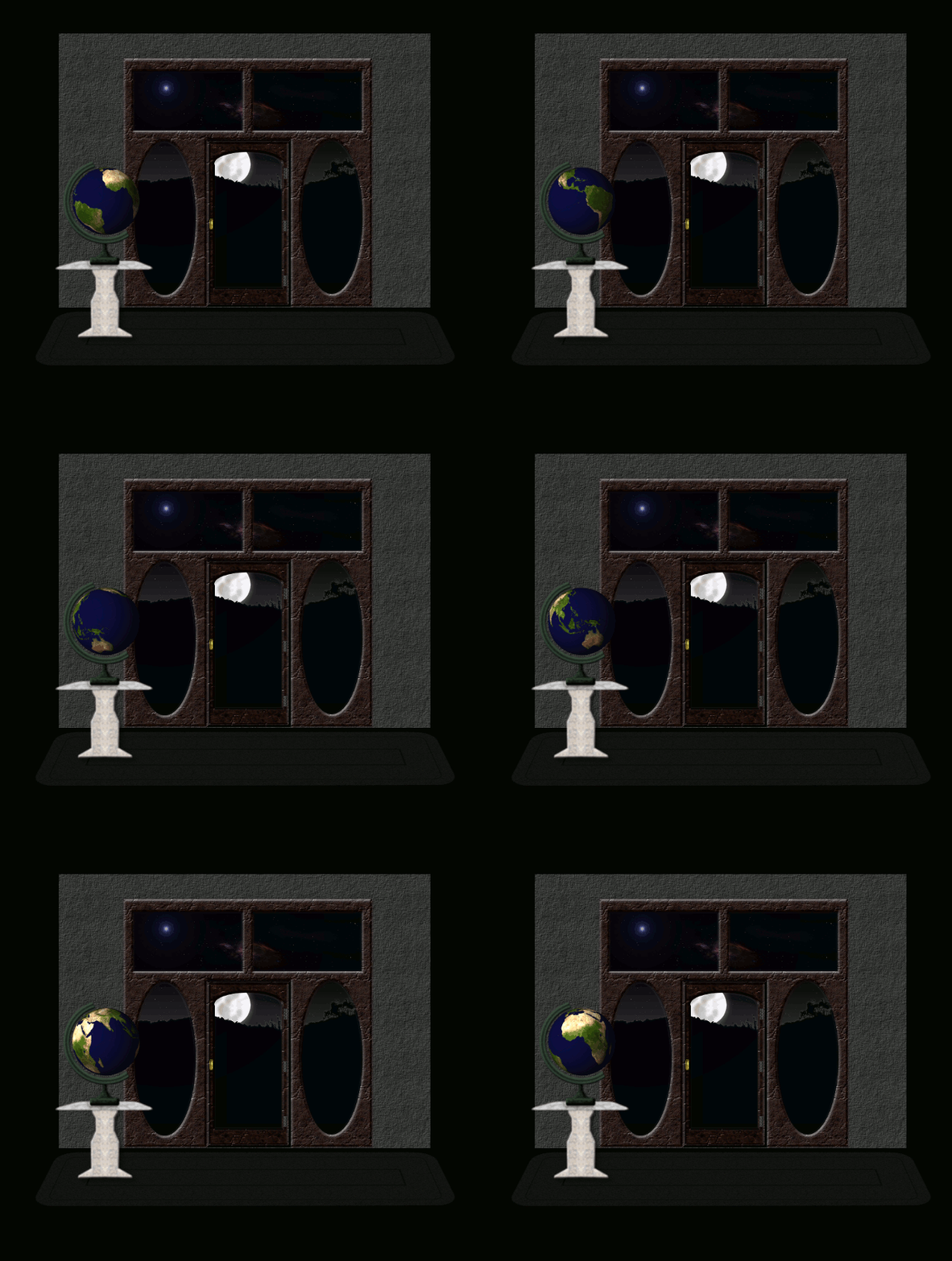
This all started from my niece wanting me to make a Globe, how I got from a Globe to this just shows you how my brain works sometimes. :roll:
Was here at one point..

Image


Top
 Post subject: Re: tutorial using dark and light to remove background
PostPosted: Tue Mar 12, 2013 5:49 pm  (#9) 
Offline
GimpChat Member
User avatar

Joined: Apr 07, 2010
Posts: 14182
love that. one way to show the moon...lol

_________________
Image


Top
 Post subject: Re: tutorial using dark and light to remove background
PostPosted: Wed Mar 13, 2013 7:10 am  (#10) 
Offline
GimpChat Member
User avatar

Joined: Apr 07, 2010
Posts: 14182
anarkhya wrote:
Never heard of this technique, thanks !
Also mentioning a pdf version: https://docs.google.com/viewer?a=v&pid= ... DhmMWI4MGI


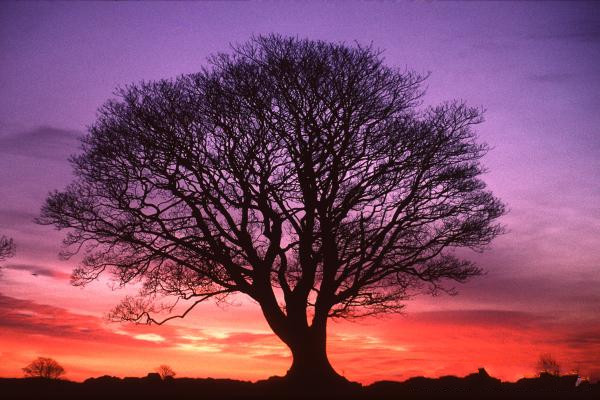
@anarkhya Thank you for posting this, works great.

Image

Image

_________________
Image


Top
Post new topic Reply to topic  [ 10 posts ] 

All times are UTC - 5 hours [ DST ]


* Login  


Powered by phpBB3 © phpBB Group