TheBikeMan wrote:
Rod wrote:
I took the liberty of creating all the paths for you.All you need do now is download the XCF file and use map to gradient on each layer with your color choices of bg and fg.
I also created each letter with separate pieces so you can erase as needed to make the gradient look better.
XCF is attached.
Attachment:
the-bike-shop-2718_Logo.xcf
Screenshot

Thanks tons Rod but for some reason I cannot get it to stroke with the gradient the way you have.

Try running the script "decorations>neon" with just the fg and bg colors.Then colorize them.
I bet if you run the script with the "incandescent" gradient it will work.
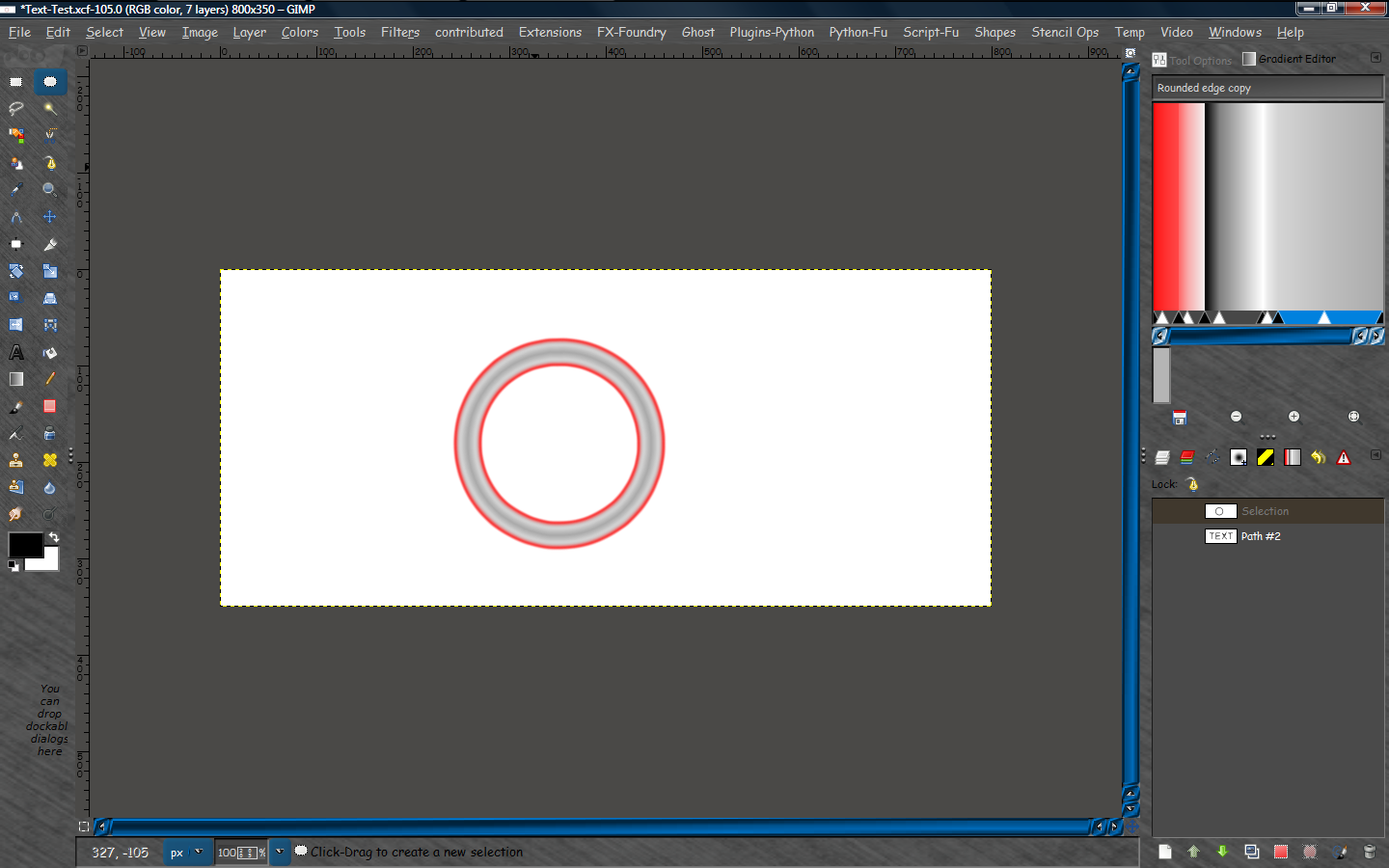
Your gradient isn't shaded correctly for a single tube effect.Look at the "incandescent" gradient and you will see the difference.

If you take one red edge off your gradient it will look like one tube.
 Login
Login Register
 Tweets
 FAQ
FAQ Advanced Search