Wallace wrote:
Rod wrote:
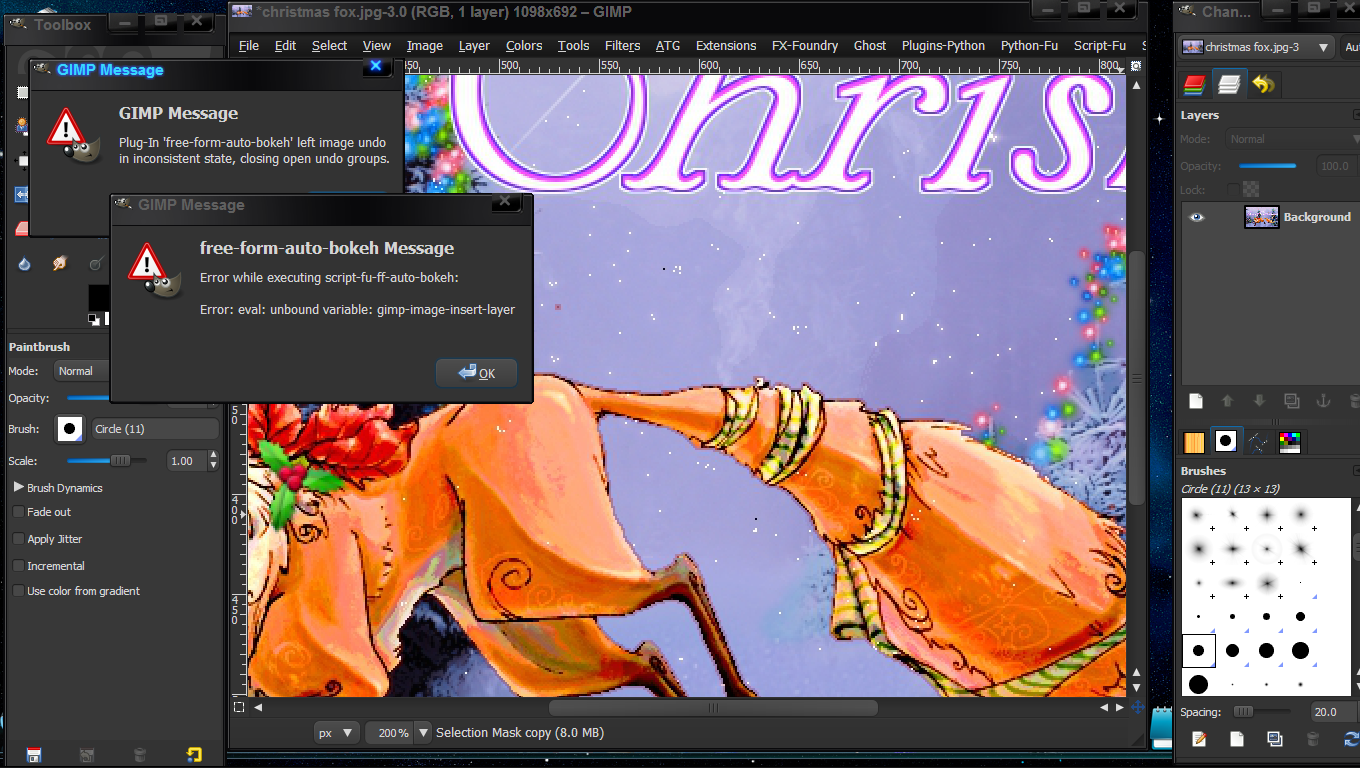
Erisian what error message do you get?If you are using 2.6 it's probably a deprecation warning.Does the script still run?
Wallace i believe when using the free-form-semi-auto-bokeh selecting the 2 path nodes give you super control over the colors used for the shape.You still have to use the select tool to create a bokeh shape the path determines precise color for the bokeh.So be careful where you place these two nodes.
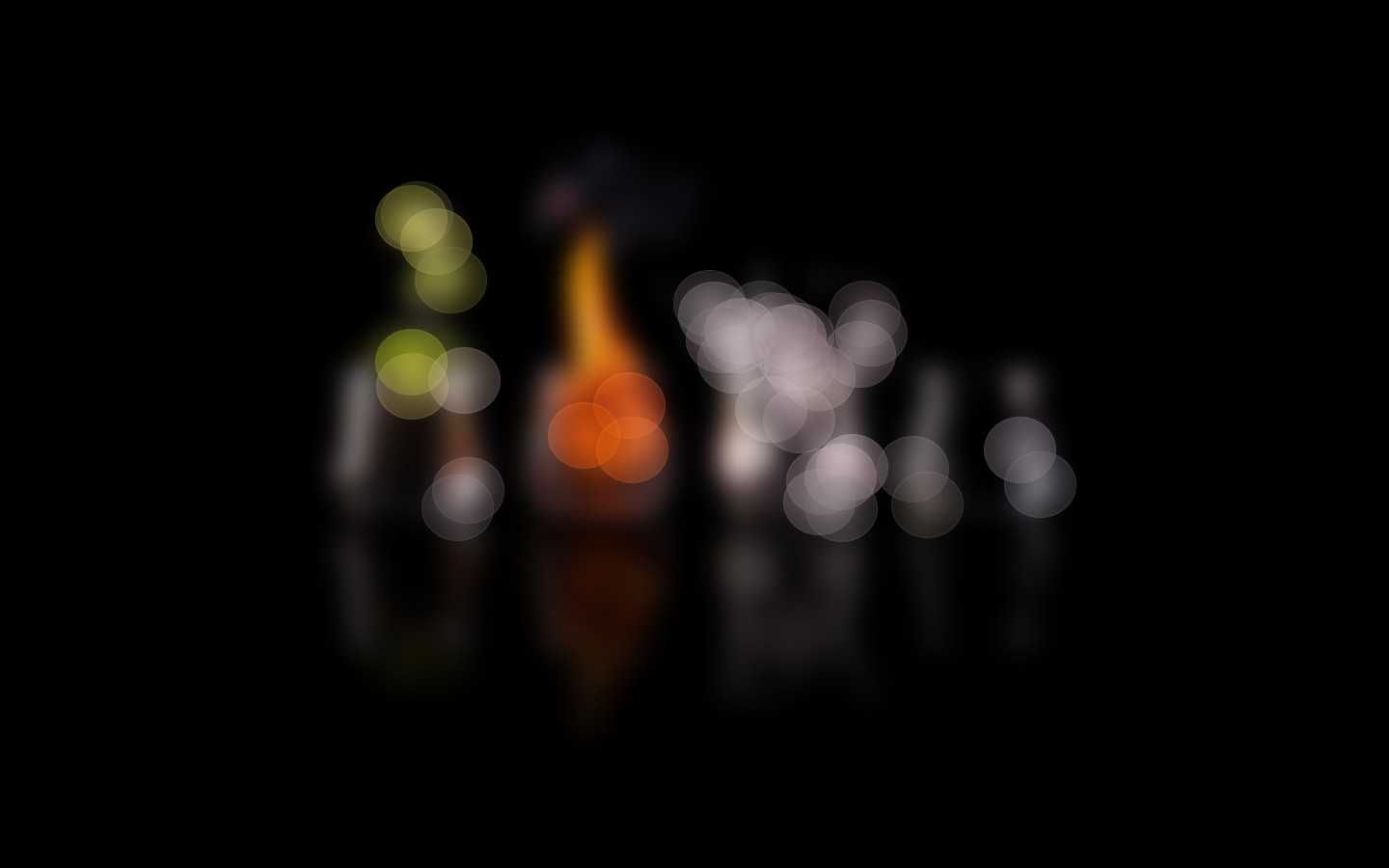
More on the free-form-semi-auto-bokeh.
In this plug-in the user must mark the light-sources he or she wants to produce a
bokeh's from.
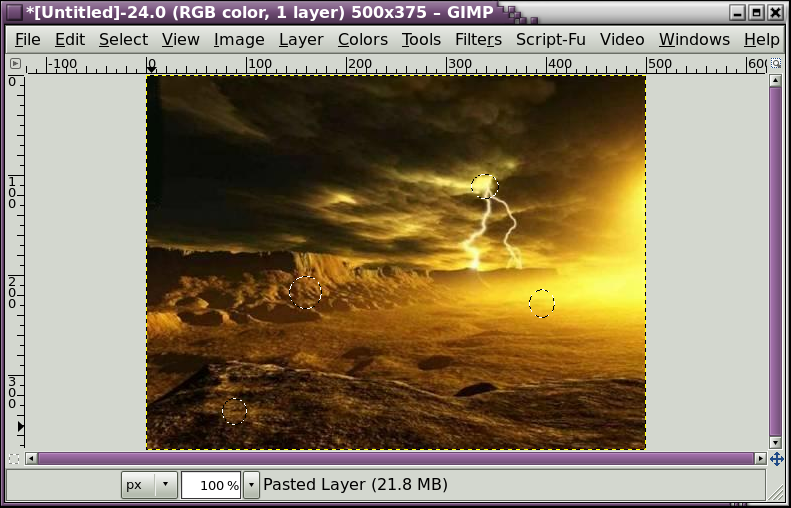
This is done with the path-tool, in which the nodes must be placed on the chosen
light-sources. The path between nodes and the order of the nodes is irrelevant.
Because the colour of the produce bokeh depends on the colour in the image beneath
these nodes, care should be take in placing these nodes. Enlarge the image during placement of the nodes for better results.
@Rod,
I'm still not sure what your getting at.
Are these 'nodes' part of the script, or do I have to manually place them in my image before I use the script? If so... then it's really not a path, but just path-nodes. Without any real path.
Is this correct?
Yes you have to manually add the single line path with 2 nodes before running the script.
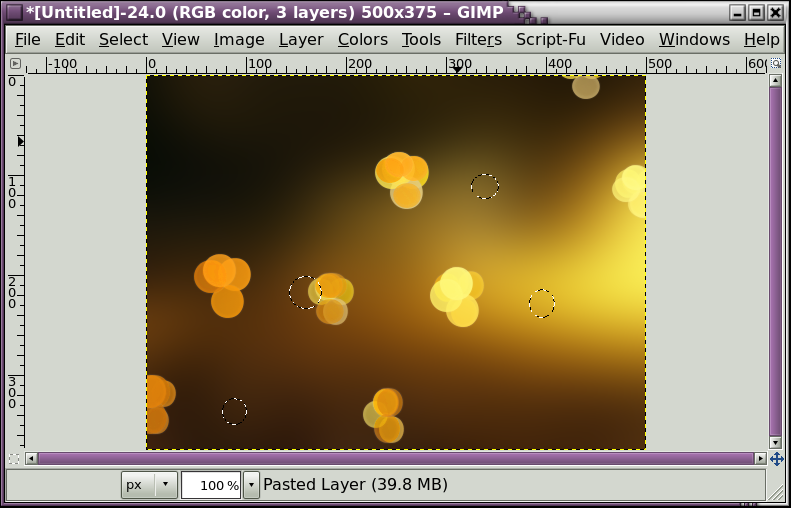
The bokeh's should be colored the pixel color directly beneath the nodes themselves.This is why the author states be careful where you place the nodes and use magnification while setting them.Perhaps i should ask the author to allow for color selection from the picker also?That would probably be a nice third option.
color select from the picker
color select from the 2 nodes
color select from lighter areas in the image.
 Login
Login Register
 Tweets
 FAQ
FAQ Advanced Search






 .
.










 Video from :