Oregonian wrote:
I, too, was hoping for greater sizing options. Perhaps David can take a look and see what he can do.
There are also bokeh brushes which you can resize to your specifications. You can download the ones I made or find others in Internet searches.
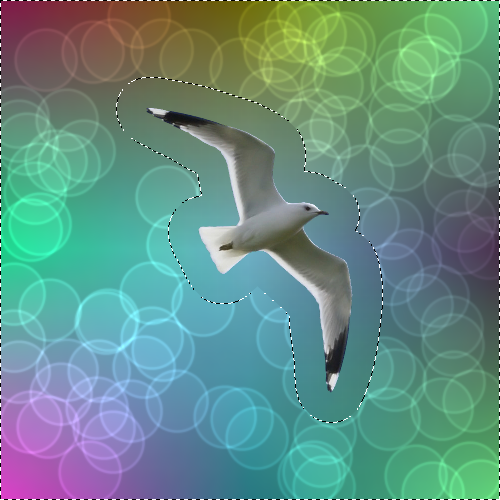
GIMP Bokeh BrushesThe sponge and bokeh filters do respect a selection for me. Select the area you do not want the bokehs in, then Select > Invert (or Ctrl + I) and the bokehs will not appear in the inverted selection area.
Here is a screen shot of a quicky example demonstrating an exclusive selection with the bokeh filter.
[
Image ]
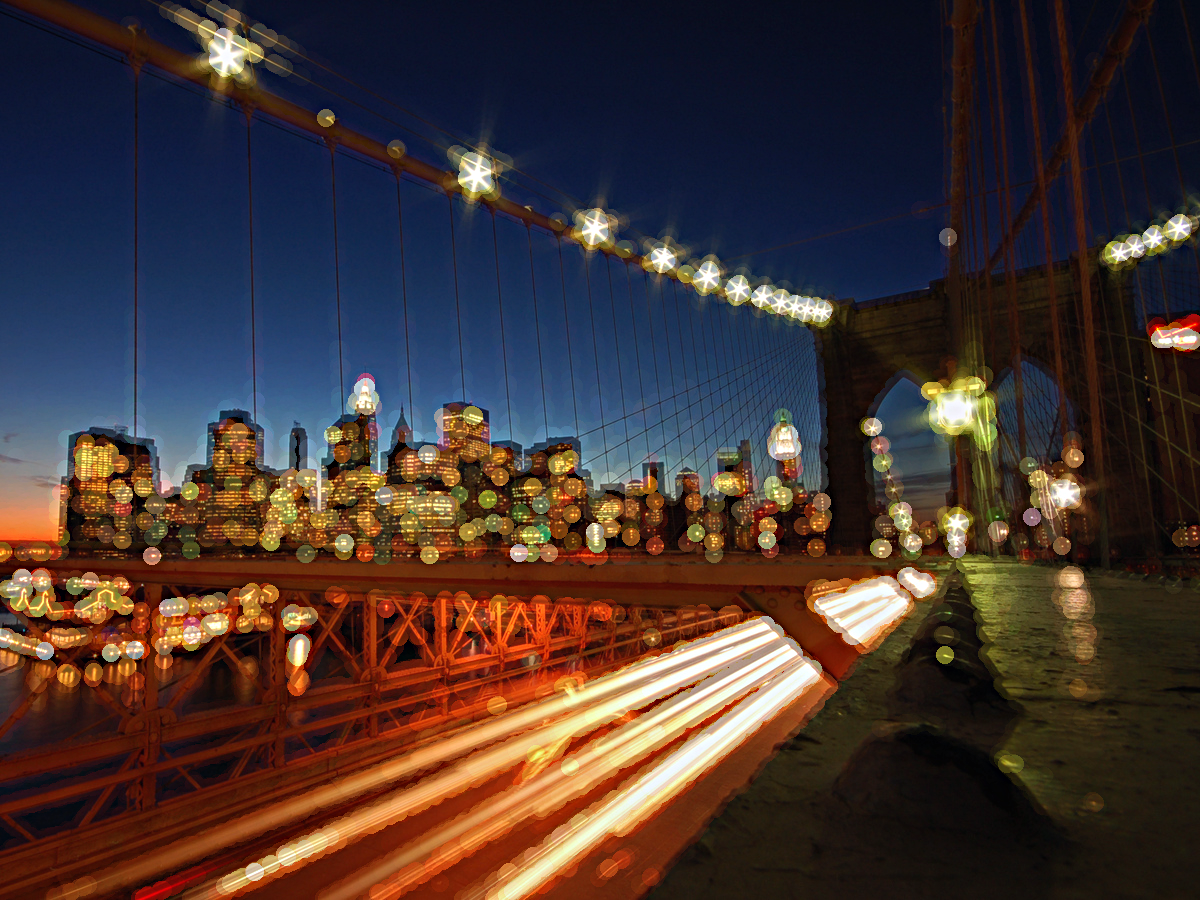
The champagne bottle is another example of exclusive selection. It was done with the sponge filter.
It looks good in the sponge preview, but it applies the effect on the whole image after selecting OK or apply..
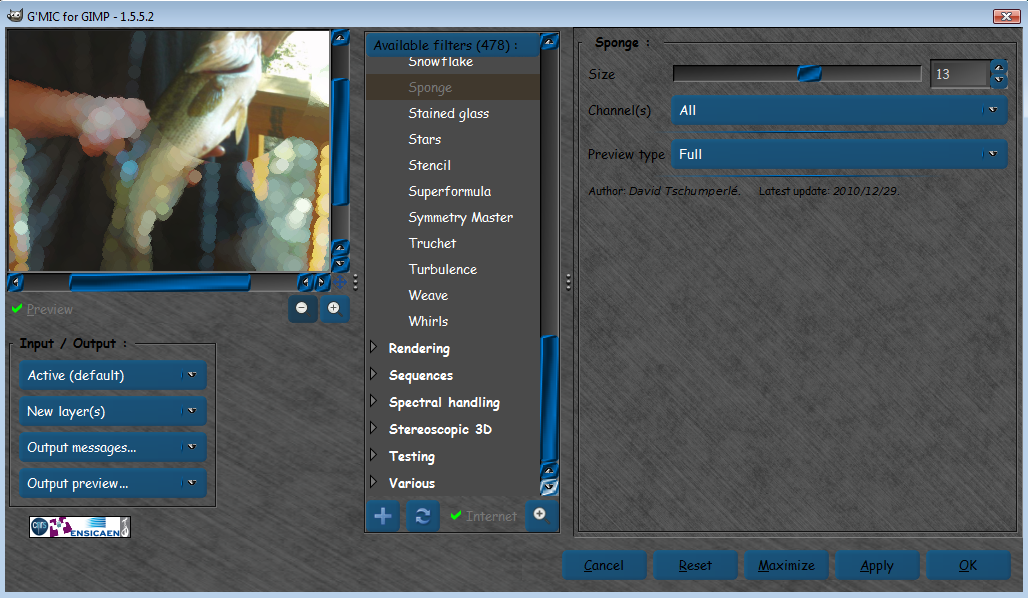
I tried adding alpha,apply instead of OK, and those didn't work either.
Maybe just a Windows bug thing?
 Login
Login Register
 Tweets
 FAQ
FAQ Advanced Search



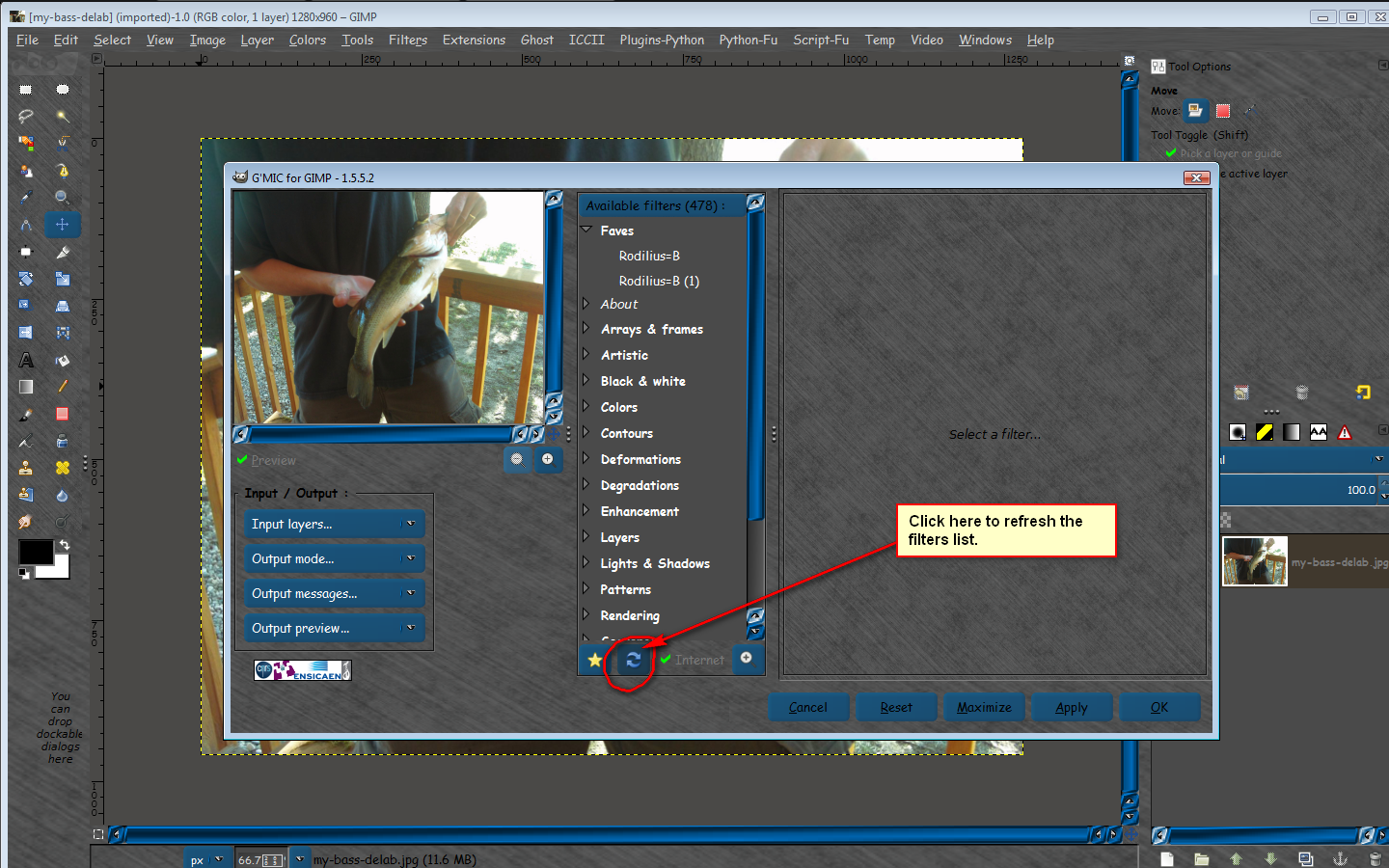

 . But I cannot manage to get bigger bokeh circles. When I set the size to maxium it is still small and gets very bright. It looks fine in the preview but the proportions circles to objects are not the same as in the real picture. I usually work on pictures sized from 1920x1200 to 3000x?...