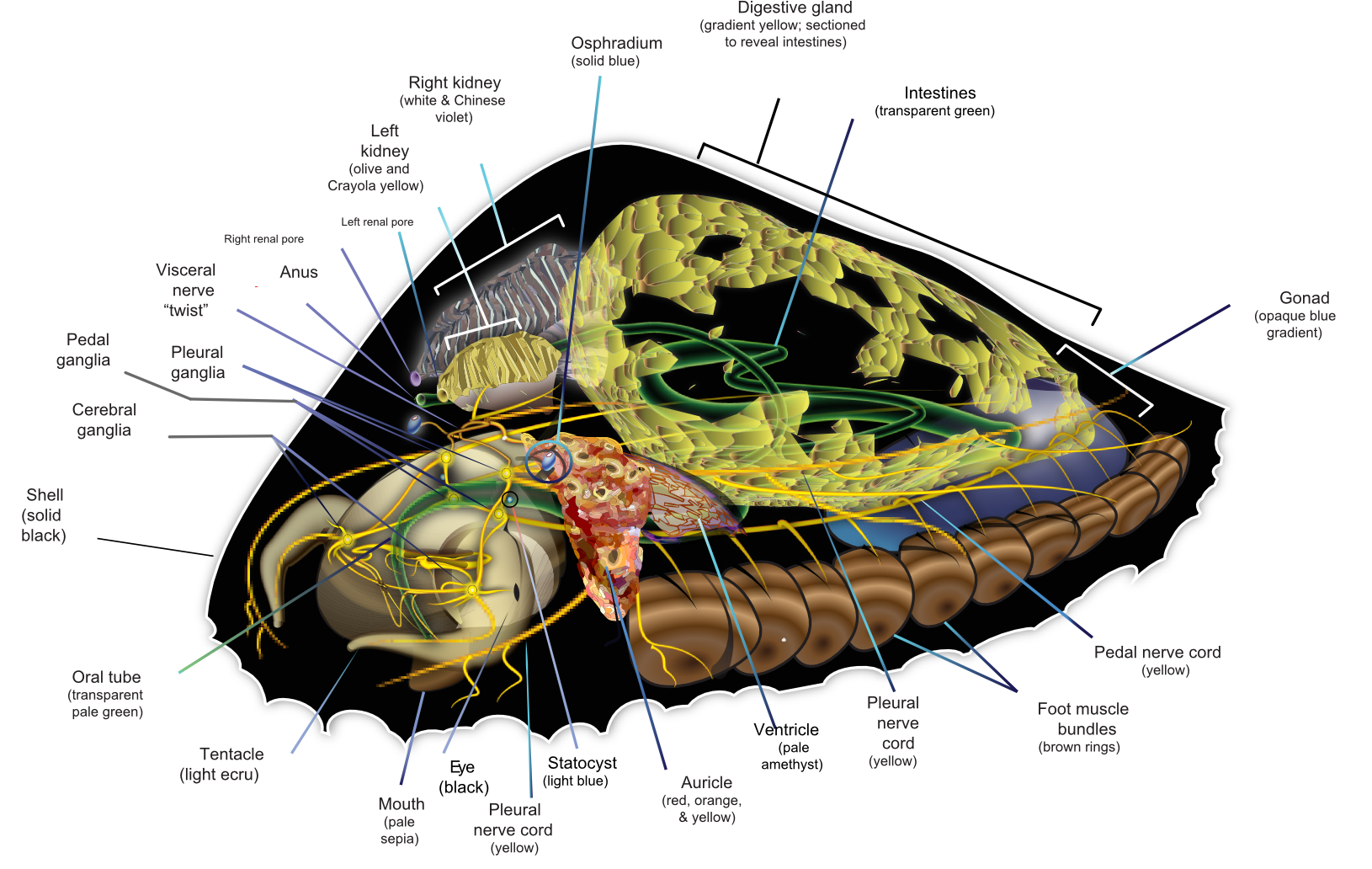
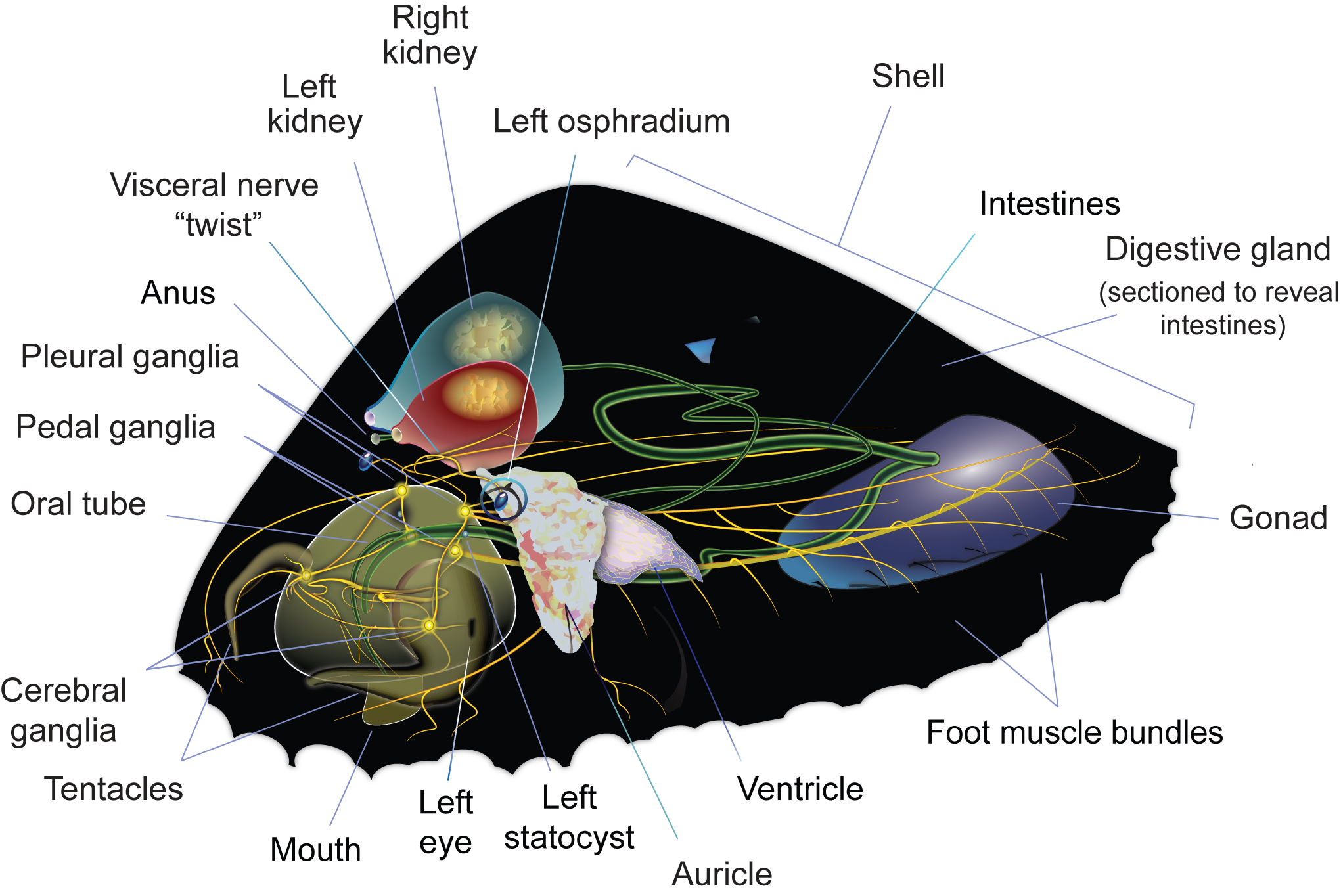
Here is an example of a file with which I have been having this difficulty:
upload.
wikimedia.
org/
wikipedia/
commons/
archive/3/32/
20130425093914!Saltwater_Limpet_Diagram-en.svg
(Put that all on one line— the gimpchat machine would not let me post the URL properly, calling it "spammy").
Note the yellow "nerve cords" on the far left, hooking around the animal's head: these are strokes with gradients across them, and they have always come out looking like they've been through a blender. I was hoping to find some other graphics program— ANY program— that could do what AI pretends to do with this kind of object (in AI, the image looks just fine!).
Having said this, I
just attempted to create a simple image of a single stroke with a gradient across it using AI, and the SVG version of it, well... it looks like it turned out looking ok.
So now I am super stumped.
Here's another image, this time of just the intestines, converted into PNG format (GIMP would not let me upload SVGs). Again, you can see the jagged edges (yes?). This is another stroke with a gradient across it which looks fine in AI and gets clobbered when AI converts it to an SVG image:
Attachment:
 Untitled-2av.png [ 19.52 KiB | Viewed 5954 times ]
(But can you even see it up close enough here to tell??)
Here is another copy of the same image with a straight stroke that has a radial gradient along side the squiggly intestine. Can you see the difference now?
Attachment:
 Untitled-2n.png [ 19.49 KiB | Viewed 5953 times ]
Lastly, here is how the green intestines appear— more or less— in Adobe Illustrator: clean, crisp (but here rendered as a bitmap and not a vector... which is exactly the problem):
Attachment:
 Untitled-2n.jpg [ 768.1 KiB | Viewed 5951 times ]
(and then, just to make the confusion complete, look at the difference between the intestines as rendered in the first image by itself and then in the second image with the straight line: the one giving me the problems looks WORSE in the second image, and the only difference between them is the addition of the straight line! WTF??)
 Login
Login Register
 Tweets
 FAQ
FAQ Advanced Search












 this was made with interpolate paths in inkscape. In GIMP there is inteprolate paths plugin (Generate intermediate paths by Ofnuts) but I haven't tried it to reproduce this effect. Don't remember if it can interpolate styles (colors in gimp terms)




 . But this is totally doable in gimp and a few new features for gradient tool would be