It is currently Tue Nov 24, 2026 2:13 pm


All times are UTC - 5 hours [ DST ]


Post new topic Reply to topic  [ 132 posts ]  Go to page Previous  1, 2, 3, 4, 5, 6, 7  Next
Author Message
 Post subject: Re: Packing multiple sprites
PostPosted: Tue Jun 25, 2013 8:28 pm  (#61) 
Offline
Global Moderator
User avatar

Joined: May 16, 2010
Posts: 16309
The Warrior wrote:
This is awesome.

[ Image ]


And addicting. :lol

Image

_________________
Image


Top
 Post subject: Re: Packing multiple sprites
PostPosted: Tue Jun 25, 2013 9:37 pm  (#62) 
Offline
GimpChat Member
User avatar

Joined: Sep 24, 2010
Posts: 12870
Now you know why I've been on this quest since I first heard about Jigsaw Image Mosaics around 5 or more years ago Rod. If only you could know how happy I am thad David figured this one out. :)

_________________
Lyle

Psalm 109:8

Image


Top
 Post subject: Re: Packing multiple sprites
PostPosted: Wed Jun 26, 2013 1:05 am  (#63) 
Offline
GimpChat Member
User avatar

Joined: Jan 11, 2013
Posts: 254
Location: Germany
Thanks all! The other examples of you guys are great too!
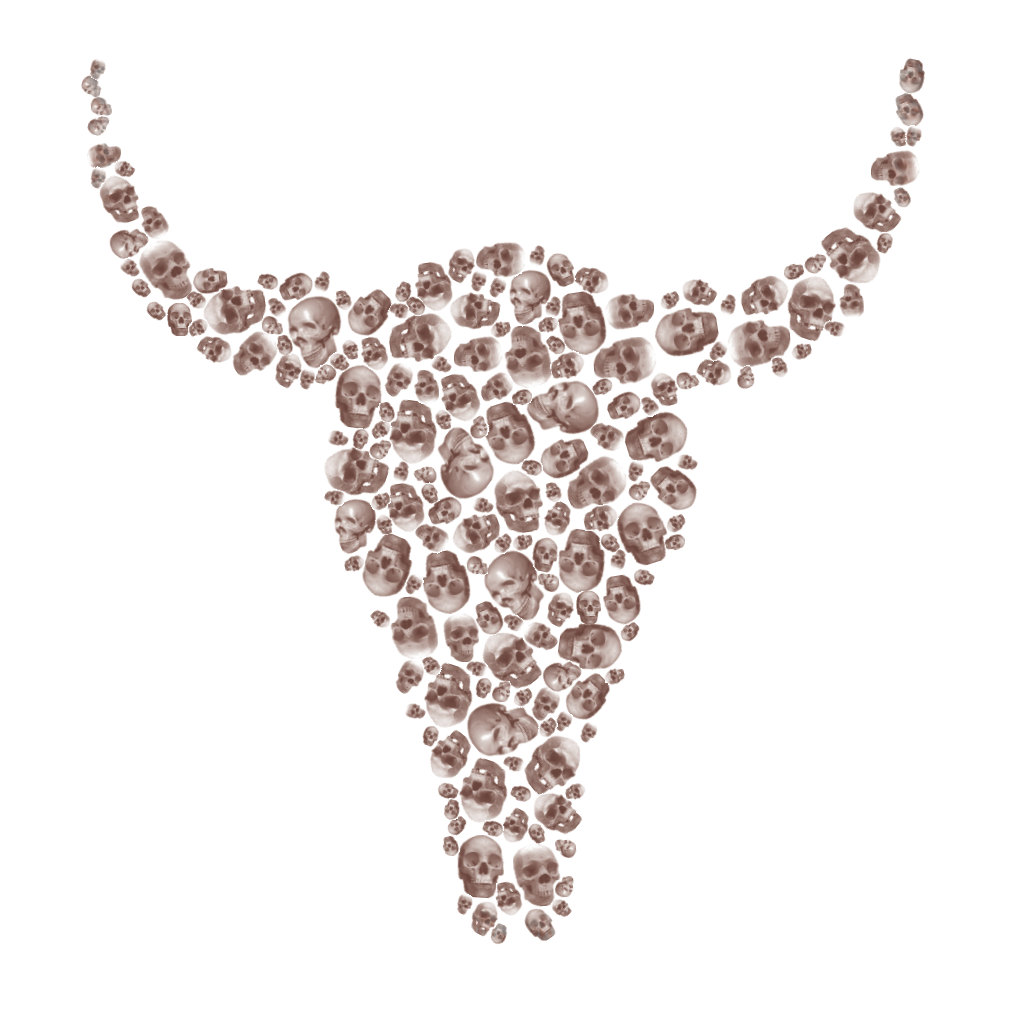
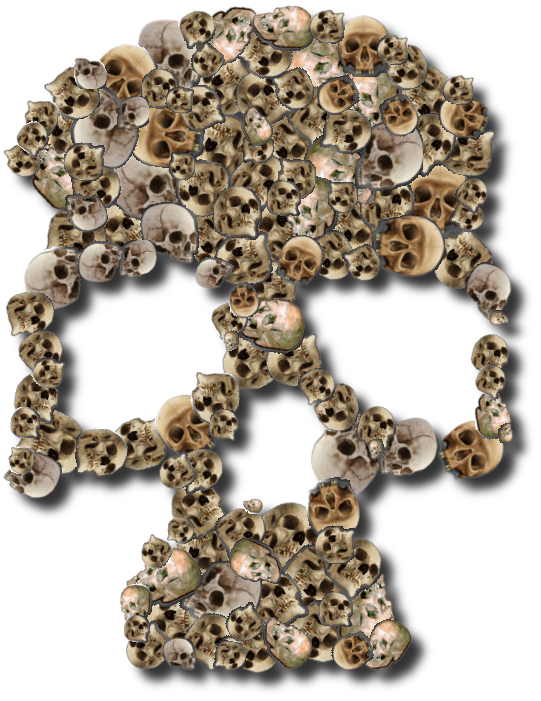
David...yes the skulls was made with your new pack sprite filter!
After 20 minutes of waiting this came out. :mrgreen: I just add soft bump map and motion blur shadow.
I can record a video next time.
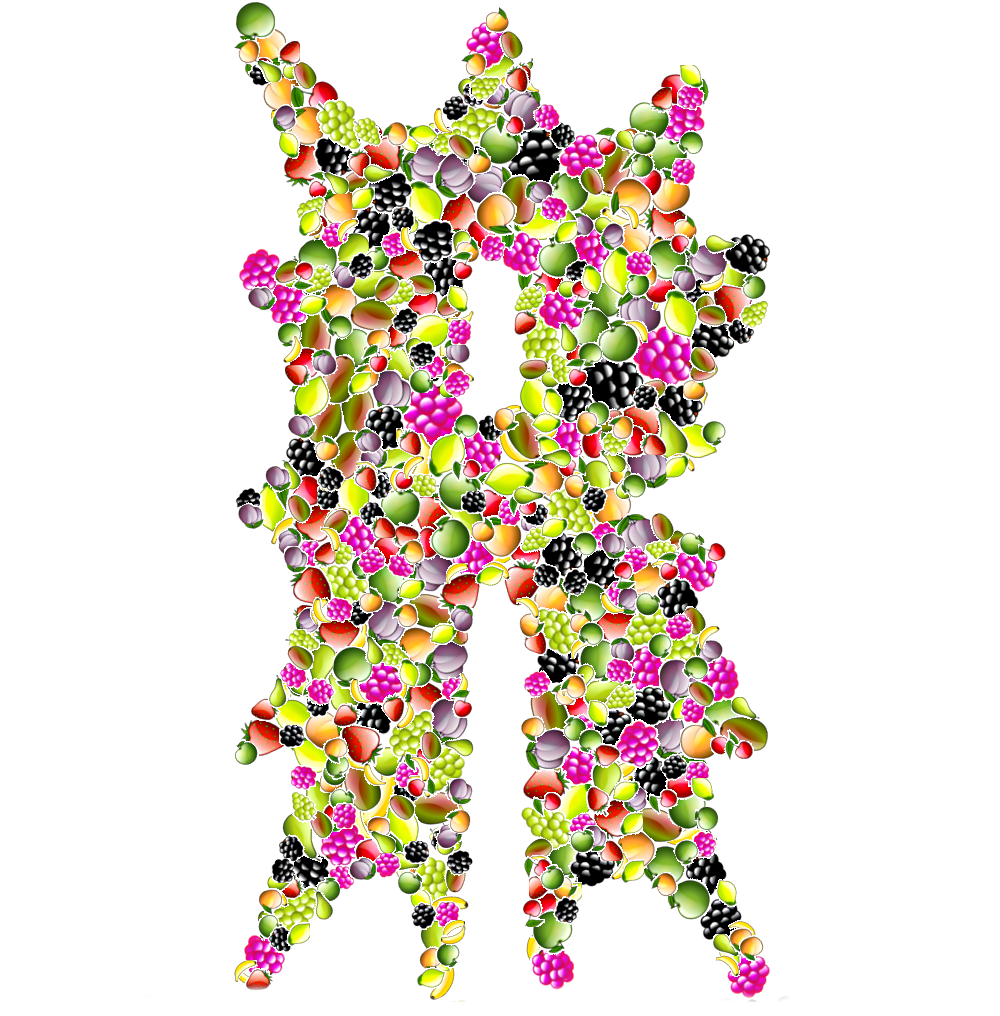
@pirate541: it looks like gift paper, very nice!
@molly: http://www.dafont.com/campanile.font

_________________


Top
 Post subject: Re: Packing multiple sprites
PostPosted: Wed Jun 26, 2013 2:58 am  (#64) 
Offline
Global Moderator
User avatar

Joined: May 16, 2010
Posts: 16309
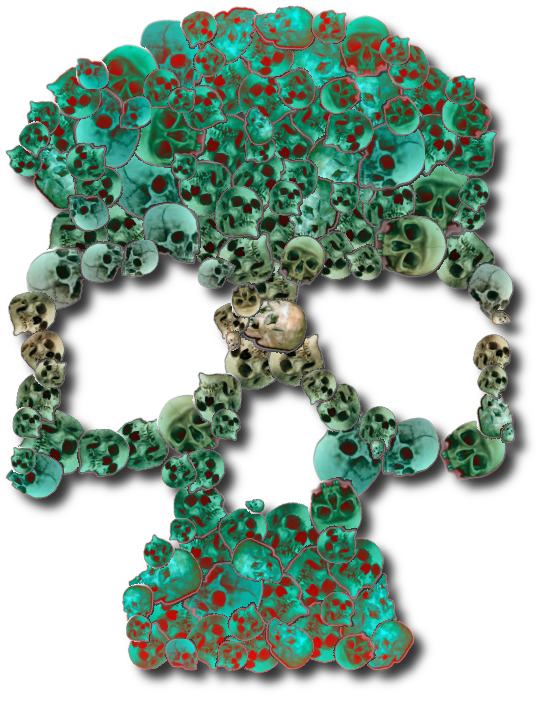
Had to do a couple with skulls. :)
Just too much fun David.

Image

Image

_________________
Image


Top
 Post subject: Re: Packing multiple sprites
PostPosted: Wed Jun 26, 2013 7:31 am  (#65) 
Offline
Global Moderator
User avatar

Joined: Apr 01, 2012
Posts: 8511
Location: On the other side of your screen
Still haven't mastered this but I got
Image
so far

_________________
Image
Free Fun Photo Editing & resources
Poems from the Lord
Gimp Newby
Gimp version 3.2.8 and GMIC-Qt 4.0.2 OS :- Windows 10 Home 64


Top
 Post subject: Re: Packing multiple sprites
PostPosted: Wed Jun 26, 2013 10:47 am  (#66) 
Offline
GimpChat Member
User avatar

Joined: Sep 24, 2010
Posts: 12870
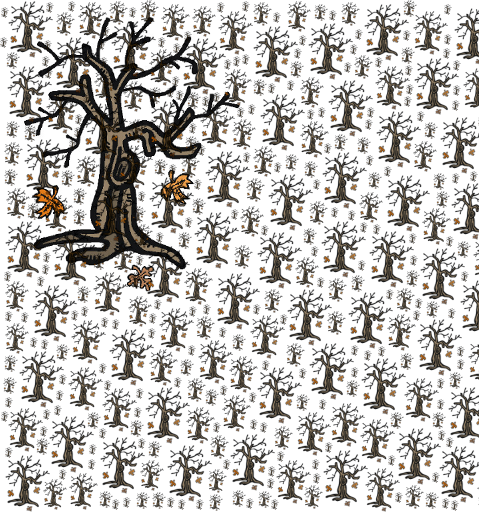
Didn't want you folks to think I'm a liar (i.e., I have skulls too; lol). Had to use de-Sprite to turn my DAP array back to layers which I then used as source images for the target (Diablo pattern that I've used many times here). :)

Image

_________________
Lyle

Psalm 109:8

Image


Top
 Post subject: Re: Packing multiple sprites
PostPosted: Wed Jun 26, 2013 12:31 pm  (#67) 
Offline
GimpChat Member
User avatar

Joined: Aug 16, 2012
Posts: 4271
Location: Göteborg, Sweden
oooh, this thread is a party :)! :grooving
nice job, everyone, i have a lot of gimping to catch up with but i will play more with this, definitely!

_________________


Top
 Post subject: Re: Packing multiple sprites
PostPosted: Wed Jun 26, 2013 1:59 pm  (#68) 
Offline
GimpChat Member
User avatar

Joined: Jun 02, 2013
Posts: 2090
Join the skull train:

Image

Image

Image

_________________
Image


Top
 Post subject: Packing Wilbur.
PostPosted: Wed Jun 26, 2013 4:35 pm  (#69) 
Offline
GimpChat Member
User avatar

Joined: Sep 24, 2010
Posts: 12870
Because I can. lol

:)

Image

_________________
Lyle

Psalm 109:8

Image


Top
 Post subject: Re: Packing Wilbur.
PostPosted: Wed Jun 26, 2013 4:40 pm  (#70) 
Offline
GimpChat Member
User avatar

Joined: Jun 02, 2013
Posts: 2090
lylejk wrote:
Because I can. lol

:)

[ Image ]

I did that with a chat banner yesterday: viewtopic.php?f=11&t=7453&start=220#p99271

_________________
Image


Top
 Post subject: Re: Packing multiple sprites
PostPosted: Wed Jun 26, 2013 4:43 pm  (#71) 
Offline
GimpChat Member
User avatar

Joined: May 27, 2011
Posts: 707
Rod

Help please
I am not sure i understand how to use a layer mask with the sprites,and i am still getting only 2 layers out of three showing when Gmic does its magic


Top
 Post subject: Re: Packing Wilbur.
PostPosted: Wed Jun 26, 2013 4:46 pm  (#72) 
Offline
GimpChat Member
User avatar

Joined: Sep 24, 2010
Posts: 12870
The Warrior wrote:
lylejk wrote:
Because I can. lol

:)

[ Image ]

I did that with a chat banner yesterday: viewtopic.php?f=11&t=7453&start=220#p99271


And so you did too. lol

Sorry Warrior; didn't catch your banner for whatever reason. Still, I can too pack Wilber. ;)

:)

_________________
Lyle

Psalm 109:8

Image


Top
 Post subject: Re: Packing Wilbur.
PostPosted: Wed Jun 26, 2013 4:47 pm  (#73) 
Offline
GimpChat Member
User avatar

Joined: Jun 02, 2013
Posts: 2090
lylejk wrote:
The Warrior wrote:
lylejk wrote:
Because I can. lol

:)

[ Image ]

I did that with a chat banner yesterday: http://www.gimpchat.com/viewtopic.php?f ... 220#p99271


And so you did too. lol

Sorry Warrior; didn't catch your banner for whatever reason. Still, I can too pack Wilber. ;)

:)

Haha, it's all good. Just goes to show that great minds think alike. ;)

_________________
Image


Top
 Post subject: Re: Packing multiple sprites
PostPosted: Wed Jun 26, 2013 8:44 pm  (#74) 
Offline
GimpChat Member
User avatar

Joined: Jun 02, 2013
Posts: 2090
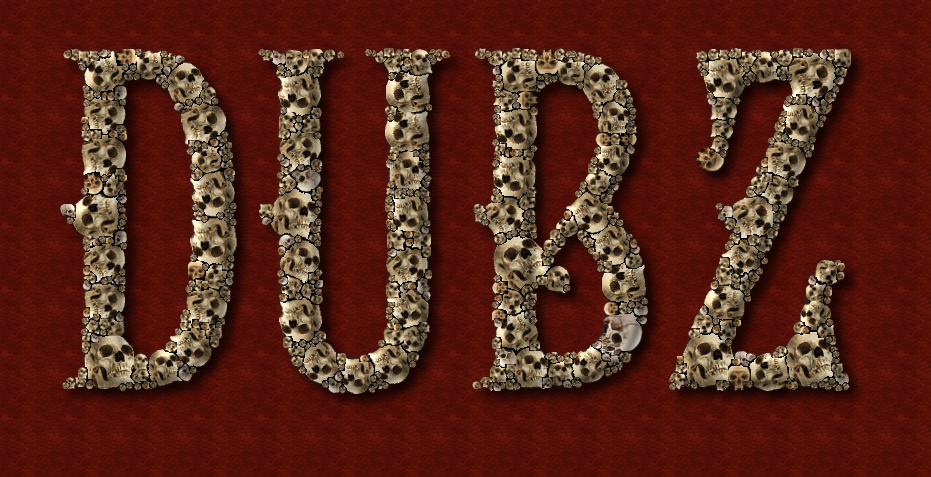
Trying to replicate Chris F's pack. Here's what I came up with. Not nearly as refined. My skulls were darker to begin with. I should have lightened them up a bit. Am very fond of that pack he did. A tutorial would be awesome. I just couldn't come up with quite the right settings. Also, my skulls may have been a bit bigger to begin with, not sure. By the way, "Dubz" is my nick on a few other forums.

Image

_________________
Image


Top
 Post subject: Re: Packing multiple sprites
PostPosted: Thu Jun 27, 2013 12:04 am  (#75) 
Offline
GimpChat Member
User avatar

Joined: Aug 16, 2012
Posts: 4271
Location: Göteborg, Sweden
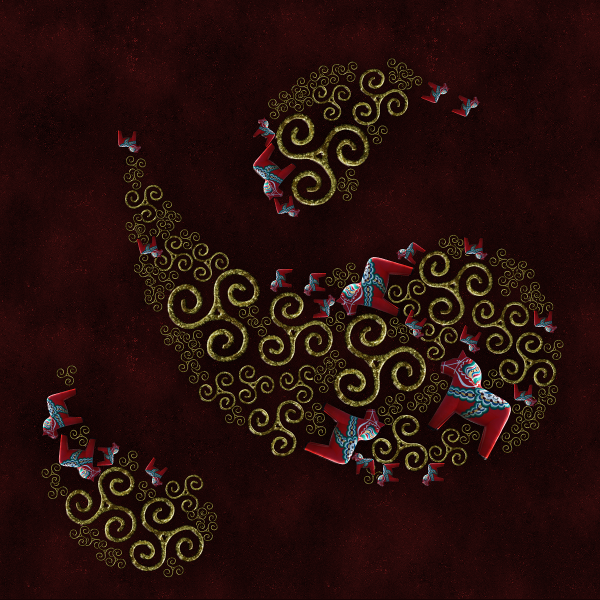
i've amused myself with exploring this filter and here are some of the results:
Image
i don't know when i'll ever need paisleys built up of dala horses and golden triskells, but if the need comes up i have them.
Image
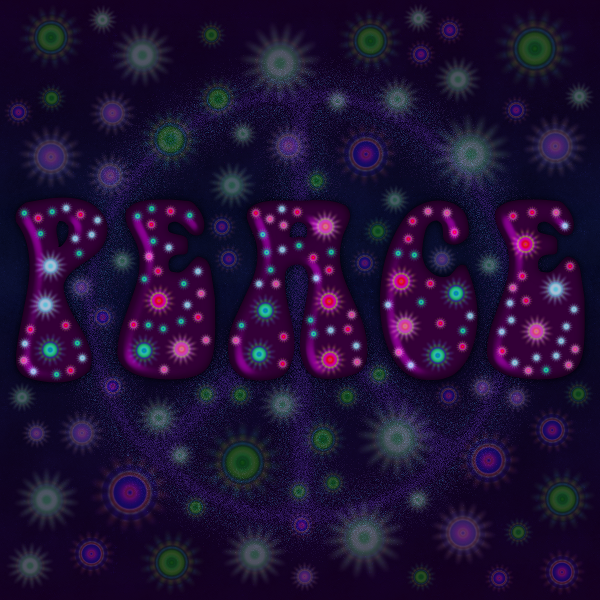
i really liked this one - all i need now is to make paisley sprites in better colours and to figure out a way to make the pattern seamless.
Image
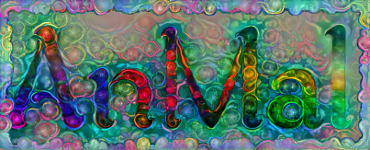
no paisleys in this one, but pack multiple sprites was a great way of filling text.

_________________


Top
 Post subject: Re: Packing multiple sprites
PostPosted: Thu Jun 27, 2013 12:07 am  (#76) 
Offline
GimpChat Member
User avatar

Joined: Sep 24, 2010
Posts: 12870
Wonderful result AnMal. I see even more varieties in your future. I am now a swami. lolololol

:)

_________________
Lyle

Psalm 109:8

Image


Top
 Post subject: Re: Packing multiple sprites
PostPosted: Thu Jun 27, 2013 1:45 am  (#77) 
Offline
GimpChat Member
User avatar

Joined: Jan 11, 2013
Posts: 254
Location: Germany
What a happy pack-sprite-thread! :hi5 :coolthup :kpix

_________________


Last edited by Chris F on Thu Jun 27, 2013 2:28 am, edited 1 time in total.

Top
 Post subject: Re: Packing multiple sprites
PostPosted: Thu Jun 27, 2013 2:24 am  (#78) 
Offline
Global Moderator
User avatar

Joined: May 16, 2010
Posts: 16309
pirate541 wrote:
Rod

Help please
I am not sure i understand how to use a layer mask with the sprites,and i am still getting only 2 layers out of three showing when Gmic does its magic


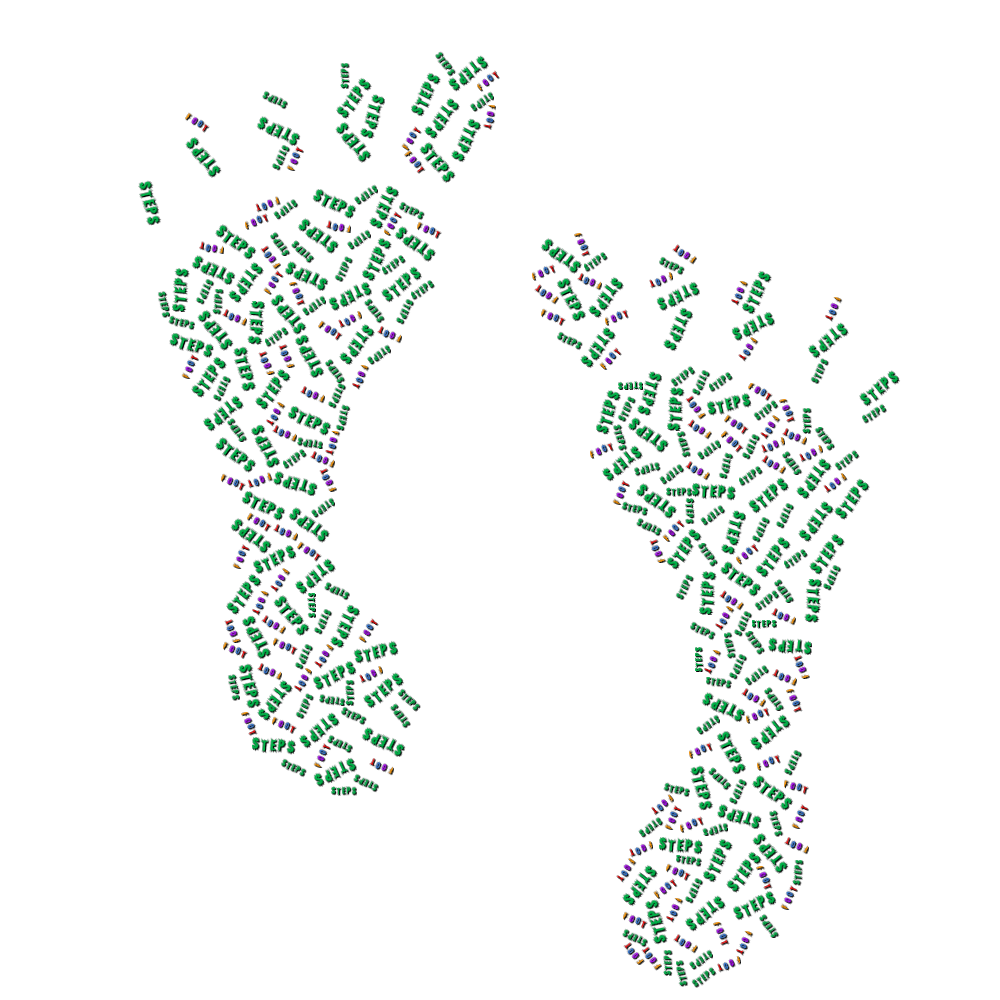
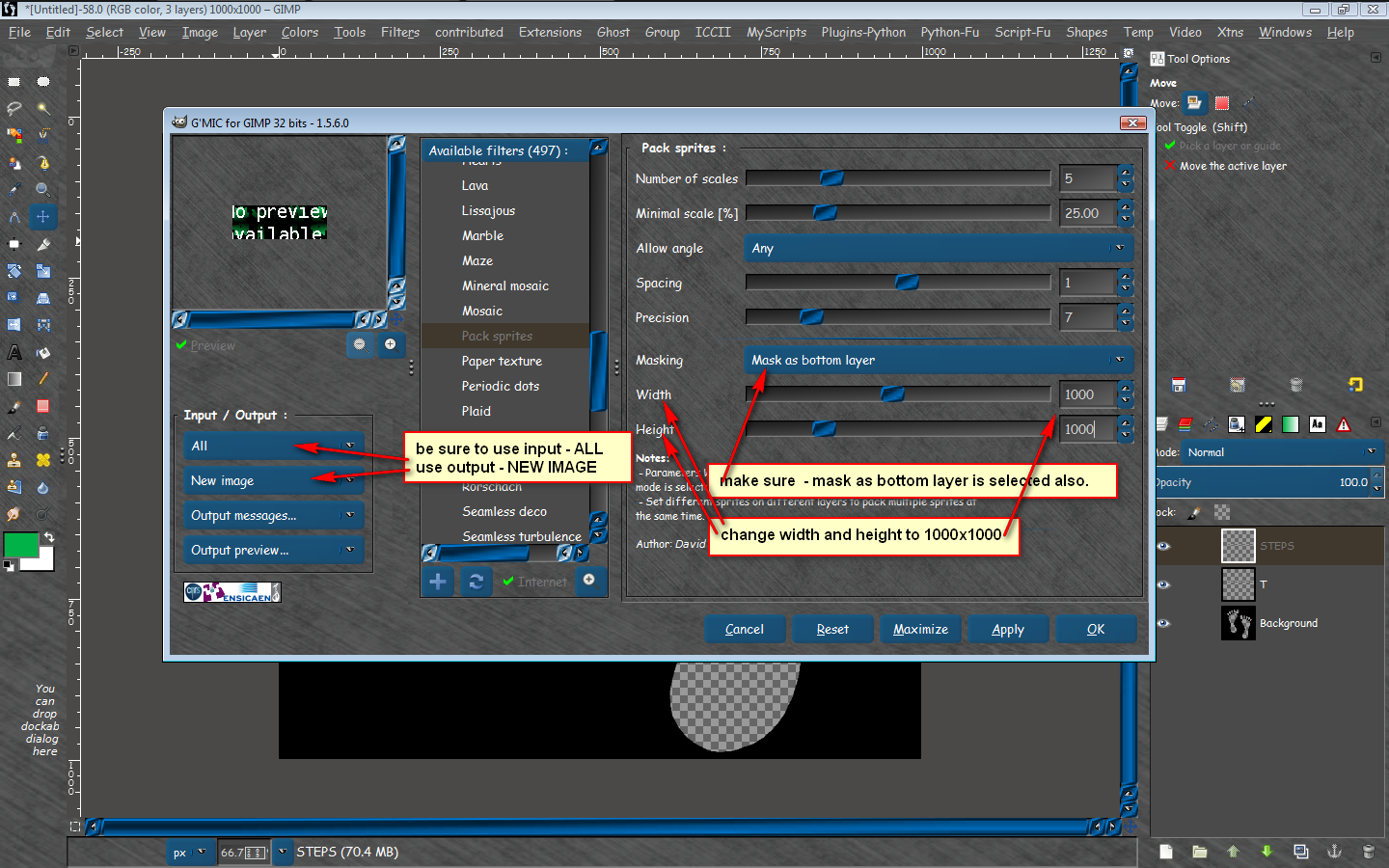
Create a background layer 1000x1000 pixels (must be on the bottom of all other layers). This is the mask.Any part of the mask you want to NOT show color it black. Everything you want to show (the shape) make this transparent.
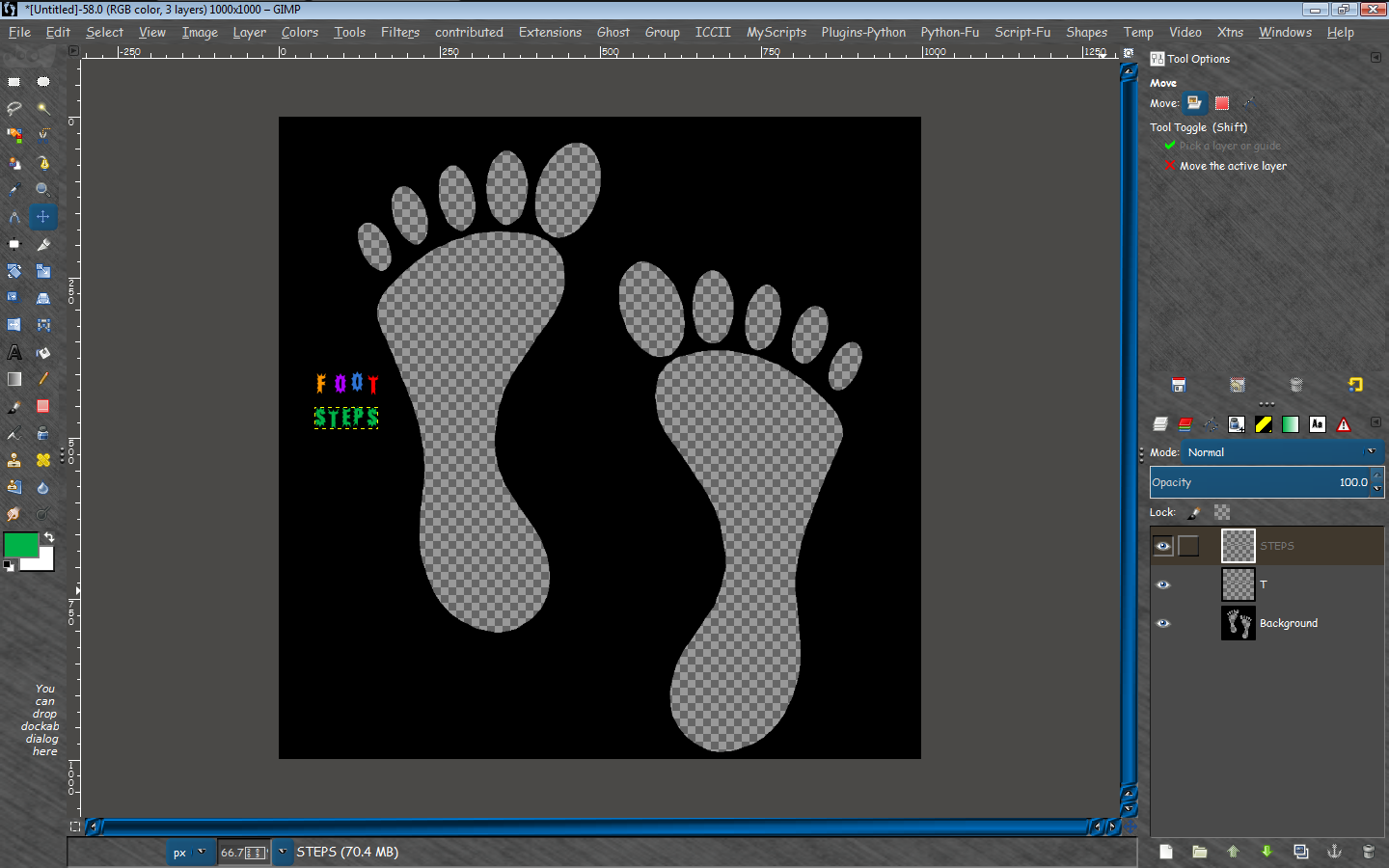
Image
Now you have your mask shape and you need a few more sprite layers.
Easy sprites - make two words of different colors on 2 different layers.Make them small, around 35 pixels.
Now run G'MIC>Patterns>Pack Sprites.
Leave everything default except
Spacing - 1
angle - any
size 1000x1000
Image

This is my results.
Image

Footprint image - courtesy photobucket (i did a color>invert and scaled it.Then used levels to make it sharper.

Image

That should give a better idea of masking. You can also use shapes instead of text letters (like dingbats). Or any vector, jpg, bmp or png image on a transparent layer.Brushes work extremely well for this.Just use your fav brush to create as many sprite layers as you want.Be sure to set G'MIC output and input correctly. :) :bigthup

_________________
Image


Top
 Post subject: Re: Packing multiple sprites
PostPosted: Thu Jun 27, 2013 7:33 am  (#79) 
Offline
GimpChat Member
User avatar

Joined: Sep 24, 2010
Posts: 12870
Like the foot word cloud result Rod. Might borrow that foot later (or just use another set I think that I have already). lol

:)

_________________
Lyle

Psalm 109:8

Image


Top
 Post subject: Re: Packing multiple sprites
PostPosted: Thu Jun 27, 2013 7:35 am  (#80) 
Offline
GimpChat Member
User avatar

Joined: Mar 23, 2012
Posts: 7388
Location: Göteborg at last!
AnMal wrote:
i've amused myself with exploring this filter and here are some of the results:
[ Image ]
i don't know when i'll ever need paisleys built up of dala horses and golden triskells, but if the need comes up i have them.
[ Image ]
i really liked this one - all i need now is to make paisley sprites in better colours and to figure out a way to make the pattern seamless.
[ Image ]
no paisleys in this one, but pack multiple sprites was a great way of filling text.


Wonderful paisleys AnMal. Beautiful work! :hi5


Top
Post new topic Reply to topic  [ 132 posts ]  Go to page Previous  1, 2, 3, 4, 5, 6, 7  Next

All times are UTC - 5 hours [ DST ]


* Login  


Powered by phpBB3 © phpBB Group