Yes this script is basically hit and miss.
Some colors work real well and others may not. I find using shadows before running the script sometimes will work rather well. Inverting colors on an image before running the filter can also provide better results.
Here is text with a celtic art gradient (top to bottom) and a shadow with offset of 2, blur radius of 8, and opacity of about 75.Both shadow and text layers are merged together and the filter is then ran.

After the filter notice how the shadow takes on the colors of the gradient?

So you can see how using brighter colors with shadow increases better results.

Here i have selected the finished embroider layer and selected the black area with the color select tool.
Then i added a mask to this embroidered layer to make that area transparent.
I then created a new layer dropped it under the embroidered layer and filled that layer with a denim pattern.
This is zoomed 200%

You need now only touch up the embroidered layer and get rid of unwanted stitching areas.

And the finished piece after a bit more masking.

 Login
Login Register
 Tweets
 FAQ
FAQ Advanced Search



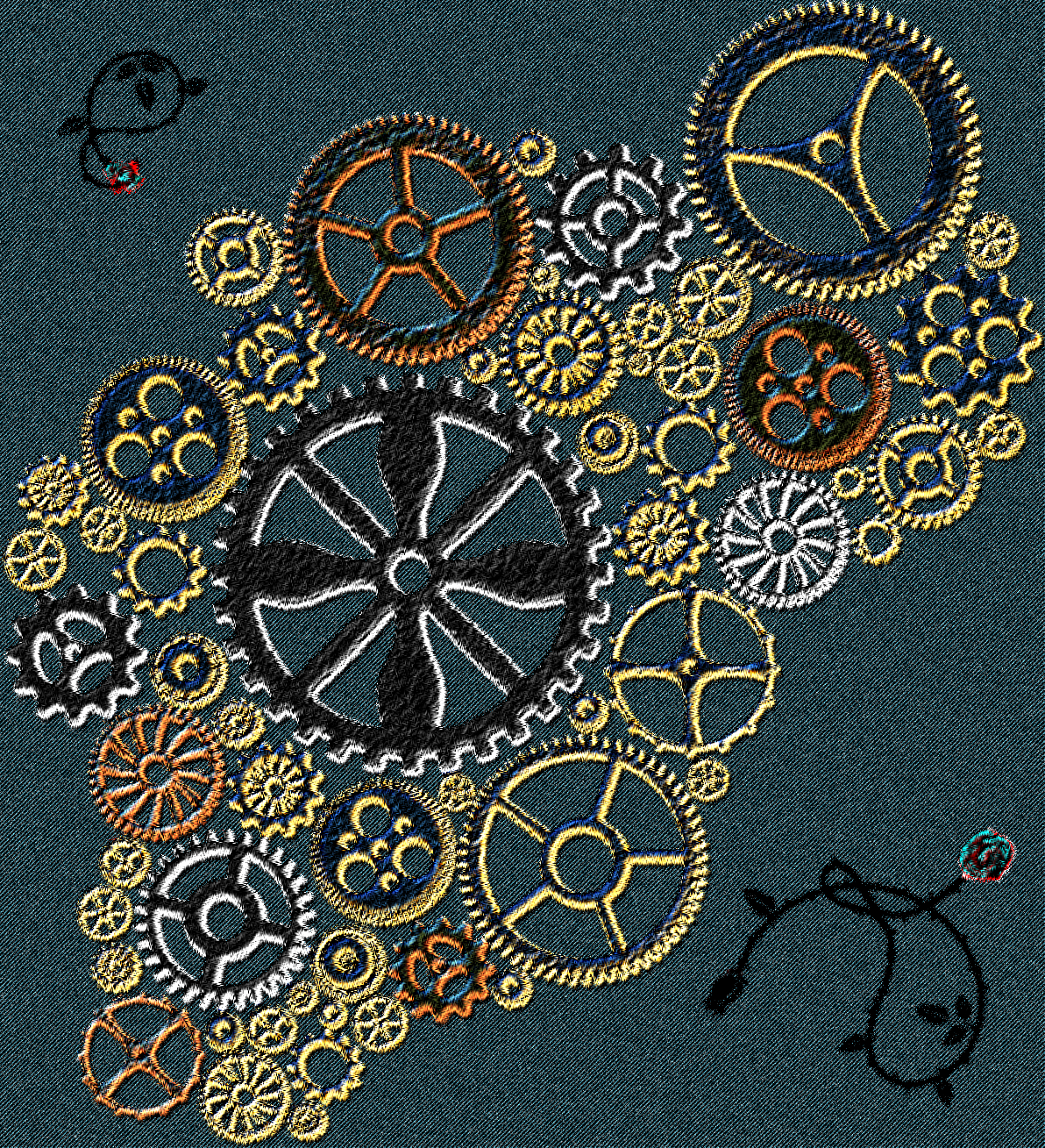










 . i'm gonna keep trying til i get something as nice as this!