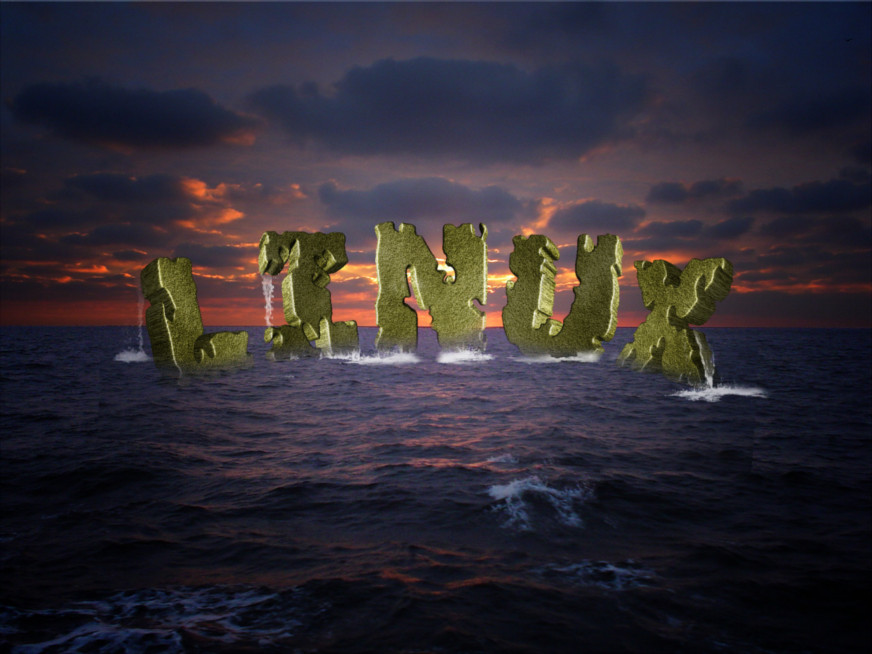
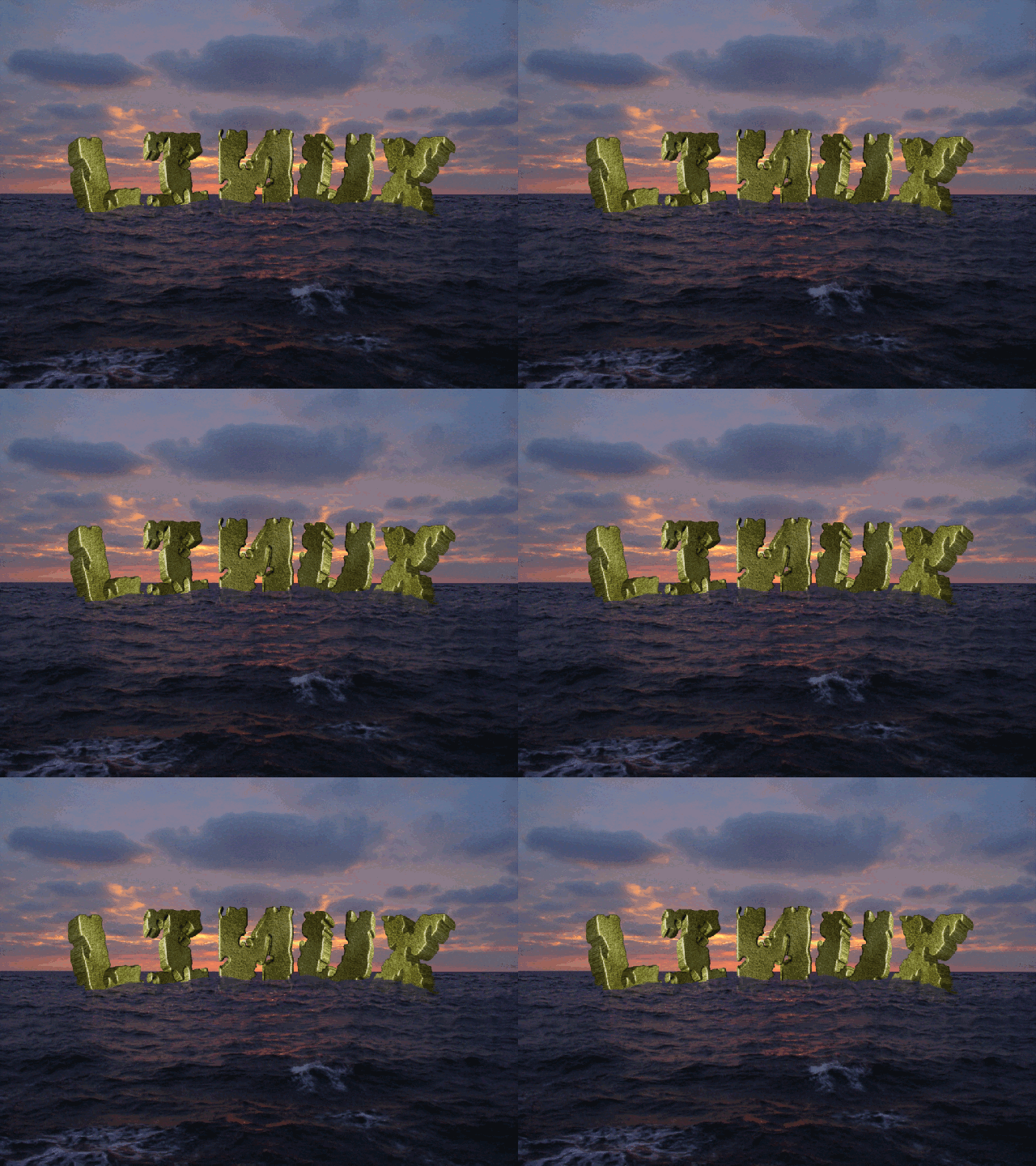
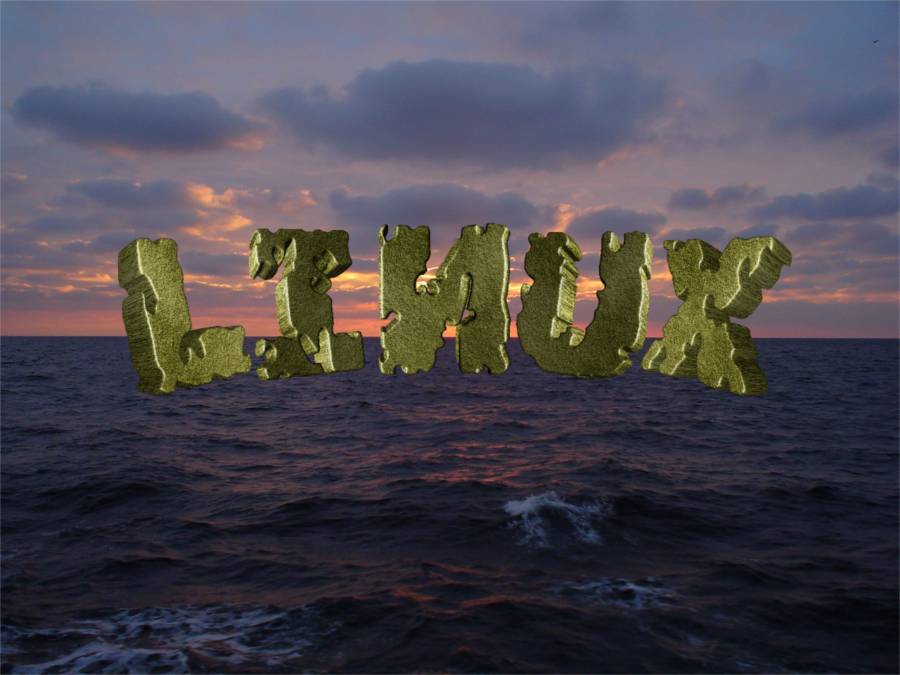
I don't know if this is close to what you want. Here is what I did.
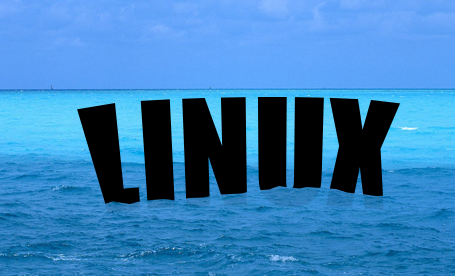
Found an ocean image, duplicated, added an alpha chanel to the top layer of ocean.
Made the text and put it where I wanted it. Alpha to selection on the text and saved the selection to path.
You may need to zoom out or stretch out the sides of the image to be sure the path completely takes in the part of the ocean you want to surround.
Turned off the visibility of the text. Turned on the visibility of the text in Paths so I could see where the text was (I was mainly interested in where the bottom of it was).
Used the paths tool to select the ocean and some waves slightly above the bottom of the text path and select clear across, up to the top of the ocean picture across the top and down the other side to where the path was started and join up to the beginning.
Press enter key to activate the path, press the delete key. Your top layer of ocean should only be a partial piece of ocean. Turn off the path visibility, turn on the text visibility and move it between the two layers of ocean. Lower the opacity of the top, cut layer of ocean to where you want it.
 Login
 Register
 Tweets
 FAQ
 Advanced Search




 .