sallyanne wrote:
GIMP Version:
If so, where do we change the type of files that can be shown on gimp? I know I did it to begin with but have forgot.
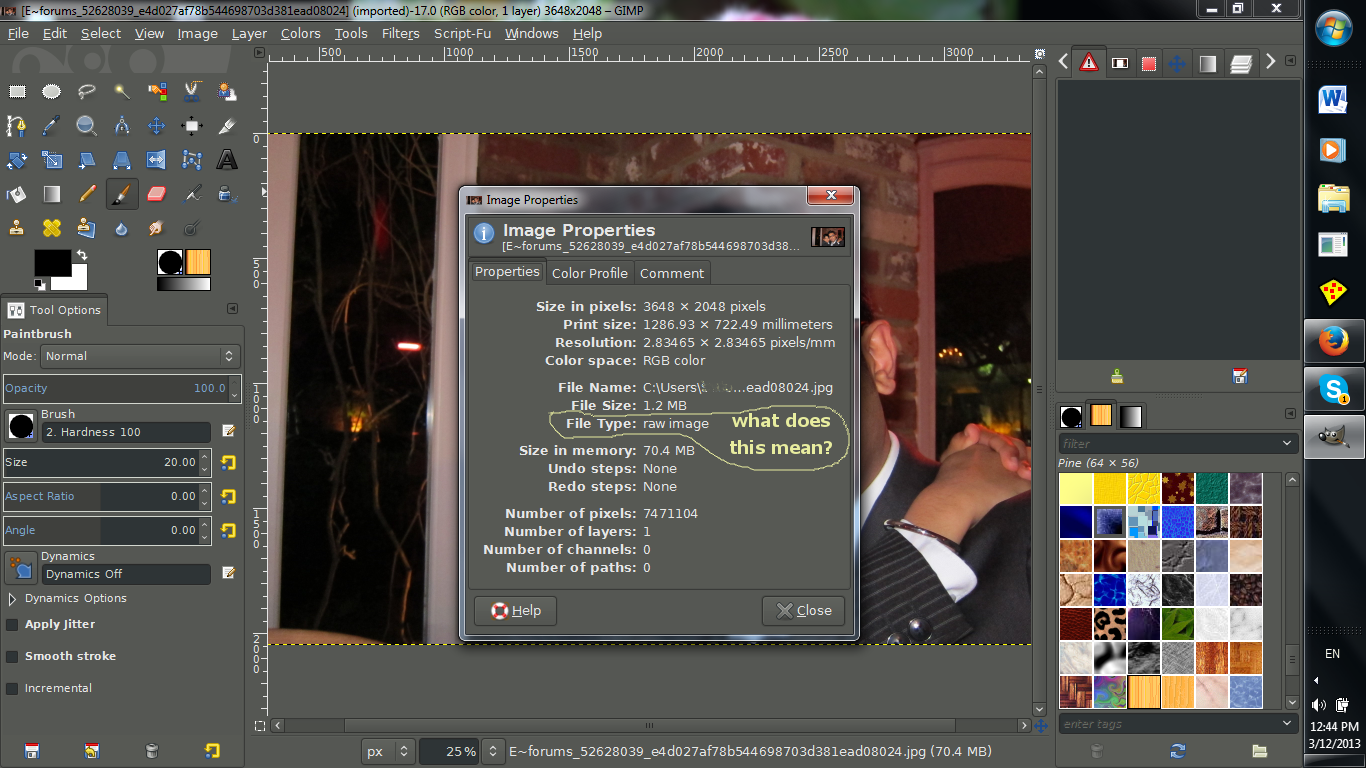
Gimp doesn't support RAW files natively, UFRaw plugin is the easiest way to directly import. All RAW files will need to be processed and/or converted first by some type of program before you bring them into Gimp. Once in Gimp you save as a XCF and do what you like.
The idea of shooting in RAW is to maintain as much information in the final image so you can fine tune your shot non-destructively afterwards. Think of it as a JPEG (you would normally shoot), with options.
The good thing about shooting RAW is you can use all that extra information in post processing.
The bad thing about shooting RAW is you have to post process almost all of them.
Information on the
RAW file format from Cambridge in Color.
Here's a post from the other day with detailed
info on RAW processors.
 Login
Login Register
 Tweets
 FAQ
FAQ Advanced Search