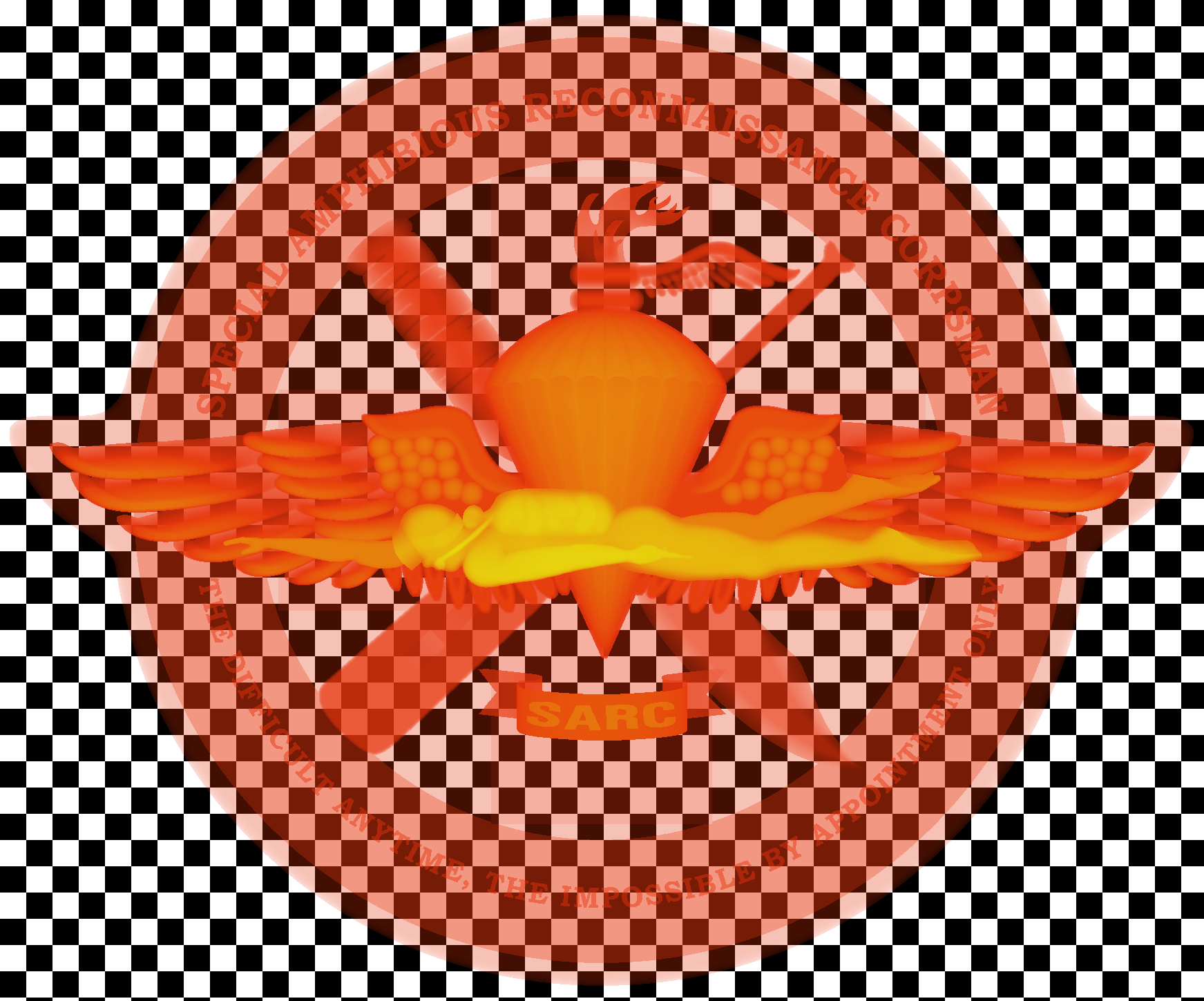
In any case, after you've created all your gradient flames do a Layer from visible. Then on that layer do a [Color] [Color to Alpha] Then above that in the layer stacking order make a white layer and above that make a transparent layer. The bring in the selection of the alpha layer by Alt+Left Clicking it. And on the transparent layer past in a red color via [Edit] [Fill with Foreground Color]. Then with the selection still active switch over to Quickmask mode and use the [Color] [curves] on it and bring the bottom left node over to the center bottom position. This will make the selection drop out most of the lighter areas. Then just use a yellow color to [Edit] [Fill with Foreground Color] to past a pand of yellow color onto and over the red.
This is probably not the best looking example but you may be able to get better gradients using other methods. But it is a way to get a transparent red orange yellowish opaque layer. I've posted a xcf file.
 Login
 Register
 Tweets
 FAQ
 Advanced Search



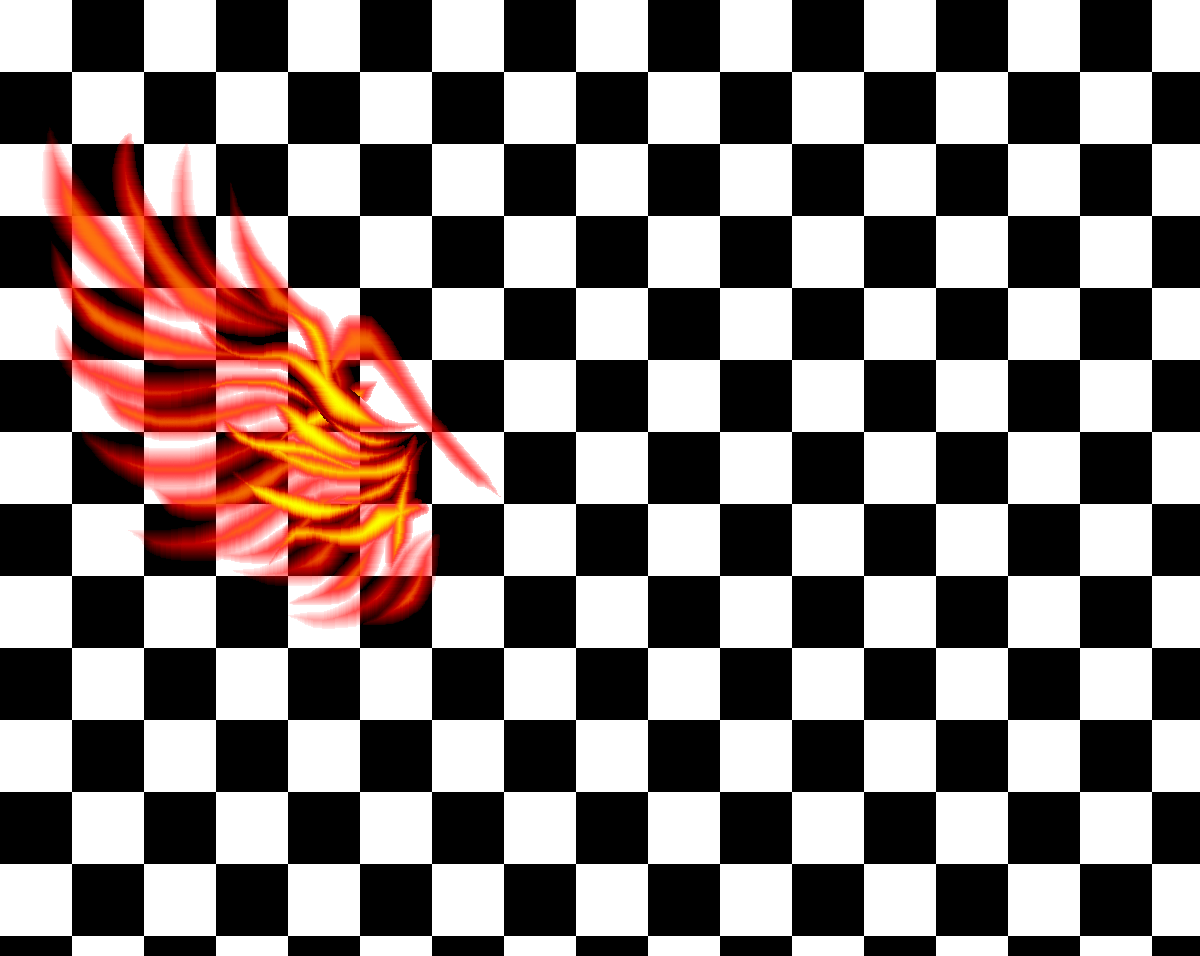
 the guy is counting on me to come through. my reputation is kinda at stake as well. i don't want to make him wait much longer. below is what i'm trying to reproduce. only the wings is all i need.