lilredhalo wrote:
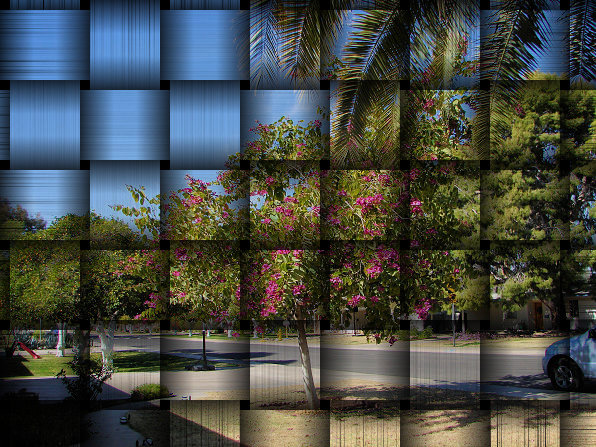
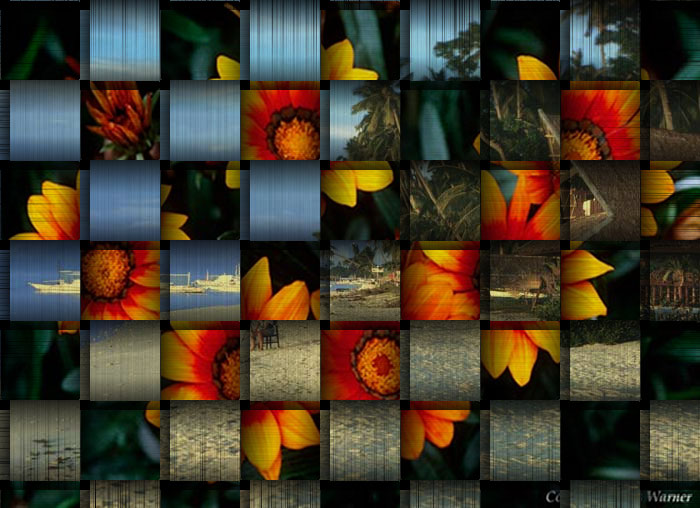
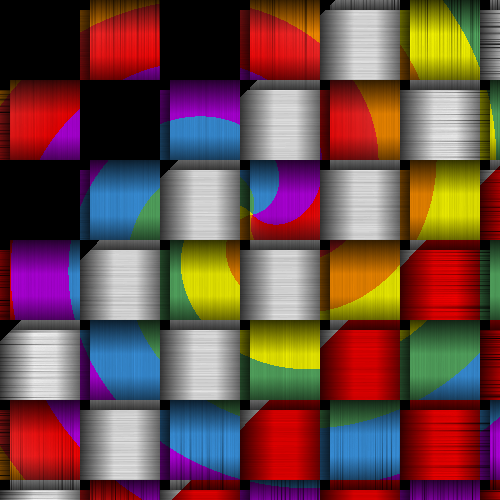
hey Oregonian can i get a tut on that checkered/weave?? i been looking to do a basket weave but to weave in a single strand n color it.
(i'd share an example but i'm new and the site won't allow 'off-site url's') loll
Open 2 images in GIMP
Make a new layer name it checkerboard mask
Make a checkerboard >Filters>Render>Pattern>Checkerboard (This one is 80 in size.)
Duplicate that layer
Right click top image layer and add layer mask (white full opacity)
Select the mask with the mouse (just click the mask rectangle on the layer)
Edit copy checkerboard, and Edit>paste into layer mask.
Now is the tricky part.
Select your duplicated checkerboard layer and using the color select tool select a black square in the checkerboard pattern.
Now all black squares are selected.
Go to Select>Border and select 3-5 for size.
Go to select>invert and edit clear.
You should now have a grid of black lines.
Go to Filters>Light and Shadow>Drop Shadow and add a drop shadow
offset x and y - 2
blur radius - 5
color - black
opacity - 85
allow resizing
Make the duplicated checkerboard layer invisible.
Place the drop shadow layer under the first image that contains the mask.
You can optionally use canvas to create lines in the images.I used my Adobe filter texturize.
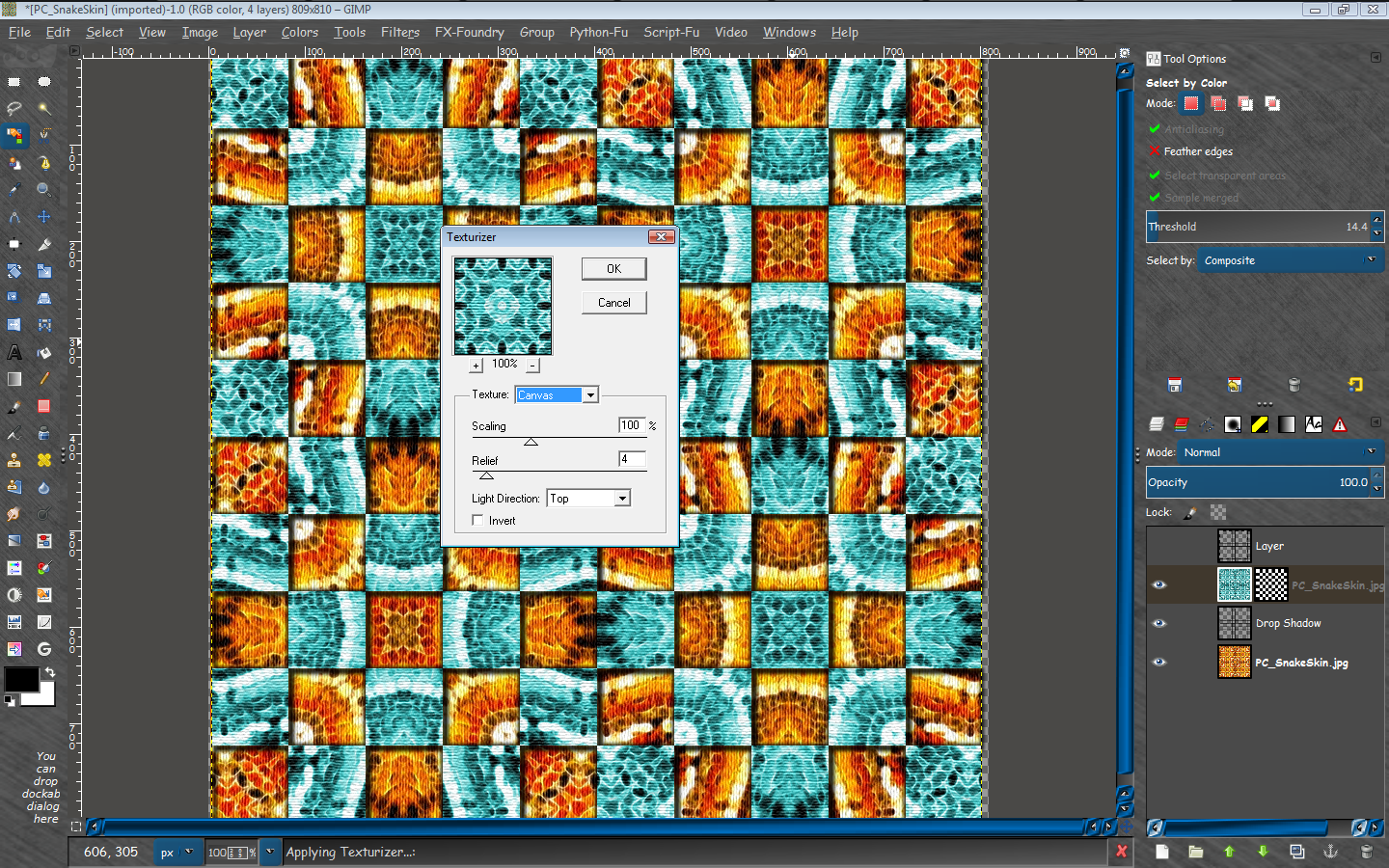
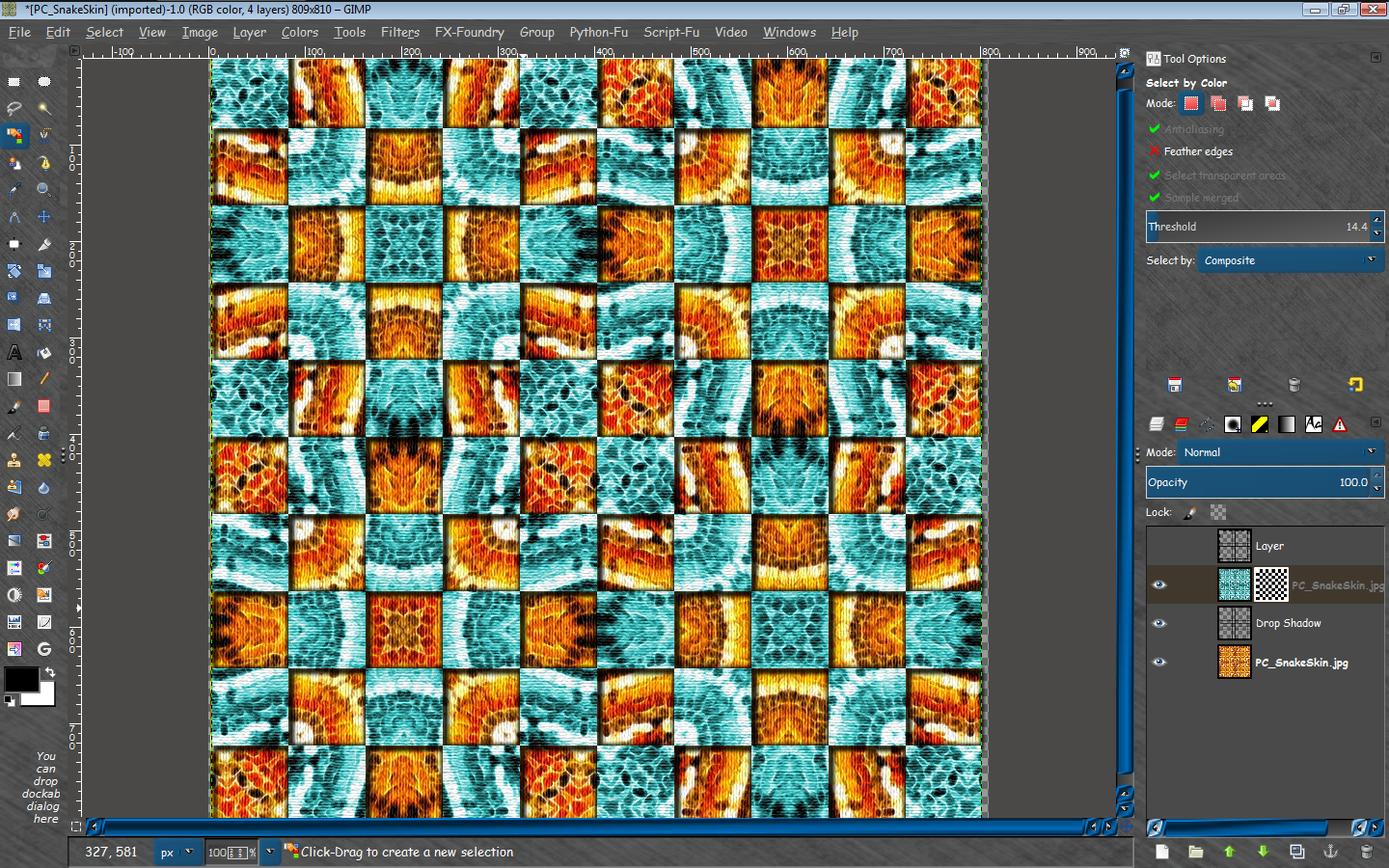
Workspace file attached (XCF)
 Login
Login Register
 Tweets
 FAQ
FAQ Advanced Search