Marcello wrote:
which do you like better?
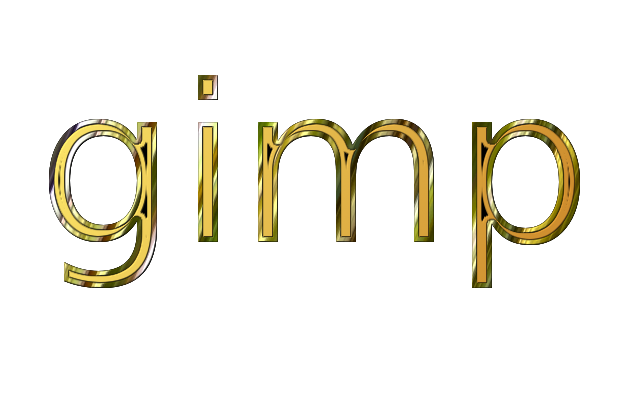
It's hard to compare the outputs from the two scripts because they are very different in what they produce. Gradient Bevel always produces a lighting effect in the upper left corner, which in most cases, I don't want.
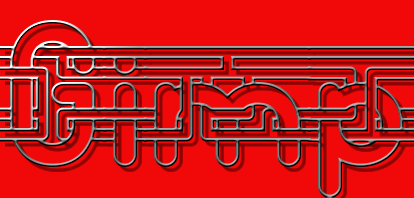
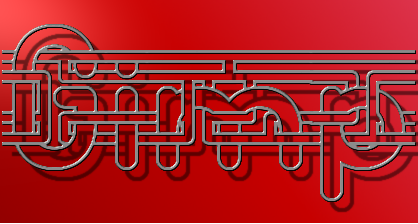
What I do like about your Gradient Bevel result is that there is less aliasing, compared to the result you got from the Gradient Stroke. This is because Gradient Bevel internally applies Gaussian Blur to the image, as follows: Horizontal: Bevel Width - Vertical: 1. Applying Gaussian Blur in this manner helps with anti-aliasing but does change the overall look of the results, especially when you have thin lines.
Here are several more comparisons.
Gradient Bevel With Bevel Width = 3

Gradient Stroke With Same Gaussian=3 applied
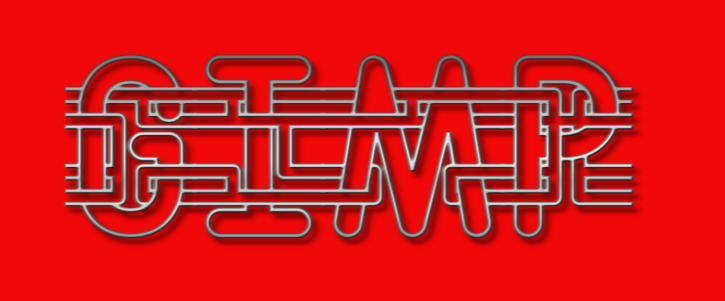
Gradient Stroke With No Gaussian applied (less anti-aliasing but more accurate gradient result)
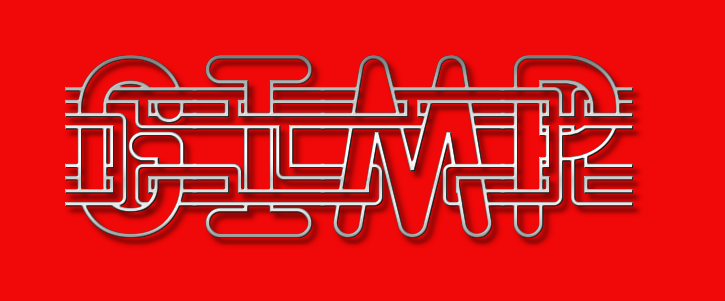
Gradient Bevel With Bevel Width=1 (so you get gauss-blur of horiz :1 - vert: 1 & more aliasing )
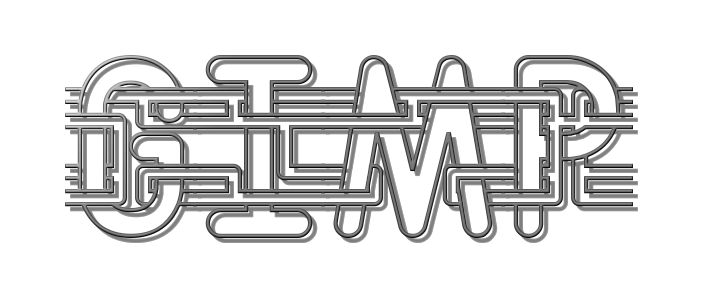
What I take away from this comparison is that adding a Gaussian Blur option to the Gradient Stroke script might be a useful addition and could help with edge aliasing. I'll do some experimenting to see what the results turn out to be.

 Login
Login Register
 Tweets
 FAQ
FAQ Advanced Search