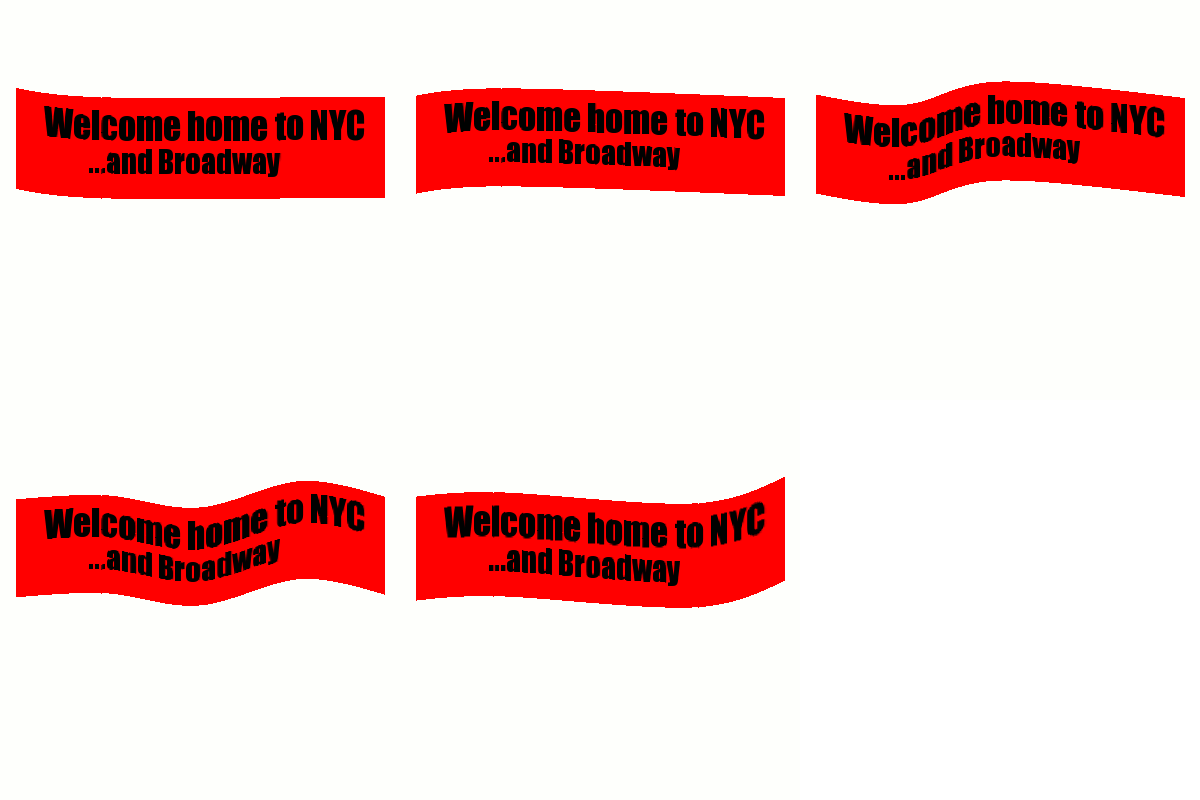
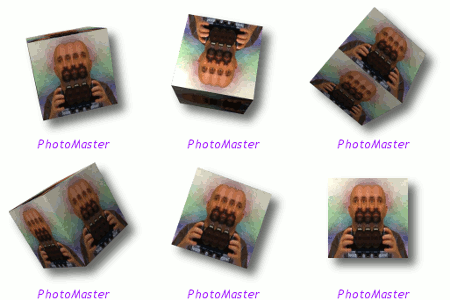
2-ton wrote:
Yes I have that in my old computer gimp...is there a way to put that in manually, like in the layer name? I have forgotten the speed letters, is it mms or something like that...iirc, you added parenthesis and a symbol and the speed, but of course I am not sure of the exact way to do it. I guess I could re-do it on the other computer and use SG's script, but I am lazy and also would like to know how to do it manually.
You can manually change the framerate of a GIF animation by specifying the time each layer is displayed (the "delay") in the layer's name. This specification should be a decimal number followed by the characters "ms" (no quotes), all wrapped in parentheses. For example, "
Layer #1 (60ms)".
You can also specify the "frame disposal" method of each layer -- i.e., whether the layer completely replaces the previous frame or whether it is merely displayed on top of it -- by including either the text string "(replace)" or "(combine)" respectively in the layername. For example, "
Layer #1 (60ms)(combine)".
Note that you can also specify the frame delay and disposal method for your frames when saving your image to a GIF file: in the export animation dialog, check the boxes for "Use
delay/disposal method entered above for all frames". This feature was not available when I originally wrote the Animation Settings script; nonetheless, the script is still of use when you 1) don't wish all of the layers to have the same settings (the script only modifies visible layers) and/or 2) don't wish to convert your image to indexed mode (XCF multi-layer animations are especially useful when using GAP).
 Login
 Register
 Tweets
 FAQ
 Advanced Search