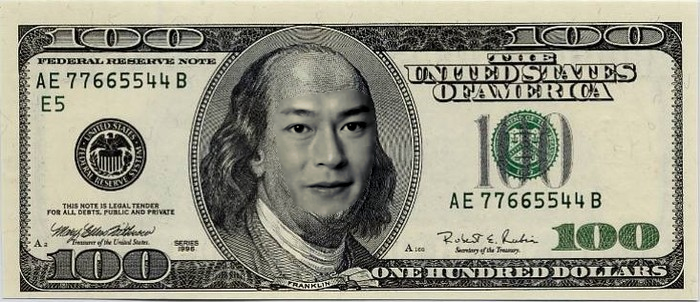
This one is hard because the money's face is pixelized with different colors of pixels if you zoom in you'll see it's different
from the source image which is smooth in colors.
The best i could do is try to match by changing the contrast a bit and desaturate it before using Layers blend seamless.
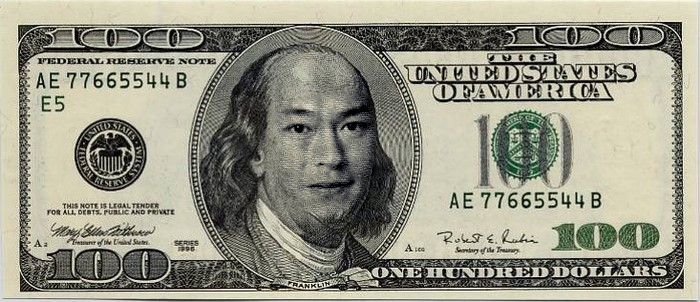
UPDATE: I tried a little more, this one is done by cloning the money's forehead to fill the a new layer that cover's the source's face then used grain extract on top of source's face to get the different random pixel color texture. then hid the money layer, then new from visible and used the new from visible to blend with money's image.
 Login
Login Register
 Tweets
 FAQ
FAQ Advanced Search


