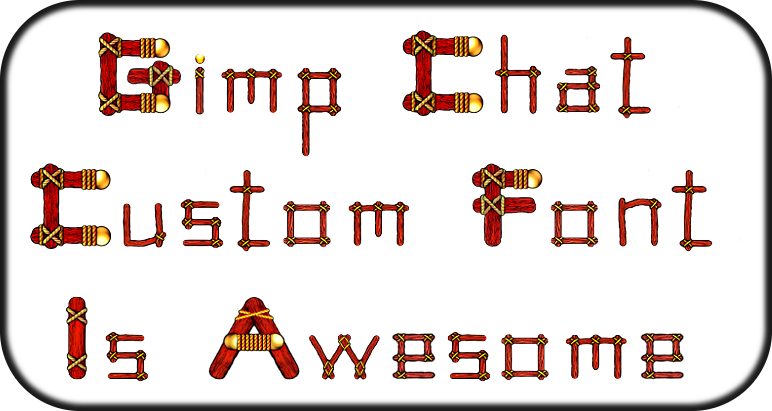
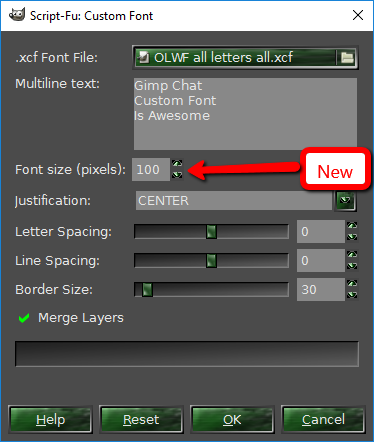
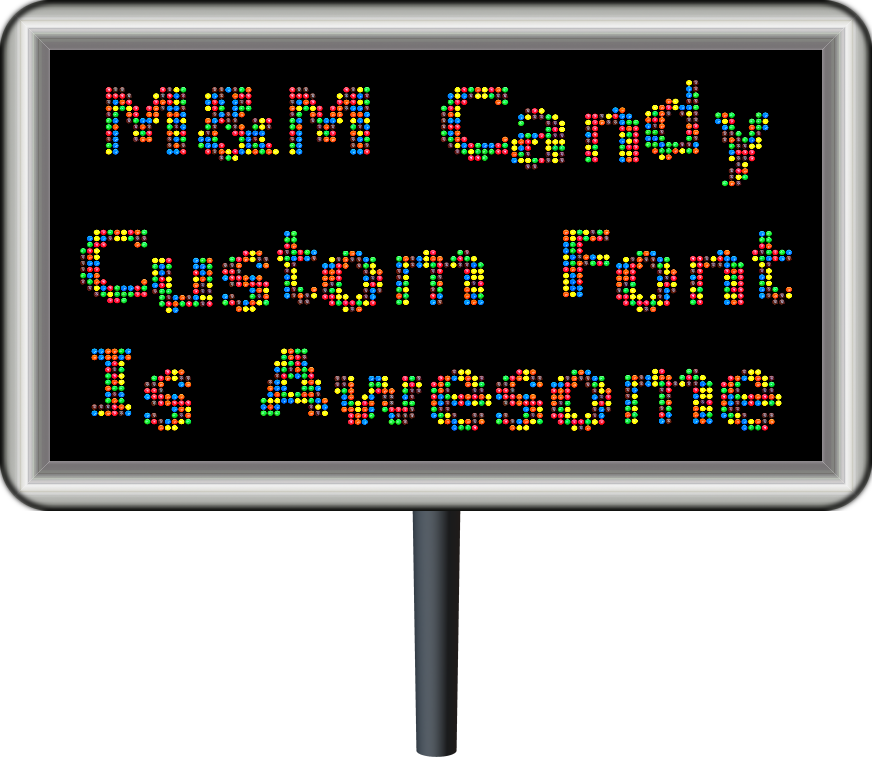
Blighty II wrote:
I decided to have a go at making a font, but I have a slight problem. The characters are narrower in the image generated by the script than in my xcf file. I used the rectangle select tool to get some approx measurements, they are as follows:
In the xcf file: W 330, H 308
In the script generated image: W206, H 304
ie the aspect ratio of the character has changed. Circles become ovals.
Are there some rules to follow to prevent this? Canvas size, layer sizes, etc. I am using ver 13 of the script.
Which XCF font file are using? It may very well be the layered fonts need to be adjusted correctly. Were still making adjustments and corrections to the actual XCF files that the script utilizes.
MY ADVICE is to duplicate the font file XCF before messing with the next steps!
I found that if you ...
1) Open the XCF font file in GIMP of course
2) Do an Layer>auto-crop all layers (there is a script available for this "autocrop-linked-layers-0.2.py")
This Python file needs to go in your plug-ins folder and will place two new menu items under "Layer"
1) Autocrop all linked layers
2) Autocrop all layers
You will need to do this next step with ALL the characters in the XCF file.
3) Now go to Layer>Layer Boundaries and select center and raise ONLY the height value to the size of your image. My IMAGE is 920 pixels in height yours may be different.
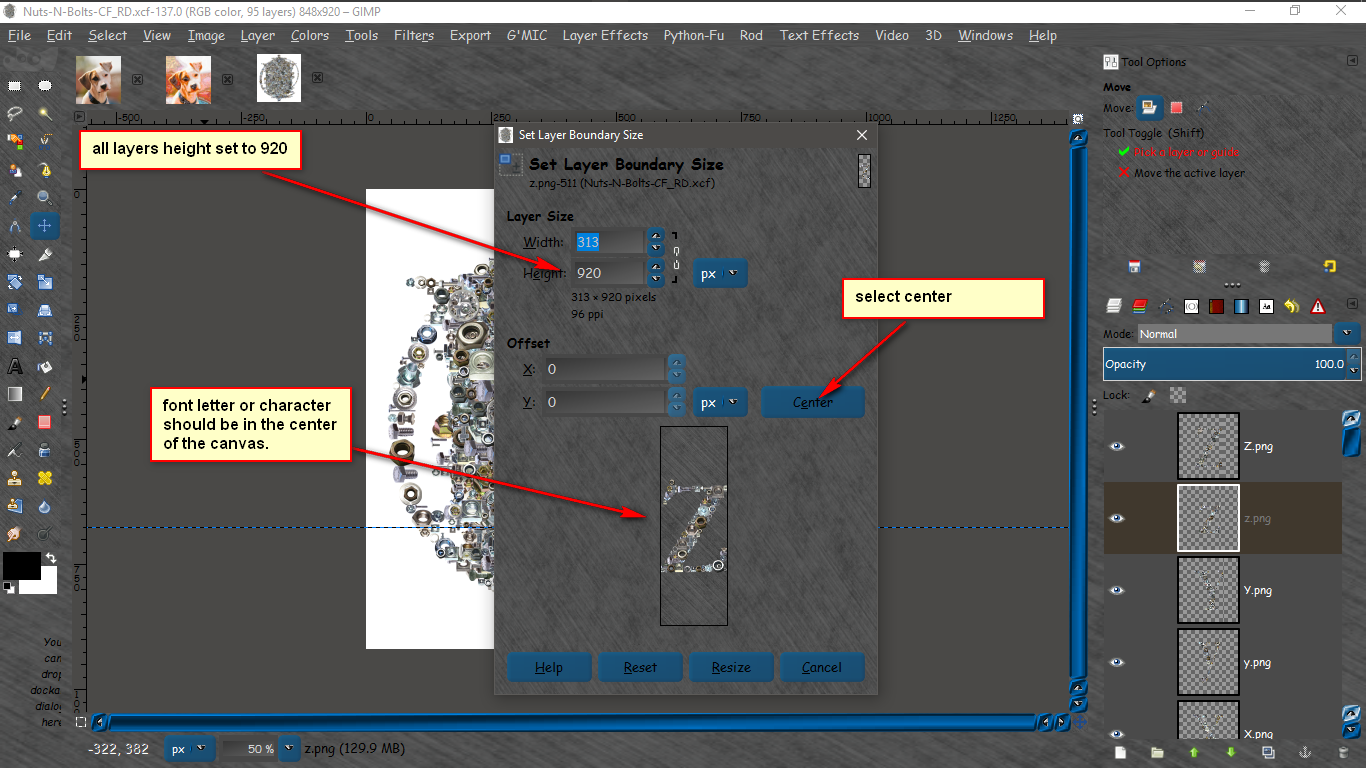
That should fix the re sizing problems. BUT the baselines will still need to be adjusted.
If you screw up the XCF font file just download a new one and try again!

They are free anyways.
 Login
Login Register
 Tweets
 FAQ
FAQ Advanced Search