Yes i recommend Makeavi -
http://sourceforge.net/projects/makeavi/files/It takes PNG, JPG, or most other image formats (except GIF), and creates an AVI from them.
GIF is patent burdened so it is hard to find a free convertor.
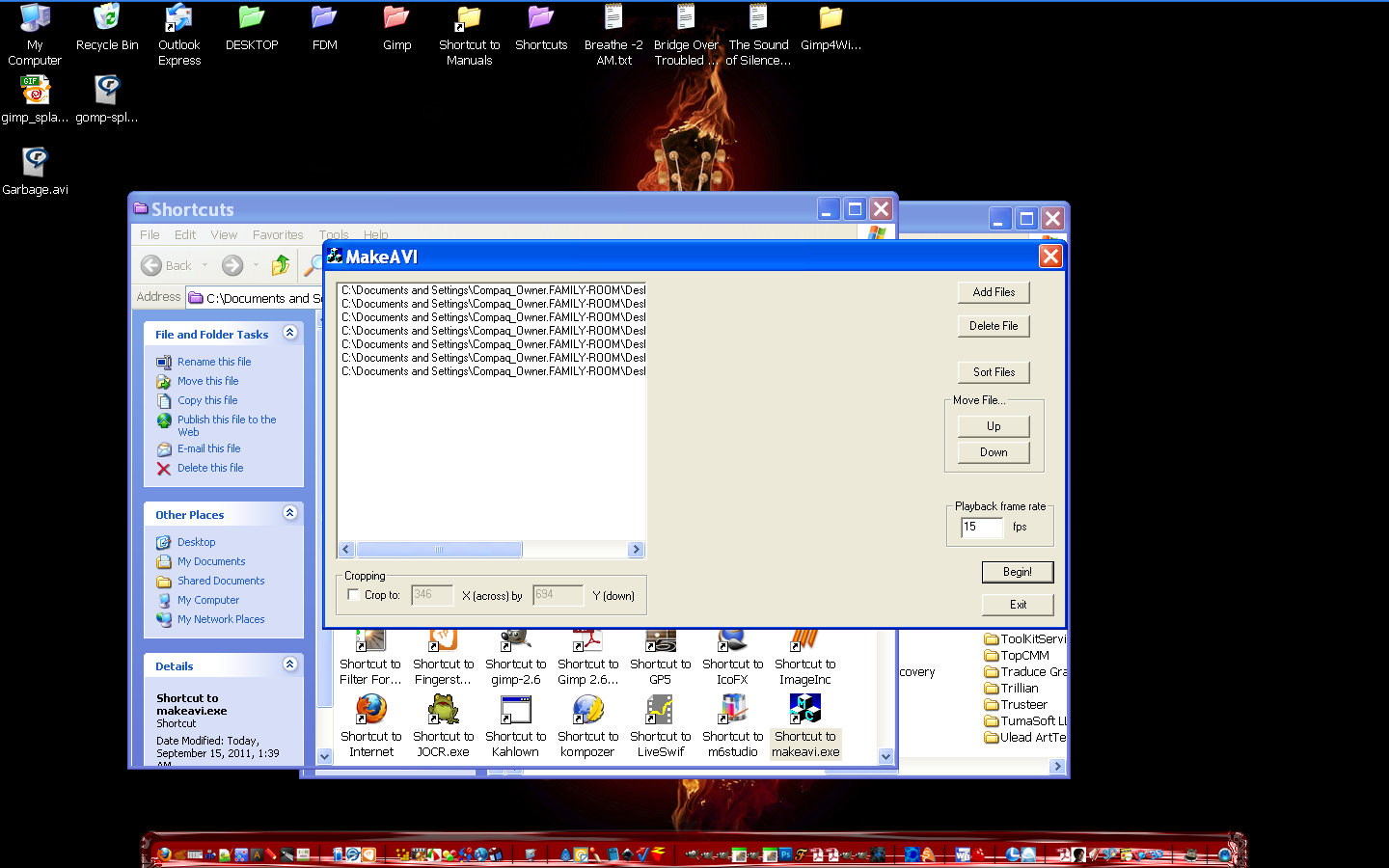
Instructions for use -
If you will be continuing to work with the video, perhaps encoding it
to other formats, then you may want to use "Uncompressed" - though
that generates HUGE files. In general time lapse stuff is not that big,
so your file will probably only be a few megabytes, so this is not
a bad choice, but it should NOT be used for the final product; the
data rate is so high that most computers will not be able to play
the video smoothly.
My first file was 6 frames (PNG images), and 1400x900 and was 25mb in size.
You will probably be doing smaller dimensions.

If you are going for a final AVI product, Indeo 4.5 or higher is a good
choice, since everyone either has it or can get the codec automatically
when they start to play the video under Windows media player.
 Login
Login Register
 Tweets
 FAQ
FAQ Advanced Search


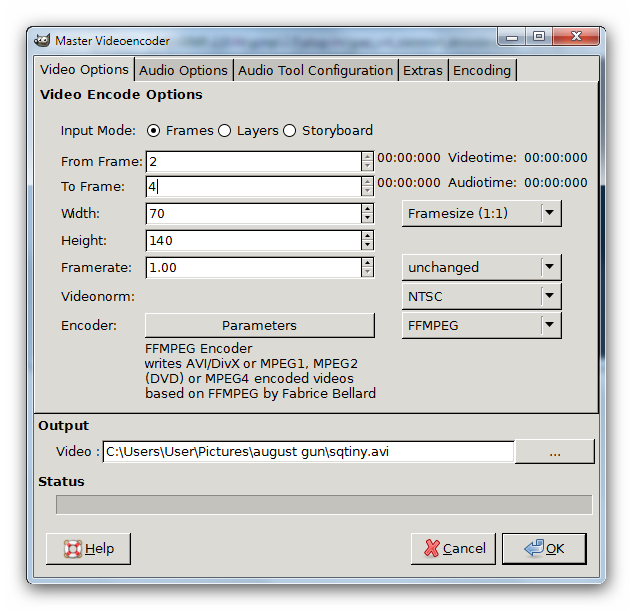
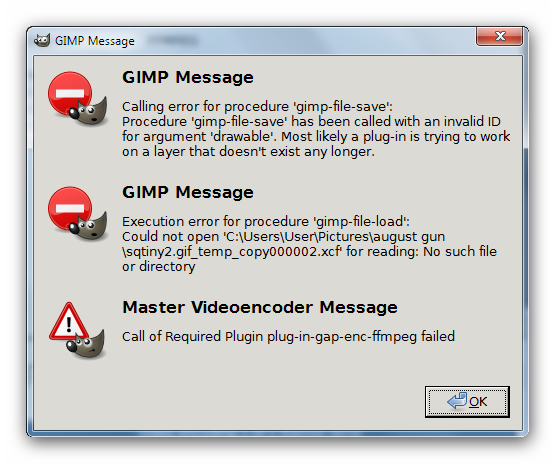










 Video from :