It is currently Wed Nov 18, 2026 12:22 pm


All times are UTC - 5 hours [ DST ]


Post new topic Reply to topic  [ 3689 posts ]  Go to page Previous  1 ... 105, 106, 107, 108, 109, 110, 111 ... 185  Next
Author Message
 Post subject: Re: JUST WITHOUT WORDS
PostPosted: Thu Jul 09, 2020 2:39 am  (#2141) 
Offline
GimpChat Member
User avatar

Joined: Apr 26, 2014
Posts: 3842
Location: belgium
Image


Top
 Post subject: Re: JUST WITHOUT WORDS
PostPosted: Thu Jul 09, 2020 4:54 am  (#2142) 
Offline
GimpChat Member
User avatar

Joined: Apr 26, 2014
Posts: 3842
Location: belgium
Image


Top
 Post subject: Re: JUST WITHOUT WORDS
PostPosted: Thu Jul 09, 2020 6:30 am  (#2143) 
Offline
GimpChat Member
User avatar

Joined: Apr 26, 2014
Posts: 3842
Location: belgium
Image


Top
 Post subject: Re: JUST WITHOUT WORDS
PostPosted: Fri Jul 10, 2020 12:57 am  (#2144) 
Offline
GimpChat Member
User avatar

Joined: Mar 01, 2014
Posts: 14253
Location: Spain, Aragón
A nice effect. :bigthup :yes

_________________
Image

Gimp 2.10.36 (samj) portable _ OS Windows 10 Home_ 64bits
Don’t be afraid to start over. It’s a new chance to rebuild what you want.


Top
 Post subject: Re: JUST WITHOUT WORDS
PostPosted: Fri Jul 10, 2020 4:47 am  (#2145) 
Offline
GimpChat Member
User avatar

Joined: Apr 26, 2014
Posts: 3842
Location: belgium
Image


thanks issabella :hi5


Top
 Post subject: Re: JUST WITHOUT WORDS
PostPosted: Fri Jul 10, 2020 5:53 am  (#2146) 
Offline
GimpChat Member
User avatar

Joined: Oct 06, 2010
Posts: 4050
Very cool special effects, Gimper! I love what you did with the gradient in the top image. It gave me some ideas.

_________________
"In order to attain the impossible, one must attempt the absurd."
~ Miguel de Cervantes


Top
 Post subject: Re: JUST WITHOUT WORDS
PostPosted: Fri Jul 10, 2020 7:20 am  (#2147) 
Offline
GimpChat Member
User avatar

Joined: Apr 26, 2014
Posts: 3842
Location: belgium
Image


thanks mahvin, it gives me a boost to continue experimenting with my simple art
gimper66


Top
 Post subject: Re: JUST WITHOUT WORDS
PostPosted: Sat Jul 11, 2020 4:11 am  (#2148) 
Offline
GimpChat Member
User avatar

Joined: Apr 26, 2014
Posts: 3842
Location: belgium
Image


Top
 Post subject: Re: JUST WITHOUT WORDS
PostPosted: Sun Jul 12, 2020 3:30 am  (#2149) 
Offline
GimpChat Member
User avatar

Joined: Apr 26, 2014
Posts: 3842
Location: belgium
Image


Top
 Post subject: Re: JUST WITHOUT WORDS
PostPosted: Sun Jul 12, 2020 9:09 am  (#2150) 
Offline
GimpChat Member

Joined: Jan 03, 2014
Posts: 97
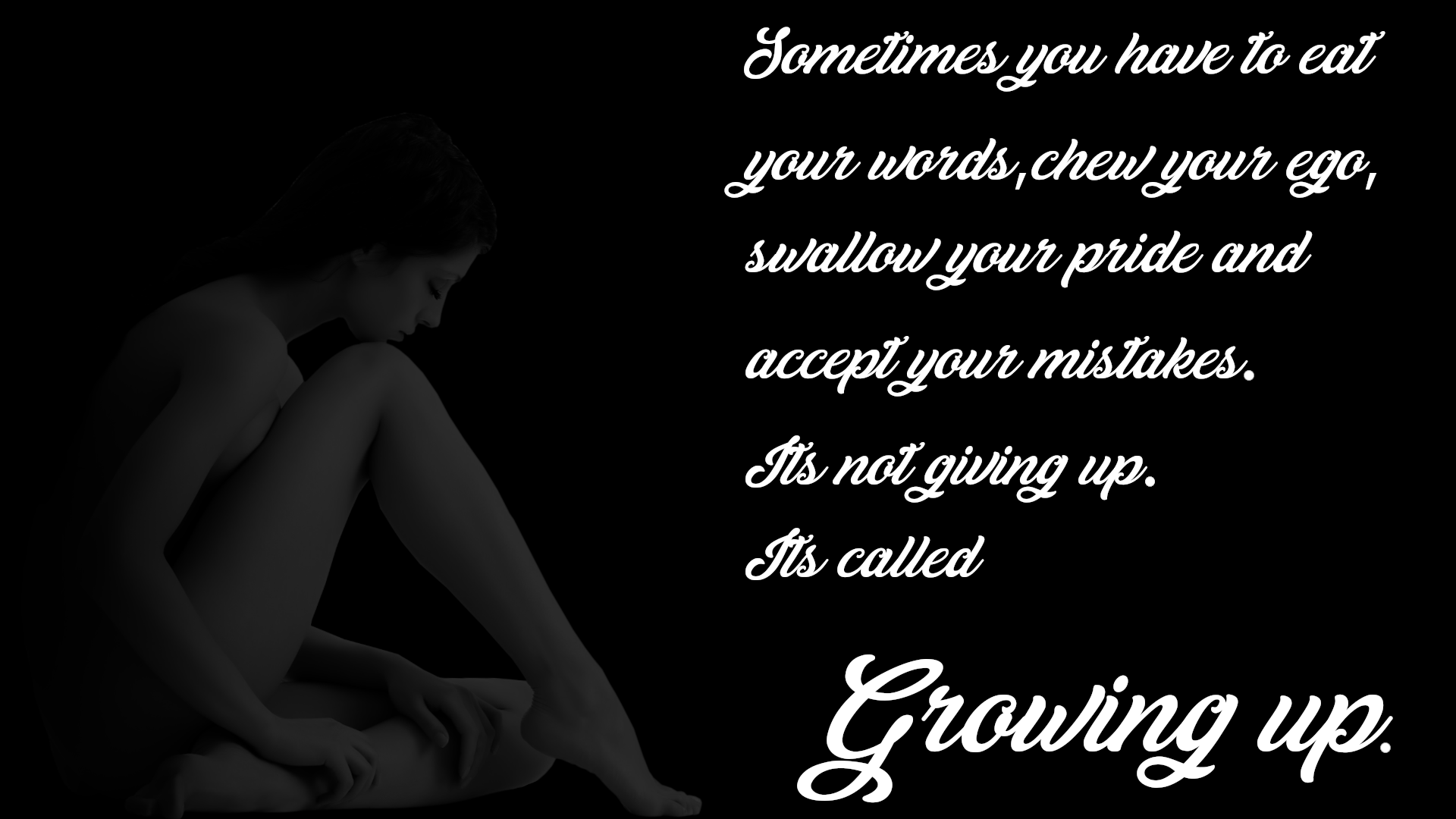
And for puppies it's called Growling Up! ;)


Top
 Post subject: Re: JUST WITHOUT WORDS
PostPosted: Mon Jul 13, 2020 11:16 am  (#2151) 
Offline
GimpChat Member
User avatar

Joined: Apr 26, 2014
Posts: 3842
Location: belgium
Qruqs wrote:
And for puppies it's called Growling Up! ;)


:hehe :hehe


Top
 Post subject: Re: JUST WITHOUT WORDS
PostPosted: Mon Jul 13, 2020 11:17 am  (#2152) 
Offline
GimpChat Member
User avatar

Joined: Apr 26, 2014
Posts: 3842
Location: belgium
Image


Top
 Post subject: Re: JUST WITHOUT WORDS
PostPosted: Wed Jul 15, 2020 2:59 am  (#2153) 
Offline
GimpChat Member
User avatar

Joined: Apr 26, 2014
Posts: 3842
Location: belgium
Image


Top
 Post subject: Re: JUST WITHOUT WORDS
PostPosted: Wed Jul 15, 2020 7:26 am  (#2154) 
Offline
GimpChat Member

Joined: Jan 03, 2014
Posts: 97
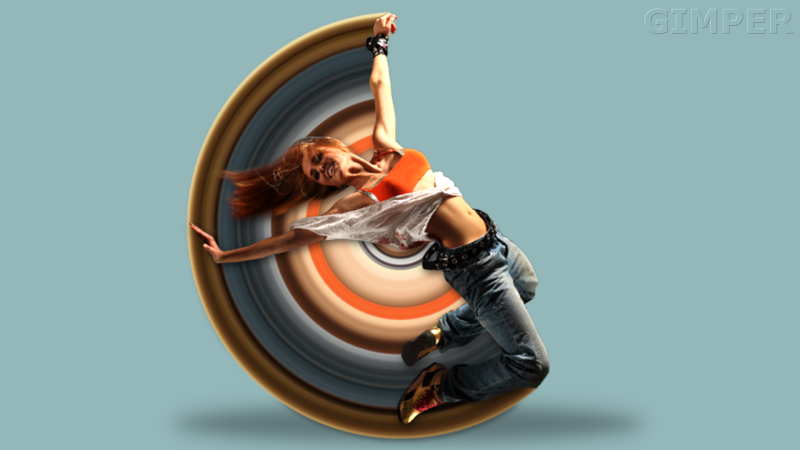
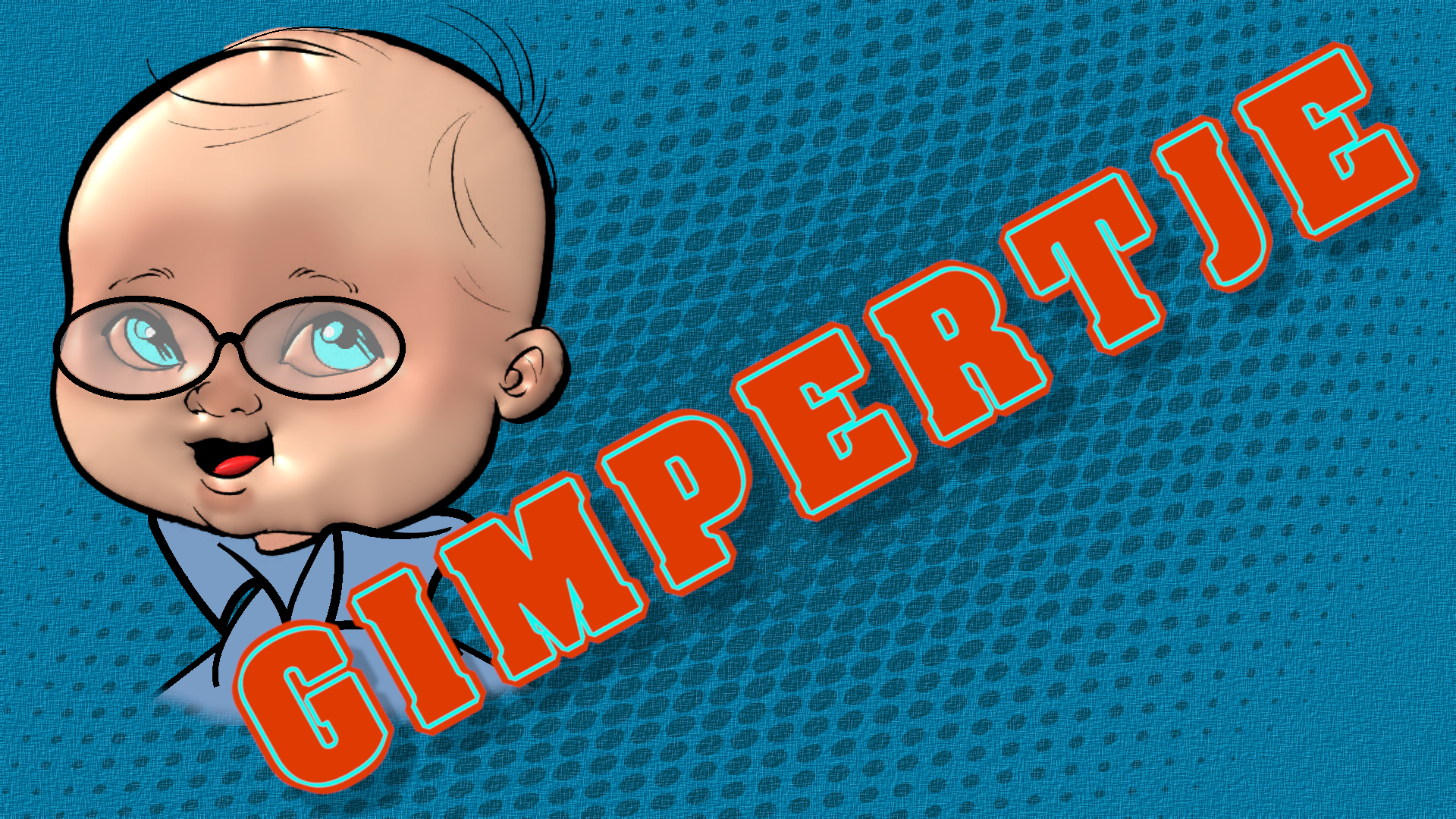
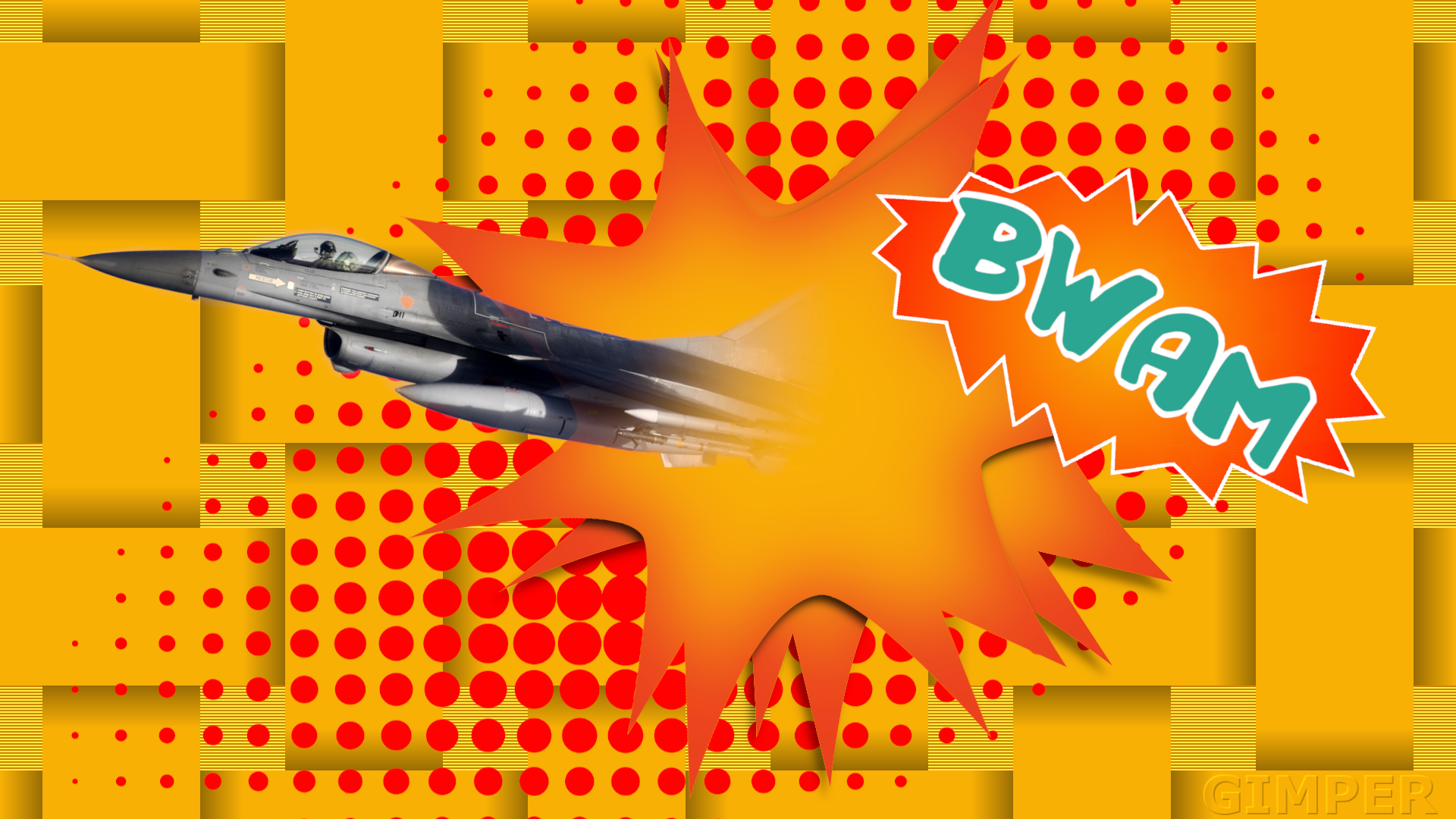
The fighter: "Barriers are meant to be broken!" Is that it? Looks very "comic book"-ish. :)

Those sharp "petals" on the starry splash is a real biiiittersweet experience to work with, aren't they? :)
They often look bent towards the viewer. I'd try and lighten the shadows at the very tip of each "petal" to maybe lower this effect. In real life, if you had such an object and put it down on a table, the very tips would be casting a much lesser shadow than the meatier bits farther in. Just like a thin twig on a tree will cast a much lesser shadow than a big fat branch the size of an elephant's leg.

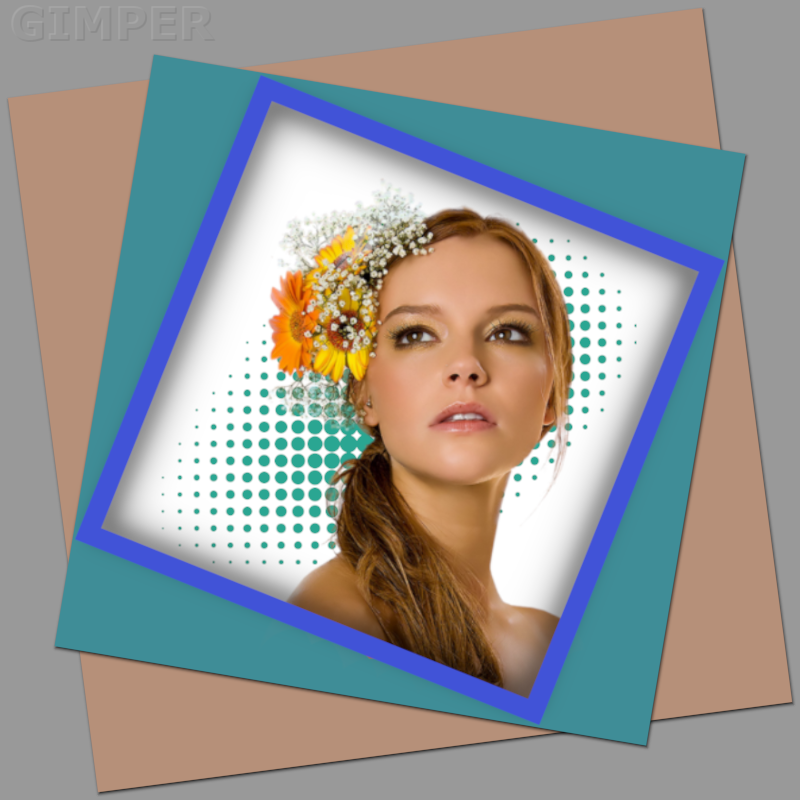
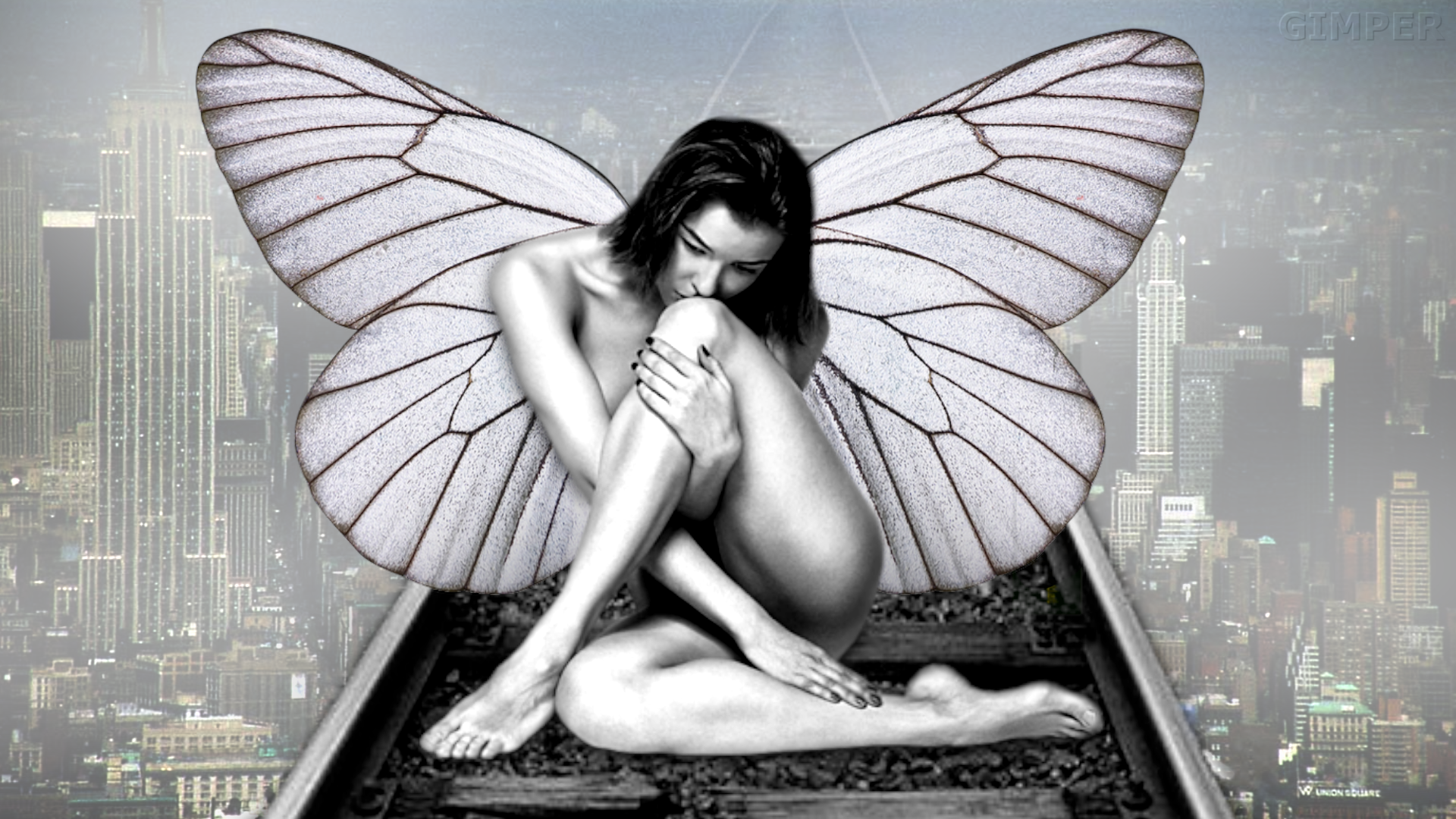
Girl image: The frame in front of the girl is casting a shadow onto the background, presumably behind her, but she doesn't do the same. Logically there would be a shadow from her, too, unless there is magic involved. I don't count the green pattern a "shadow". ;)

Also, in my opinion, she looks positioned a little too far to the right, so the image sort of "tilts" over a little. I'd try rotating the frames the other way and position her also to the left a bit, where the white "gap" in the frames right next to her head thus would be on the left side of her head (from our point of view). That would make room for the flowers. Perhaps you tried that already and ran into other problems, I don't know. Just a feeling about how it looks to me.

On the fighter image it balances okay with the text on the right. Her picture doesn't have something like that.

You might also consider playing with by how much the added shadows fall into the hole in the frame. Considering her image, where the shadows are mainly on her left side, i.e., the light is coming from her right (=our left), means that logically your shadows should mimic this fact also and be slightly less prominent on the right side of that hole (light shining into the hole from our left, means the shadow must be narrower there).

And watch out for the shadow from the frame on her shoulder vs. how that same shadow falls on the background. The objects (frame-girl-background) are on different planes in three dimensions, and this affects how the shadows fall.

Just my 2¢, it's your image... :)

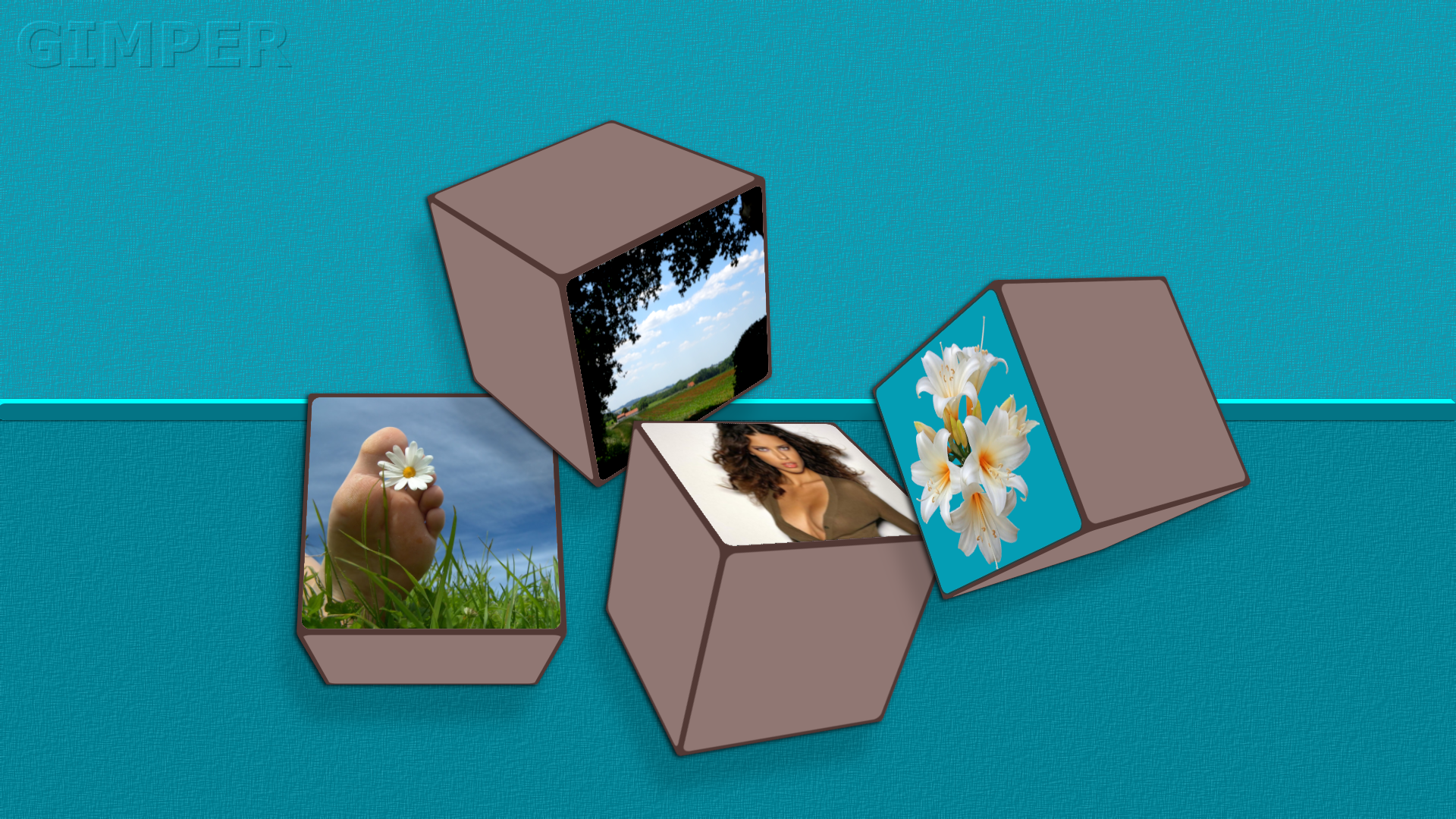
Generally speaking, very nice colors, especially on that girl image. Nice skin tone frame with the other colors breaking into the picture. I almost wish she would have the same green color eyes, and a blue flower in her hair, then the colors would be very related to one another. :)


Top
 Post subject: Re: JUST WITHOUT WORDS
PostPosted: Wed Jul 15, 2020 12:09 pm  (#2155) 
Offline
GimpChat Member
User avatar

Joined: Apr 26, 2014
Posts: 3842
Location: belgium
Qruqs,
thanks for your interest in my gimp work, also for the well-intended comments.
and yes, I know there is still much room for improvement but I have always kept it as simple as possible.
I will keep your comments in mind for my next edit.
sincere greetings,gimper66
Image


Top
 Post subject: Re: JUST WITHOUT WORDS
PostPosted: Thu Jul 16, 2020 4:46 am  (#2156) 
Offline
GimpChat Member
User avatar

Joined: Apr 26, 2014
Posts: 3842
Location: belgium
Image


Top
 Post subject: Re: JUST WITHOUT WORDS
PostPosted: Thu Jul 16, 2020 6:07 am  (#2157) 
Offline
Global Moderator
User avatar

Joined: Apr 01, 2012
Posts: 8507
Location: On the other side of your screen
Cool :coolthup manipulation Gimper

_________________
Image
Free Fun Photo Editing & resources
Poems from the Lord
Gimp Newby
Gimp version 3.2.8 and GMIC-Qt 4.0.2 OS :- Windows 10 Home 64


Top
 Post subject: Re: JUST WITHOUT WORDS
PostPosted: Thu Jul 16, 2020 1:39 pm  (#2158) 
Offline
GimpChat Member

Joined: Jan 03, 2014
Posts: 97
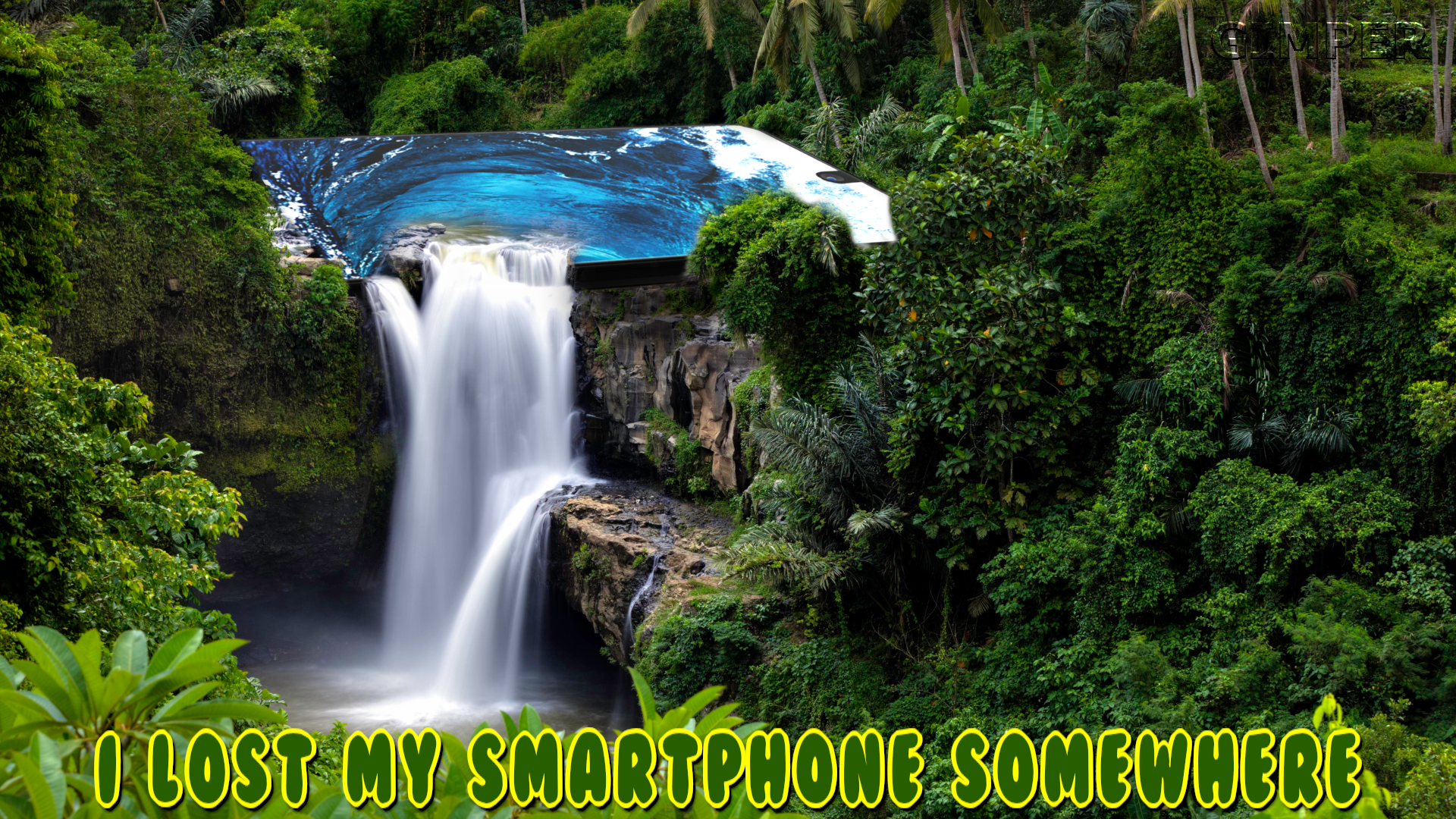
Well, if you lose your phone like that, was that so smart? ;)


Top
 Post subject: Re: JUST WITHOUT WORDS
PostPosted: Fri Jul 17, 2020 2:14 pm  (#2159) 
Offline
GimpChat Member
User avatar

Joined: Apr 26, 2014
Posts: 3842
Location: belgium
Image


Top
 Post subject: Re: JUST WITHOUT WORDS
PostPosted: Sat Jul 18, 2020 9:06 am  (#2160) 
Offline
GimpChat Member
User avatar

Joined: Apr 26, 2014
Posts: 3842
Location: belgium
Image


Top
Post new topic Reply to topic  [ 3689 posts ]  Go to page Previous  1 ... 105, 106, 107, 108, 109, 110, 111 ... 185  Next

All times are UTC - 5 hours [ DST ]


* Login  


Powered by phpBB3 © phpBB Group