I got it, eventually, in a 'one-line' script-fu script. It turns out that carriage returns are just whitespace to the script-fu interpreter, so this just pasted in and ran. You have to set img to the image number from the title bar - I never did find a way to get that number from the command line. It's currently 2.
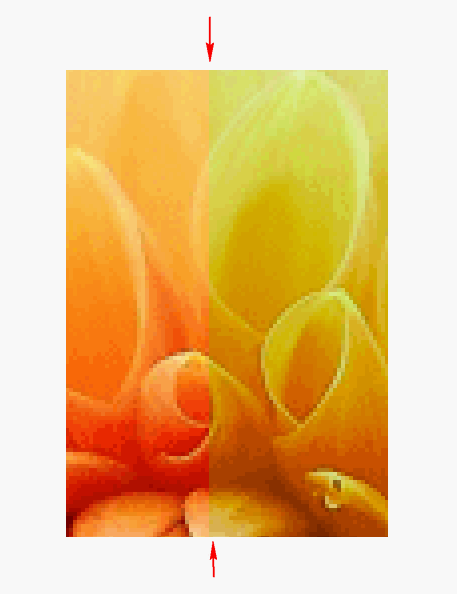
Delta 1 or 2 gets more artifacts than colors. It's not too impressive on large expanses of one color, like the grass at the bottom of the photo - that could as well be a semi-transparent color mask. It's best on multicolored things that obscure the rainbow effect. Or you can set it to a narrower range of hue.
The 180 constant is the hue slider range, ±180 degrees.
A lot of trouble for very little result.
(let* ( (img 2)
        (drw 0) (selmode 2) (idx 0) (x 0) (y 0) (h 0) (s 0) (delta 10)
    )
    (set! drw ( car ( gimp-image-get-active-drawable img ) ) )
    (set! x (car (gimp-drawable-width drw) ) )
    (set! y (car (gimp-drawable-height drw) ) )
    (set! h (- x (/ x 2) ) )
    (set! s (/ 180 h) )
    (while (< idx x)
        (gimp-image-select-rectangle img selmode idx 0 delta y)
        (gimp-drawable-hue-saturation drw 0 (* s (- idx h)) 0 0 0)
        (set! idx (+ idx delta) )
    )
)
hard
Attachment:
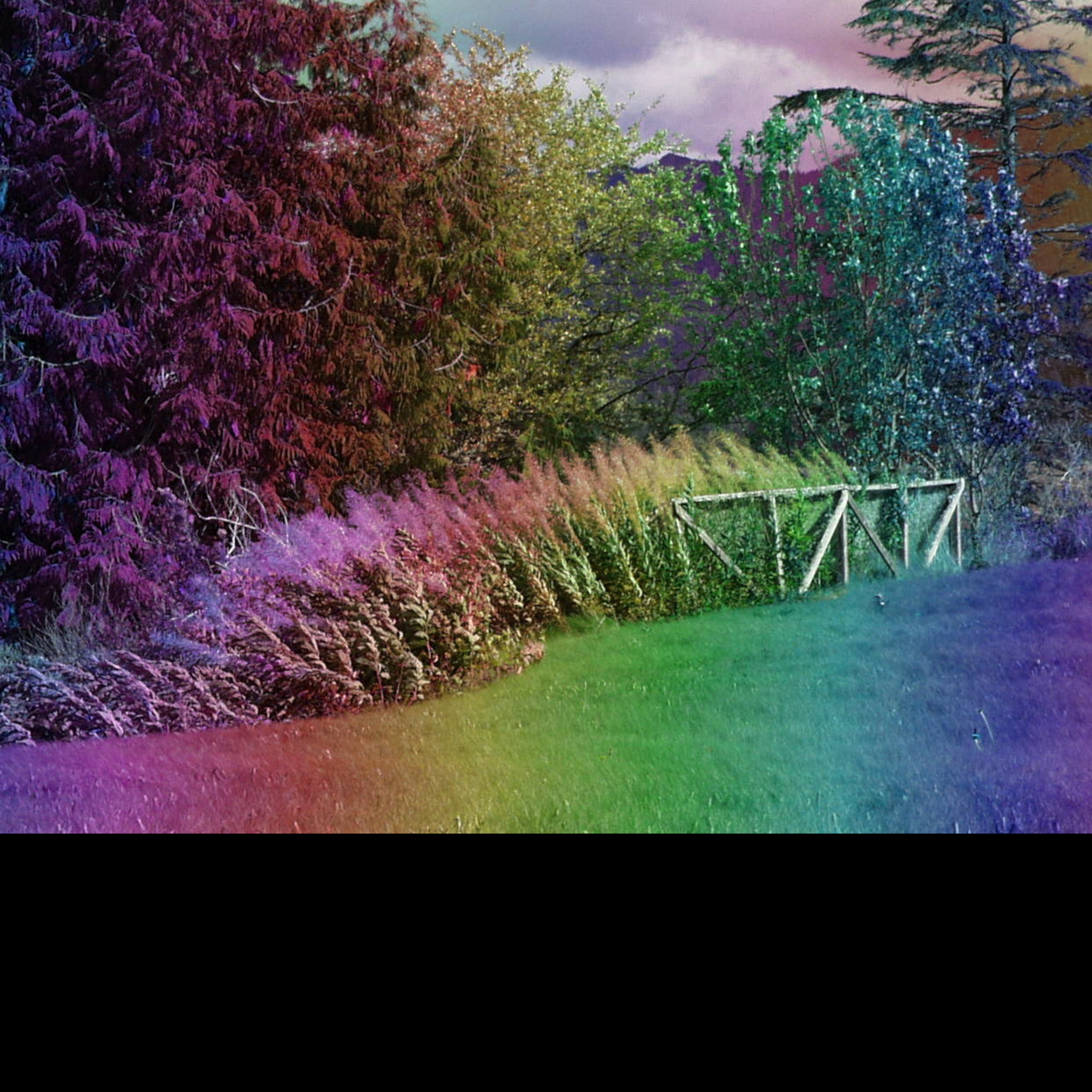 Rainbowed photo.jpg [ 4.96 MiB | Viewed 3829 times ]
 Login
Login Register
 Tweets
 FAQ
FAQ Advanced Search